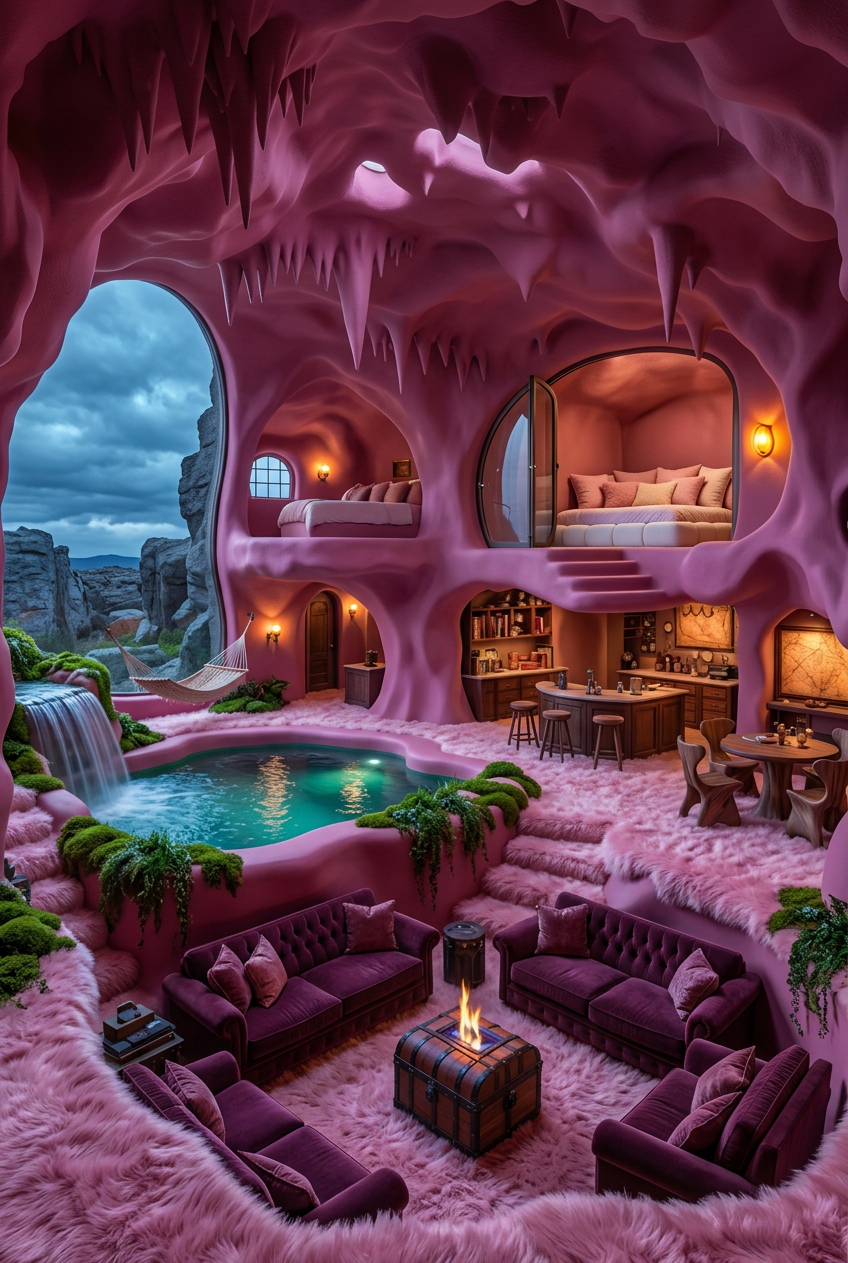
Pink Organic Cave Room
- Model
- Nano Banana 2
- Image
- 848 × 1263 px
Prompt
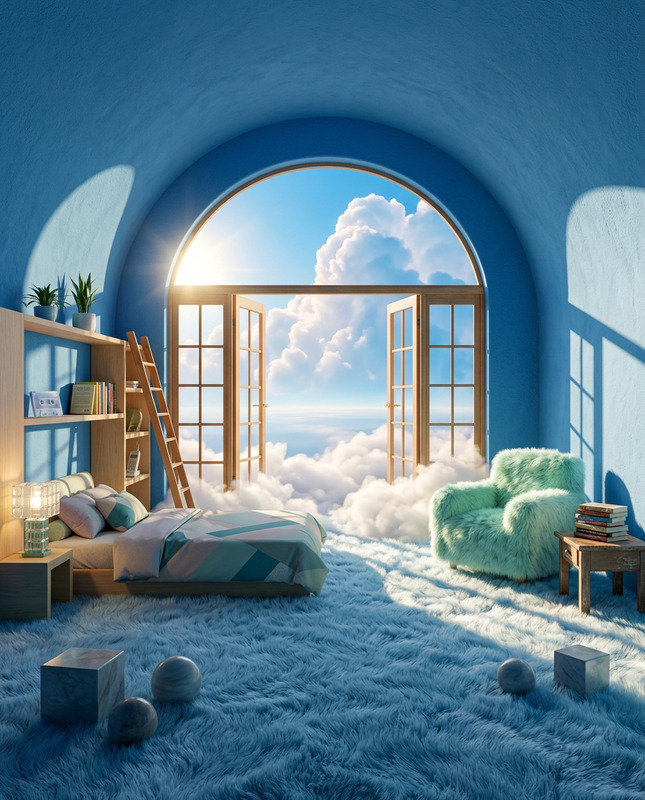
Medium wide-angle interior of a surreal biomorphic cave-like living space with smooth organic forms in matte vibrant magenta-pink. Large irregular arched window on the left showing rocky landscape under cloudy blue-grey sky. Floor covered in plush shaggy ice-pink faux fur flowing into soft rounded steps, surrounded by vibrant green moss and wild plants. Background features a cozy nook with a low white padded bed, pink pillows, curved glass door partially open, warm amber wall light glowing. Twilight natural light mixed with warm interior glow, ray-tracing reflections, cinematic lighting, high texture contrast, hyper-detailed, photorealistic, 8K.
Any aspect ratio
Overview
The Pink Organic Cave Room template in the AI Image Editor category offers a unique and artistic environment crafted for creative projects. Harness the power of the nano-banana-2 model to transform images into surreal, organic spaces with a magenta-pink palette. Ideal for injecting a vivid artistic style into your visuals.
What It Does
This template allows you to edit images into a biomorphic cave-like room, emphasizing organic forms and vibrant colors. It adds a surreal touch with augmented reality elements, perfect for photorealistic outputs with high texture contrast and cinematic lighting. Employing nano-banana-2 technology, it creates detailed, high-quality images that stand out.
Who It's For
The Pink Organic Cave Room template is tailored for digital artists, content creators, and marketers seeking to create evocative imagery. It's especially useful for those involved in storytelling, presentations, or advertisements, providing a visually engaging and unique atmosphere that can enrich your ad creatives and other visual content.
Summary
Embrace the Pink Organic Cave Room to expand your creative horizons. This AI Image Editor template enriches images with a sophisticated, organic aesthetic, suitable for various professional fields. It combines advanced modeling capabilities to produce highly detailed, realistic visuals.
How-To
Choose Your Template

Customize Your Image

Generate Your Image

Use Cases
Creative Storytelling
- Short films
- Digital novels
- Comics
Advertising
- Banner ads
- Social media posts
- Video commercials
Presentations
- Corporate introductions
- Project proposals
- Webinars
Best Practices
Select High-Quality Inputs
Ensure your initial images are of high quality to maximize the effectiveness of the filter.Utilize Natural Lighting
Emphasize the twilight glow and ray-tracing reflections for enhanced realism.Adjust Texture Settings
Experiment with texture controls for high contrast to achieve the best visual effect.