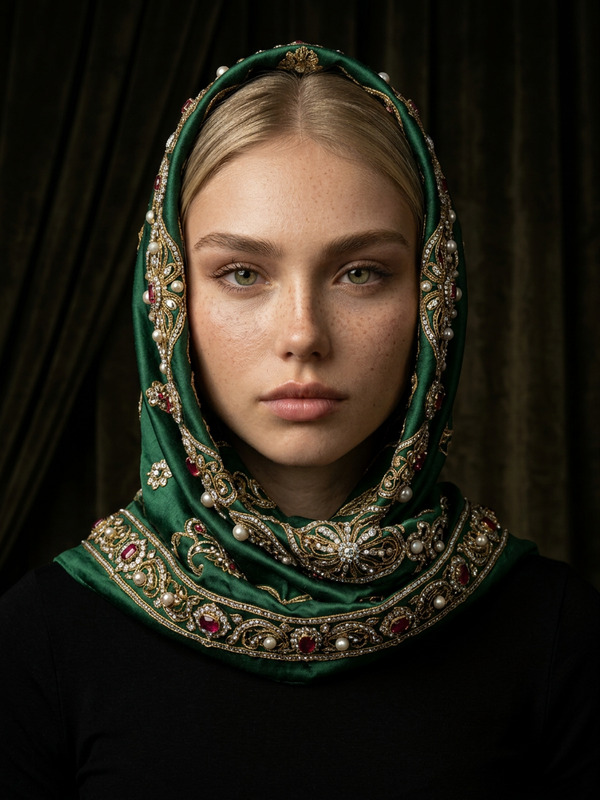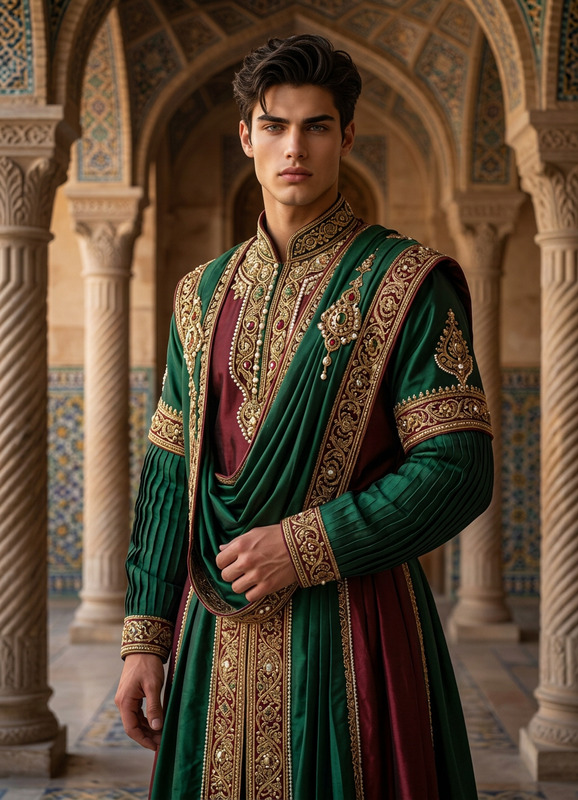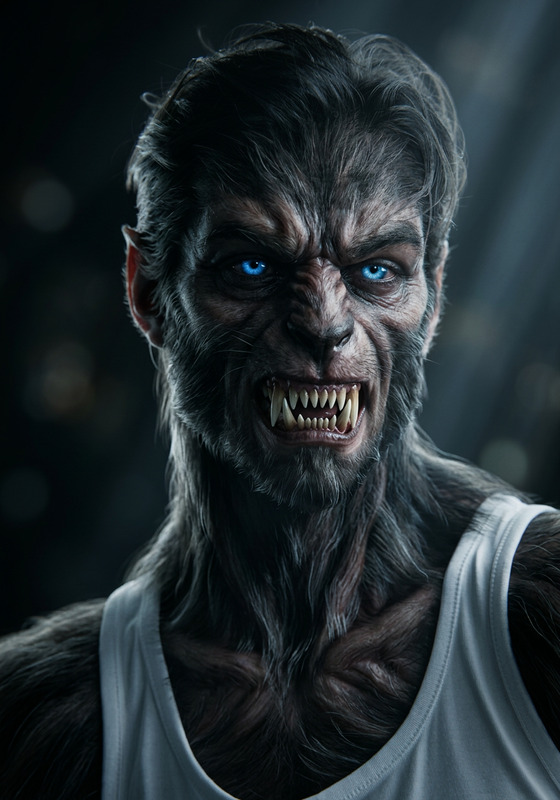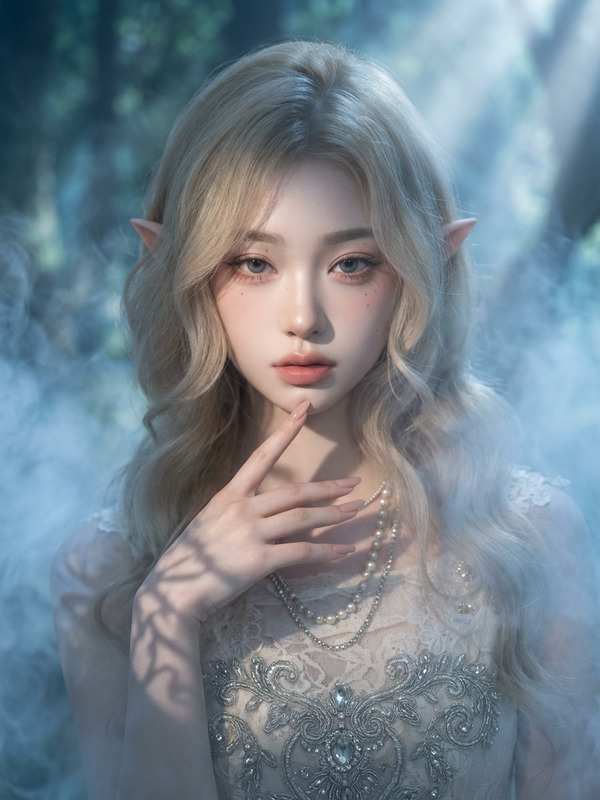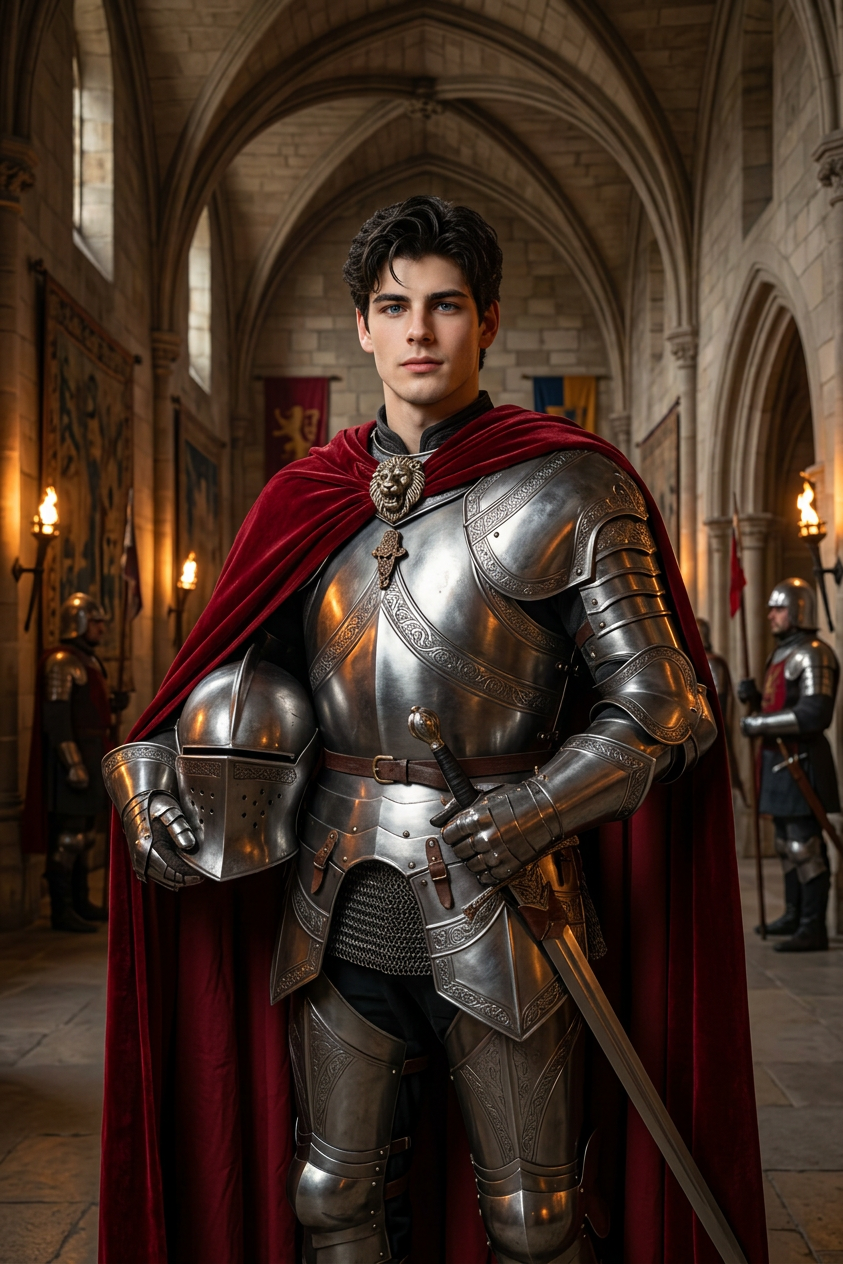
Medieval Knight
- Model
- Nano Banana 2
- Image
- 843 × 1264 px
Prompt
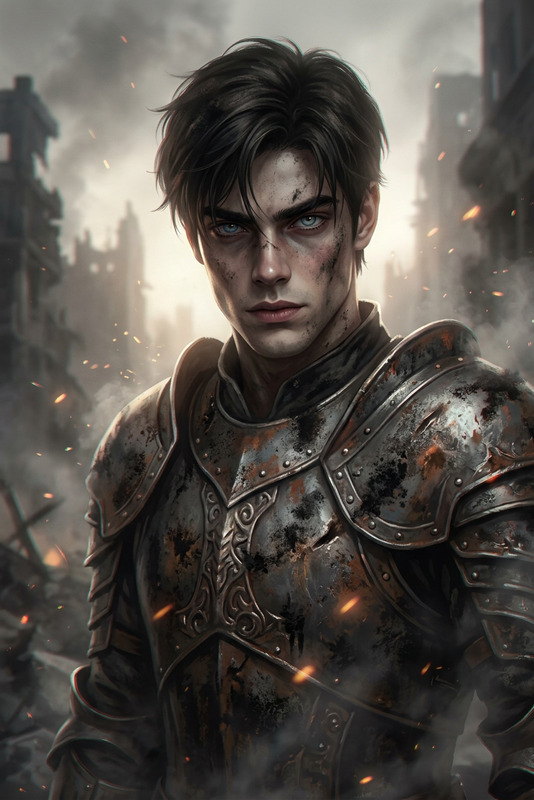
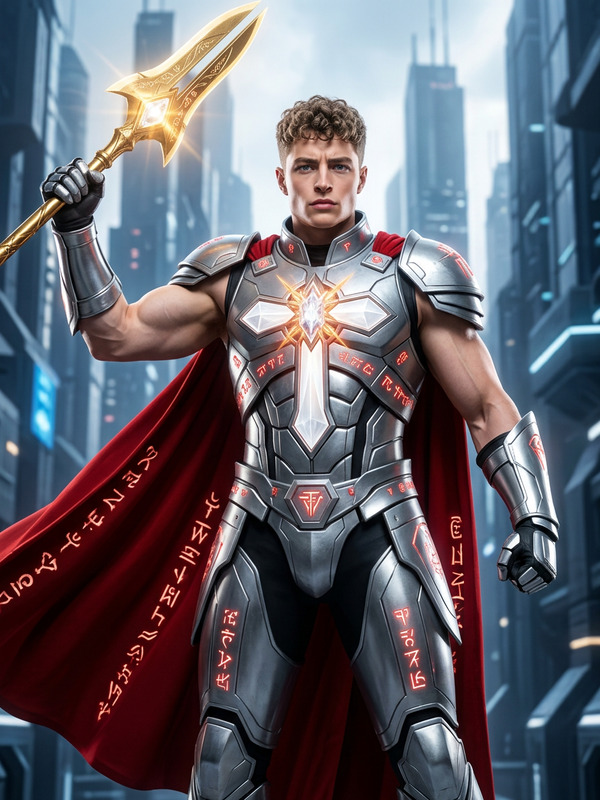
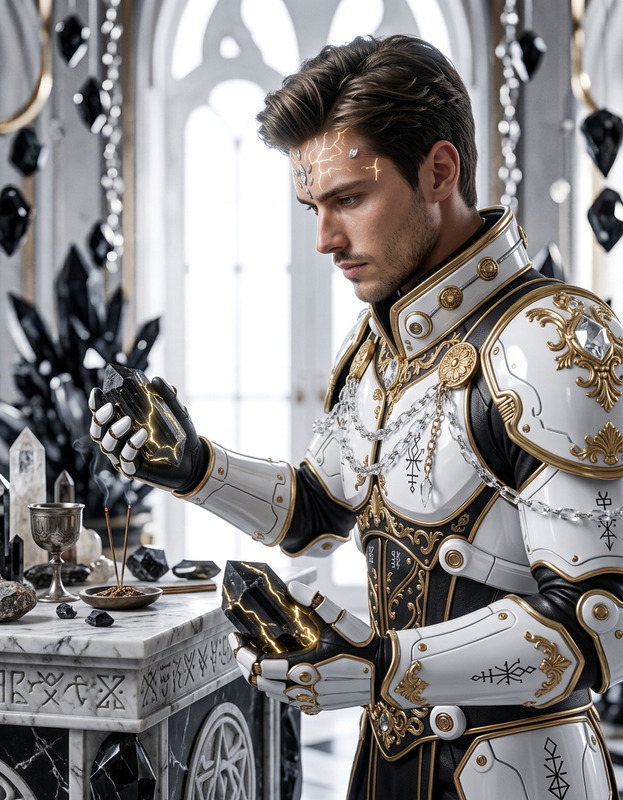
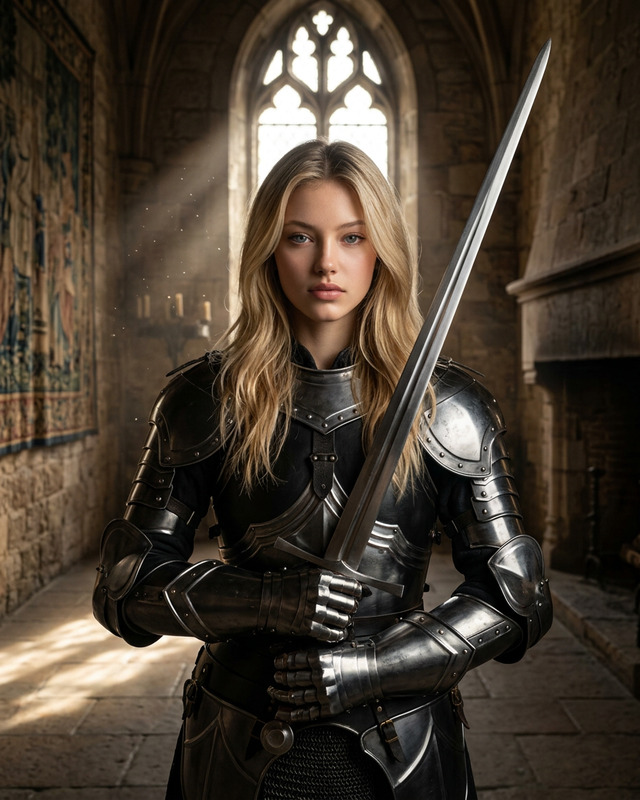
Turn the subject into a full-body portrait of a medieval knight, preserving exact facial identity, expression, and likeness. Depict them standing in a grand castle hall with stone walls, tall arches, and soft ambient torchlight. Dress the subject in detailed, realistic knight armor with metallic textures, engraved patterns, and a flowing cape. Maintain natural proportions and posture, adapting the pose to a noble, heroic stance. Ensure lighting matches the environment, with subtle reflections on the armor. Cinematic composition, photorealistic detail, high resolution, immersive medieval atmosphere.
Any aspect ratio
Overview
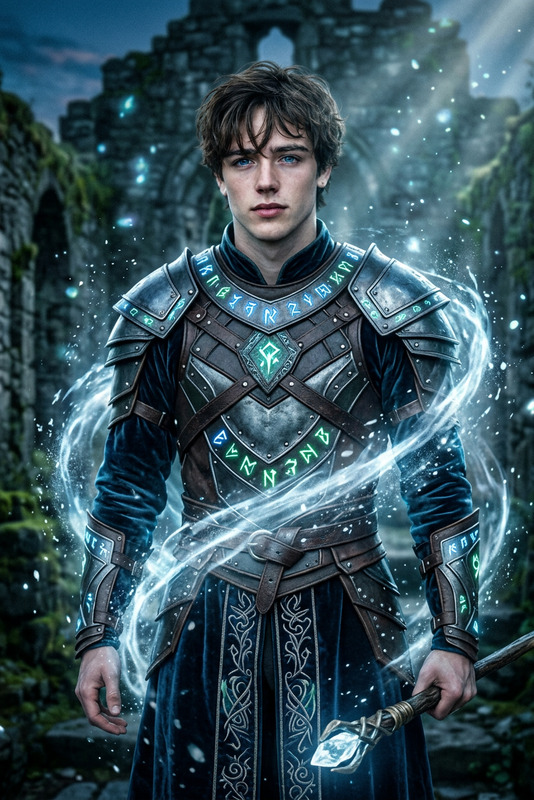
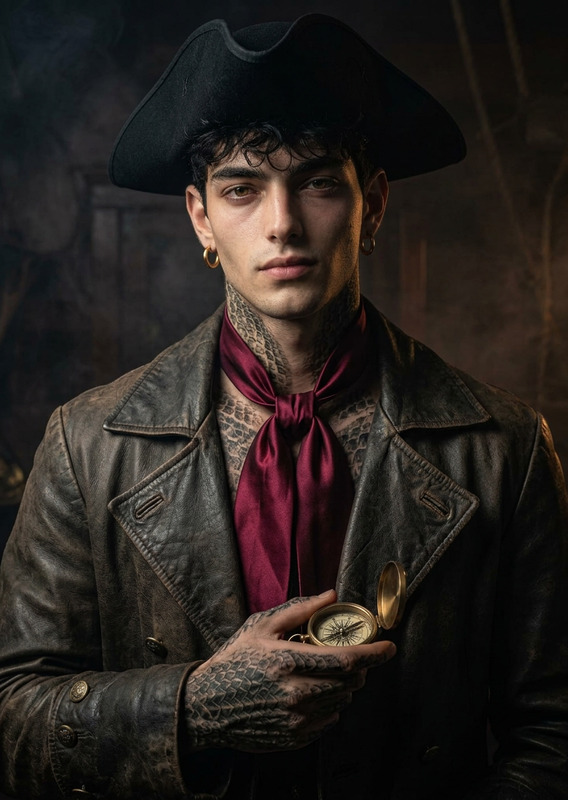
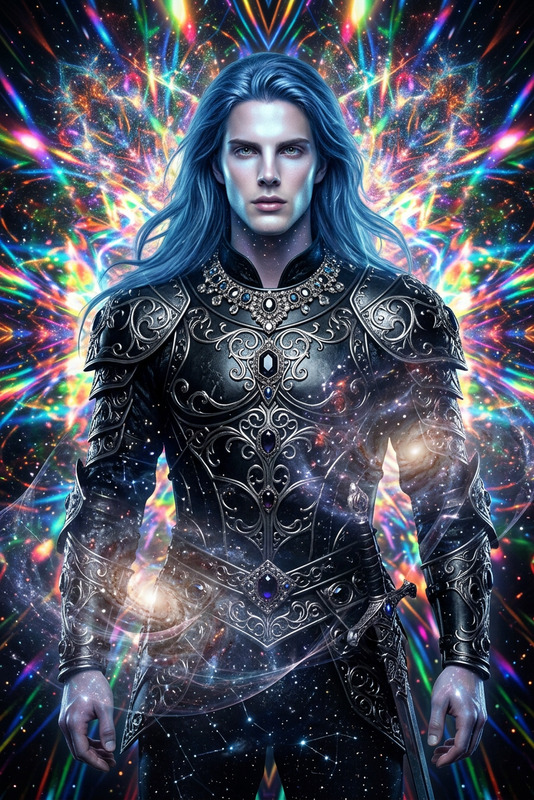
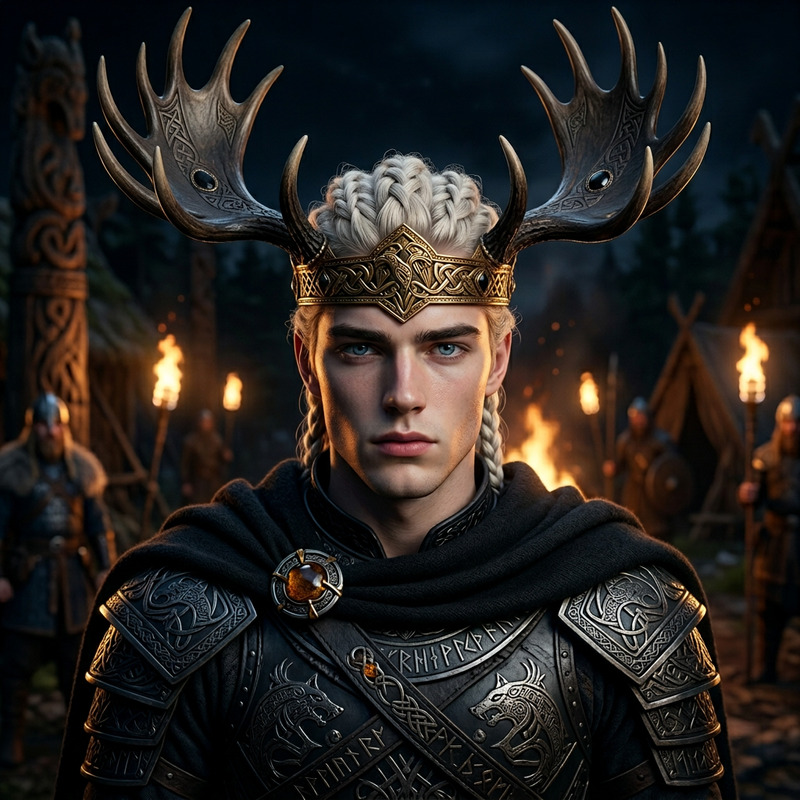
The Medieval Knight template in our AI Image Editor is specifically designed for creators looking to transform modern images into captivating medieval scenes. Utilizing the robust capabilities of the nano-banana-2 model, this template crafts photorealistic images with intricate details and historical ambiance.
What It Does
This template meticulously alters your images to create full-body portraits of subjects as medieval knights. By maintaining facial identity and expressions, it places the subject in a grand castle hall setting. The armor is depicted with realistic metallic textures and elegant patterns, enhancing the medieval theme with immersive ambient lighting and high-resolution detail.
Who It's For
Perfect for digital artists, history enthusiasts, and content creators, this template helps transform modern narratives into historical epics. Whether you're working on storytelling projects, educational content, or immersive presentations, the AI Image Generator can enhance your creative process with ease.
Summary
Enhance your storytelling with our Medieval Knight template, part of the AI Image Editor. It provides a streamlined solution for reimagining images with historical flair, ensuring every detail from armor to expression is perfectly captured in a medieval setting.
How to Use
Choose Your Template

Customize Your Inputs

Generate and Download

Use Cases
Historical Storytelling
- Educational videos
- Historical documentaries
- Virtual museum exhibits
Fantasy Content Creation
- Fantasy novels and comics
- Game character design
- Film concept art
Creative Social Media Posts
- Instagram reels
- Facebook storytelling campaigns
- TikTok creative challenges
Best Practices
Maintain Character Identity
Ensure the original facial features and expressions are clear to preserve the subject's identity.Focus on Lighting
Adjust the lighting settings to match the medieval hall ambiance, enhancing realism and atmosphere.Iterate for Detail
Experiment with different armor and pose options to see which enhances the narrative backdrop best.