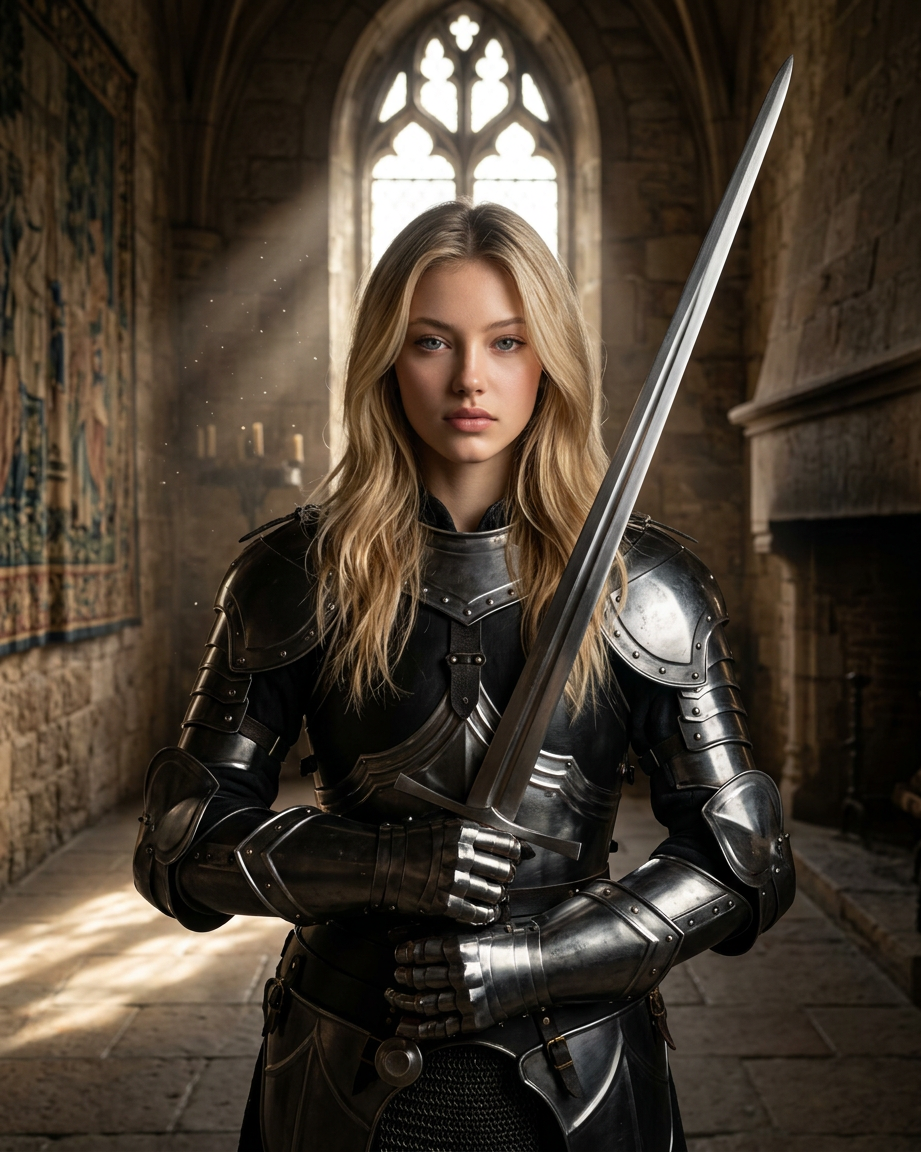
Fem Knight
- Model
- Nano Banana 2
- Image
- 921 × 1152 px
Prompt
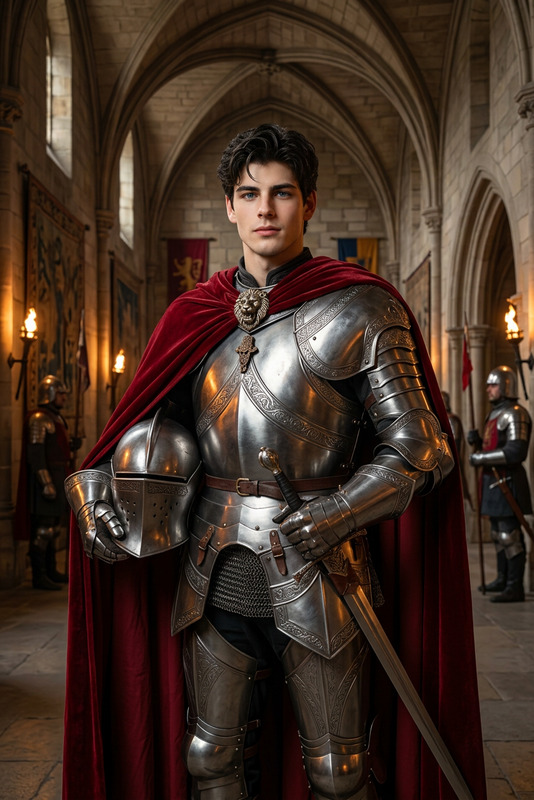
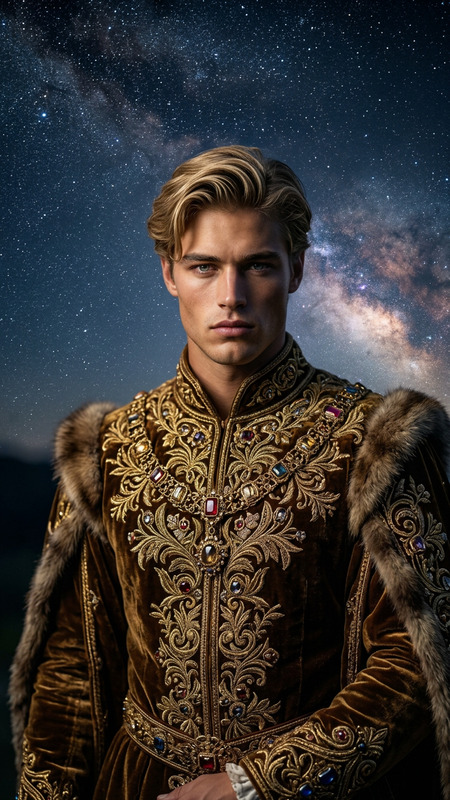
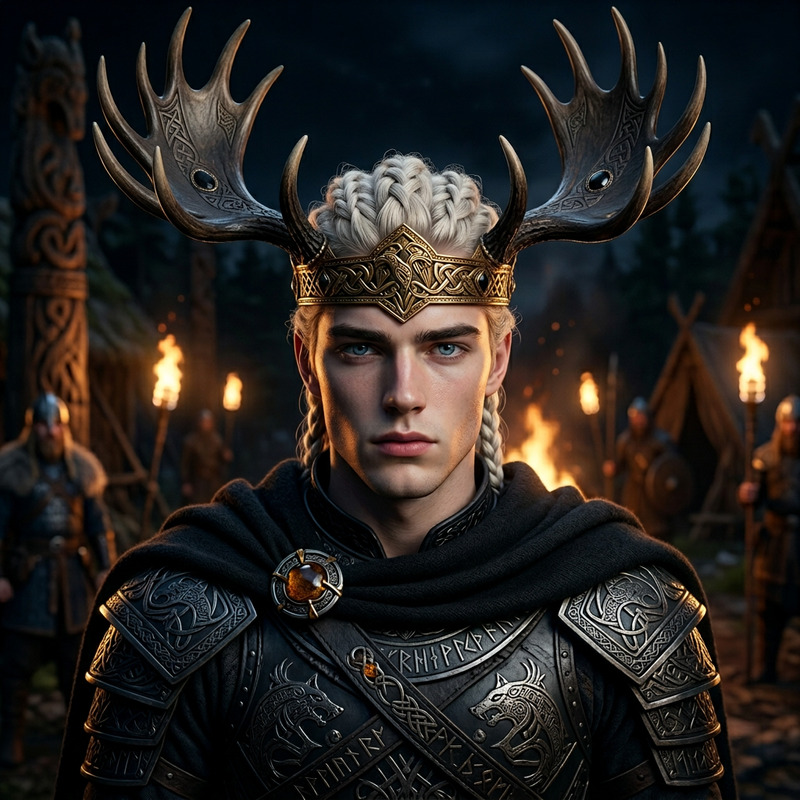
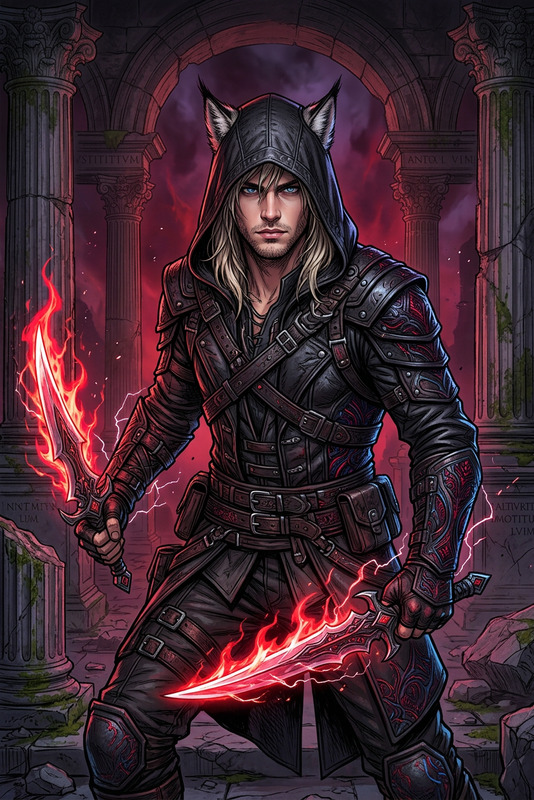
A cinematic medium-shot portrait of the character from reference photo 1, precisely preserving their facial features, skin tone, hairstyle, and exact body proportions (height, weight, body type, and waist width). The character holds a regal, noble, and intense expression while looking directly into the camera with calm but powerful presence. They wear high-gloss dark obsidian metallic arm armor with rounded pauldrons, articulated vambraces, and gauntlets with chainmail details, contrasted by a luxurious floor-length white satin gown with a pearlescent sheen and draped bodice. The character stands in a symmetrical pose holding an ornate longsword vertically, set outdoors during blue-hour twilight near a castle silhouette, shot with an 85mm lens at f/1.8 with cinematic bokeh, hyper-realistic textures, and 8K editorial-quality rendering.
Any aspect ratio
Overview
The Fem Knight template on Magic Hour allows creators to craft stunningly realistic portraits by leveraging advanced AI capabilities. Designed to capture hyper-realistic textures and cinematic bokeh effects, this AI Image Editor tool fine-tunes every detail from facial features to apparel, ensuring that the resulting image is compelling and lifelike. Use this template to transform a simple reference photo into a majestic knight set against a twilight castle silhouette.
What It Does
Fem Knight harnesses the power of the nano-banana-2 model to process a reference image, aiming for editorial-quality rendering. It maintains the integrity of the character's facial features, accurately replicating skin tones, hairstyles, and body proportions. The template enriches the image with high-gloss metallic armor details and a luxurious satin gown, presenting the character in a regal, intense manner.
This editor delivers 8K quality images, ensuring your visuals are not just detailed but also carry a dramatic and cinematic presence. The AI optimizes lighting and environment to match a blue-hour twilight ambiance, adding depth and drama to the final image.
Who It's For
Fem Knight is ideal for digital artists, photographers, and creative professionals seeking to elevate their character portraits with sophisticated detail and polish. Whether you are working on product launch videos, creating content for YouTube Shorts, or designing materials for explainer videos, this tool enhances your ability to deliver visually stunning imagery.
Summary
In summary, the Fem Knight template offers an extraordinary AI-driven editing experience, transforming basic reference images into breathtaking cinematic art. With precise attention to facial and bodily details, and the integration of rich apparel and atmospheric elements, this tool delivers exceptional quality suitable for professional creative projects.
Take advantage of the Fem Knight's ability to elevate your visual storytelling with its impressive rendering capabilities.
How to Use Fem Knight
Choose Fem Knight Template

Customize Your Inputs

Generate Your Image

Use Cases
Digital Storytelling
- Realistic knight character imagery
- Cinematic quality for dramatic effect
Gaming Concept Art
- Hyper-realistic textures
- Detailed armor and attire
Marketing and Promotions
- Engaging visuals for product ads
- High-quality renders for public releases
Best Practices
Use High-Quality Reference Photos
For optimal results, start with a clear, detailed reference photo to ensure all desired features are accurately captured.Refine the Prompt Settings
Adjust the prompt to fully capture the aesthetic you envision, including expressions and attire details.Review Lighting and Environment
Ensure the lighting setup complements the character's expression and the overall ambiance of the portrait.