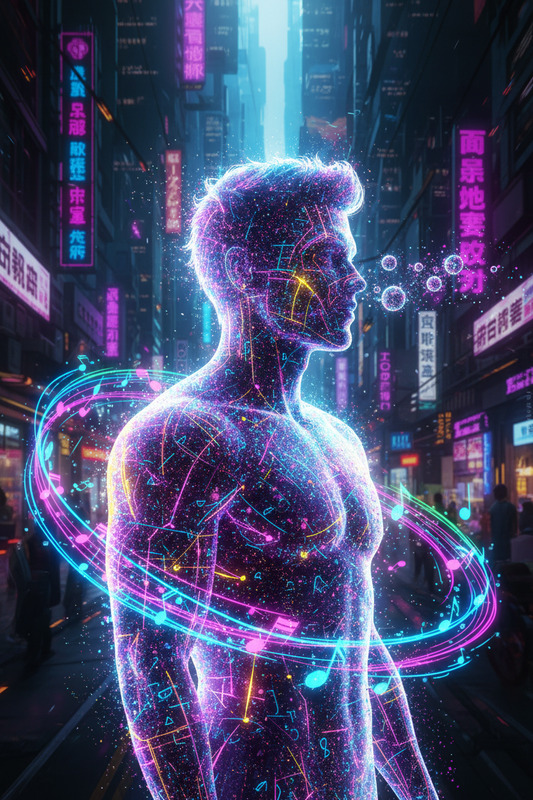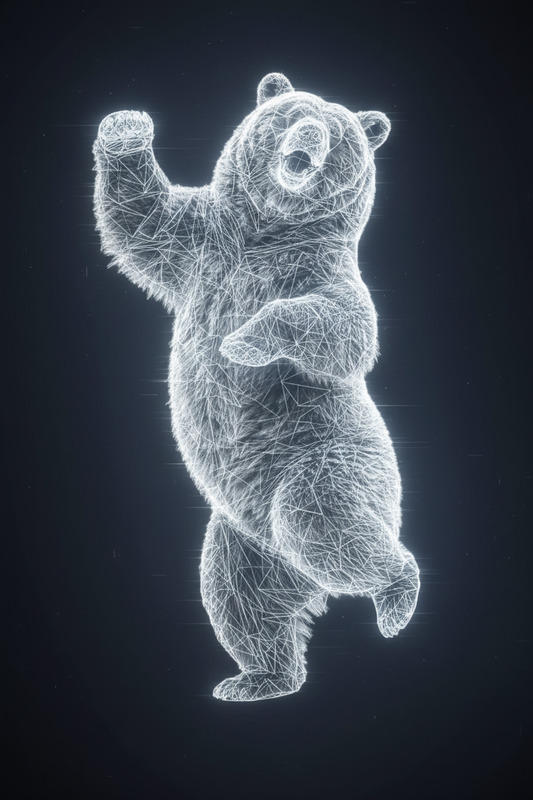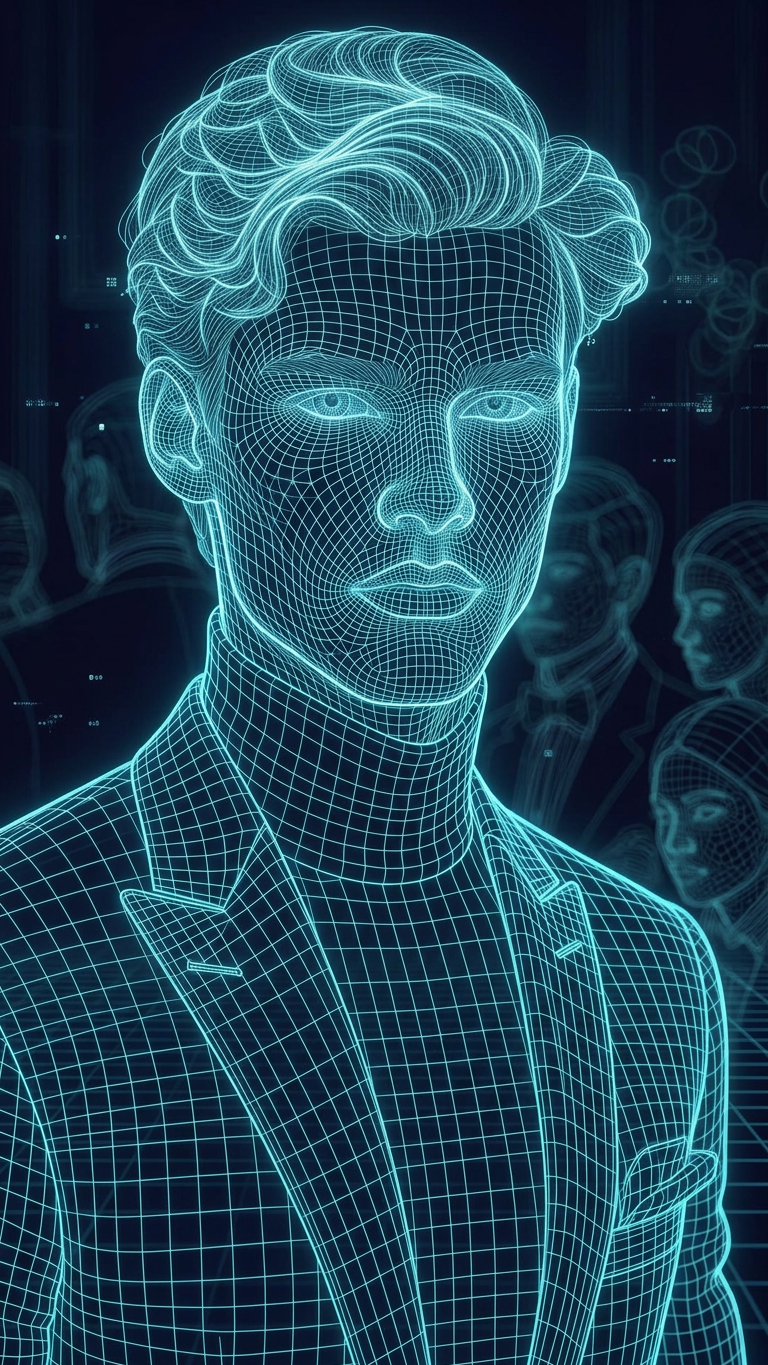
Holographic Wireframe
- Model
- Nano Banana 2
- Image
- 768 × 1365 px
Prompt
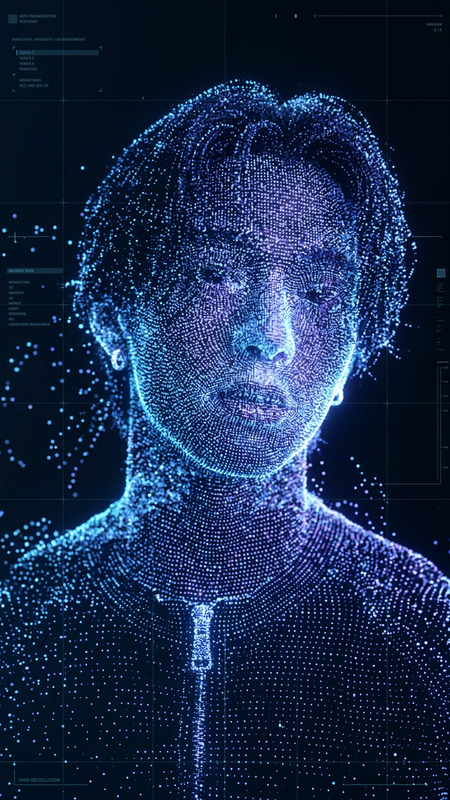
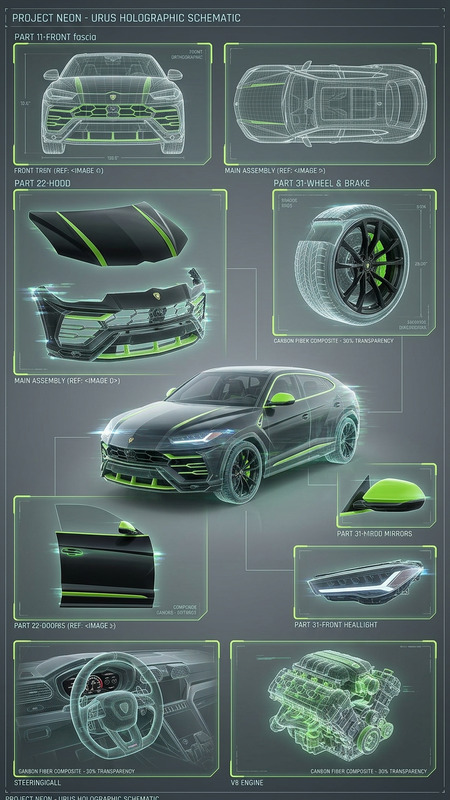
Convert the image into a holographic wireframe depiction using only thin, glowing lines. Represent all forms with structured grid lines and contours, removing solid surfaces and textures. Use a clean neon color (e.g., cyan/blue) on a dark background. Preserve the subject’s shape, proportions, and perspective while giving a futuristic hologram look with subtle glow and depth.
Any aspect ratio
Overview
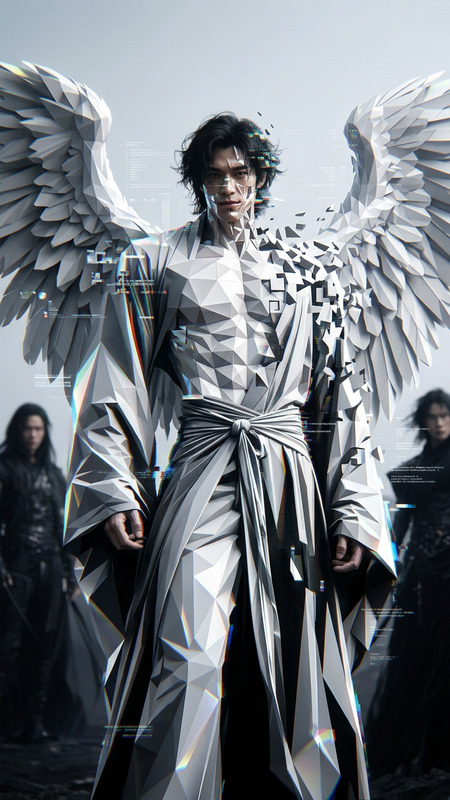
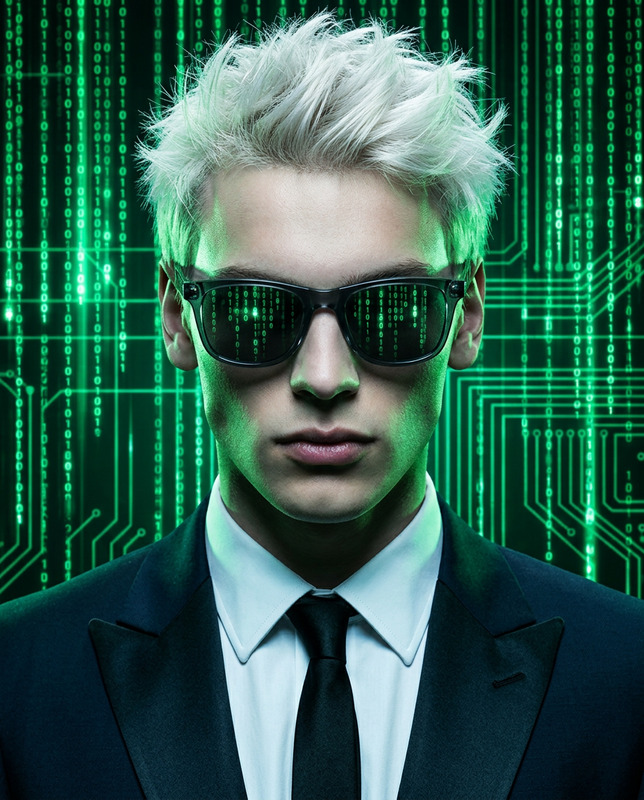
The Holographic Wireframe template in our AI Image Editor collection is crafted for those looking to add a sci-fi edge to their visual content. Ideal for projects that require a futuristic aesthetic, this template transforms images into glowing wireframes, offering a captivating visual effect.
What It Does
This template converts any image into a holographic wireframe using a strategic arrangement of thin, glowing lines. It eliminates solid surfaces and textures, instead depicting forms with structured grid lines and contours. The result is an image with neon colors set against a dark background, preserving the subject's original shape and perspective while adding a hologram-like glow.
Who It's For
The Holographic Wireframe template is perfect for creators in the gaming and sci-fi industries, as well as digital artists and filmmakers who utilize our AI GIF Generator or Video Face Swap products. Whether you're crafting content for games, futuristic films, or digital art, this tool provides the high-tech visual effect you need.
Summary
Unleash the power of the Holographic Wireframe template to transform traditional images into stunning, futuristic visuals. With its emphasis on glowing gridlines and structured contours, it's a favorite for creating high-tech themed content. Leverage this tool for your next project to bring a sophisticated and modern edge to your imagery.
How to Use the Template
Choose Your Template

Customize Your Image

Generate Your Wireframe

Use Cases
Gaming Content
- Add depth and a modern look to your game's artwork.
- Create promotional images with a high-tech feel.
Sci-Fi Films
- Design futuristic storyboards.
- Visualize high-tech concepts with ease.
Digital Art
- Experiment with different neon colors.
- Create compelling artwork for galleries or portfolios.
Best Practices
Select the Right Image
Choose images with clear contours and distinct shapes to ensure the wireframe effect is most effective.Balance Colors
Utilize a contrast between the neon lines and the dark background to enhance visibility and effect.Test Multiple Outputs
Experiment with different neon color options to see which best fits the theme of your project.