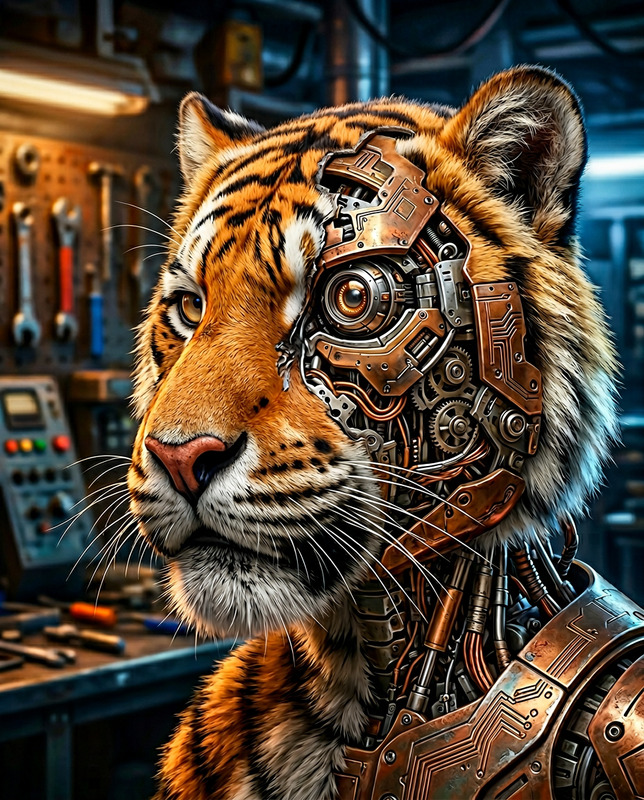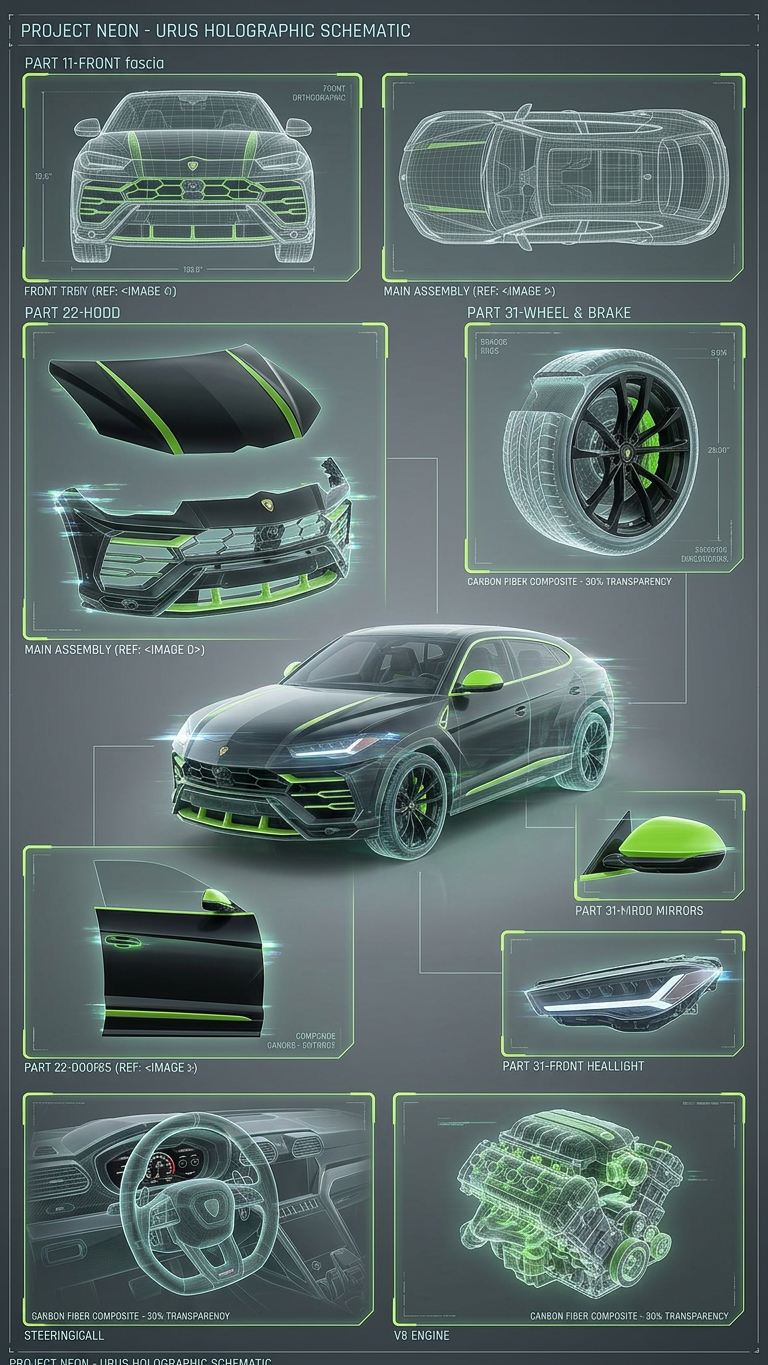
Hologram Model Sheet
- Model
- Nano Banana 2
- Image
- 768 × 1365 px
Prompt
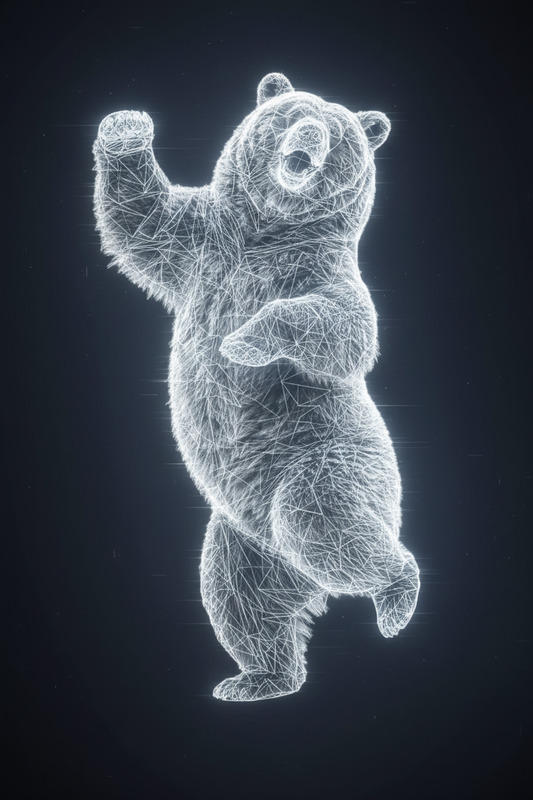
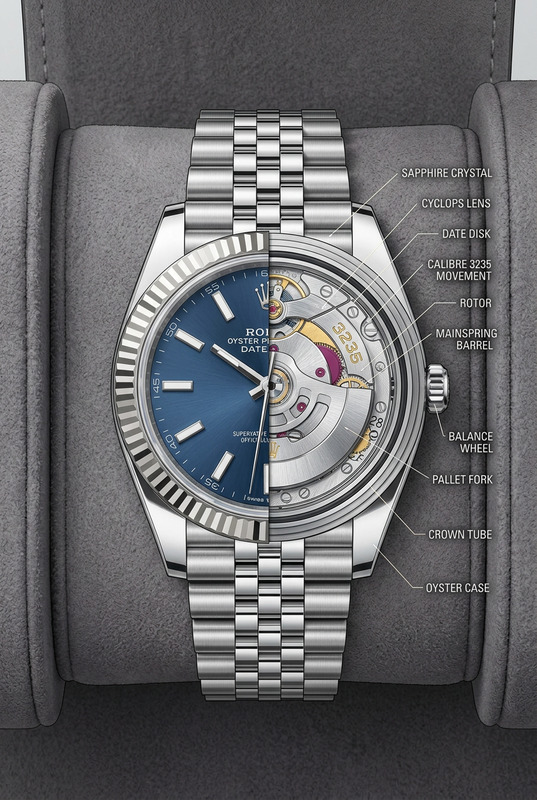
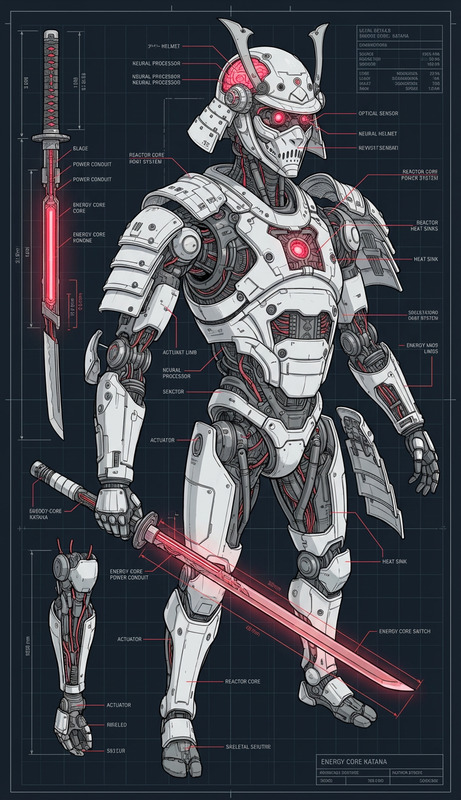
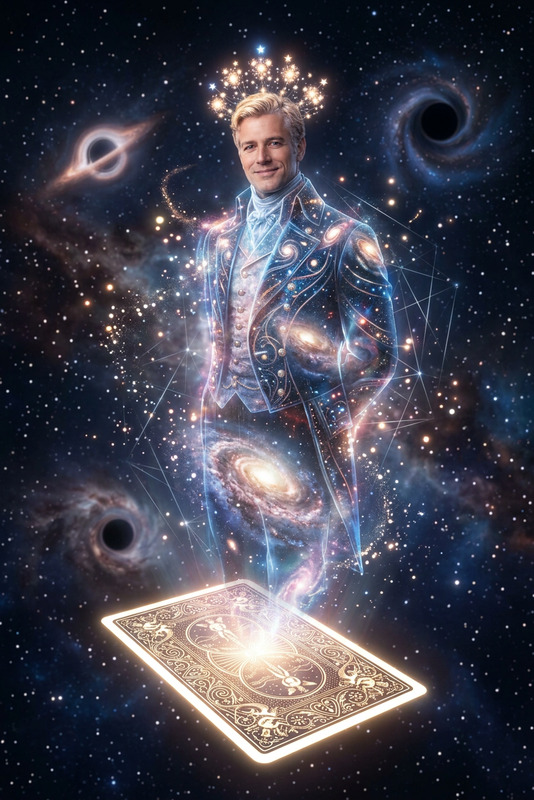
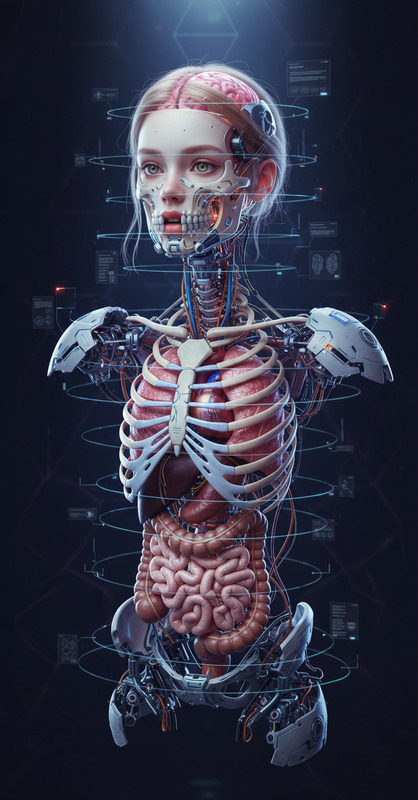
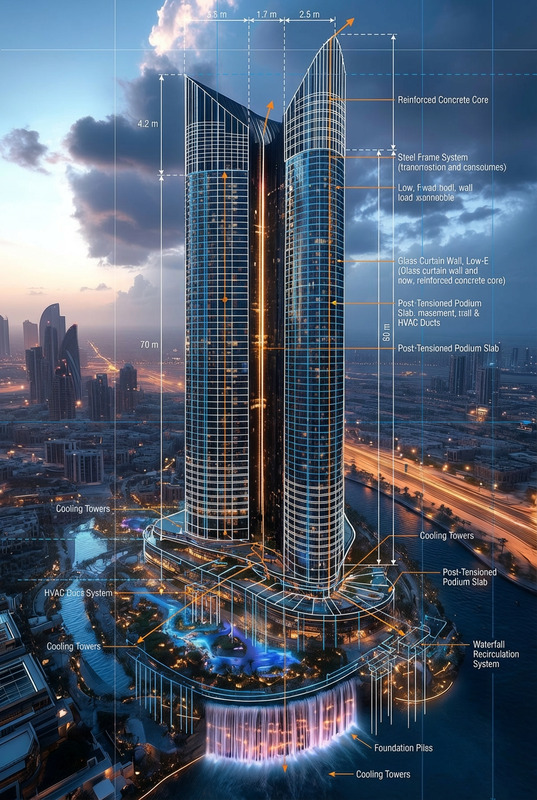
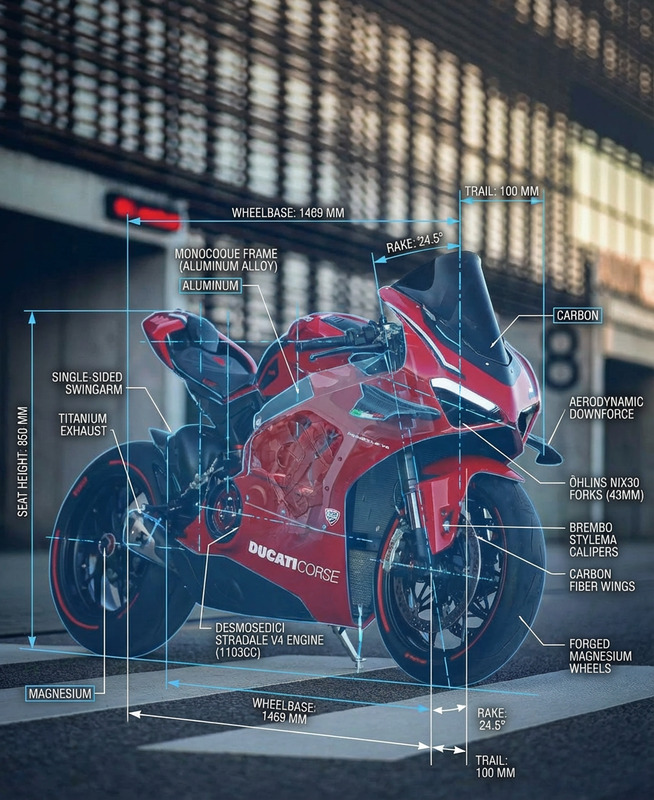
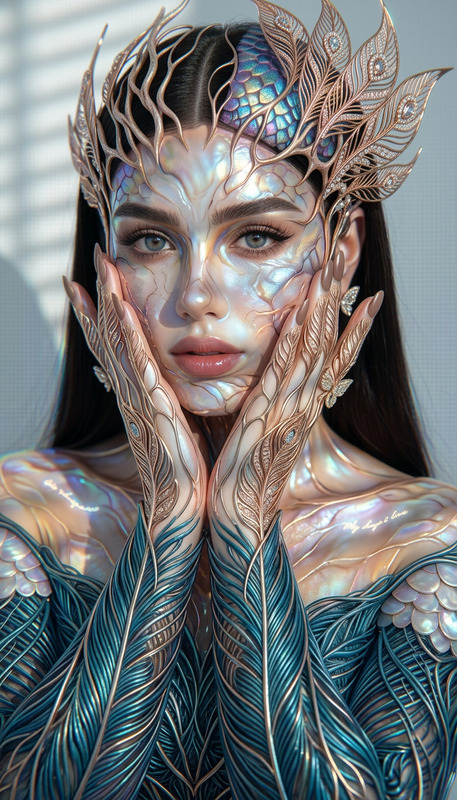
Cut out each component of the subject and arrange them into a clean model sheet layout. Preserve the original structure and details while isolating parts clearly (e.g., head, body, accessories). Maintain the hologram effect with glowing edges, transparency, and light distortion across all elements. Use a neutral background and organize components neatly for clarity, ensuring a cohesive, high-tech presentation.
Any aspect ratio
Overview
Transform your digital projects into visually captivating experiences with the Hologram Model Sheet template. This AI Image Editor tool is designed to enhance tech presentations and sci-fi projects, giving them a futuristic touch. By dissecting and reorganizing each element into a model sheet, you can showcase components like never before.
What it Does
The Hologram Model Sheet template cuts out each part of your chosen subject—be it head, body, or accessories—and arranges them into a clean, model-like layout. This arrangement maintains a hologram effect with glowing edges, transparency, and light distortion. It's perfect for ensuring each element is distinct yet part of a cohesive whole.
Enhance your projects further by applying similar techniques with our AI GIF Generator.
Who it's For
This template is ideal for creatives and professionals in tech industries, artists involved in video style transfer, or anyone looking to bring a high-tech, futuristic edge to their presentations. Those working on projects that require detailed component visualization, such as design mockups or presentation materials, will find this tool particularly beneficial.
Summary
The Hologram Model Sheet offers a unique way to present your subjects with a modern, holographic flair. By using this AI Talking Photo template, you'll not only isolate important features of your subject but also infuse them with dynamic visual effects that elevate your overall project presentation.
How to Use
Choose Your Template

Customize Components

Generate and Download

Use Cases
Tech Presentations
- Showcase product features individually
- Demonstrate technological concepts
Sci-Fi Projects
- Character design sheets
- World-building visualization
Educational Content
- Breakdowns for study guides
- Technical illustration enhancement
Best Practices
Select High-Resolution Images
Use high-quality images to ensure each component is captured with detail and clarity.Balance Transparency and Clarity
Too much transparency can obscure details. Adjust settings to find that sweet spot.Organize Components Neatly
Ensure each element is positioned logically and cohesively within the model sheet layout.