Inner Beasts Manifest
- Model
- Nano Banana 2
- Image
- 843 × 1264 px
Prompt
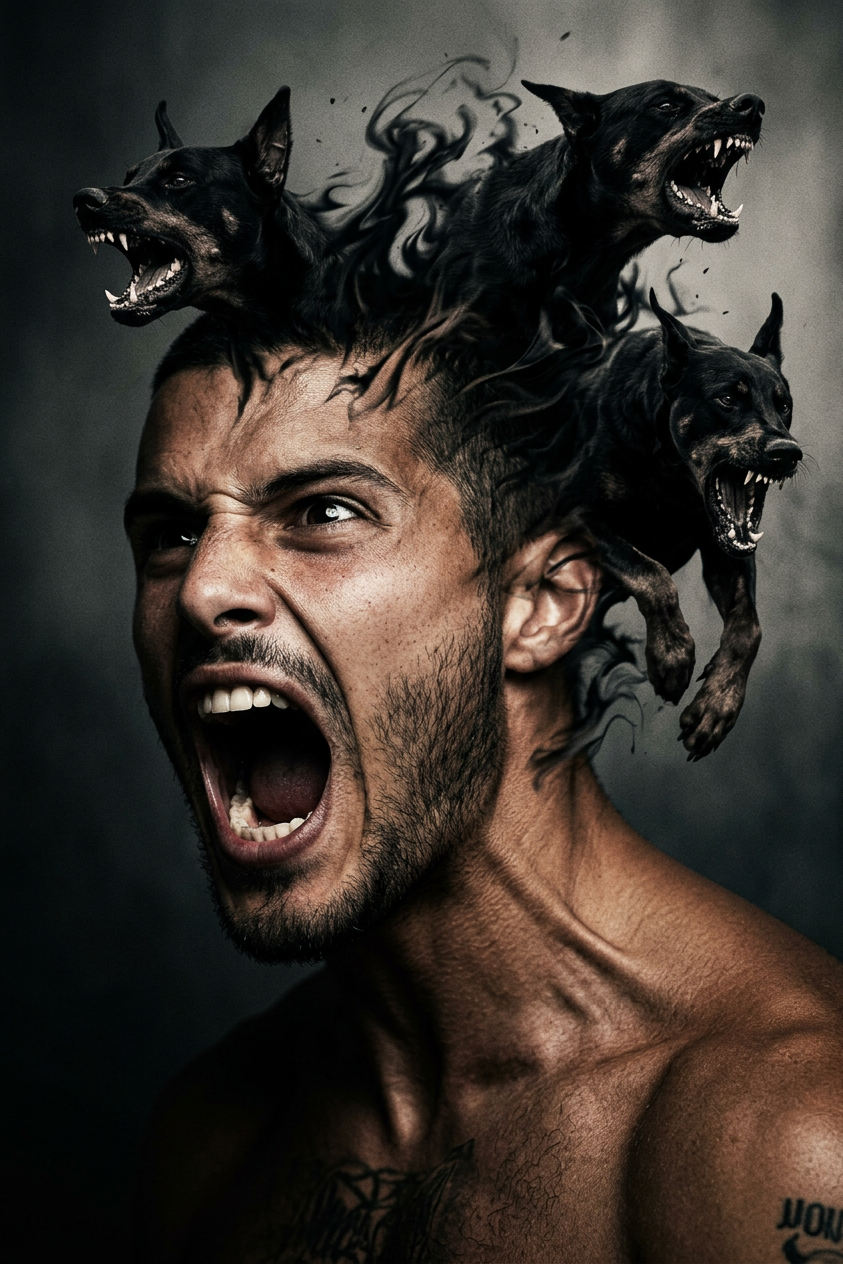
Subject screaming with intense expression as dark surreal energy erupts from within the head, forming three aggressive black dogs emerging as shadow-like manifestations. Snarling, chaotic motion, symbolic rather than physical harm. Cinematic dramatic lighting, high contrast, ultra-detailed, surreal horror aesthetic, raw energy, dark atmospheric mood.
Any aspect ratio
Overview
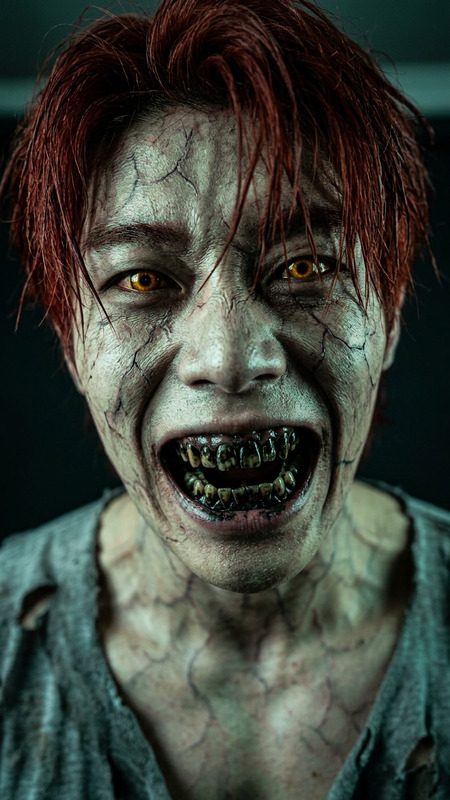
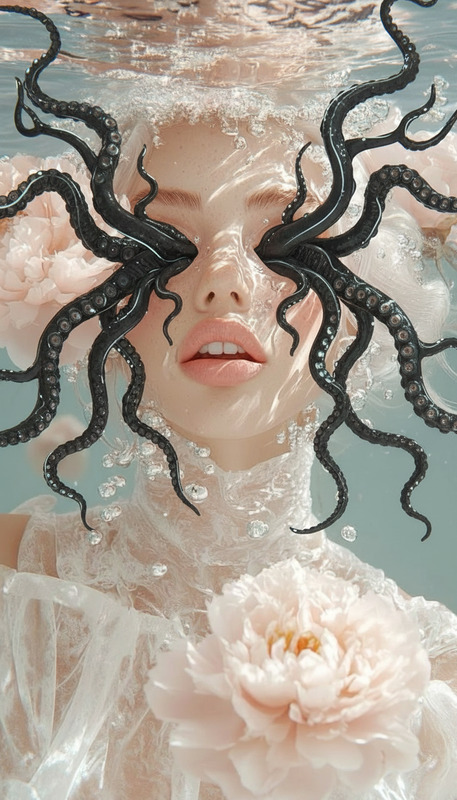
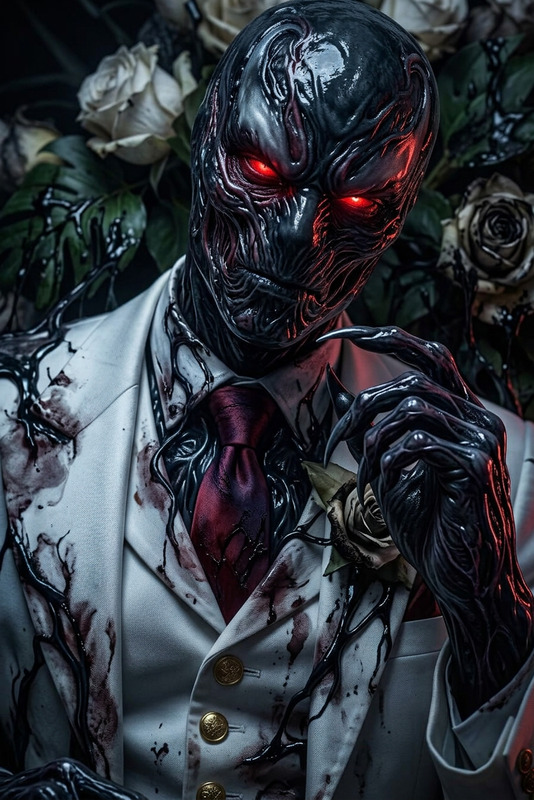
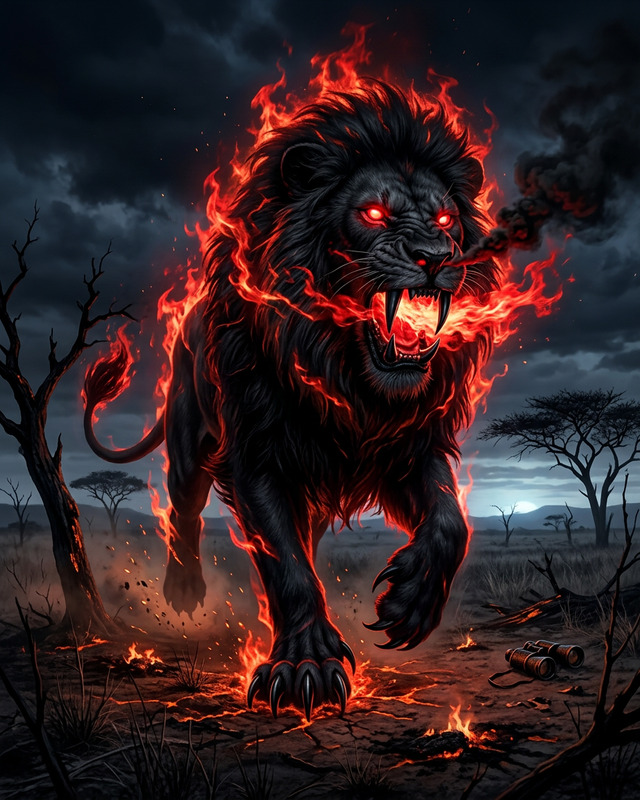
The Inner Beasts Manifest AI Image Editor template transforms your concept of raw emotions into striking visual art. Designed with the AI Image Editor utilizing the powerful Nano Banana 2 model, this template captures the chaotic essence of intense expression and dark surreal energy. It fuses cinematic lighting with a horror aesthetic to produce ultra-detailed visuals that convey symbolic narratives.
What It Does
This template allows users to edit images by adding a dynamic layer of horror and emotion. By manifesting three aggressive, shadow-like dogs emerging from the subject's head, it creates a surreal and cinematic effect. The high contrast and detailed rendering turn basic images into evocative artworks—ideal for artistic projects seeking a dark, atmospheric mood.
Who It's For
The template is perfect for artists, photographers, and filmmakers who want to explore the intersection of raw emotion and surreal horror in their works. Whether you're creating content for social media or providing visuals for film projects, the AI Image Editor brings an added dimension to your creative toolkit, enhancing storytelling through dramatic visual expression.
Summary
With the Inner Beasts Manifest, you can elevate your imagery through the surreal aesthetics of the AI Image Editor. Utilize this tool to create high-energy, emotive visuals that speak to the darker aspects of the human psyche and transform typical images into bold creative statements.
How to Use Inner Beasts Manifest
Choose the Template

Customize Your Image

Generate the Final Image

Use Cases
Artistic Projects
- Create gallery pieces
- Develop independent comic art
- Design movie posters
Horror Photography
- Editorial horror spreads
- Cinematic promotional stills
- Experimental photo series
Film and TV Visuals
- Concept art for horror films
- Backgrounds for TV series
- Mood boards for dark projects
Best Practices
Choose the Right Image
Select high-resolution images where expressions are clear, as the visual effect relies heavily on the depiction of intense emotion.Adjust Contrast and Lighting
Leverage the template's features to enhance the lighting and contrast for a more dramatic effect, adding depth to your image.Experiment with Expressions
Try different emotional expressions to see how they alter the mood and impact of the final art piece.