Halal Wrist Layup
Overview
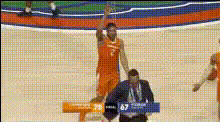
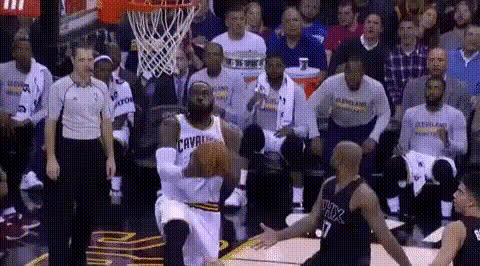
The Halal Wrist Layup template is an innovative tool for creating dynamic sports videos using Video Face Swap technology. It allows you to insert faces into thrilling basketball layup scenarios, offering both entertainment and uniqueness.
What It Does
This template uses advanced Face Swap technology to replace faces in video clips of basketball layups. The result is a personalized video that looks professionally edited, making it ideal for engaging audiences on social media or enhancing sports content.
Who It's For
Ideal for sports enthusiasts, content creators, and sports highlight editors who are looking to add a unique twist to their videos. This template is also great for marketers in the sports industry aiming to captivate viewers with innovative video content.
Summary
With the Halal Wrist Layup template, you can create captivating sports videos within minutes. The Video Face Swap feature ensures every clip is personalized. Explore further customization options with our AI Video Generator.
How-to
Choose the Template

Customize Your Inputs

Generate Your Video

Use Cases
Sports Social Media Content
- Eye-catching videos for Instagram Reels
- Unique Facebook video posts
Team Marketing
- Introduce new players in a fun way
- Celebrate game highlights
Fan Engagement
- Fan-of-the-month video features
- Interactive social media campaigns
Best Practices
Select High-Quality Images
Ensure the face images you use are clear and well-lit for the best swapping results.Optimize Video Length
Short clips tend to hold viewer attention better; aim for clips that are under one minute.Tailor for Each Platform
Format videos according to platform specifications for optimal viewing.