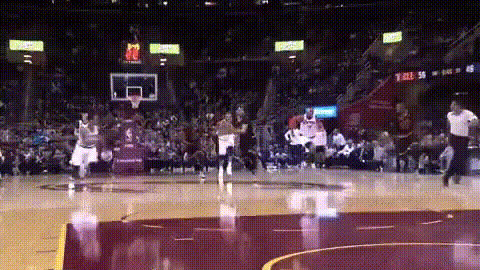
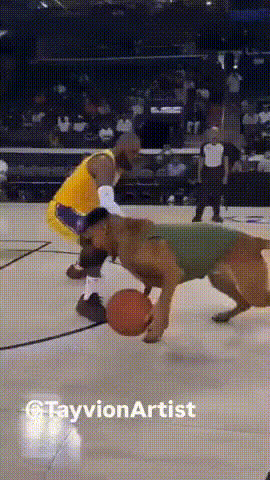
Lebron Jumper

Magic Hour Profile Picture
by runs

face-swap

1 clip
72 uses

Any aspect ratio

Tags

sports

LeBron Jumper – Face Swap Video Template

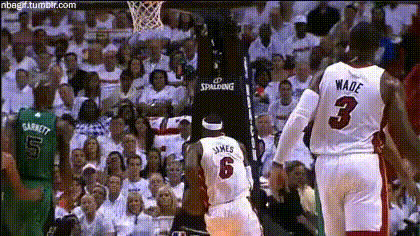
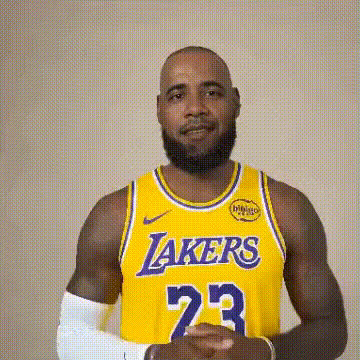
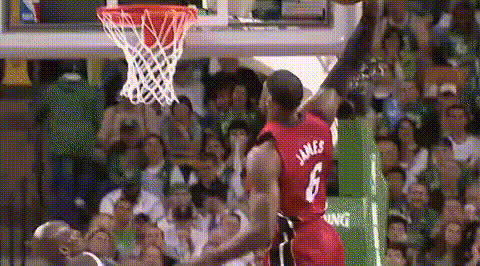
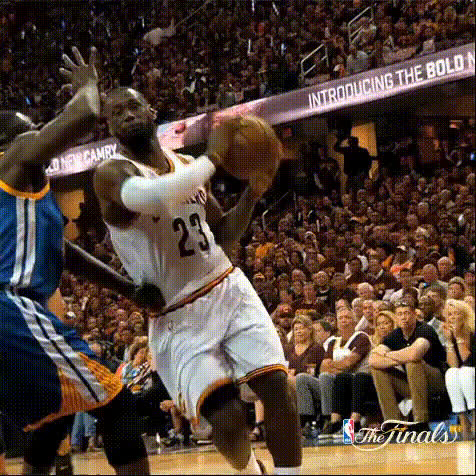
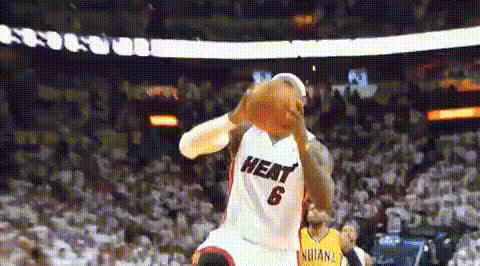
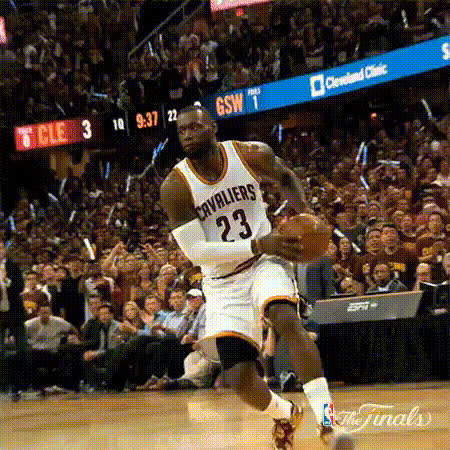
Create your own LeBron-style jumper highlight in seconds. This template uses Magic Hour’s AI Face Swap technology to put your face onto a pro-level basketball clip, ready to share on social, pitch decks, or campaigns.

What This Template Does

  • High‑quality AI face swap: Automatically map your face onto a LeBron-inspired jump shot sequence using Magic Hour’s Face Swap Video tool. The model handles lighting, motion, and perspective for you.
  • Short, shareable format: The template is built for quick, high‑impact clips—ideal for Reels, TikTok, Shorts, X, and promo videos.
  • Flexible framing: Works across common aspect ratios (vertical, square, and horizontal), so you can export variants for different channels without rebuilding the edit.
  • Creator‑ready structure: Includes 1 core clip and 3 variations, giving you options for A/B testing hooks, captions, or overlays.

Who This Template Is For

  • Creators & streamers: Turn yourself into a highlight machine for reaction videos, channel intros, and sponsorship spots.
  • Marketers & growth teams: Build sports‑themed ads, user acquisition creatives, or UGC concepts where viewers become “the star.”
  • Startups & product teams: Prototype AI sports experiences, in‑app demos, or proof‑of‑concepts without custom VFX pipelines.
  • Sports communities & brands: Run fan engagement campaigns where users swap into an iconic jumper and share their clip.

How to Remix This Template in Magic Hour

You can build your own version of the “LeBron Jumper” template directly in Magic Hour by combining Face Swap with other Magic Hour tools. A typical workflow:

  1. Start with Face Swap Video
    Go to Face Swap Video and upload:
    • A clean video of the jumper (your own footage or licensed stock).
    • A face image or clip you want to insert (your face, a character, or a brand mascot you have rights to use).
  2. Refine your source visuals (optional but recommended)
  3. Add motion variations (advanced remix)
  4. Layer in voice, memes, and overlays
  5. Export & publish across channels

Ideas for Using the “LeBron Jumper” Concept

  • Fan highlight challenges: Let users swap themselves into the jumper and post with a campaign hashtag. Great for sports teams, agencies, and fan apps.
  • Performance & growth experiments: Rapidly test different faces, overlays, or commentary tracks to see what drives the highest click‑through or completion rates.
  • Creator branding: Use the same jumper clip with different face swaps (you, guests, community members) as a recurring format on your channel.
  • Educational & analytics content: Pair the video with on‑screen stats, shot charts, or breakdown overlays generated as images via the AI Image Generator or AI Art Generator.

Tips for More Realistic Sports Face Swaps

  • Use clear, front‑facing reference photos: Good lighting and a neutral expression generally produce the most stable swaps during fast motion.
  • Match lighting and angle when possible: If you control the reference shoot, approximate the lighting direction and camera angle of the jumper footage.
  • Enhance faces before swapping: Run your portrait through the AI Face Editor or AI Face Generator to fix low‑res or noisy images.
  • Polish backgrounds & details: For thumbnails and stills derived from the video, remove distractions with the Remove Object from Photo tool or change the setting with the AI Background Generator.
  • Optimize for your platform: Vertical crops tend to perform better on TikTok, Reels, and Shorts; square or horizontal often works best for feeds and desktop‑first audiences.

Related Magic Hour Tools for Sports & Highlight Content

To go beyond a single jumper clip, you can stitch together a larger sports content workflow with:

  • Lip Sync – make your swapped player “speak” pre‑game intros, post‑game interviews, or promotional lines.
  • Text to Video – generate cinematic B‑roll (“locker room tunnel walk”, “slow‑motion crowd reaction”) from text prompts.
  • AI Selfie Generator – create stylized courtside or locker‑room selfies to match the look of your jumper clip.
  • Thumbnail Maker – design click‑driving thumbnails for YouTube, Twitch, or highlight channels.
  • Album Cover Generator or Book Cover Generator – turn the jumper frame into cover art for podcasts, playlists, or recap series.

Why Face Swap Works Well for Basketball Content

Basketball highlights are highly visual and cyclic (jumpers, dunks, celebrations), which makes them ideal for repeatable formats. AI face swap lets you keep the same high‑quality motion while changing who’s “in the play.” This is useful for:

  • Scaling UGC campaigns without reshooting footage for every participant.
  • Rapid creative iteration across geos, segments, or brand partners.
  • Prototyping interactive experiences (e.g., “be the MVP” flows in apps or landing pages) before investing in custom dev.

Build Your Own “LeBron Jumper” Variant

You can treat this template as a starting pattern rather than a fixed asset:

Use this “LeBron Jumper” template as a blueprint: start with a strong motion base, apply AI Face Swap, then remix with Magic Hour’s broader toolset to fit your brand, channel, and audience.

More Like This