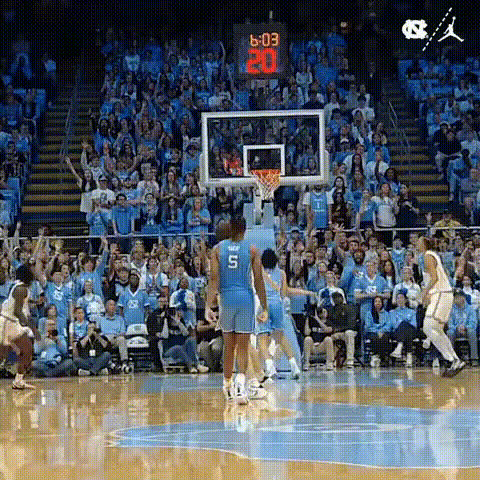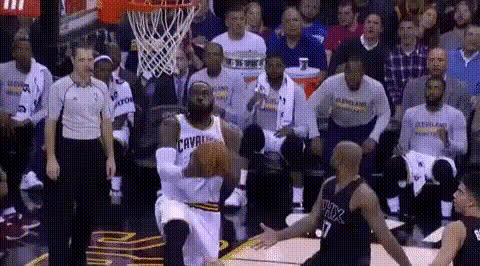
Basketball Player In Action (2)
Overview
Bring your basketball fantasies to life with the Basketball Player In Action (2) Video Face Swap template. This tool allows users to replace the faces of basketball players in action-packed scenes with their own, offering a personalized and immersive experience for sports enthusiasts and video creators alike.
What It Does
Through advanced face swapping technology, this template lets you replace the player's face in a dynamic basketball video with a different one, making you, your friends, or clients part of the game. Unlike static images, the video option captures intense motions and offers a realistic representation of being in the action. For related video editing capabilities, consider exploring the Video Face Swap or Image-to-Video products.
Who It's For
This template is ideal for sports fans, content creators, video editors, and even marketers looking to create engaging content. Whether you're producing sports highlight edits or marketing materials, this face swap tool provides a fun and interactive way to enhance your videos. It's perfect for anyone wishing to generate AI-enhanced videos in a sports context.
Summary
With the Basketball Player In Action (2) template, you can perform high-quality video face swaps, making it easy to insert yourself or others into basketball scenes. This can be a captivating addition to your video projects, perfect for social media content, fan montages, or promotional videos. Check out the Body Swap tool for more transformation options.
How-To
Choose the Template

Customize Your Video

Generate Your Video

Use Cases
Fan Engagement
- Increase fan engagement on social media
- Boost merchandise campaigns
Social Media Content
- Drive user-generated content
- Encourage sharing and tagging
Marketing Materials
- Enhance brand presence
- Differentiate marketing campaigns
Best Practices
Select High-Quality Images
Ensure the photo used for the face swap is high resolution to best match the video quality and earn better results.Lighting Consistency
Check that the lighting of the uploaded photo closely matches the video for a seamless swap.Experiment with Angles
Test different face angles to find the most natural fit in dynamic scenes.