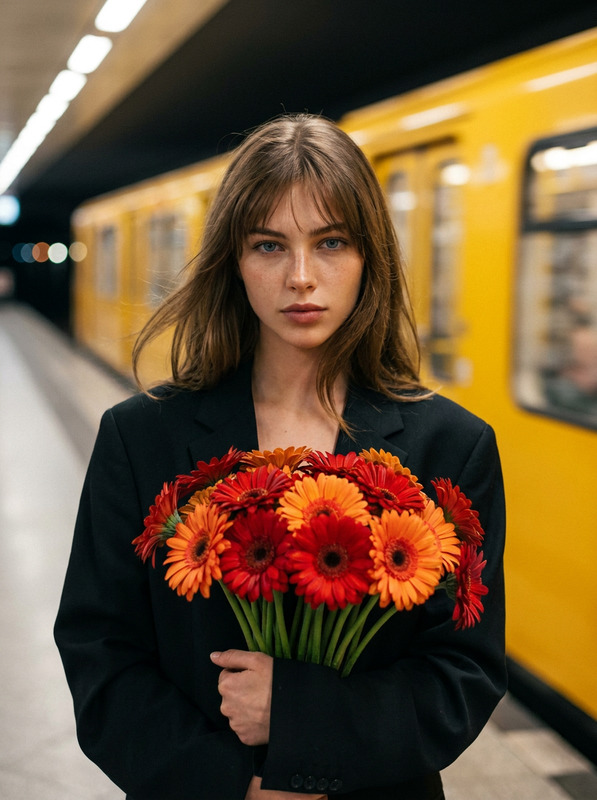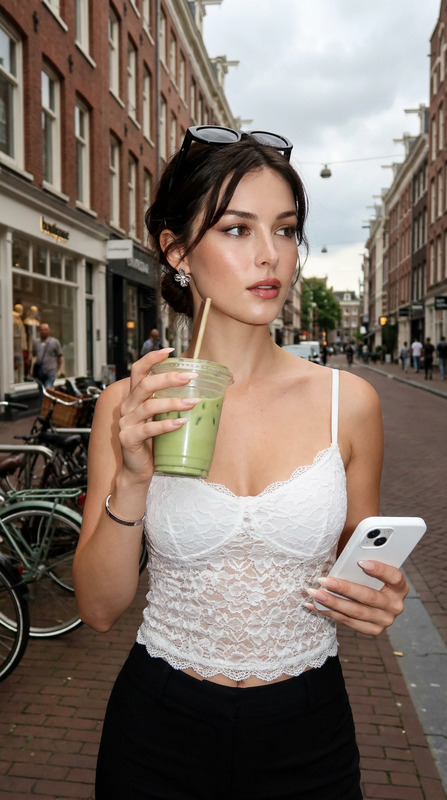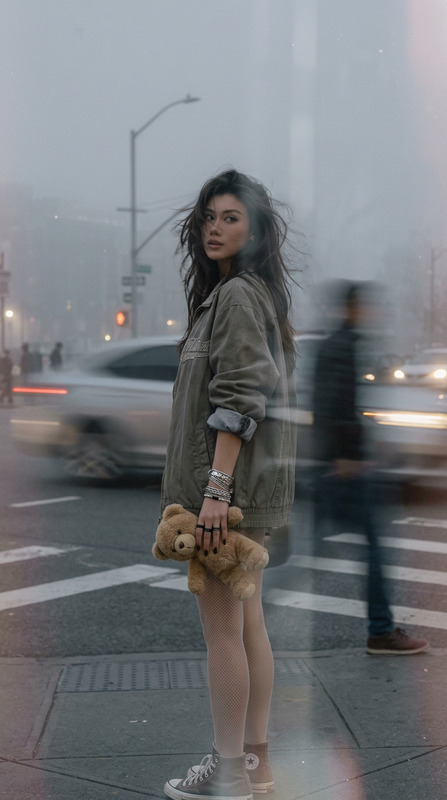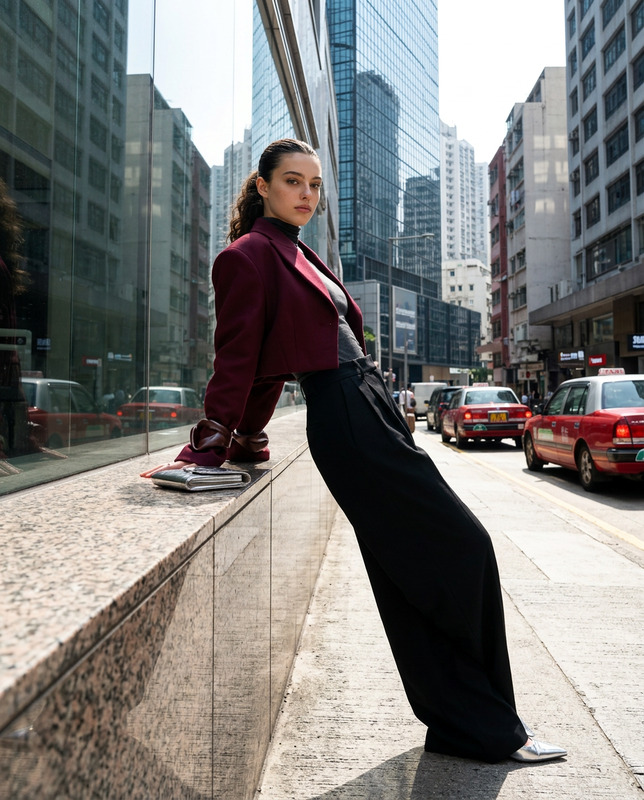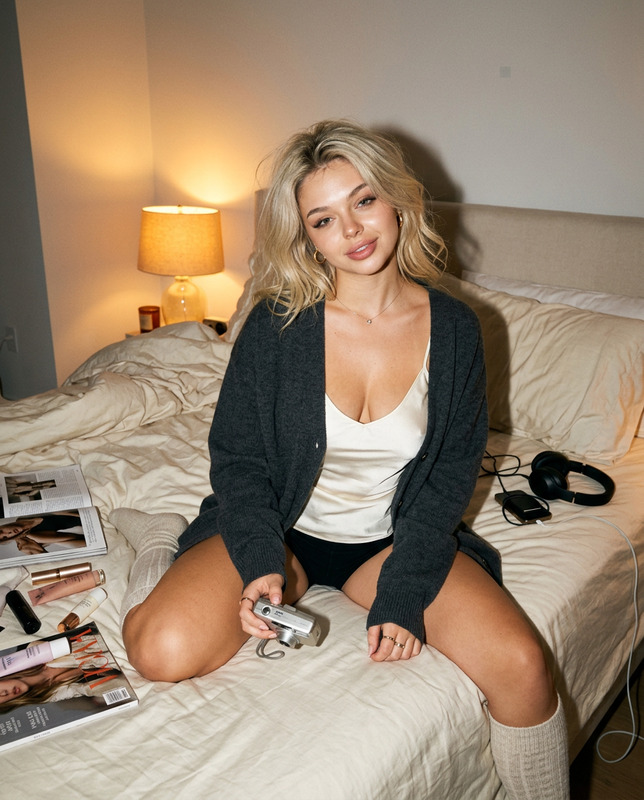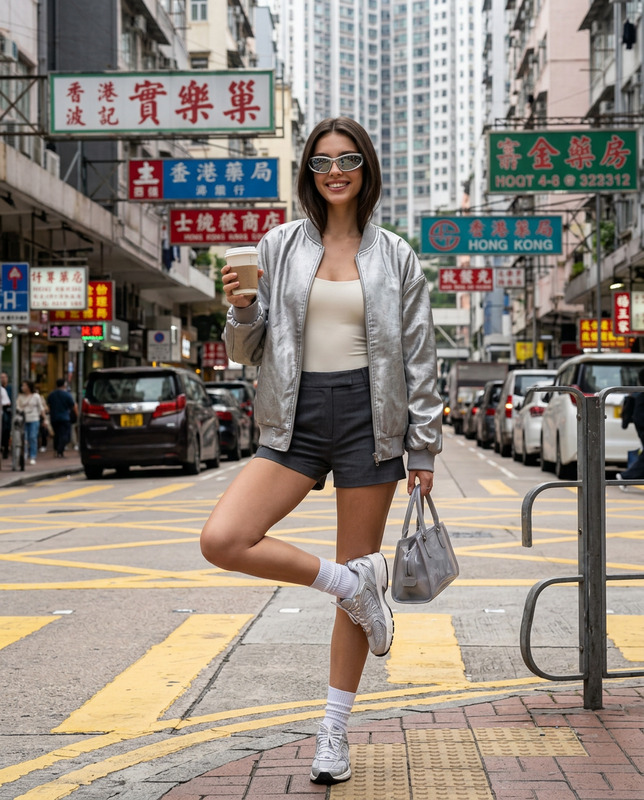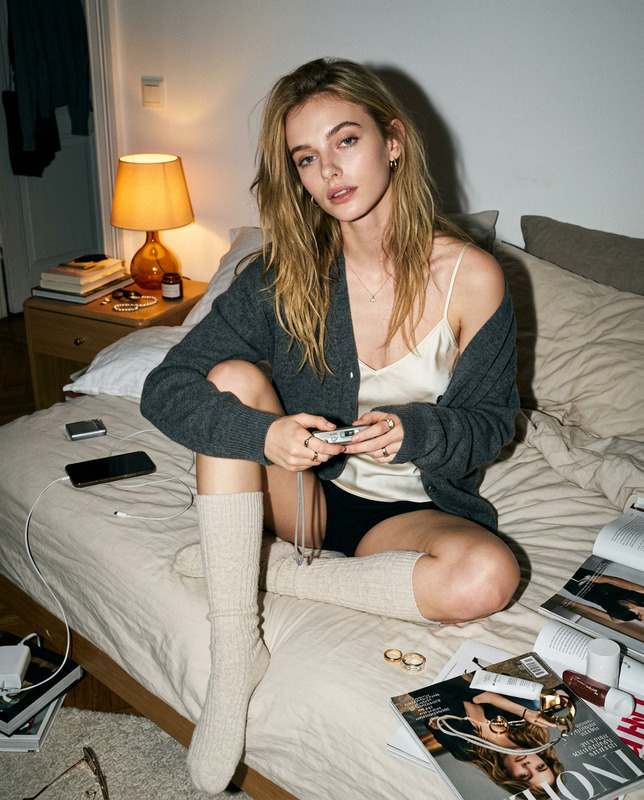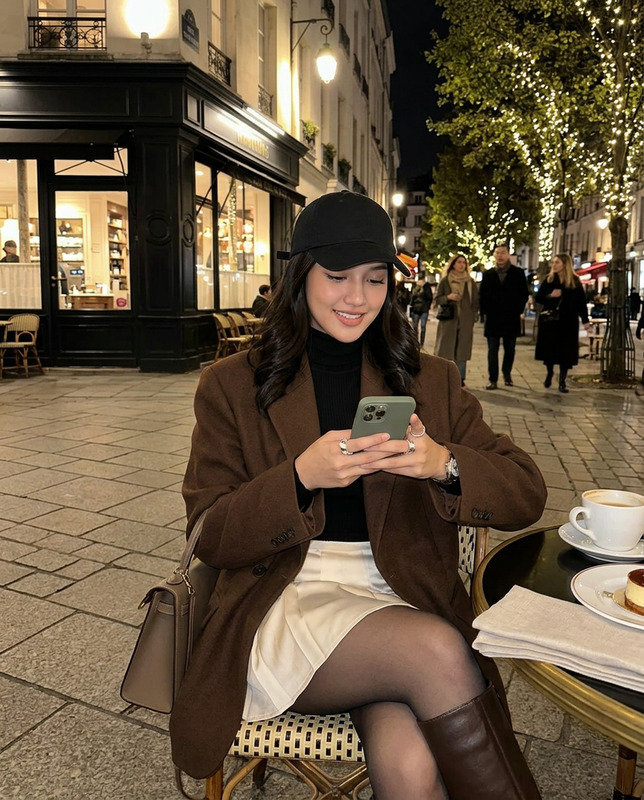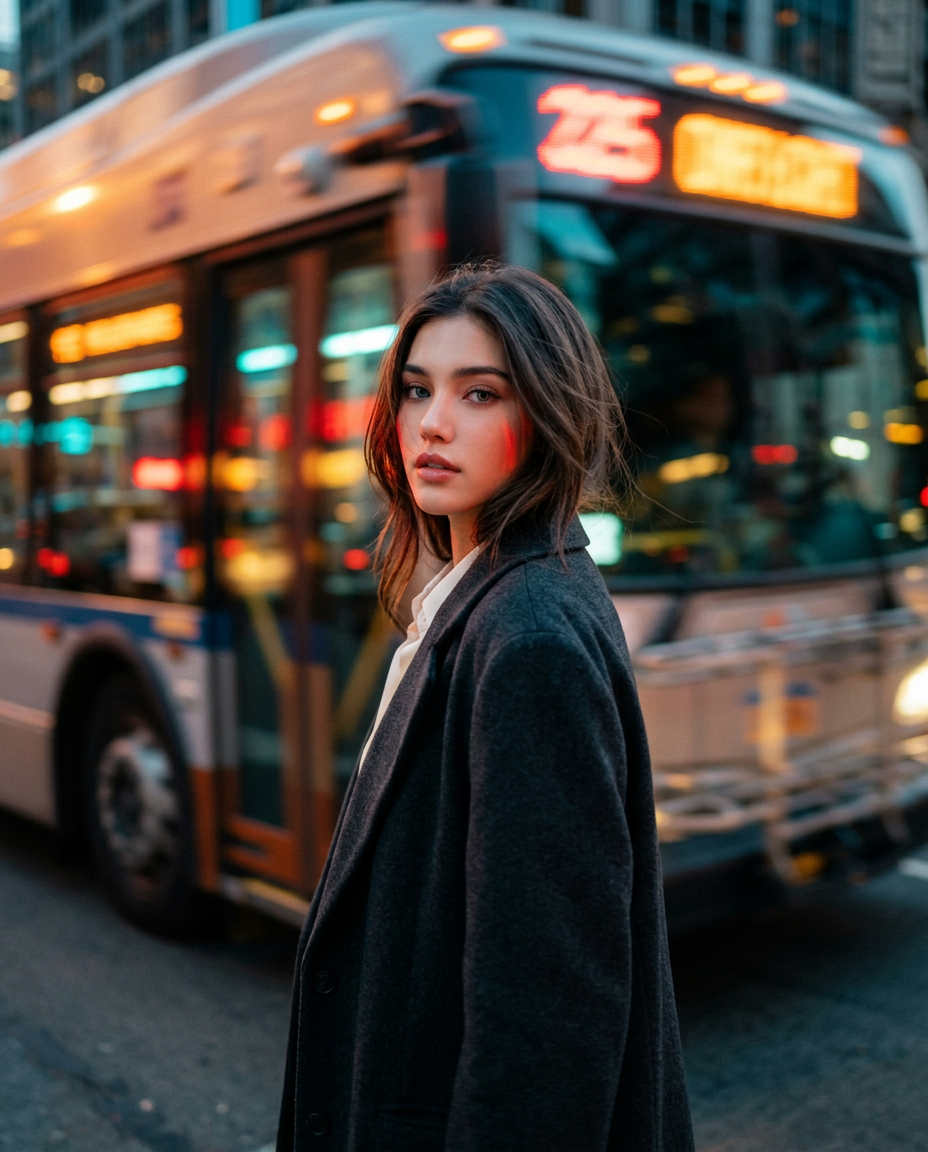
Transit Light Streaks
- Model
- Nano Banana 2
- Image
- 928 × 1152 px
Prompt
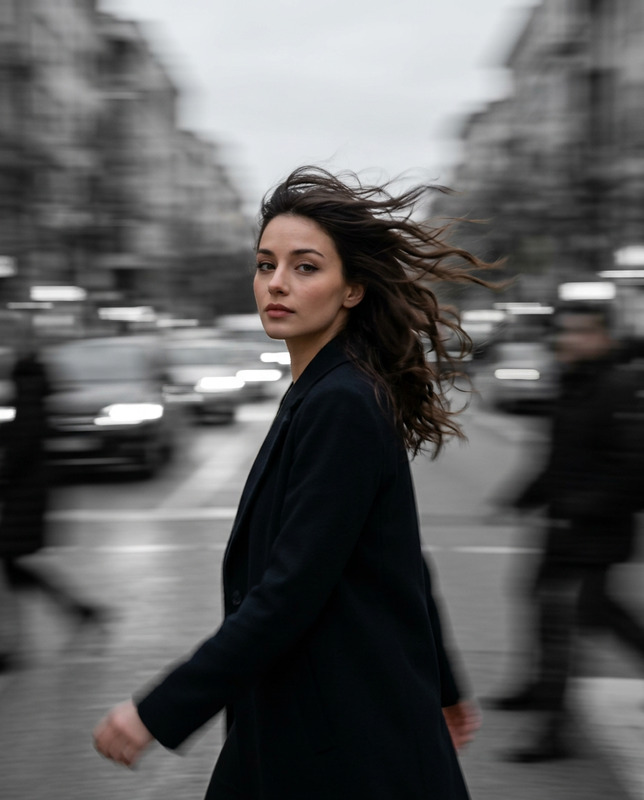
Use my uploaded personal photo as the facial identity reference only. Preserve my exact recognizable facial features, natural skin tone, face shape, eye shape, nose, lips, age, facial proportions, and authentic human likeness. Do not reshape or overly beautify my face.Create a vertical 4:5 ultra-realistic cinematic fashion editorial photograph on a busy metropolitan street during the final minutes of golden hour transitioning into blue hour.Photograph me walking slowly along the sidewalk while a large city bus or vehicle rushes past extremely close behind me. At the exact moment of exposure, I turn my head over my shoulder toward the camera while my body continues facing forward, creating the feeling of being caught naturally in motion rather than deliberately posing.Use a slow-shutter subject-tracking pan. The camera operator moves smoothly alongside me and tracks my face while the passing vehicle, illuminated windows, headlights and city signage stretch horizontally into long painterly streaks of amber, red, cyan and turquoise light. Keep my eyes, nose, lips and main facial structure substantially sharp while allowing a delicate trace of movement through the edges of my hair and clothing.Frame approximately chest-up using a 35mm cinematic lens from slightly below eye level. Position me slightly right of center while the strongest light streaks sweep across the left side of the composition toward me.Dress me in a dark charcoal oversized tailored coat layered over a soft ivory blouse, sophisticated but understated. Style my hair in loose natural layers with soft wispy strands around my face, moved gently by the air from the passing vehicle.Light my face with the last warm golden-hour glow mixed with cool teal city illumination. Introduce subtle red and amber reflections from traffic onto one side of my face.Give the image an atmospheric 35mm film aesthetic: subtle grain, gentle highlight bloom, soft halation around lights, slightly lifted blacks, rich teal shadows, warm amber highlights and beautifully imperfect optical softness.Do not make the whole photograph blurry. The face is the emotional anchor. The world moves; I remain momentarily still.Mood: mysterious, intimate, nostalgic, cinematic, quietly romantic, dreamlike urban solitude.No logos, no readable advertisements, no artificial portrait-mode blur, no exaggerated neon cyberpunk styling.Motion recipe: tracking pan + slow shutter around 1/10–1/15 sec, creating horizontal vehicle streaks while retaining facial definition.
Any aspect ratio
Overview
The Transit Light Streaks template is a sophisticated tool within our AI Image Editor suite, designed to transform personal photos into stunning cinematic portraits. Leveraging the nano-banana-2 model, this template preserves your exact facial features while integrating them into a fashion editorial setting accompanied by dynamic city light streaks.
What It Does
This template uses your uploaded photo as a reference to maintain your facial identity meticulously, ensuring all features remain recognizable. It captures the essence of a late golden hour scene on a bustling city street, giving the image a cinematic fashion editorial quality. The result is a high dynamic range photo with sophisticated visual effects like slow-shutter light streaks and atmospheric elements typical of 35mm film.
Who It's For
This template is perfect for fashion photographers, visual artists, and individuals looking to create standout, professionally stylized images that highlight urban and cinematic aesthetics. Those who frequently work with editorial content and aim to invoke a sense of nostalgia and mystery in their visuals will find this tool invaluable.
Summary
Transform your images with the Transit Light Streaks template, an ideal choice for crafting editorial-quality photographs that place your subject against a backdrop of vibrant city lights. By continuously tracking facial features, it ensures clarity, capturing the dynamic essence of urban life while maintaining the personal focus of each image. Explore more options for enhancing your visuals through the AI Talking Photo or Video Face Swap tools available on our platform.
How to Use
Choose Your Template

Customize Your Inputs

Generate Your Image

Use Cases
Fashion Editorials
Social Media Content
Portfolio Development
Best Practices
Photo Selection
Choose a clear, high-quality personal photo to ensure the template accurately maintains facial features.Lighting Adjustments
Experiment with light streak placements and colors to match the mood you wish to convey.Style Consistency
Keep the styling elements consistent with the theme, avoiding overly contrasty or artificial effects.