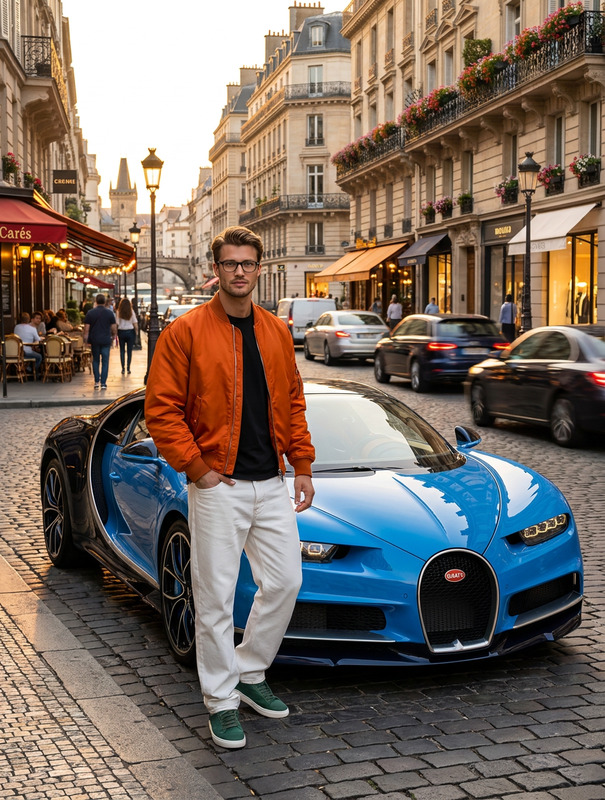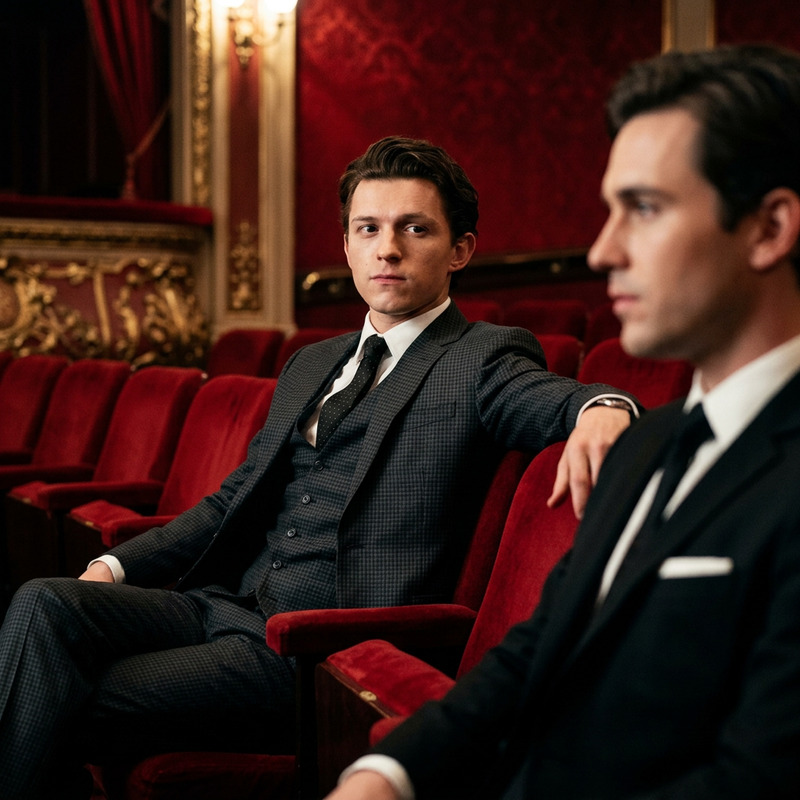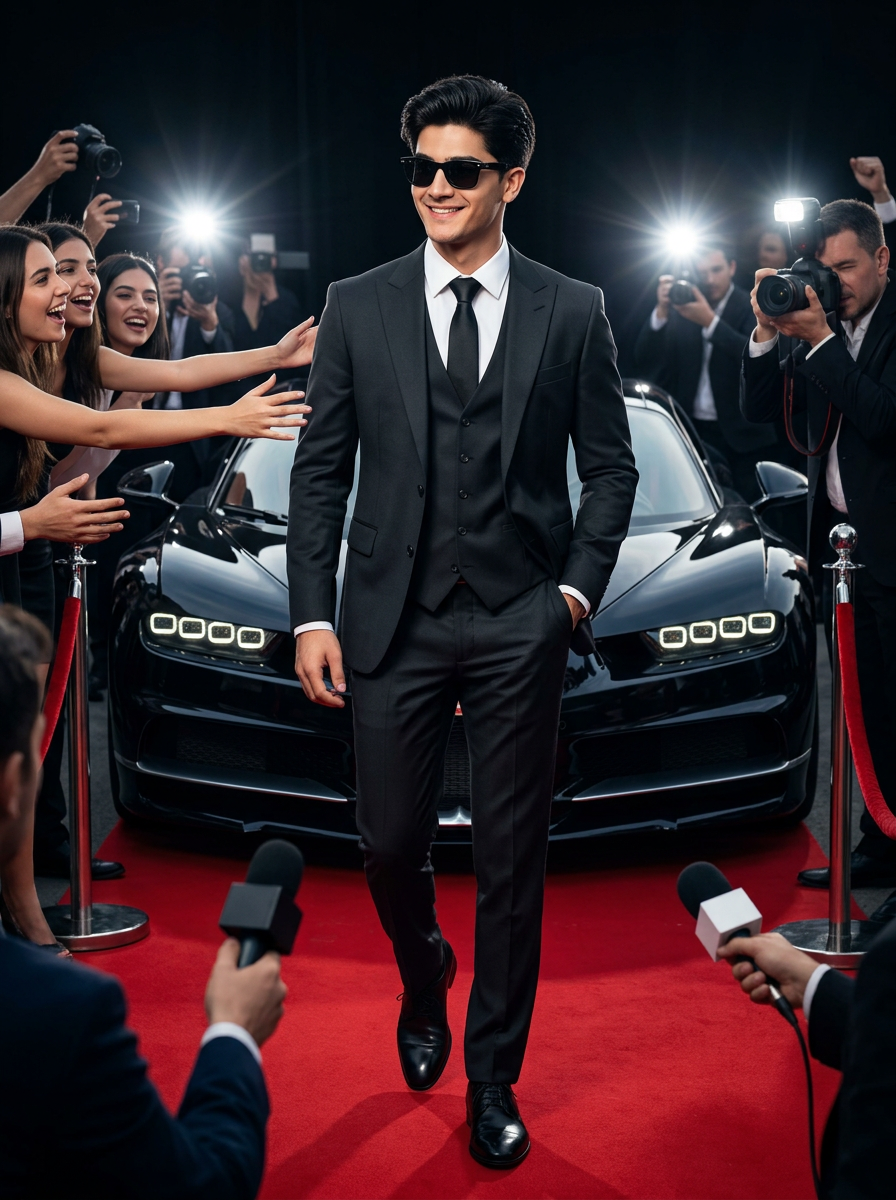
Bugatti Red Carpet
- Model
- Nano Banana 2
- Image
- 896 × 1200 px
Prompt
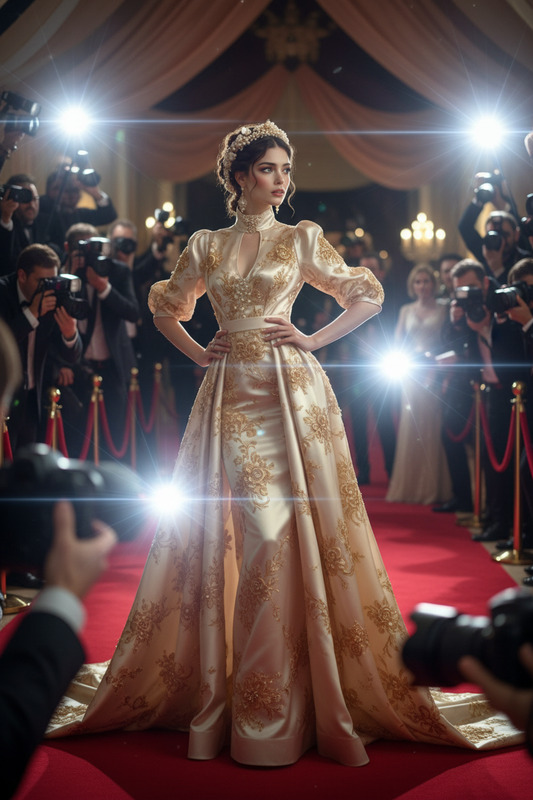
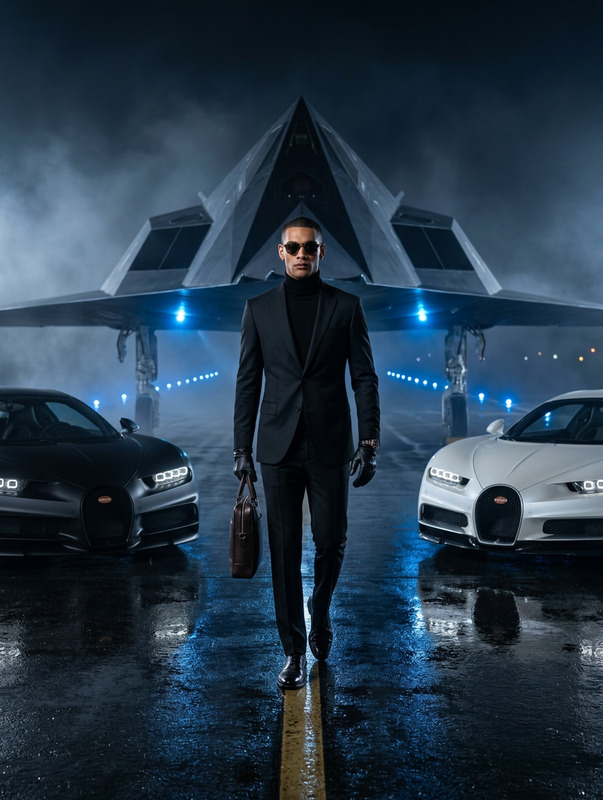
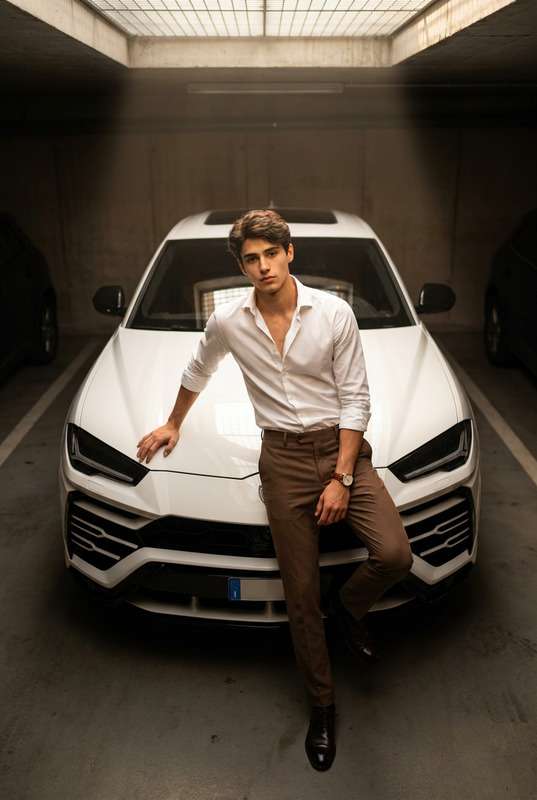
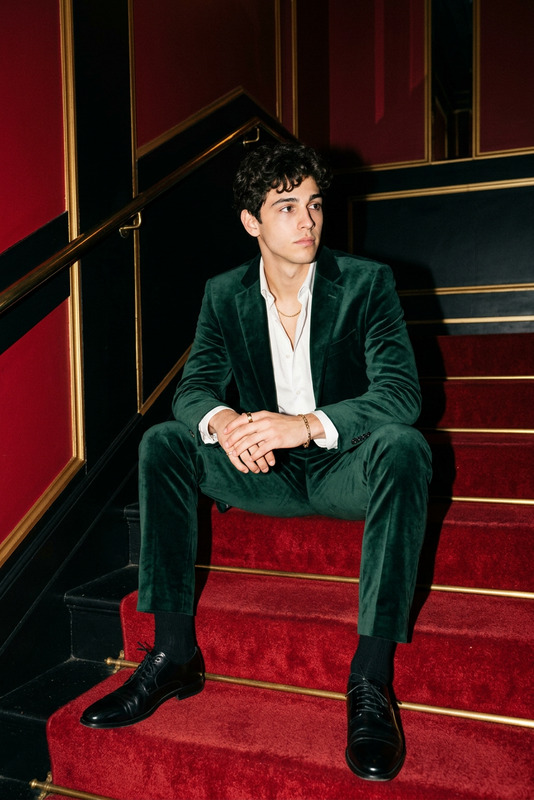
Generate a hyper-realistic, cinematic 8K image of the uploaded man with his real face fully preserved. He is wearing a luxurious, perfectly tailored charcoal black three-piece suit made of fine Italian fabric, paired with a crisp white shirt and a silk black tie. His polished leather shoes gleam under the lights, and sleek black sunglasses add a touch of refined mystery. He walks confidently on a red carpet in a natural, fluid motion, hands casually in his pockets, radiating calm authority and high-class celebrity energy. Behind him, a luxury Bugatti Chiron is parked beside the red carpet, its glossy curves reflecting the flashes from photographers. Around him, excited fans and elegant women reach out to him, while journalists’ cameras flash from below the frame, amplifying the cinematic drama and energy. The atmosphere feels crowded, intense, and glamorous, with deep cinematic lighting, dramatic contrast, and color grading akin to a high-end Sony a7s4 camera. The aspect ratio is 16.09 for vertical cinematic framing." Aspect ratio 3.4
Any aspect ratio
Overview
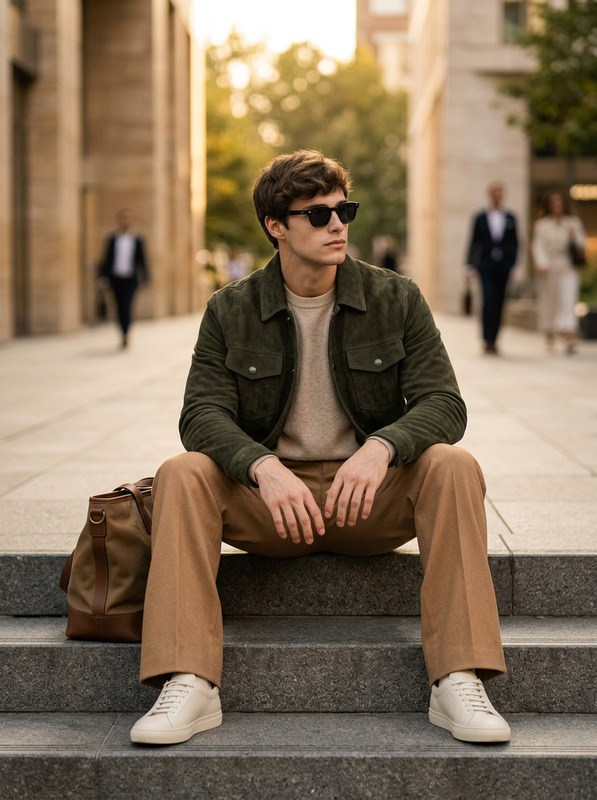
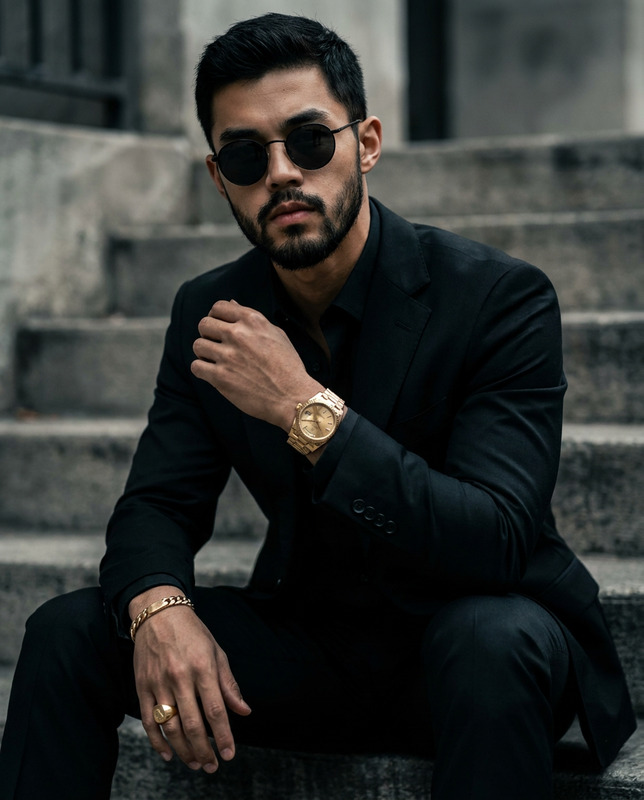
The Bugatti Red Carpet template offers an impressive capability to transform your photos using the power of AI. Utilizing the AI Image Editor technology, this template combines high realism with cinematic quality, delivering images that feel both professional and striking.
What It Does
This template specializes in creating hyper-realistic 8K images with an emphasis on preserving facial authenticity. By incorporating high-end fashion elements and luxury aesthetics, it places your subject in a glamorous red-carpet scenario. The template uses the nano-banana-2 model to achieve these intricate details, offering stunning results that are ideal for high-impact visual storytelling.
Who It's For
The Bugatti Red Carpet template is perfect for fashion photographers, luxury brands, and content creators looking to elevate their visual content. Whether you're developing promotional material or crafting high-end personal projects, this tool aligns with professional needs for elegance and sophistication.
Summary
Step onto the red carpet with the Bugatti Red Carpet template, offering tools to create lifelike and compelling images. It invites users who value quality and realism, providing everything needed to produce attention-grabbing visuals with dramatic cinematic flair. Explore the possibilities with the AI Multi-Angle Generator to extend creative horizons or use the AI Product Photography for a full suite of image-enhancement options.
How To
Choose the Bugatti Red Carpet Template

Customize Your Scene

Generate and Download Your Masterpiece

Use Cases
Fashion Photography
- High-end editorials
- Portfolio diversification
Luxury Brand Advertising
- Campaign visuals
- Brand narratives
Content Creation
- Instagram feeds
- Influencer marketing
Best Practices
Preserve Facial Features
For maximum realism, ensure the uploaded image's face is centered and well-lit.Utilize Natural Poses
Choose photos where the subject already embodies a confident and relaxed pose to enhance realism.Optimize for Lighting
Consider using additional lighting techniques in the original photograph to enhance the finished image's dramatic effects.