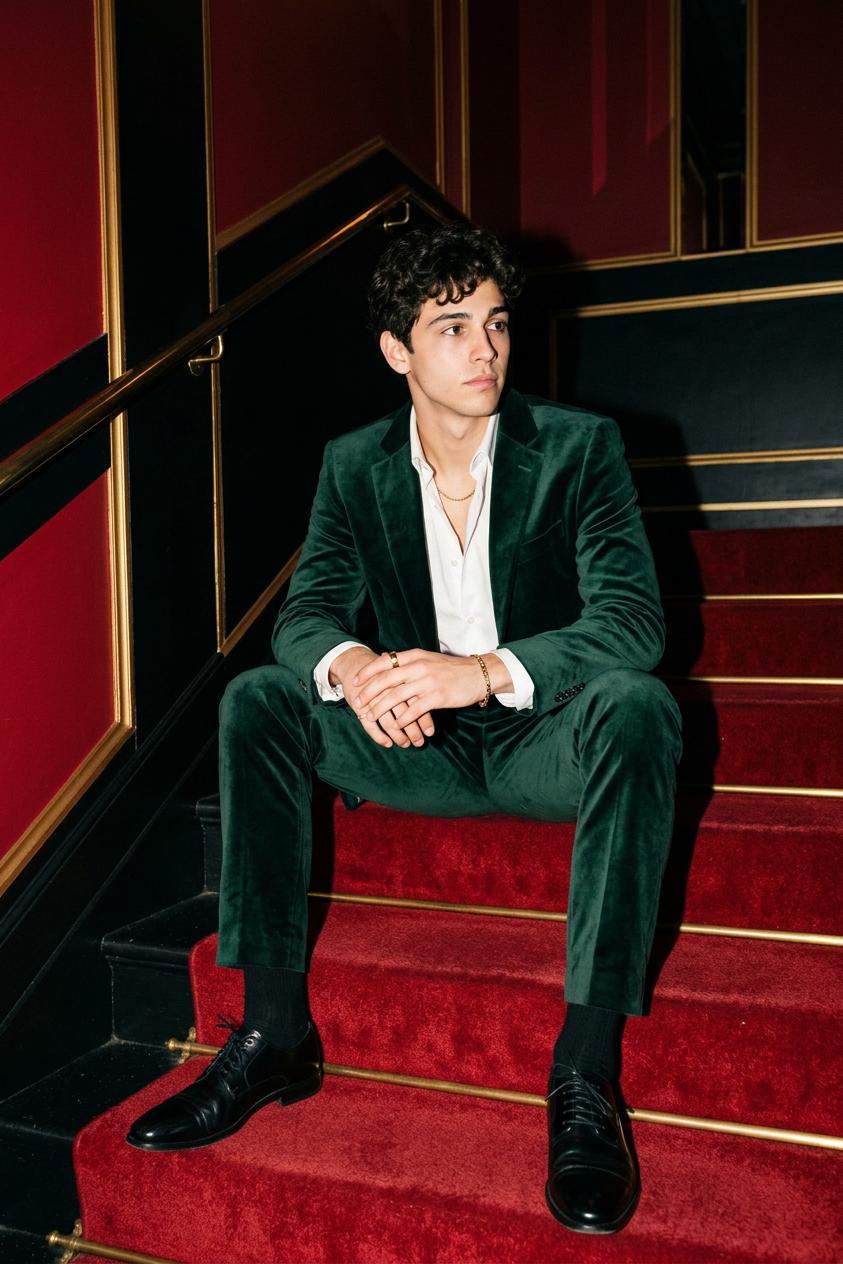
Emerald Velvet Evening
- Model
- Nano Banana 2
- Image
- 843 × 1264 px
Prompt
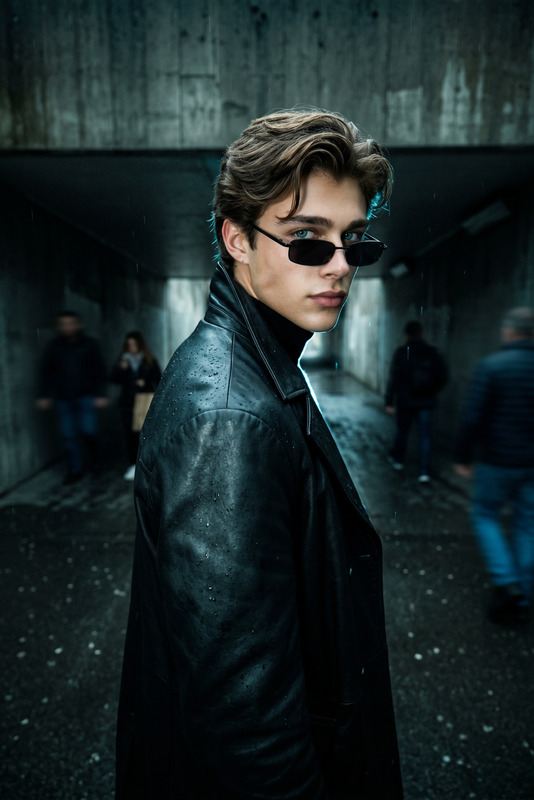
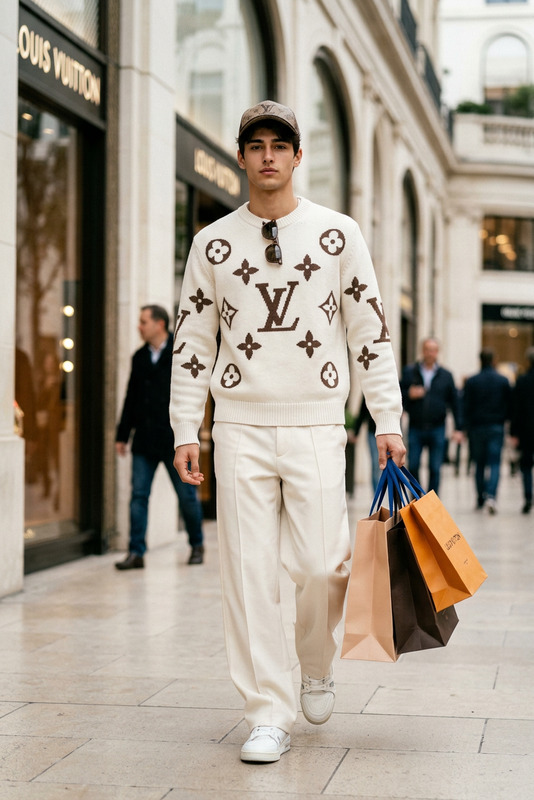
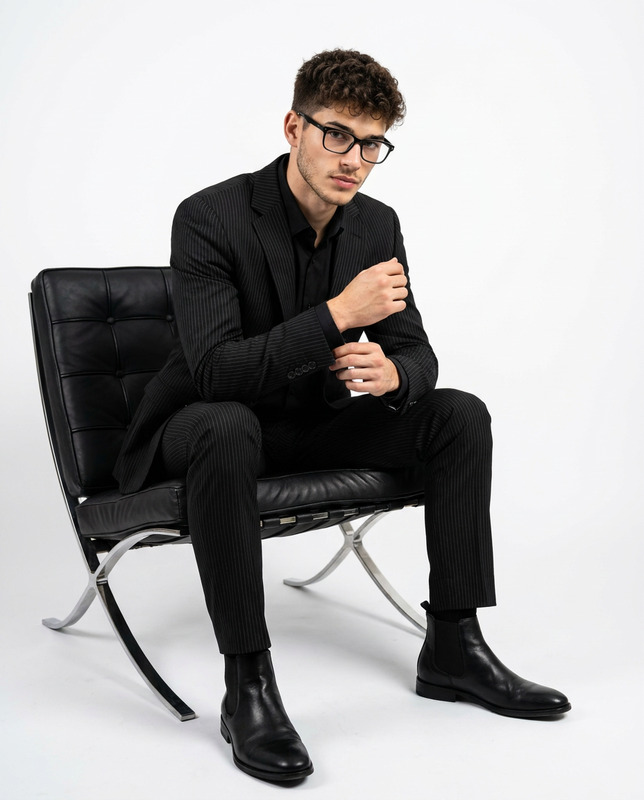
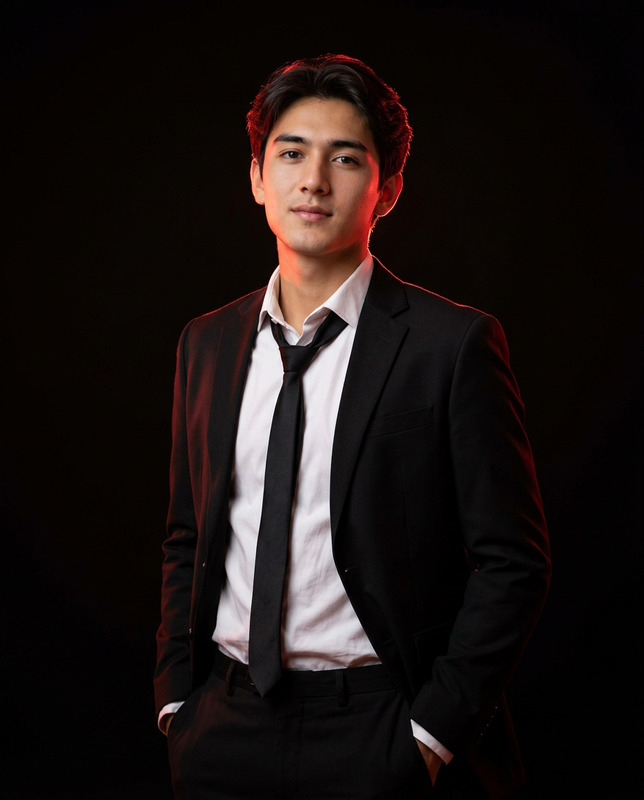
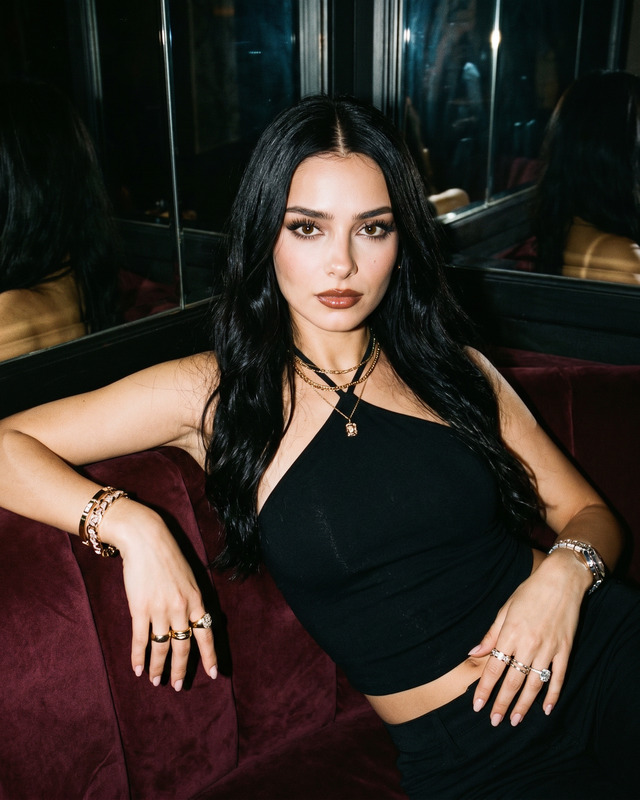
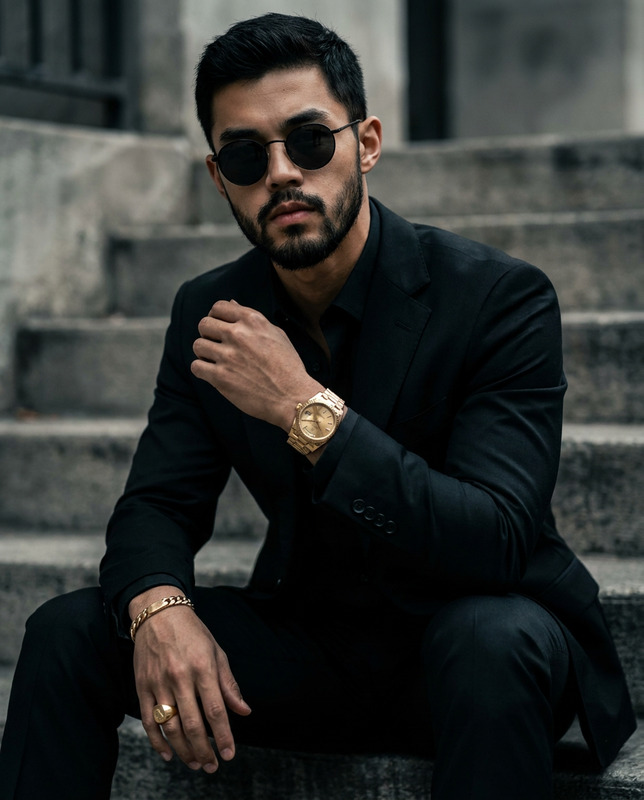
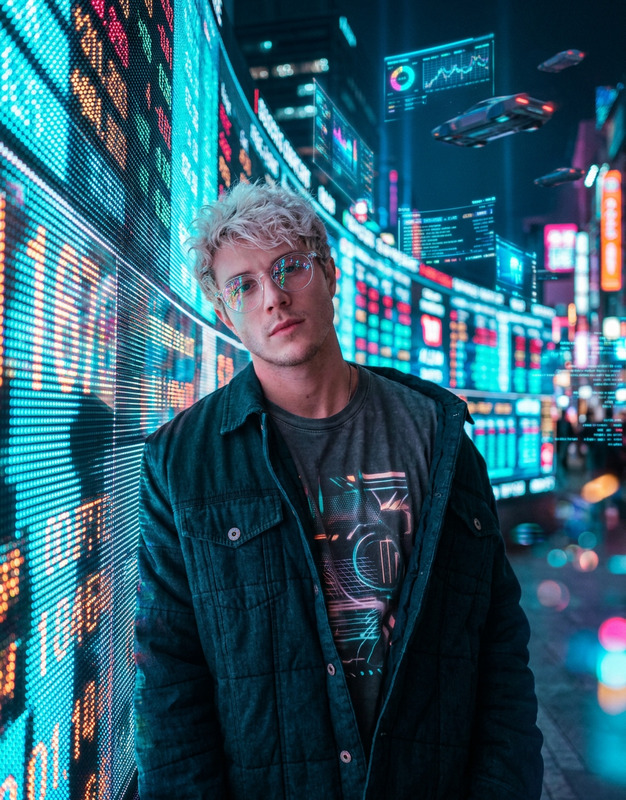
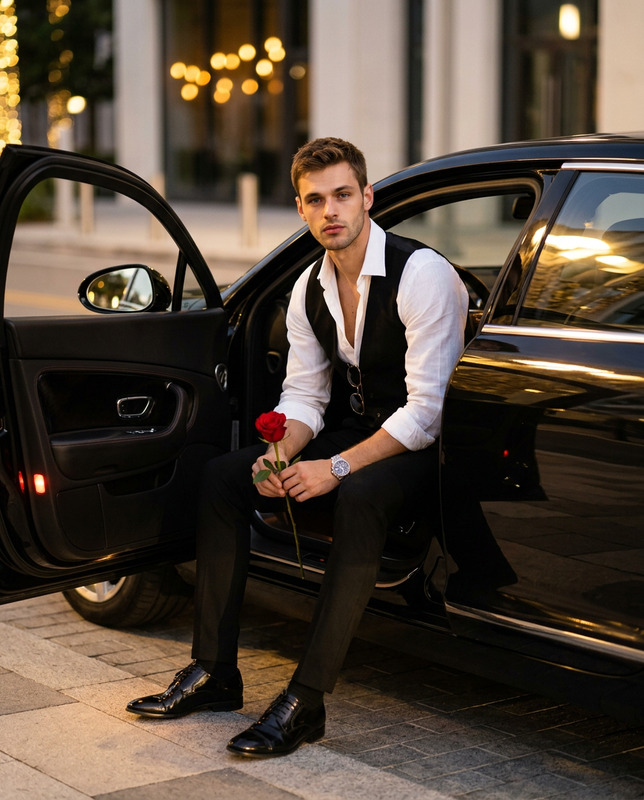
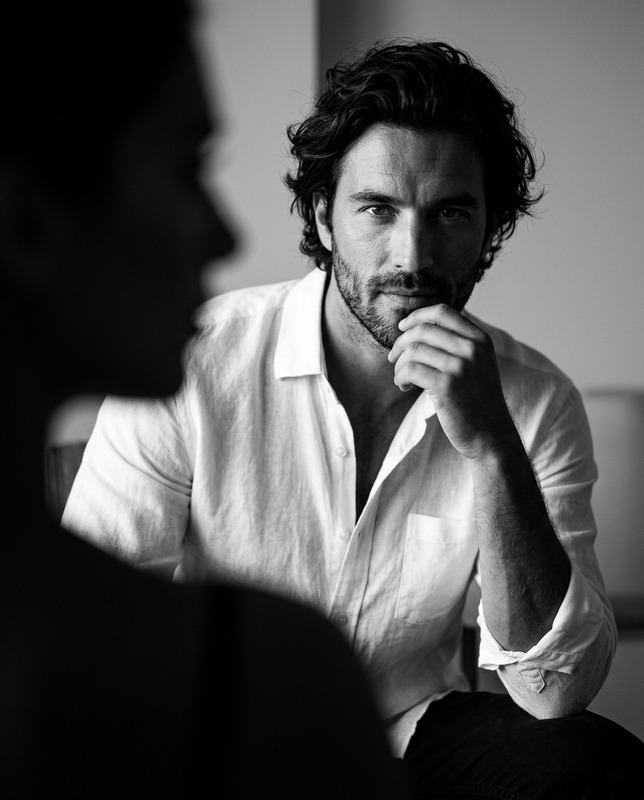
Using this image as a reference for the face and hair, generate a photo. A hyper-realistic, flash-photography style cinematic shot of a 20-year-old man with a lean, muscular build and a sharp, smooth jawline. He has a confident expression, looking thoughtfully to the side. He is sitting casually on a plush red carpeted staircase inside a luxury Art Deco building. He is wearing a dark emerald green velvet suit with a rich sheen, a white shirt unbuttoned at the collar (no tie), polished black leather shoes, black socks, and visible gold jewelry (ring, bracelet, chain). The lighting should mimic high-end fashion editorial flash photography: bright light on the face and upper body creating sharp, stylish shadows behind him against deep red and black walls with gold trim. The texture should be crisp and DSLR-quality, with absolutely no plastic or artificial smoothness.
Any aspect ratio
Overview
Introducing the Emerald Velvet Evening template, crafted to elevate your imagery to a cinematic standard. This AI Image Editor template utilizes the nano-banana-2 model to produce realistic and high-quality images with remarkable detail. It's perfect for those looking to transform ordinary photos into extraordinary fashion-forward visuals.
What It Does
This template allows you to morph a standard image into a hyper-realistic portrayal featuring a young man in an exquisite setting. With features such as sharp shadows, vibrant colors, and detailed textures, it gives your images a high-end editorial feel. The AI Image Editor works precisely to deliver a photo that highlights luxurious fashion elements and a sophisticated ambiance.
Who It's For
Emerald Velvet Evening is perfect for photographers, fashion designers, and marketers wanting to create impactful images. Whether you're preparing material for a fashion magazine, developing promotional content, or need striking visuals for social media ads, this template provides a great starting point. Aspiring content creators can leverage the power of AI to craft professional-quality visuals effortlessly.
Summary
Experience the fusion of luxury and technology with Emerald Velvet Evening. With mathematically engineered precision courtesy of the AI Image Editor, transform your images into bold statements of style and elegance. Employing the advanced nano-banana-2 model, this tool is designed to make your visuals stand out dynamically and professionally.
How to Use
Choose the Template

Customize Your Image

Generate the Image

Use Cases
Fashion Editorials
- Enhance editorial features with crisp details
- Design page spreads that captivate
- Bring runways to life with digital style
Luxury Product Launches
- Feature products with clarity and style
- Craft imagery for elite marketing campaigns
- Bring out high-end brand attributes
Social Media Campaigns
- Curate a visually stunning Instagram feed
- Create attention-grabbing ads
- Engage audience with chic visuals
Best Practices
Utilize High-Resolution Images
Start with high-quality reference images for best outcomes. This ensures clarity and detail in the final product.Fine-Tune the Prompt
Adjust prompt details to align with your creative vision. Include specifics about lighting, pose, and attire.Experiment with Textures
Leverage the template's texture capabilities to enhance your image's depth and realism.