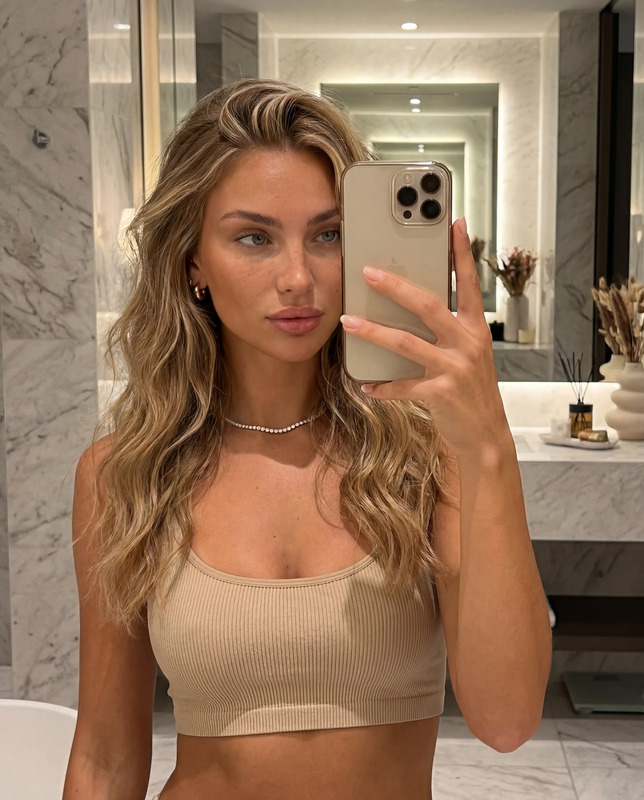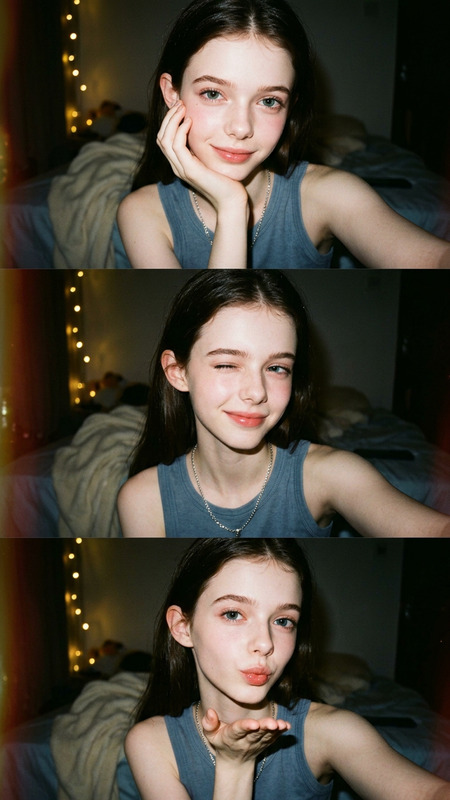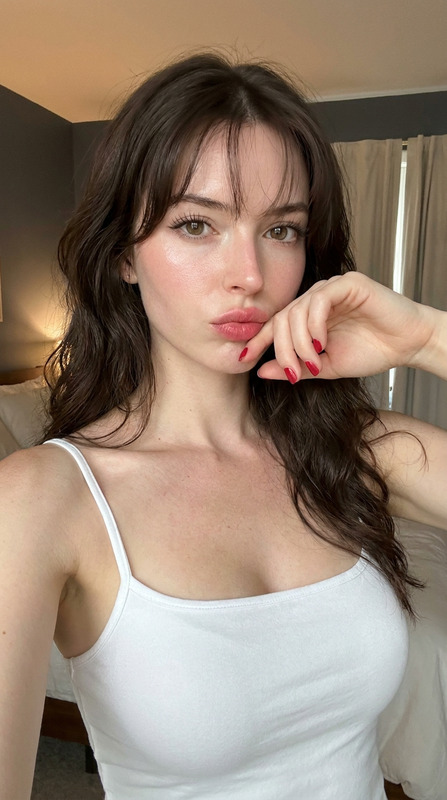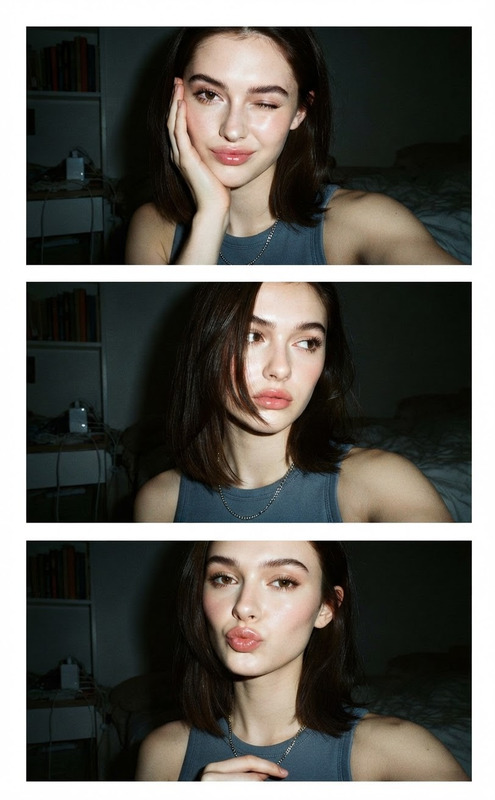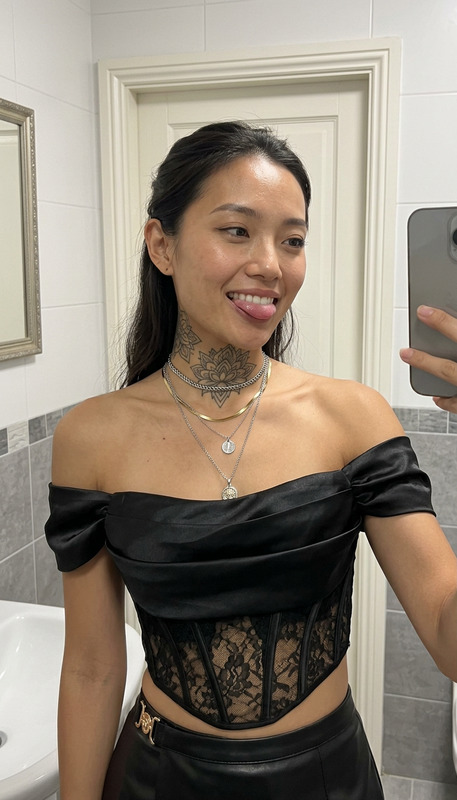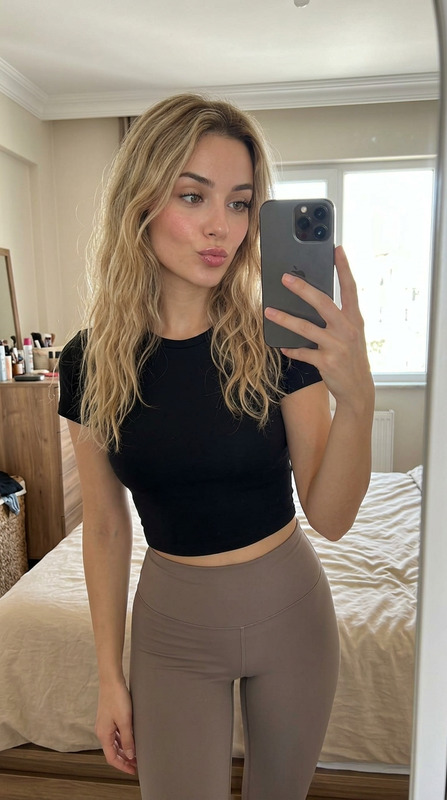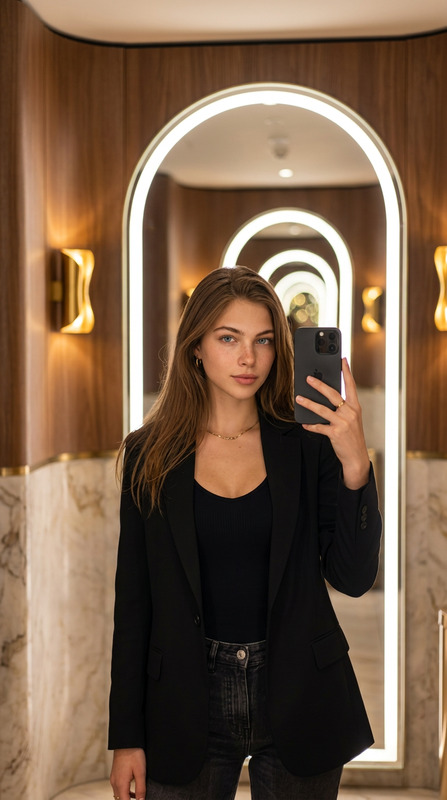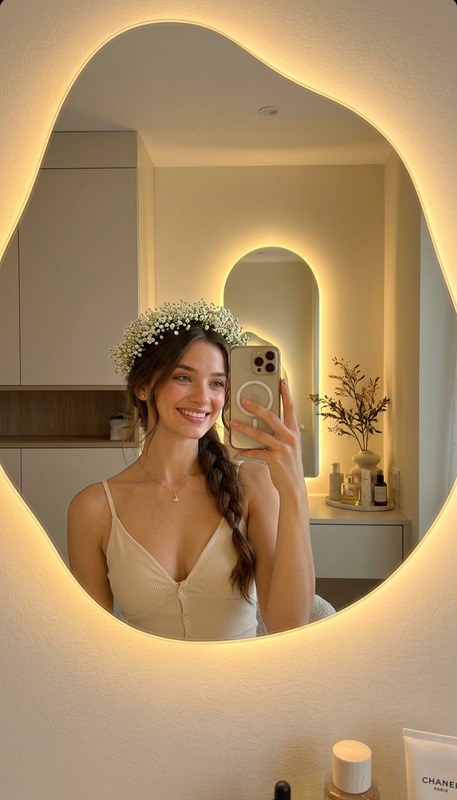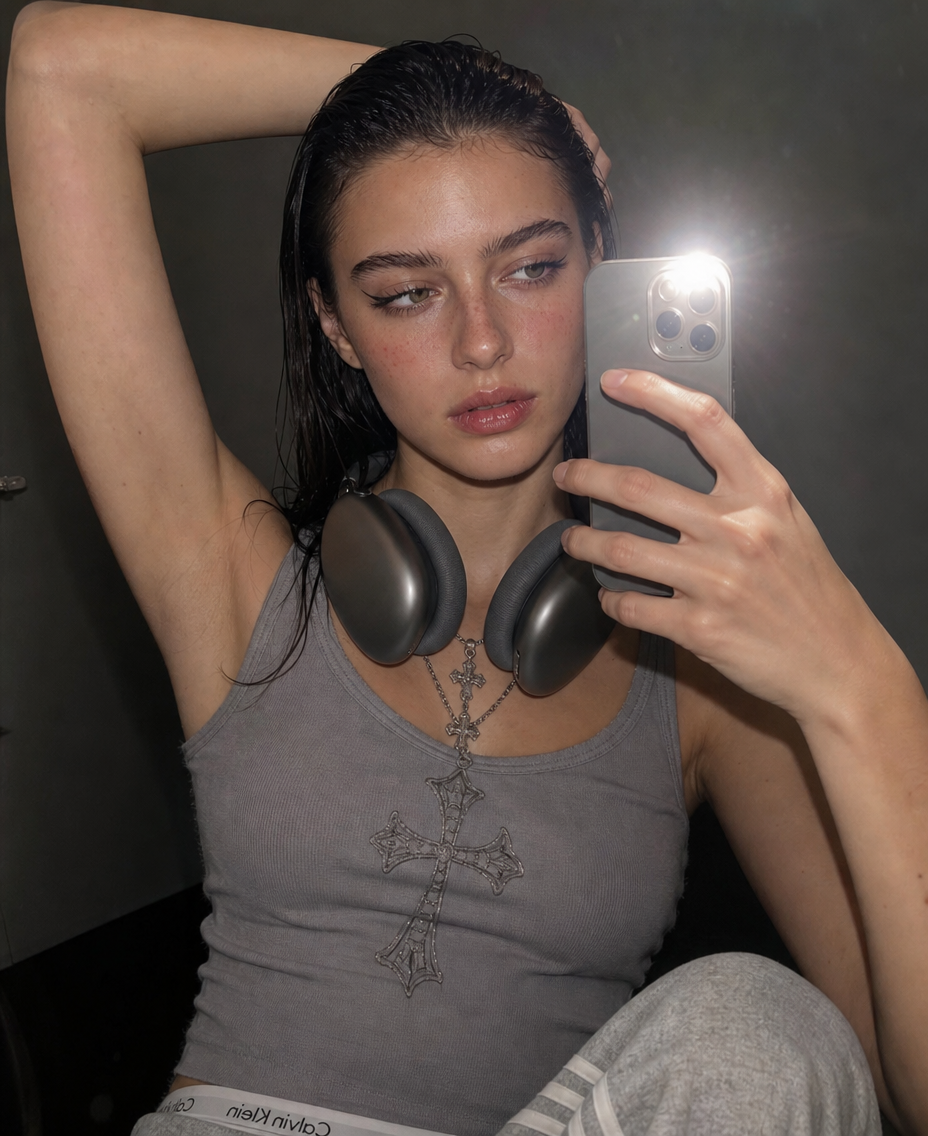
Mirror Shot With New Outfit
- Model
- GPT Image 2
- Image
- 928 × 1136 px
Prompt
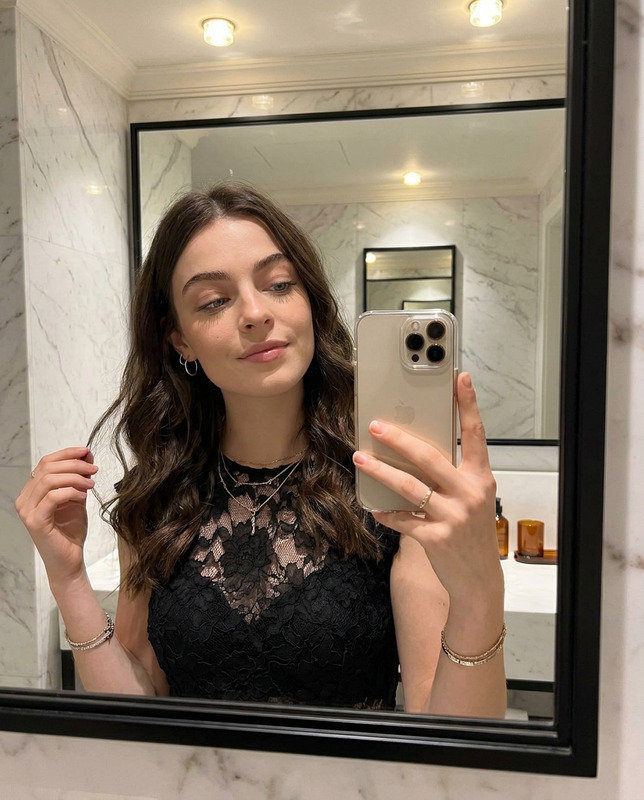
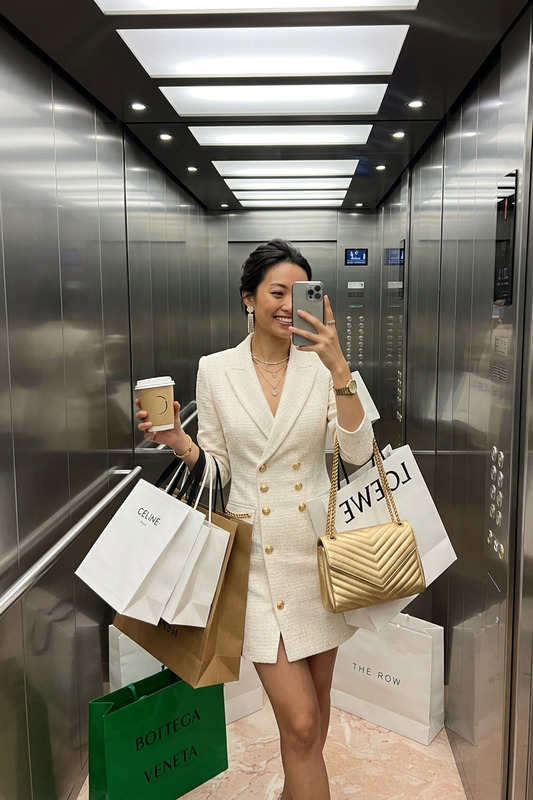
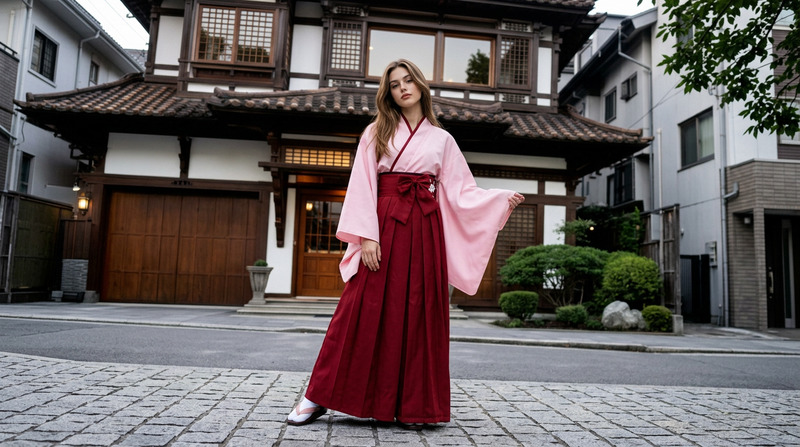
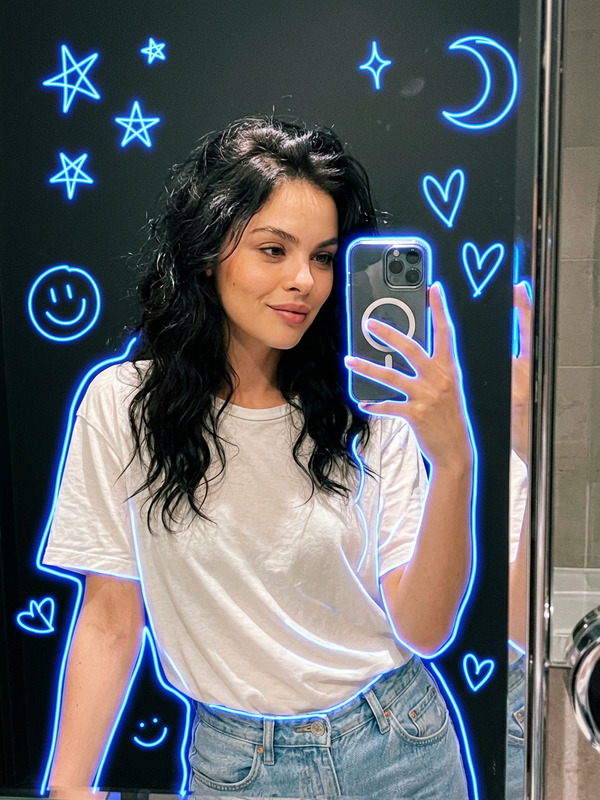
girl with appearance as in the reference photo, wearing the outfit from the reference photo, standing indoors against a dark plain wall in a minimal room setting, close-up mirror shot, phone partially visible in the frame with bright iPhone flash, one arm raised over her head, headphones resting around her neck, glossy lips, sharp eyeliner, soft confident expression, looking slightly away from the camera, clean beauty aesthetic, casual stylish everyday vibe, intimate close framing, iPhone photo, realistic skin texture, natural facial details, subtle flash reflections on the skin, sharp focus, realistic photo
Any aspect ratio
Overview
The Mirror Shot With New Outfit template in our AI Image Editor offers a transformative way to explore fashion in real-time settings. Utilize the gpt-image-2 model to create image edits that blend realism with creativity. Ideal for creating content with a clean beauty aesthetic, this template captures every intricate detail from vibrant outfits to natural facial textures.
What It Does
This template allows users to modify an existing photo by exchanging the outfit while maintaining realistic elements such as skin texture and lighting reflections. The end result is a photorealistic image that features the subject in a new outfit, set in a minimal, indoor environment. It aligns with other editing capabilities offered by our AI Image Upscaler for quality enhancement.
Who It's For
The Mirror Shot With New Outfit template is perfect for fashion enthusiasts, social media influencers, and photographers who wish to experiment with styling without physically changing clothes. It's also useful for brands looking to showcase clothing on different models or settings without arranging multiple photo shoots. Explore more tools like the Text to Video for dynamic storytelling.
Summary
Effortlessly create stylish, realistic images by swapping outfits in a photo while preserving the integrity of the original shot. This template supports creatives in producing content that visually engages audiences with its detail-oriented approach. Explore our AI Product Photography solutions for more professional-grade visuals.
How to Use
Choose Your Template

Customize Your Inputs

Generate and Download

Use Cases
Social Media Content
- Ideal for Instagram influencers
- Quick updates for TikTok
Fashion Prototyping
- Fashion designers and brands
- Visual assessment before production
Personal Style Experimentation
- Try on various styles virtually
- Save time and effort in outfit selection
Best Practices
Use High-Quality Photos
Ensure that the reference photo is of high resolution to achieve the most realistic and detailed outputs.Pay Attention to Lighting
Adjust the lighting settings to complement the outfit and skin tones in the image, enhancing the natural appearance.Check Skin and Material Textures
Review textures carefully to maintain realism, especially when intricate designs or fabric patterns are involved.