Analog Glam Muse
- Model
- Nano Banana 2
- Image
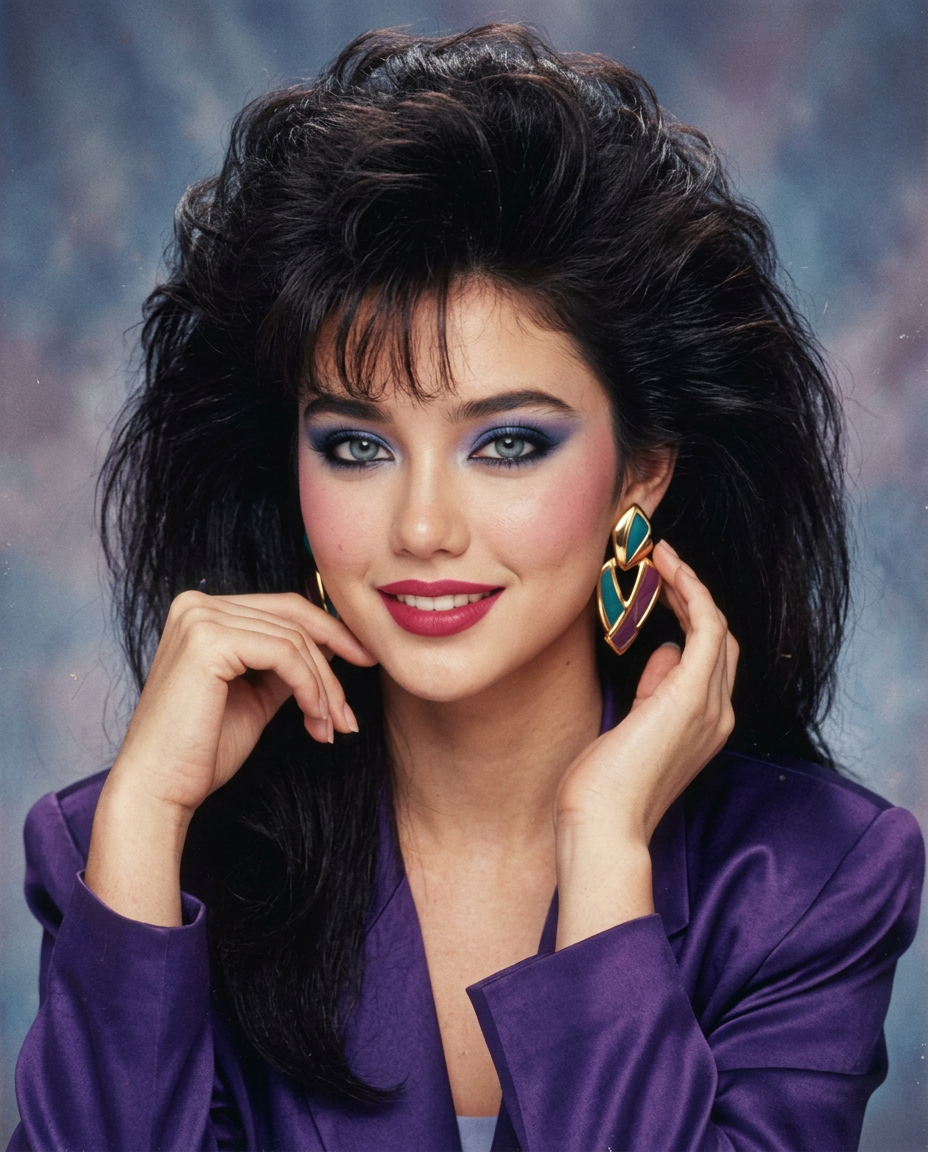
- 928 × 1152 px
Prompt
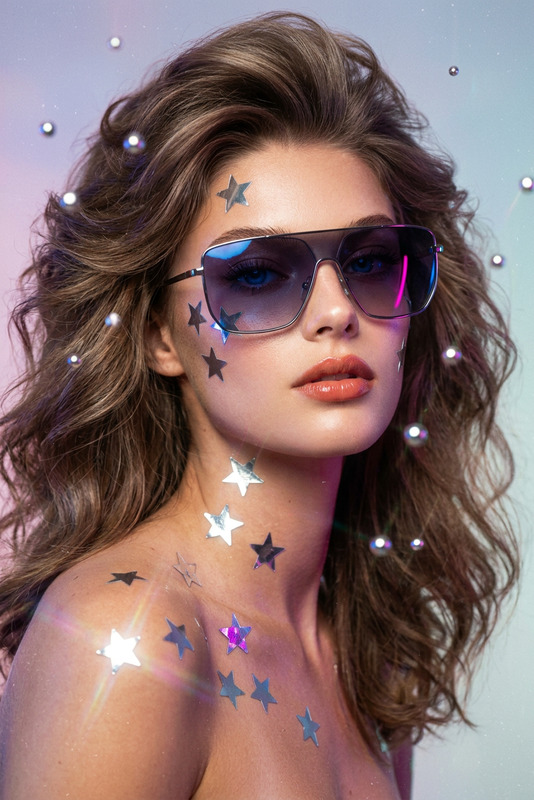
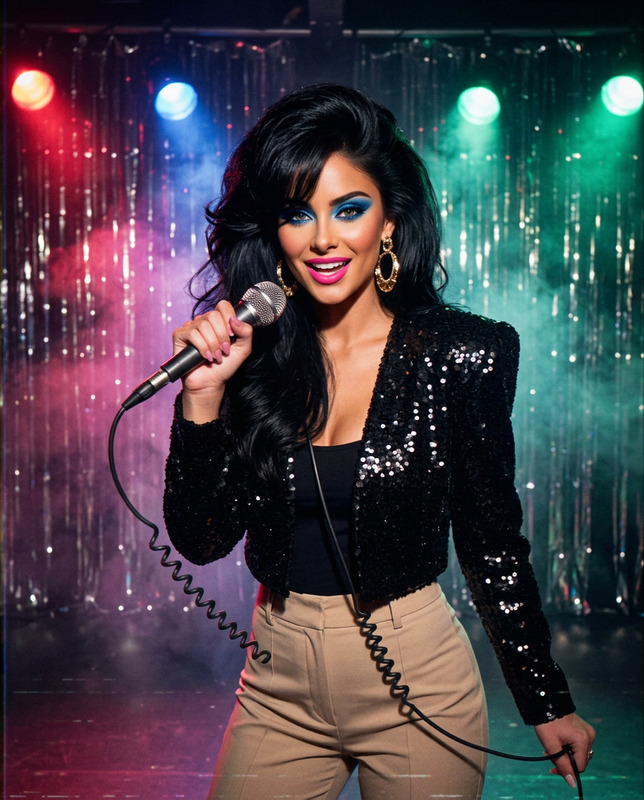
Transforma a la mujer adulta de la foto subida en un retrato de estudio realizado en 1986, conservando exactamente su rostro, tono de piel, expresión e identidad. Dale un peinado muy voluminoso con flequillo alto, sombra azul y violeta, delineado marcado, labios frambuesa, pendientes geométricos grandes y una chaqueta de satén con hombreras. Fondo de estudio moteado en azul y malva, pose de tres cuartos con una mano cerca del rostro y mirada segura a cámara.Debe parecer una fotografía auténticamente tomada y revelada en 1986: enfoque suave, flash difuso, grano de película de 35 mm, contraste bajo, tonos ligeramente desvaídos y pequeñas imperfecciones de impresión. No estética retro moderna, HDR, piel plástica, iluminación LED, bokeh digital, texto ni logotipos. Composición vertical 4:5.
Any aspect ratio
Overview
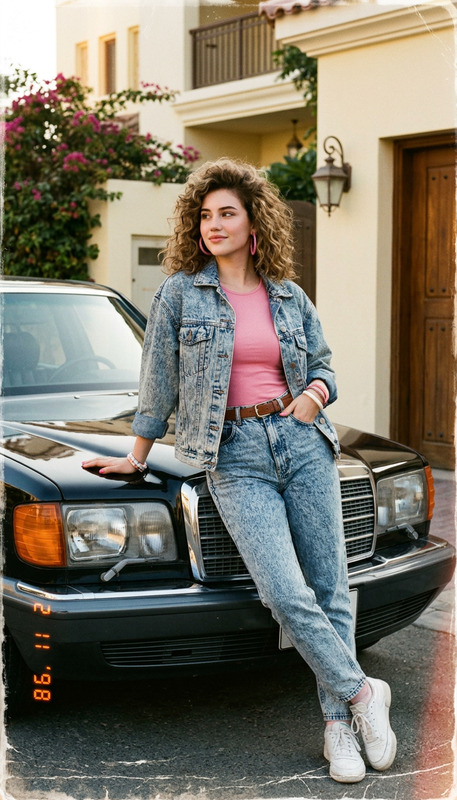
Unleash the allure of a bygone era with the Analog Glam Muse AI image editor template. Designed using the nano-banana-2 model, this tool transforms your uploaded images into studio portraits straight from 1986. Keep the individuality of the subject intact while adding iconic elements like bold makeup and voluminous hairstyles.
What It Does
The Analog Glam Muse template embellishes your images with quintessential 1980s fashion and style elements. It finely balances maintaining the subject's original features while overlaying the distinct vibe of a vintage studio portrait. Expect soft focuses, diffused flash, and authentic film grain that create an evocative throwback scene.
Who It's For
This template is perfect for photographers, artists, and content creators aiming to deliver nostalgia-driven projects. It's also a great fit for marketing professionals who are crafting campaigns with a vintage twist. If your projects align with themes of retro elegance or historic authenticity, this tool will be invaluable.
Summary
The Analog Glam Muse combines modern AI capabilities with vintage aesthetics, offering a unique tool for creating era-specific visuals. Easily turn digital photos into captivating, period-accurate portraits, preserving the essence of the original subject's identity. Explore further styling tools like the AI Image Upscaler for enhanced resolution or the AI Photo Relighting for light control adjustments.
How-To
Choose Your Template

Customize Your Inputs

Generate Your Image

Use Cases
Vintage Portraits for Private Collections
- Timeless family albums
- Artistic projects
Retro Advertising Campaigns
- Social media marketing
- Print advertisements
Entertainment and Media Creations
- Historical documentaries
- Music video covers
Best Practices
High-Quality Images
Start with high-resolution images to ensure the best focus and detail when applying the vintage effects.Consistent Styling
When generating multiple images, maintain stylistic consistency across all outputs by using similar settings.Post-Edit Refinement
Consider additional refinements post-generation, such as enhancing resolution with the AI Image Upscaler.