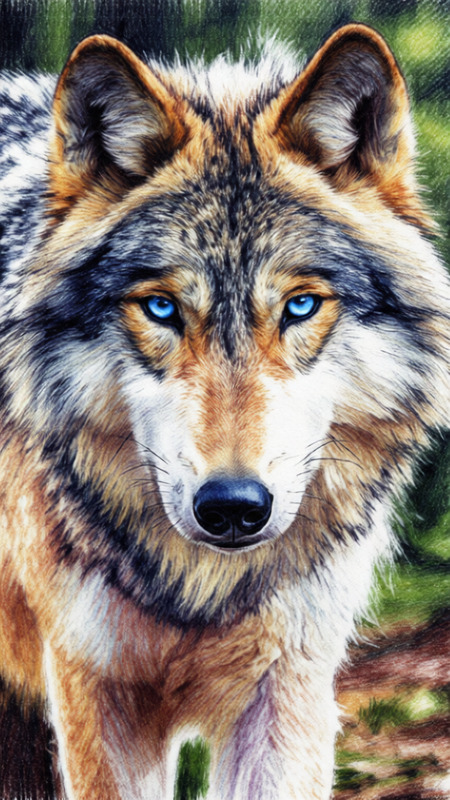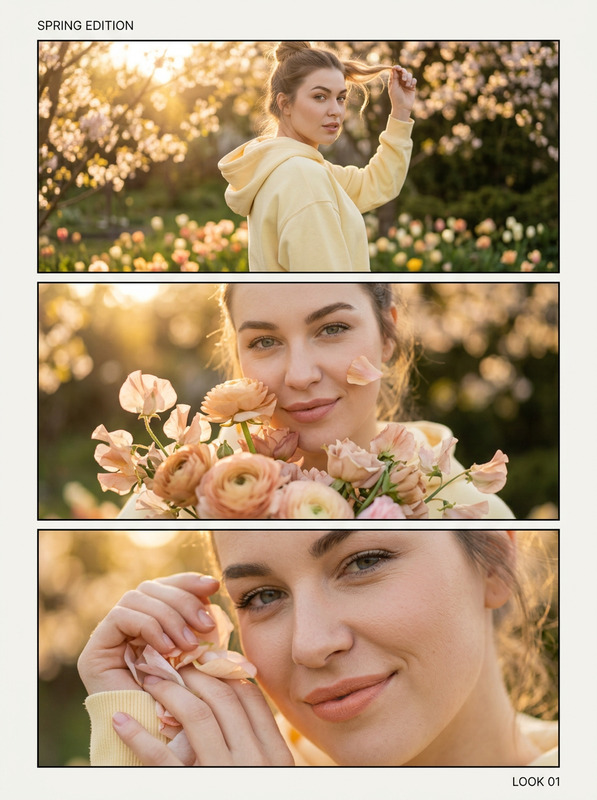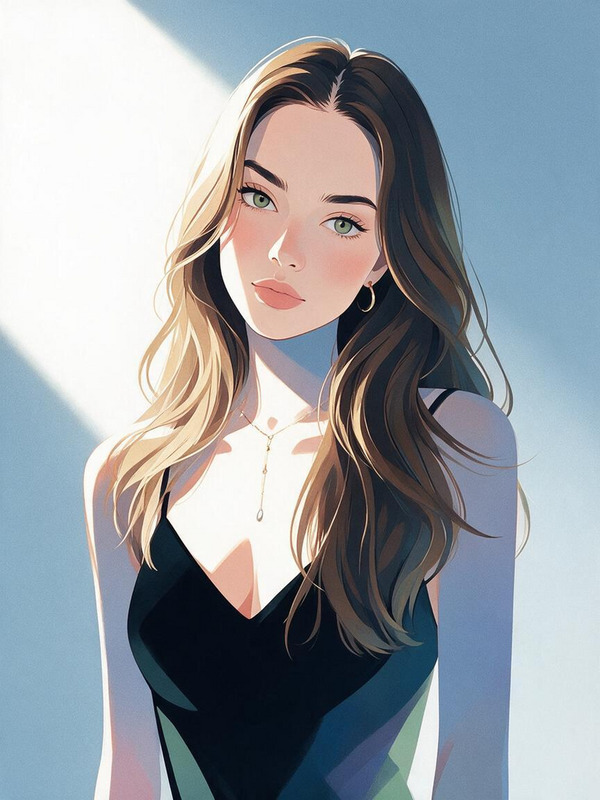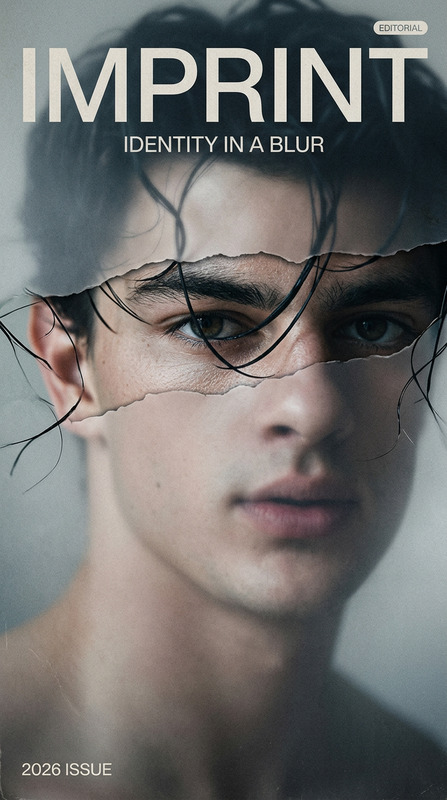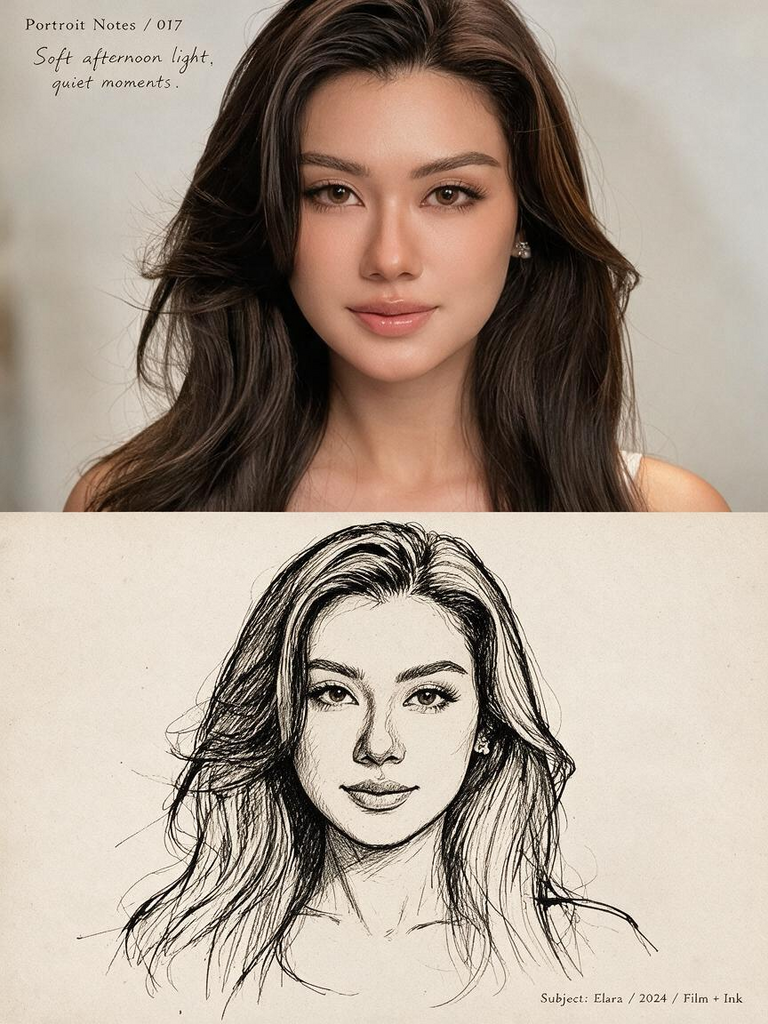
Photo Sketch Artbook
- Model
- Seedream 5 Pro
- Image
- 768 × 1024 px
Prompt
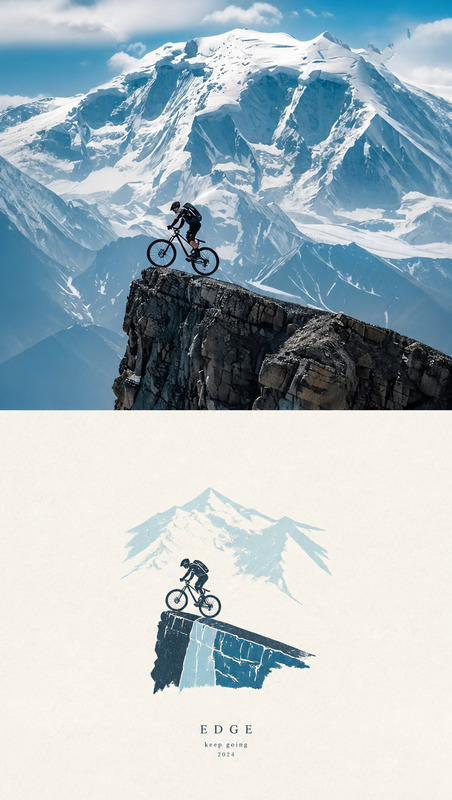
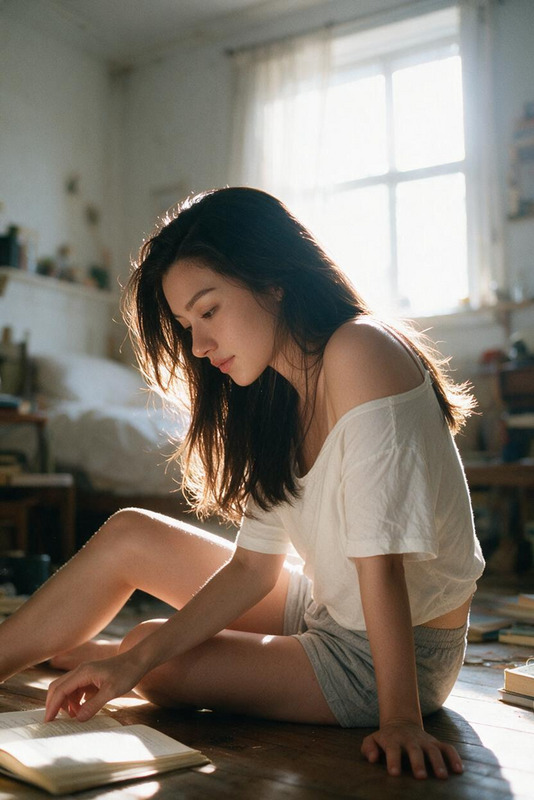
Create a nostalgic editorial artbook page from the reference image, preserving the same subject, pose, expression, clothing, composition, and emotional atmosphere. Divide the page vertically into two connected sections. The upper half is a cinematic, photorealistic photograph with soft natural light, authentic colors, subtle film grain, shallow depth of field, and an intimate candid mood. The lower half reinterprets the exact same scene as a loose black-and-white ink sketch on warm off-white textured paper, using expressive imperfect lines, rough cross-hatching, minimal shading, and handmade sketchbook texture. Add minimal editorial typography: a small numbered title, short handwritten-style caption, and tiny documentary notes. Use generous cream-colored negative space, subtle paper grain, imperfect ink printing, and an understated vintage layout inspired by contemporary photography journals and Japanese visual diaries. Maintain natural proportions, authentic anatomy, cohesive visual transition, refined minimalist design, warm cinematic emotion, and no watermark or logos.
Any aspect ratio
Overview
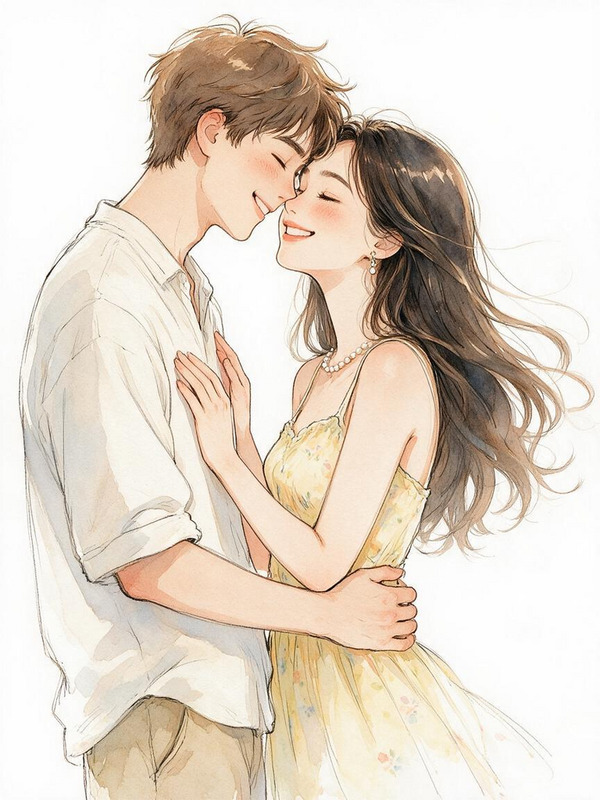
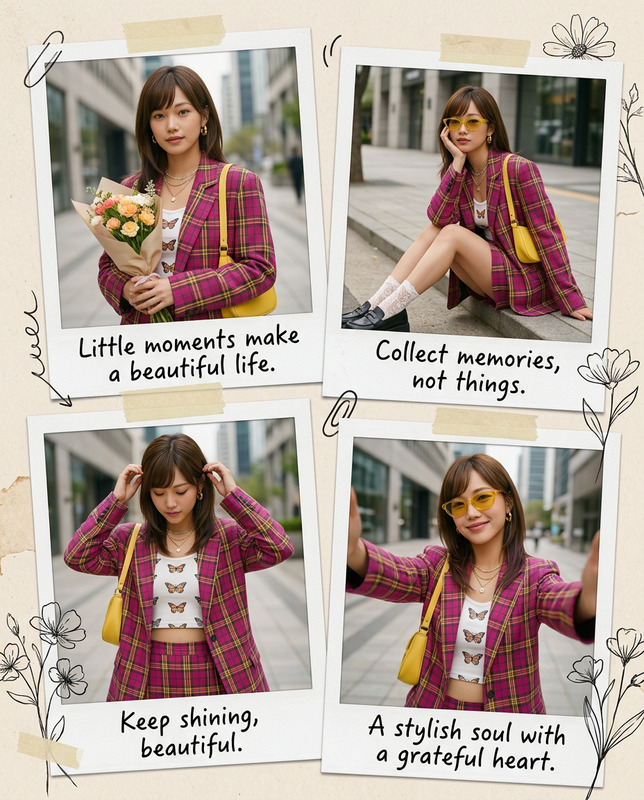
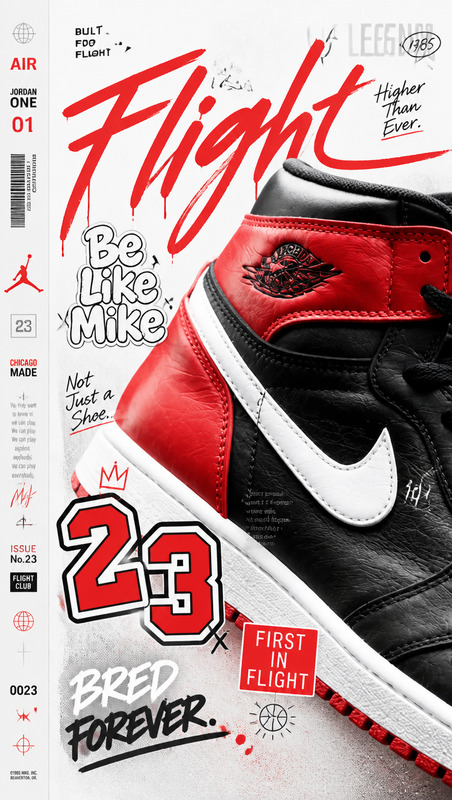
The Photo Sketch Artbook template transforms your images into a beautiful editorial spread featuring both photorealistic and ink sketch styles. Developed using the seedream-v5-pro model, this AI Image Editor template provides a creative way to breathe life into your photos by combining different artistic techniques in a single layout. With each section capturing a distinct visual essence, it is an ideal tool for artists, photographers, and creatives looking to explore multifaceted art forms.
What It Does
By utilizing the power of the AI Image Editor, this template delivers a split-page design turning your photo into both a cinematic scene and an expressive sketch. The top half of the design retains all original attributes like lighting and atmosphere for a photorealistic effect, while the bottom half reimagines the image as a hand-drawn sketch. This juxtaposition provides a compelling view into different artistic styles, seamlessly connected yet distinct on each half of the page.
Who It's For
This template is crafted for creatives such as photographers, visual artists, and graphic designers who want to push the boundaries of traditional photo editing. Perfect for those working on art books, photographic journals, or even branding projects looking to add an artistic edge. By incorporating both photorealism and sketch styles, it is also an excellent choice for educational materials and storytelling, offering a multifaceted view of the subject.
Summary
The Photo Sketch Artbook template provides a unique aesthetic experience by combining digital photography and hand-drawn sketch styles in one layout. It taps into the potential of AI to produce evocative art that is both innovative and nostalgic. Ideal for anybody looking to expand their creative toolkit with advanced editing options that blend contemporary with classic, this template expands possibilities for any project involving visual storytelling.
How To
Choose Your Template

Customize Your Project

Generate Your Artbook Page

Use Cases
Art Books and Journals
- Visual journals
- Contemporary photography books
Storytelling and Education
- Educational visual aids
- Storyboarding tools
Creative Photography Projects
- Photography exhibits
- Artist portfolios
Best Practices
Select High-Quality Images
Use high-resolution images to ensure the photorealistic section remains sharp and detailed.Balance the Layout
Ensure the sketch lines don't overpower the photorealistic image, maintaining a cohesive visual transition.Maintain Emotional Consistency
As the prompt suggests, preserving the emotional atmosphere across both styles is key to a successful output.