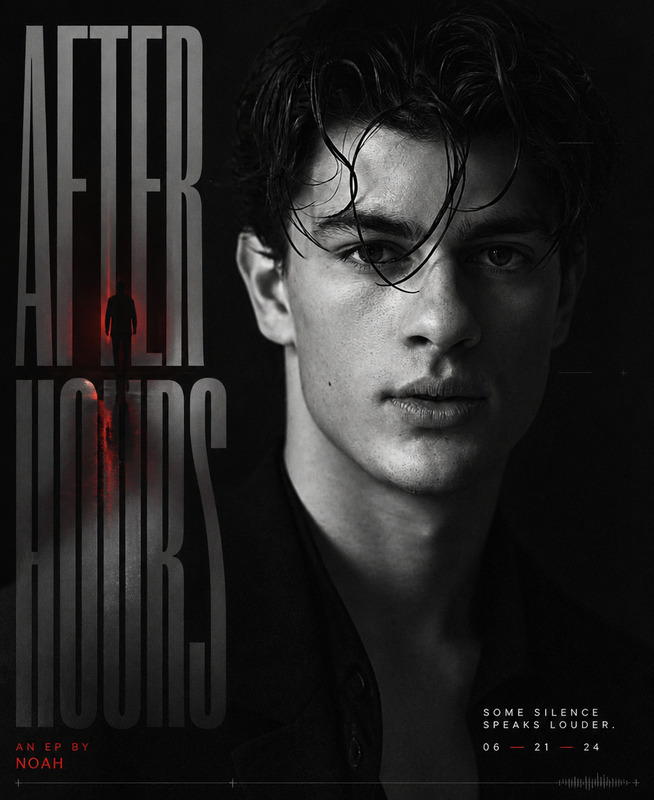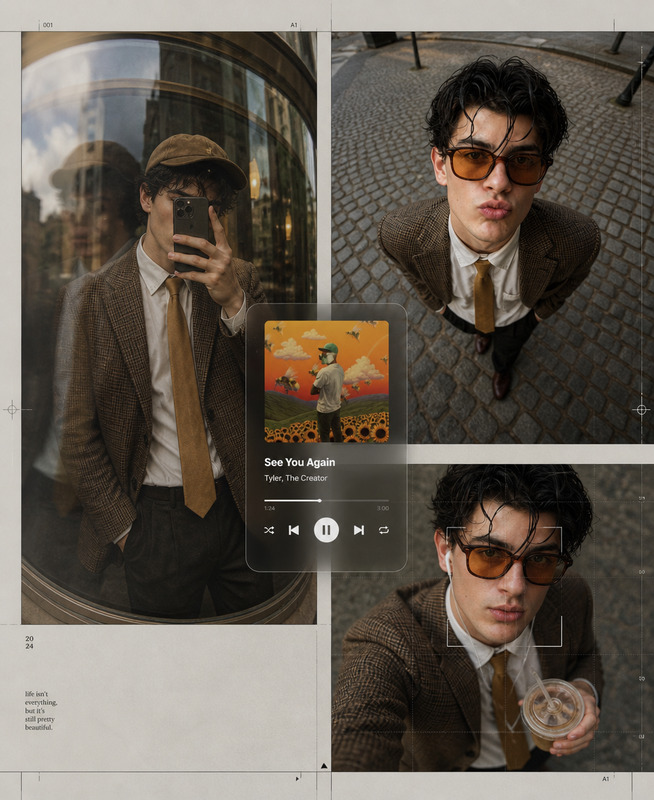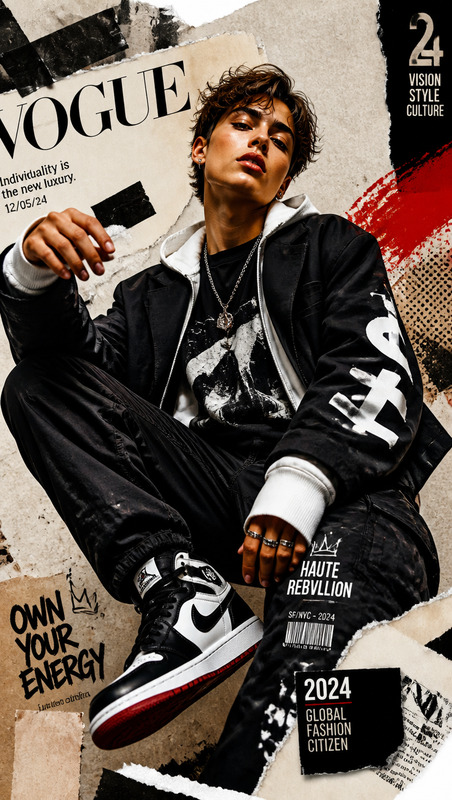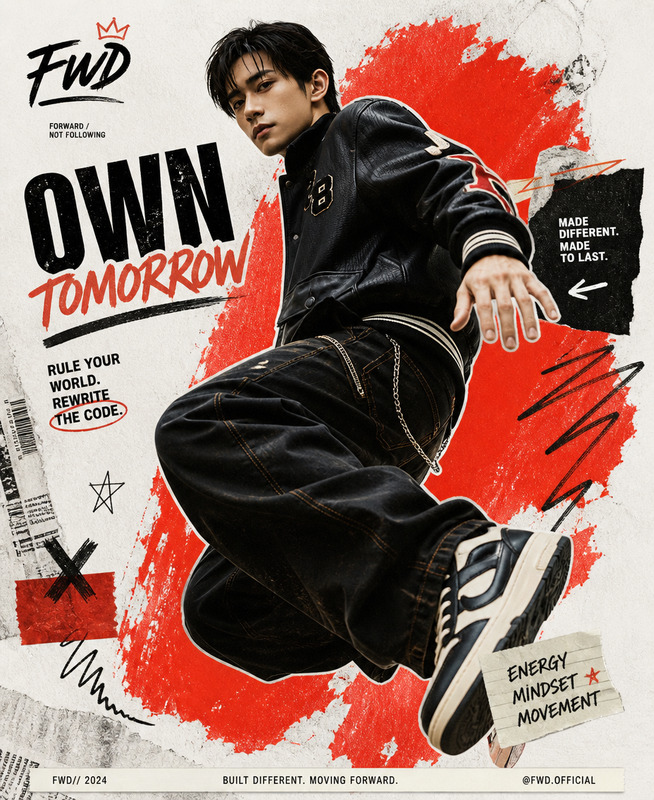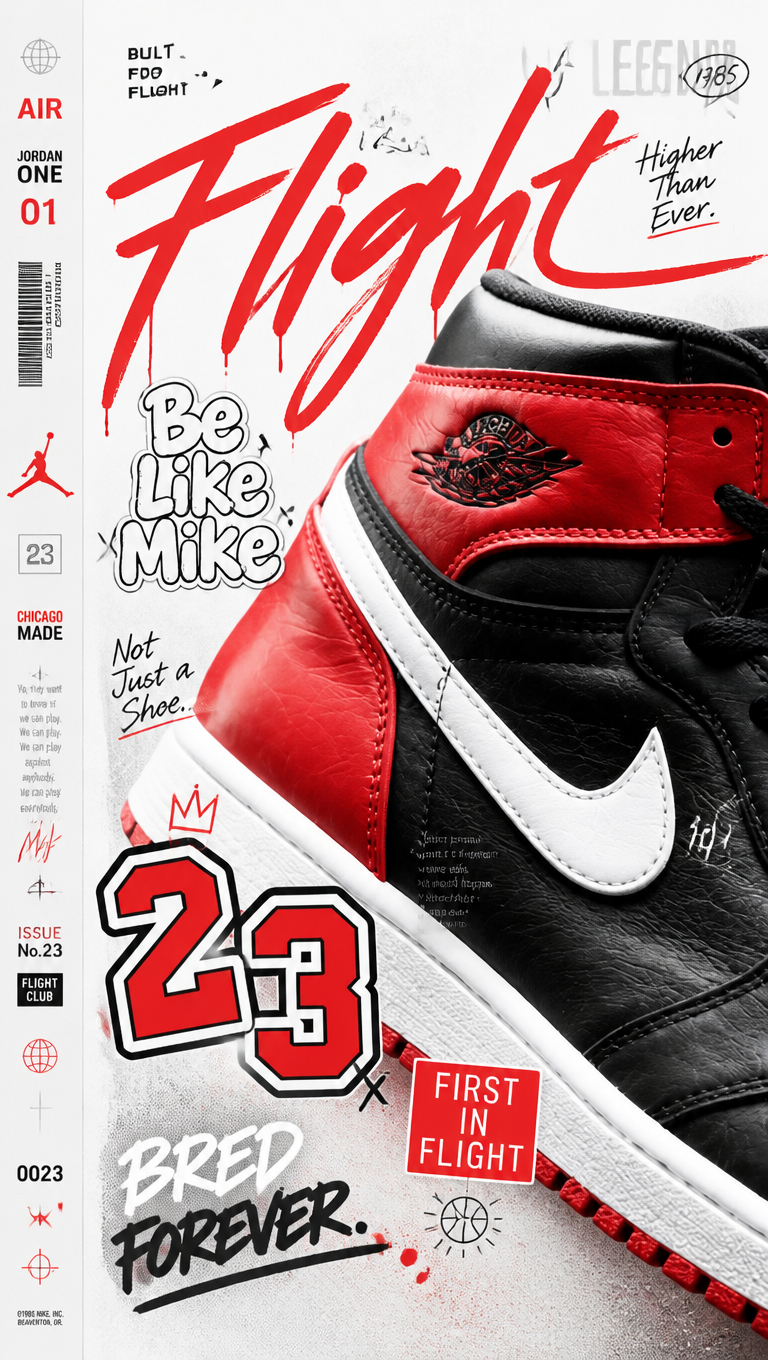
Cut & Paste — Youth Editorial Collage
- Model
- GPT Image 2
- Image
- 768 × 1360 px
Prompt
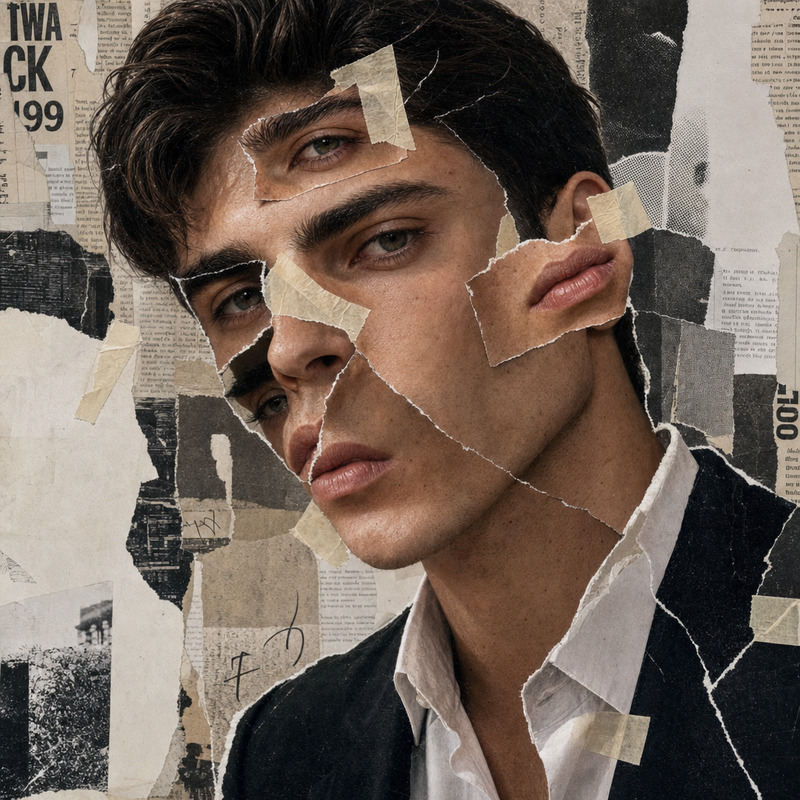
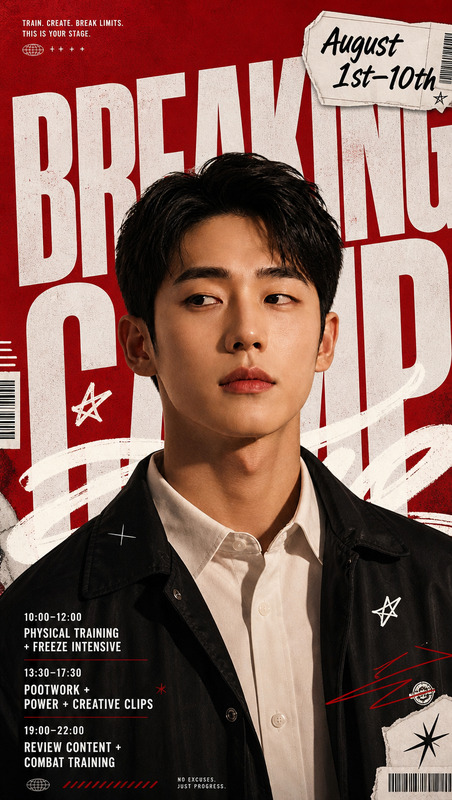
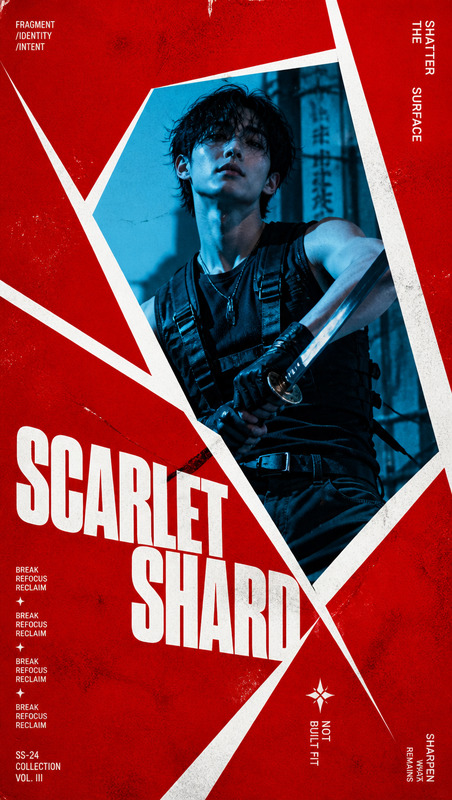
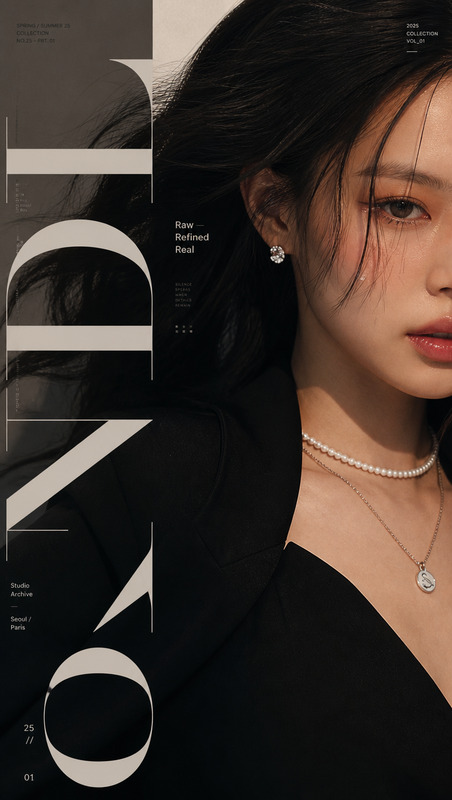
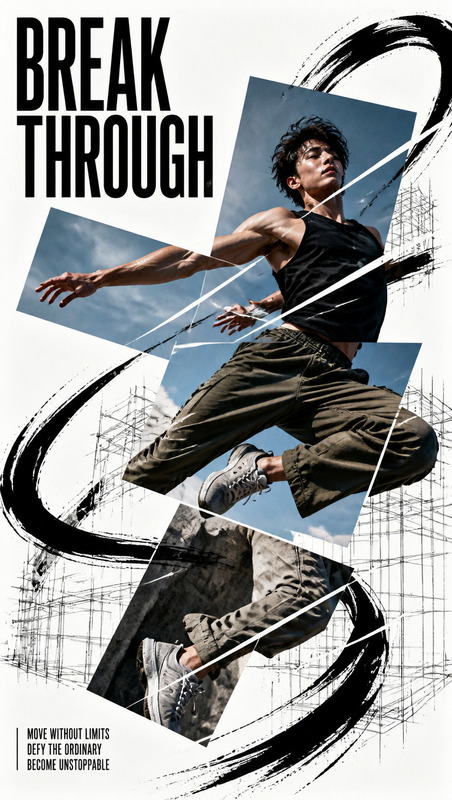
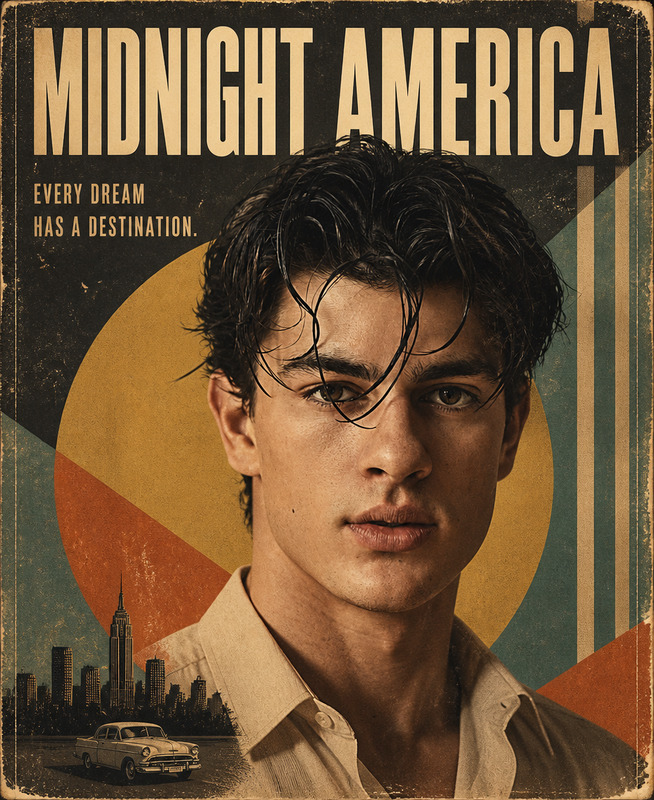
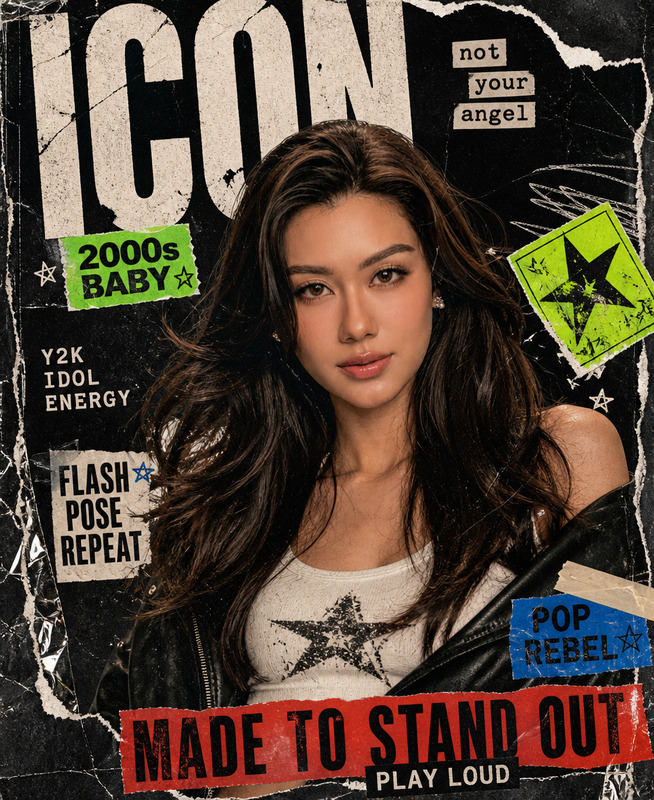
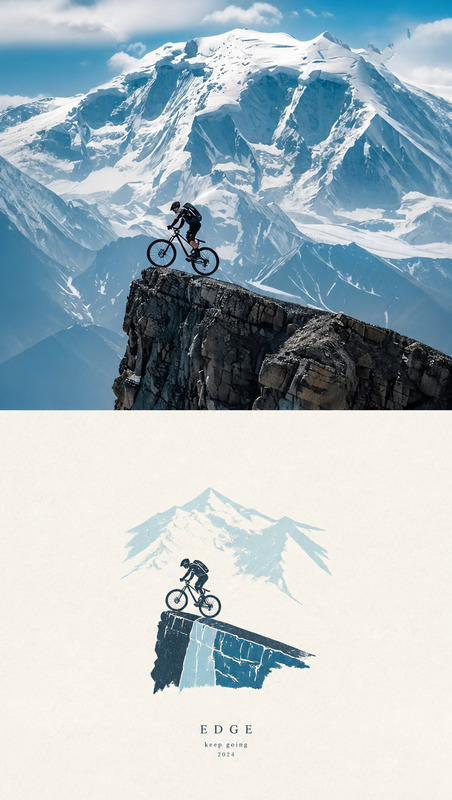
Create a bright, high-energy editorial collage centered around any chosen subject, with an extreme close-up of the subject entering from one side and occupying the dominant visual weight, revealing only its most recognizable edges, surface, silhouette, or defining details, while the opposite side remains clean, airy, and spacious with a narrow information column creating a subtle book-spine editorial structure. Layer multiple subject-derived words, symbols, stickers, handwritten signatures, graffiti numbers, miniature captions, and graphic marks across the subject and negative space as if floating on the same visual plane, with strong variation in typography scale: the primary mark should have a fast, expressive handwritten gesture, secondary text should feel rounded, loose, playful, and bubble-like, while tiny low-opacity captions disappear subtly into darker areas and surface textures to add rhythm and density without competing with the focal point. Establish a clear visual hierarchy where the first glance reads the dramatically cropped subject detail and largest handwritten mark, while the second glance discovers sticker numbers, side-column information, hidden micro-text, and layered graphic details, creating a lively blend of youth magazine collage, record-sleeve editorial design, and personal scrapbook sticker culture. Derive the color palette naturally from the subject’s material, mood, and cultural identity, keeping the background bright, clean, airy, and high-key, the subject defined by its authentic material or structural colors, typography organized through clear light-dark contrast, and only a few highly saturated accent colors reserved for handwritten marks, numbering, or small stickers. Maintain crisp boundaries, clean shadows, fresh highlights, and bright overall energy without muddy, aged, dirty, or desaturated treatment. Add subtle halftone scanning patterns, fine print grain, paper texture, sticker edges, and realistic ink imperfections while keeping the main subject sharp and highly detailed. Let imagery and typography overlap, intersect, and stack naturally, resembling spontaneous handwriting that has nevertheless been carefully art-directed, never a rigid template or conventional information poster. Premium editorial collage, youthful graphic design, tactile print aesthetic, expressive typography, dynamic cropping, playful visual rhythm, clean composition, sophisticated layering, ultra-detailed, crisp focus, polished contemporary art direction.
Any aspect ratio
Overview
The Cut & Paste — Youth Editorial Collage template offers a vibrant approach to creating high-energy editorial collages. With a focus on youth culture's dynamic aesthetic, this AI Image Editor template uses advanced AI capabilities to blend striking visuals with editorial design elements. Crafted with the gpt-image-2 model, it ensures your collages are both innovative and engaging, capturing the essence of modern youth style.
What It Does
This template allows you to create visually stunning collages with a centered subject, juxtaposed against an airy layout. You can integrate various elements like words, symbols, and graphics to create a layered, editorial look. The template supports high-quality finishing details, including halftone patterns and realistic ink imperfections, which are ideal for achieving a youth magazine or scrapbook effect. Perfect for generating unique, stylish content using AI.
Who It’s For
This template is designed for creative individuals and professionals seeking to produce editorial-style imagery. Whether you're a graphic designer, social media manager, or content creator, this is an excellent tool for developing engaging visual content with a premium youth editorial look. The final output suits brands, publications, and personal projects where youthful, high-energy visuals are key.
Summary
The Cut & Paste — Youth Editorial Collage template blends AI-powered image editing with sophisticated editorial design elements. It's ideal for creating fresh, lively collages that appeal to youth culture aesthetics. By employing this template, users can craft images that feature dynamic compositions, expressive typography, and intricate layering—all managed through a user-friendly interface.
How to Use
Choose Your Template

Customize Your Image

Generate Your Collage

Use Cases
Social Media Campaigns
- Instagram Stories
- TikTok Covers
- Facebook Ads
Print Editorials
- Magazine Collages
- Poster Designs
- Album Covers
Branding Projects
- Brand Launch Visuals
- Campaign Imagery
- Youth Fashion Lines
Best Practices
Balance Negative Space
Ensure that the clean and spacious side contrasts well with the detailed focal side for composite harmony.Utilize Layering
Integrate multiple text and graphic layers for depth, boosting editorial appeal.Color Palette Coordination
Derive your color palette from the subject to maintain a cohesive visual impact.