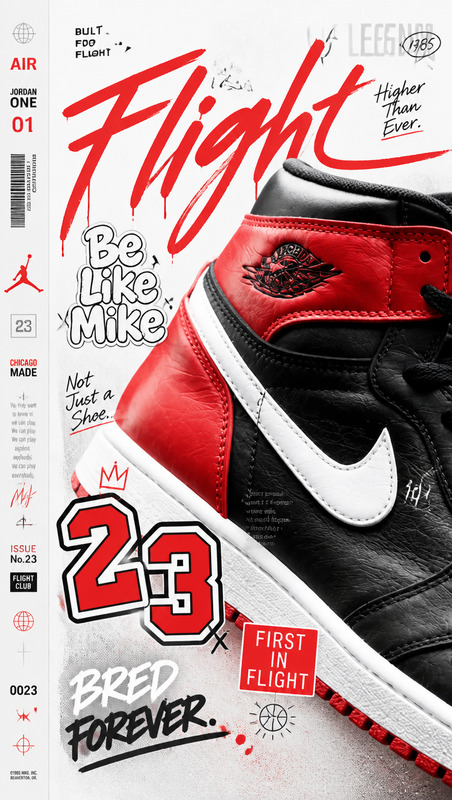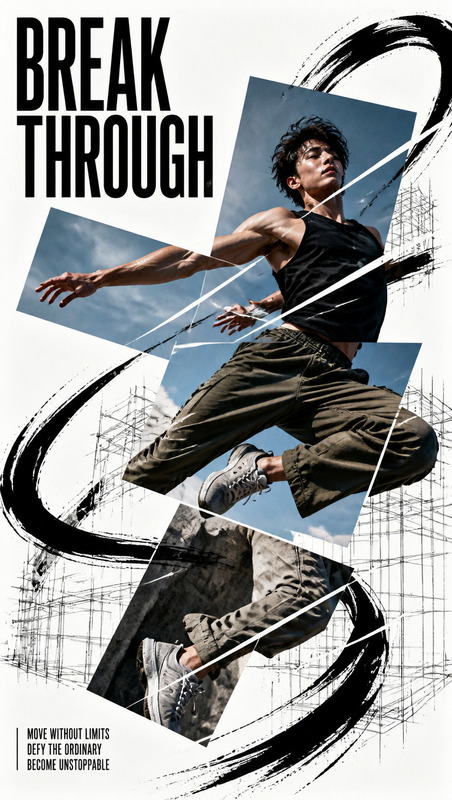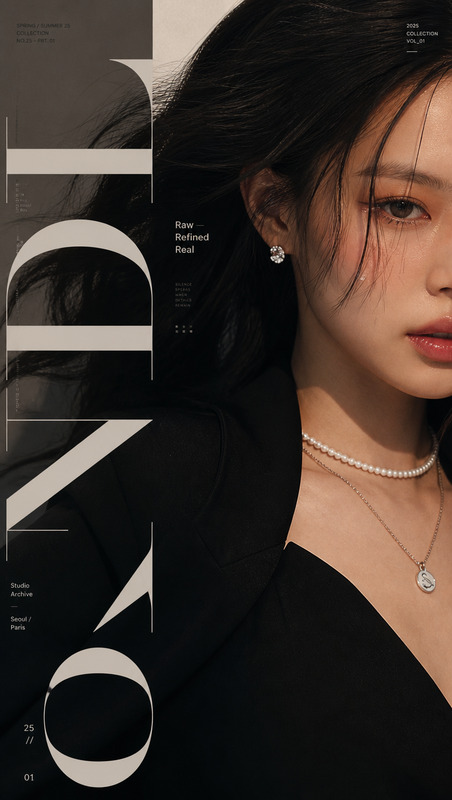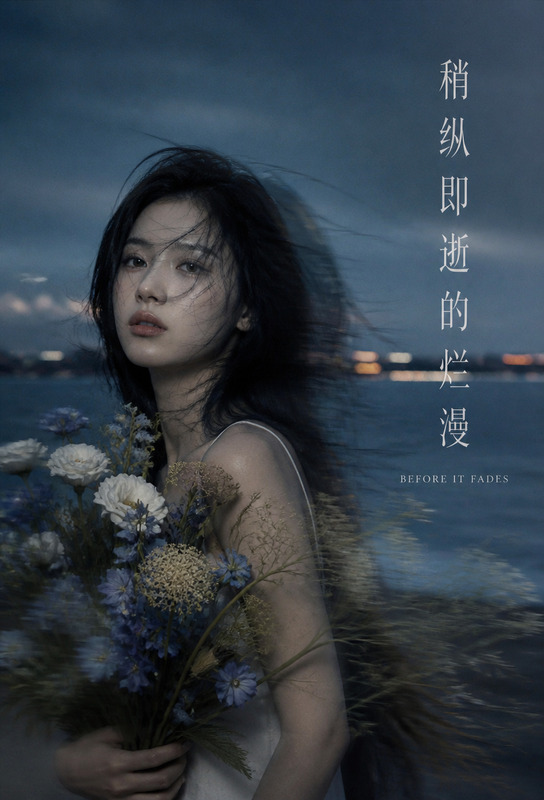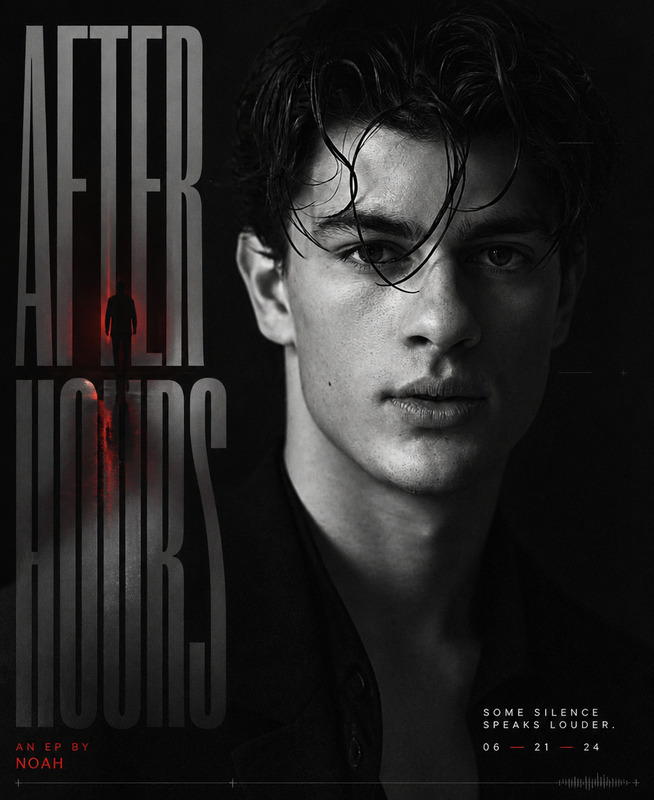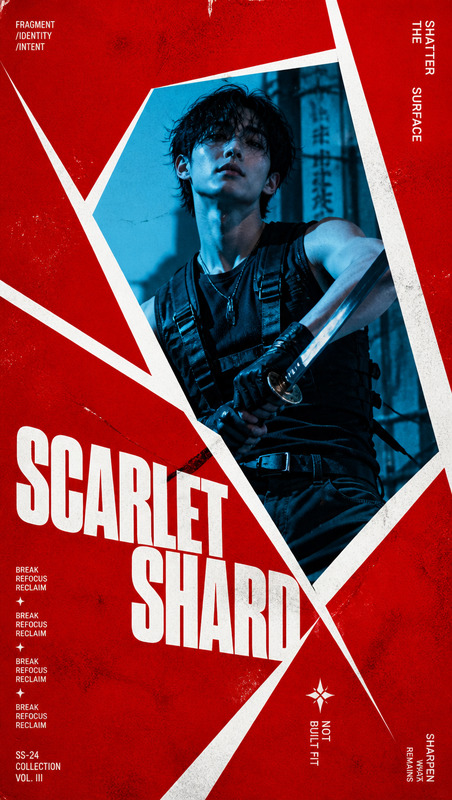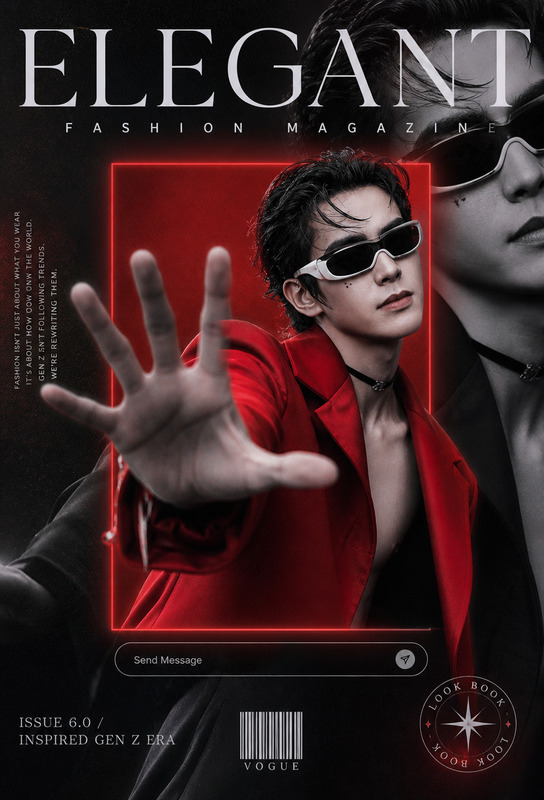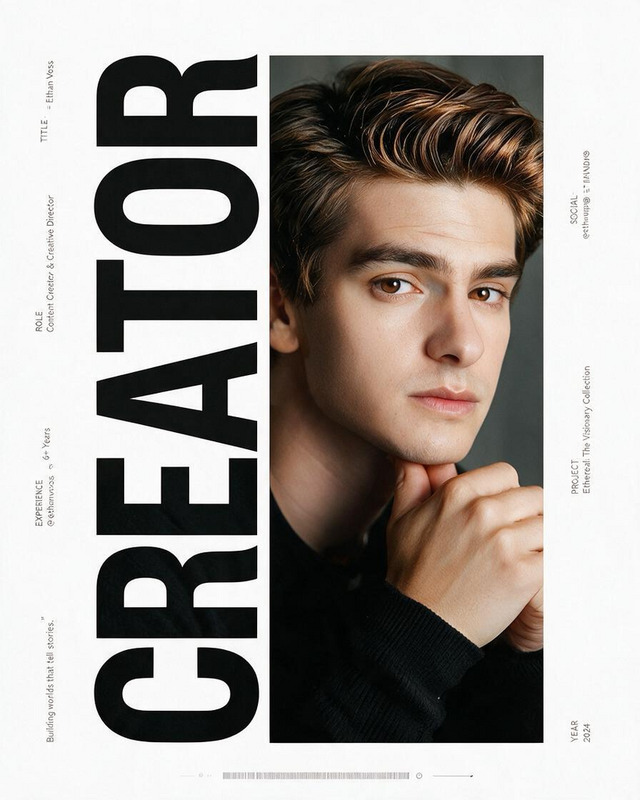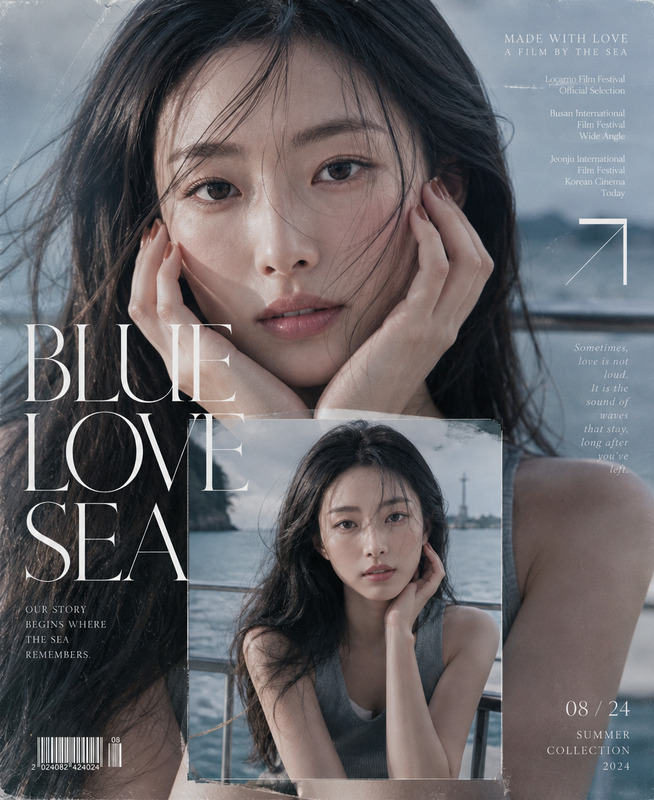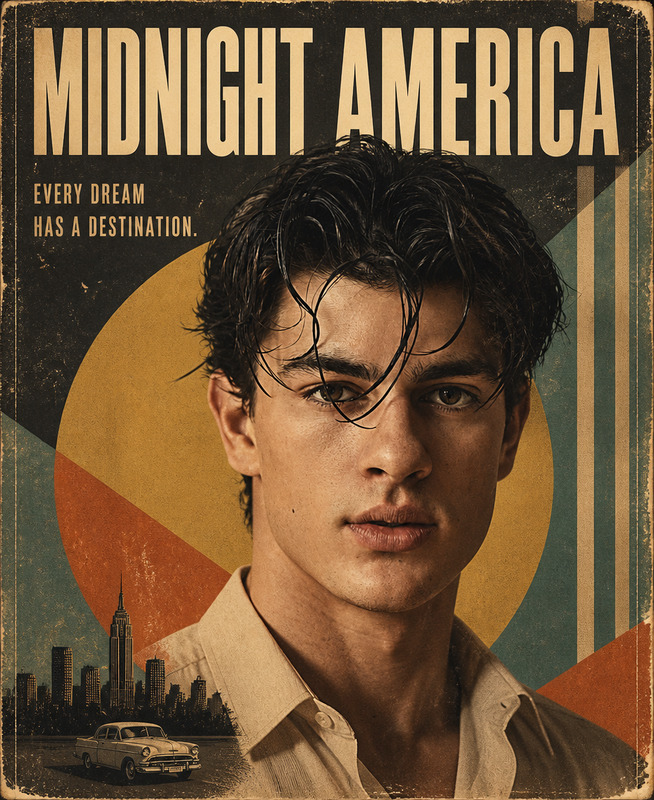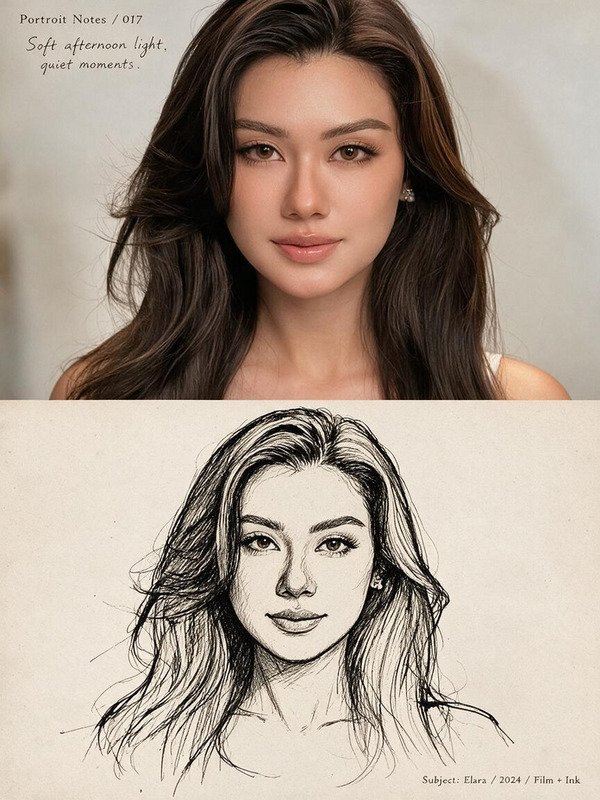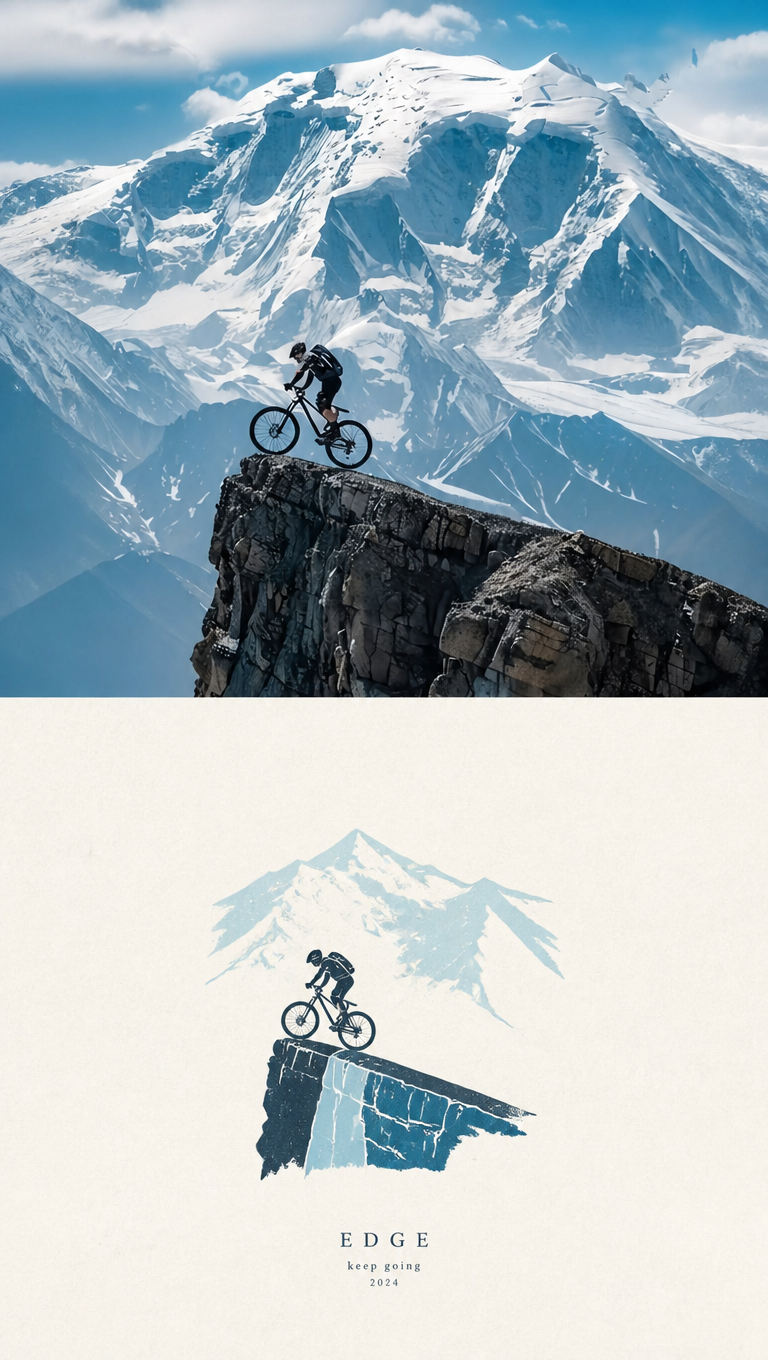
Photo to Paper Cover
- Model
- GPT Image 2
- Image
- 768 × 1360 px
Prompt
Create one independent high-end editorial poster for each uploaded photo. Process each photo separately; never combine multiple photos into a collage. Use a strict 3:4 vertical composition divided horizontally into two exactly equal 50% sections. TOP HALF — ORIGINAL PHOTO Preserve the original photograph faithfully, including subject identity, facial features, body proportions, pose, expression, clothing, objects, composition, spatial relationships, lighting, shadows, atmosphere, and color mood. Apply only subtle premium editorial color grading. Keep the image authentic and photorealistic. Seamlessly extend environmental backgrounds when needed to fit the composition. Never distort, reshape, replace, or alter the main subject. BOTTOM HALF — HAND-DRAWN PAPER ILLUSTRATION Reinterpret the most recognizable elements of the photo as a minimalist handmade paper-cover illustration. Preserve the main subject, essential silhouette, proportions, key pose, important objects, and core narrative relationship. Use delicate imperfect lines, a few bold acrylic-style flat color shapes, rough paper grain, visible brush marks, and slightly irregular organic edges. Keep the illustration small, centered, and occupying approximately 10–20% of the bottom half, surrounded by generous negative space. Use a rough white, warm off-white, or pale natural paper background. Suggest the environment with only a few lines or restrained color shapes. COLOR Extract dominant colors from the original photo and reduce them to no more than 4 sophisticated, harmonious colors. Use controlled flat color blocks while retaining subtle paper grain and handmade texture. TYPOGRAPHY Add minimal understated editorial typography only when naturally appropriate: short title, keyword, location, year, number, or phrase. Integrate it into the negative space without overcrowding the composition. ART DIRECTION Quiet, poetic, refined, minimal, innocent, relaxed, artistic, thoughtful, premium. The concept is “a small subject surrounded by a large amount of empty space.” Make it feel like an independent art publication or contemporary picture-book cover, not an advertisement. Avoid colored-pencil, crayon, watercolor bleeding, pure line art, realistic illustration, oil painting, polished digital illustration, 3D rendering, cartoon aesthetics, commercial character design, e-commerce styling, generic templates, decorative clutter, and excessive typography. The top half must feel like an authentic editorial photograph; the bottom half must feel like a small handmade visual poem derived directly from it. Maintain a strong visual connection between both halves while preserving the contrast between photographic realism and minimal handmade illustration. Prioritize recognition, restraint, negative space, material texture, subtle imperfection, and artistic storytelling.
Any aspect ratio
Overview
The "Photo to Paper Cover" template by Magic Hour uses the AI Image Editor capabilities of the gpt-image-2 model to create sophisticated editorial-style posters. It couples photorealistic imagery with hand-drawn, minimalist illustrations. This template is perfect for anyone looking to transform their photos into artistic covers suitable for publications or unique art collections.
What It Does
This template takes each uploaded photo and transforms it into a high-end editorial poster. In the top half, the original photo is subtly enhanced while preserving its authenticity. The bottom half features a minimalist hand-drawn paper illustration that abstracts key elements of the photo, creating a visual poem. Editorial typography is applied sparingly, enhancing rather than distracting from the visual storytelling.
Who It's For
This tool is crafted for creators seeking a refined, artistic touch in their visual projects. It's ideal for artists, photographers, and designers working in editorial design, contemporary publishing, or those belonging to academia. Additionally, businesses looking to convert product photos into visual stories will find this template invaluable.
Summary
With an emphasis on minimalism and poetic aesthetics, this template allows users to create striking posters that feel like archival quality pieces. It offers a blend of realism and abstraction, making it a versatile choice across Image to Video or other visual transformation projects.
How to Use
Choose Your Template

Customize Your Project

Generate Your Cover

Use Cases
Art Exhibition Programs
Custom Book Covers
Limited Edition Prints
Best Practices
Select High-Quality Images
Start with high-resolution photos to ensure the top half of your cover is clear and detailed.Maintain Visual Consistency
Choose images with strong visual narratives as the template preserves key photographic elements.Use Subtle Text Enhancements
Integrate minimal typography strategically to enhance the visual appeal without overcrowding the design.