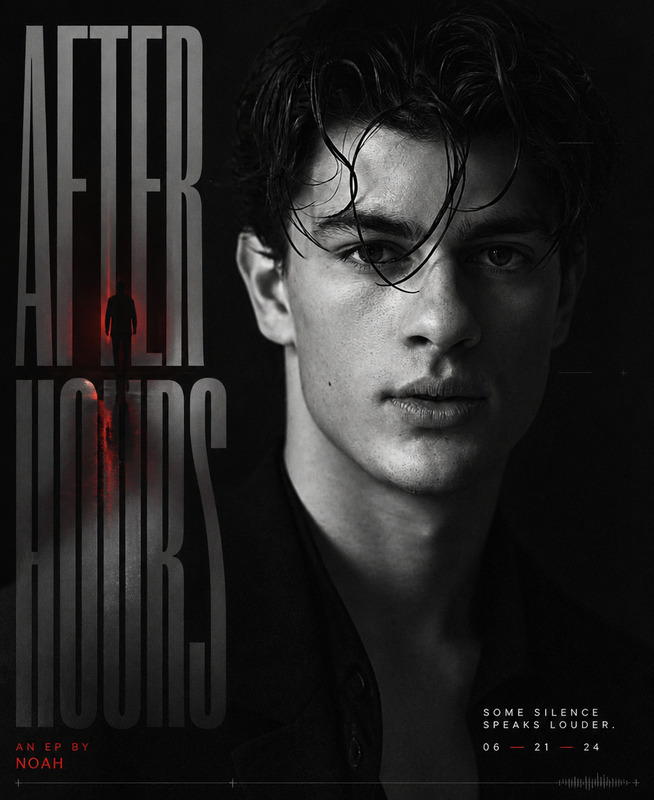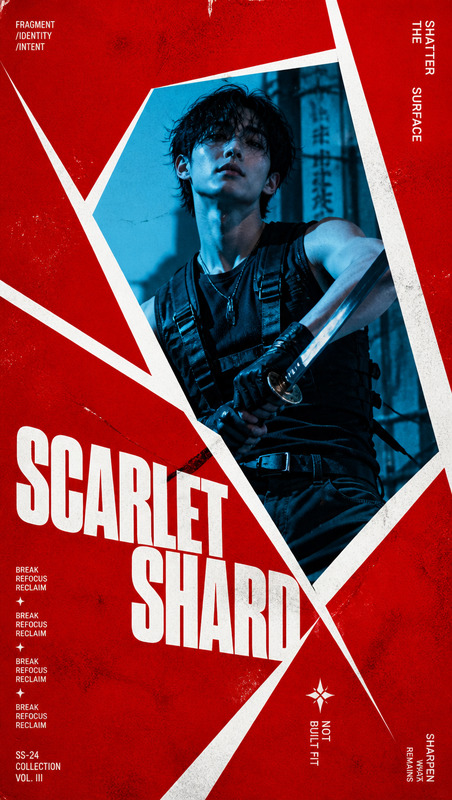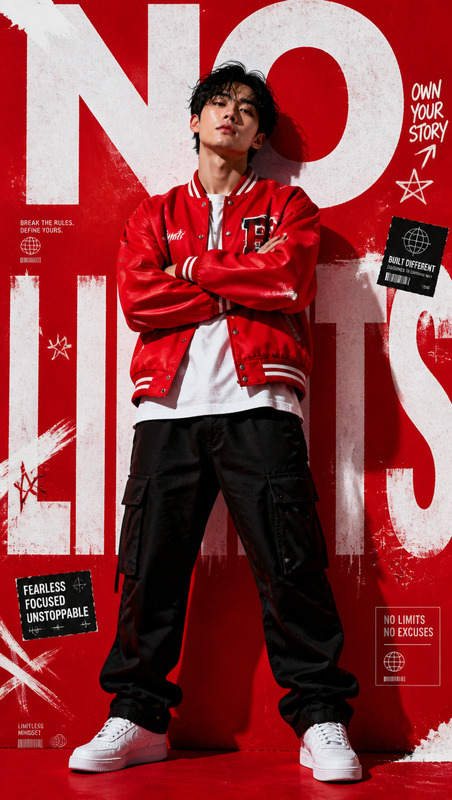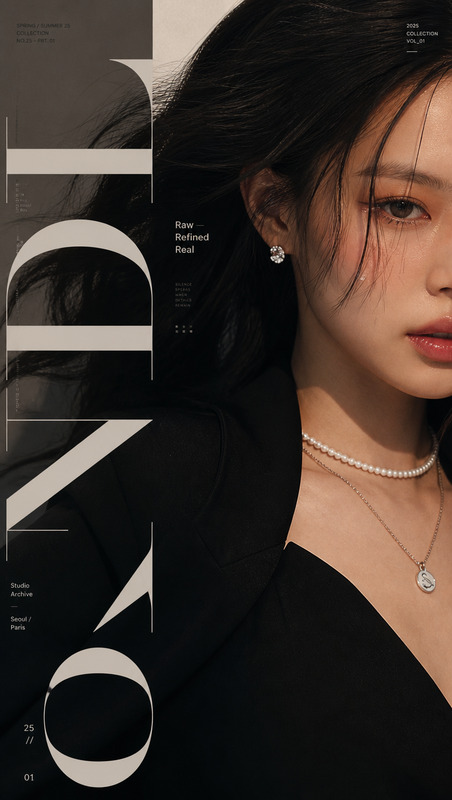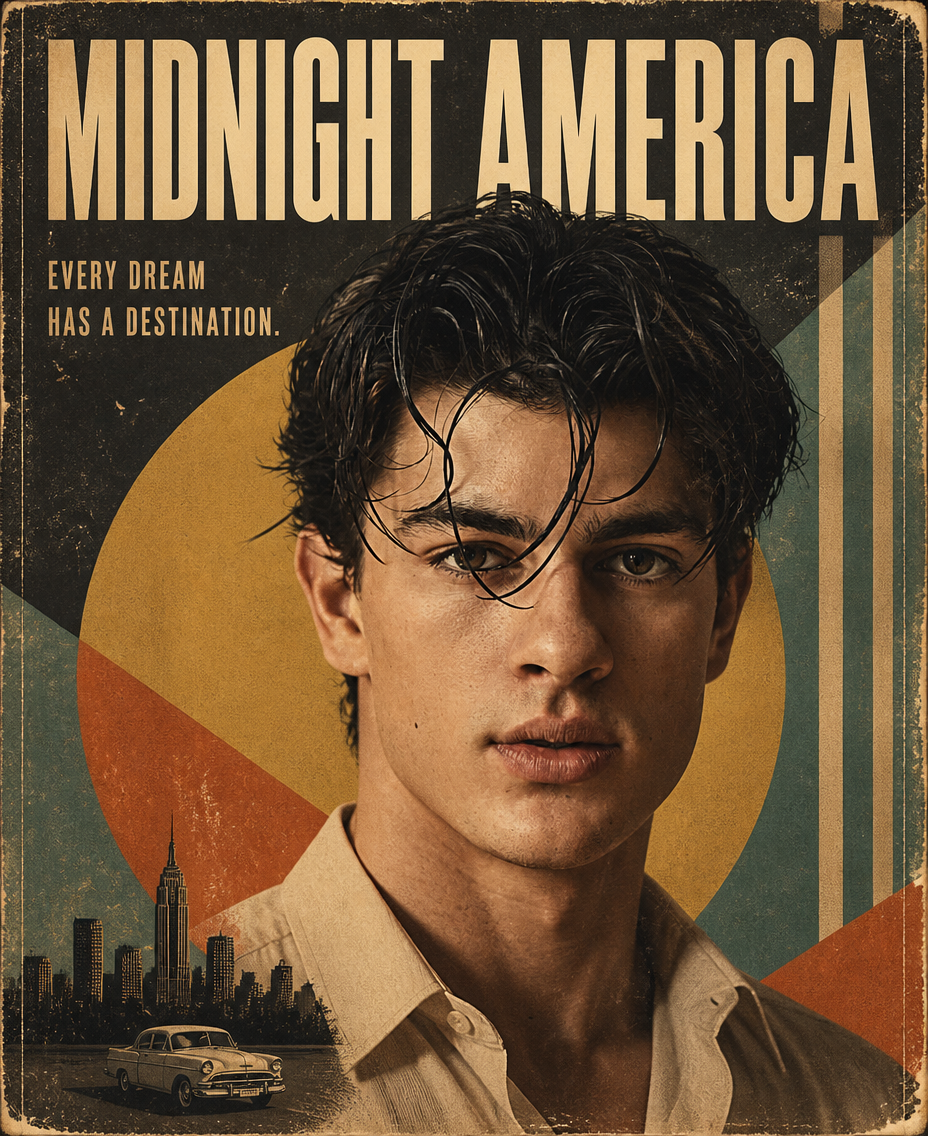
Mid-Century Icon
- Model
- GPT Image 2
- Image
- 928 × 1136 px
Prompt
Use the subject from the reference image, regardless of whether the subject is a man or woman, preserving their recognizable facial identity, natural facial proportions, distinctive hairstyle, body proportions, and overall likeness; create a premium 1950s–1960s vintage editorial movie-poster portrait in a vertical 2:3 composition, with the subject occupying approximately 70% of the frame in a confident, iconic, naturally expressive pose; combine realistic photographic facial and skin detail with an authentic mid-century modern graphic-design aesthetic inspired by classic cinema and travel posters, using bold geometric circles, triangles, diagonal blocks and vertical stripes arranged around the subject without obscuring their key features; build the background from a restrained palette of muted mustard yellow, burnt orange, faded teal, olive green, charcoal black, cream and beige, with a subtle landmark, skyline, environmental element or thematic scenery related to the subject placed toward the lower portion of the composition; apply warm sepia-influenced grading, faded ink colors, subtle halftone dots, distressed paper fibers, worn edges, fine scratches, analog film grain, registration imperfections, uneven ink density and authentic aged-print texture while keeping the subject convincingly photographic rather than turning them into a cartoon; use cinematic yet soft lighting with realistic facial shadows, natural skin texture and strong but controlled contrast; create a clean, balanced and highly professional magazine-cover layout with generous negative space, a large bold uppercase condensed sans-serif title reading “[Title]” at the top and a smaller slogan reading “[Tagline]” beneath it, ensuring typography feels integrated into the period graphic design rather than like a modern digital overlay; maintain a symmetrical, carefully structured composition with the geometric elements supporting the central figure instead of competing with them, combining premium editorial photography, classic advertising, collectible vintage poster design and museum-quality mid-century print aesthetics; emphasize authentic physical-print imperfections, timeless sophistication, luxurious editorial character, crisp subject detail and believable photographic integration, while avoiding modern glossy advertising, excessive digital sharpness, neon colors, clutter, random typography, contemporary UI elements, watermarks, logos, plastic skin, distorted anatomy, exaggerated poses, cartoon rendering, or overly clean computer-generated surfaces.
Any aspect ratio
Overview
The "Mid-Century Icon" template in our AI Image Editor suite harnesses the capabilities of the gpt-image-2 model to craft stunning, vintage-inspired portraits. Capture the elegance of the 1950s–1960s with your presentation, utilizing our advanced editing tools to maintain authentic facial details and mid-century modern aesthetics. This approach guarantees a polished outcome blending classic art with modern technology.
What It Does
This template transforms any reference image into a mid-century masterpiece featuring the essence of iconic movie posters. It emphasizes realistic photographic detail merged with vintage graphic design components like bold geometric shapes set in a sophisticated color palette. The result is a seamless blend of period aesthetics and detailed photography.
Who It's For
This tool is perfect for designers, marketers, and enthusiasts of classic cinema or vintage aesthetics looking to create standout portraits. Whether you're producing content for e-commerce ads or building a captivating editorial piece, this template is your go-to choice for sophisticated and striking visual content.
Summary
Incorporating this template into your projects brings the charm of vintage movie posters into modern digital galleries. Design timeless and luxurious portraits that captivate any audience. For those interested in expanding their digital creativity toolkit, our AI Product Photography and AI Profile Picture Generator offer complementary photo-editing functionalities.
How to Use
Choose a Template

Customize Your Portrait

Generate Your Final Image

Use Cases
Editorial Magazine Covers
- Retro design enhances thematic depth
- Perfect for special edition releases
Cinematic Poster Design
- Authentic period visuals
- Strong iconic appeal
Vintage Advertising
- Distinctive aesthetic attracts attention
- Complements luxury brand imaging
Best Practices
Choose the Right Reference Image
Ensure your reference image has clear facial features and good lighting to maintain accurate likeness and detail.Balance Design Elements
Keep geometric elements as background features to prevent overwhelming the central portrait.Optimize Lighting Conditions
Use images with natural lighting to complement the warm sepia tones and enhance the vintage effect.