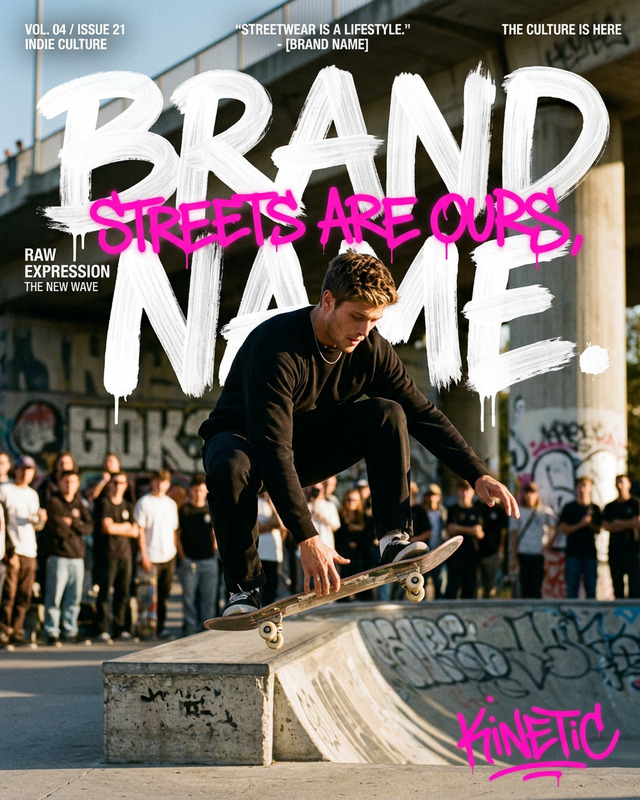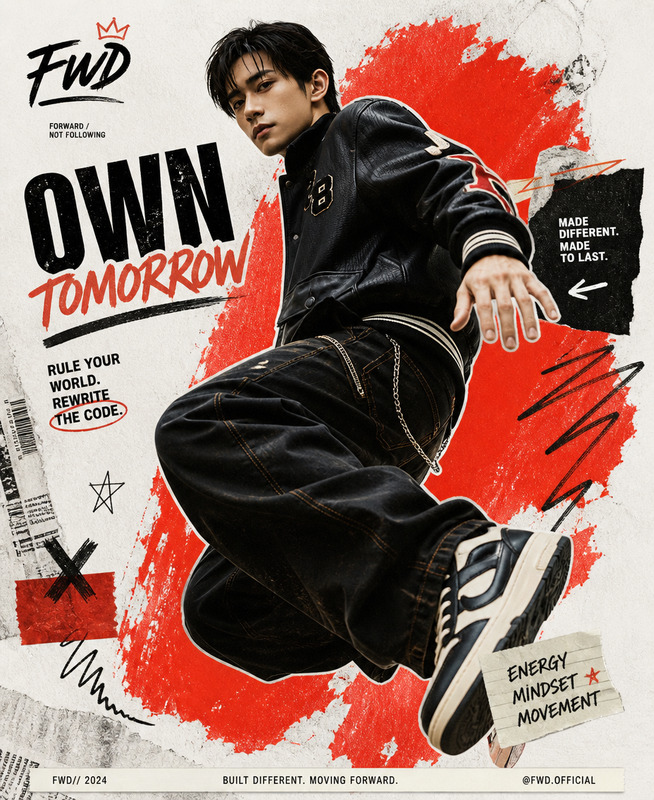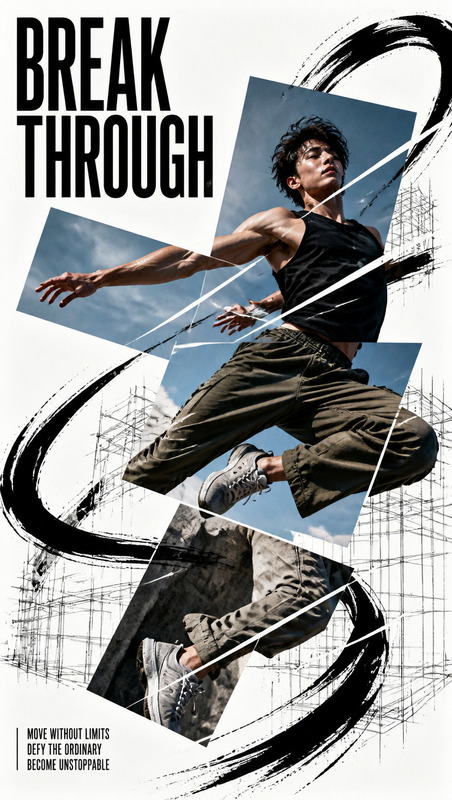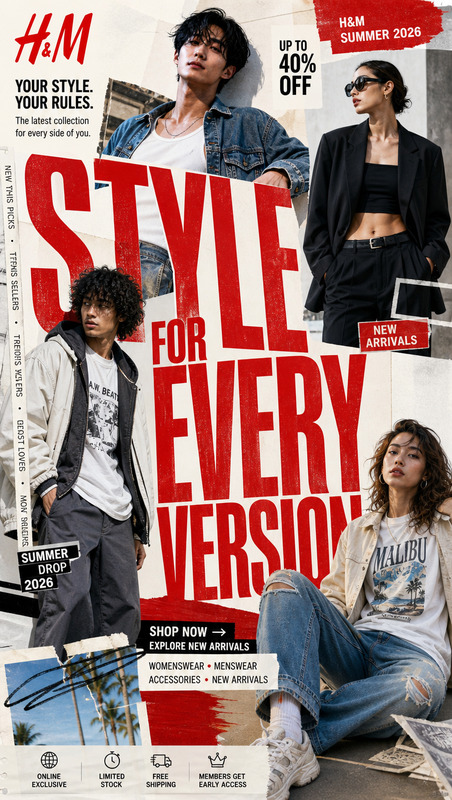
VERTICAL IDENTITY — Japanese Editorial Poster
- Model
- Seedream 5 Pro
- Image
- 819 × 1024 px
Prompt
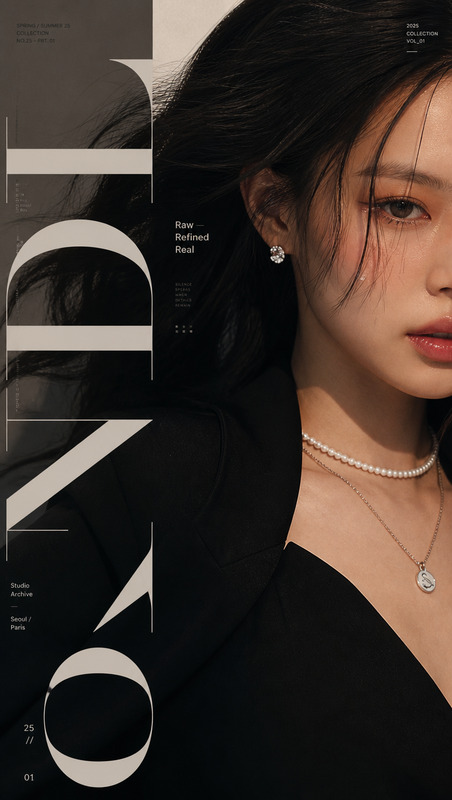
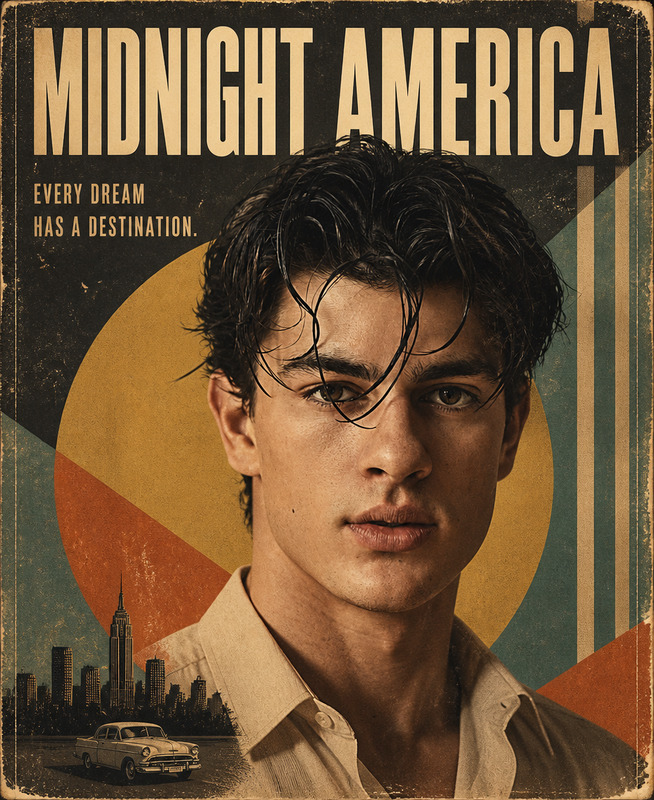
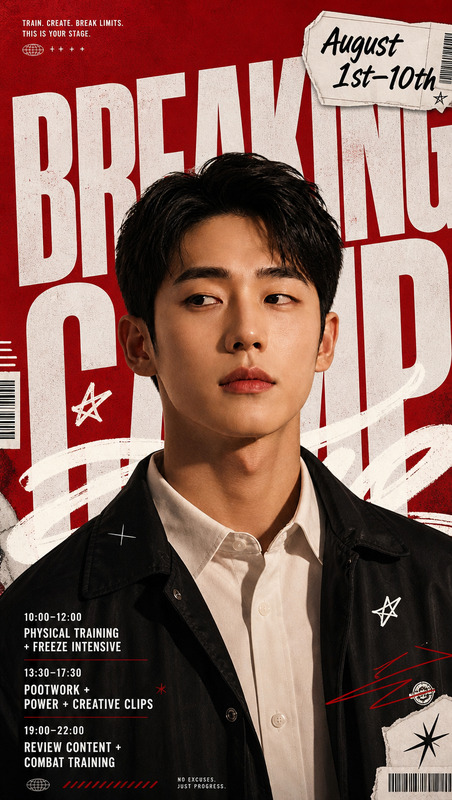
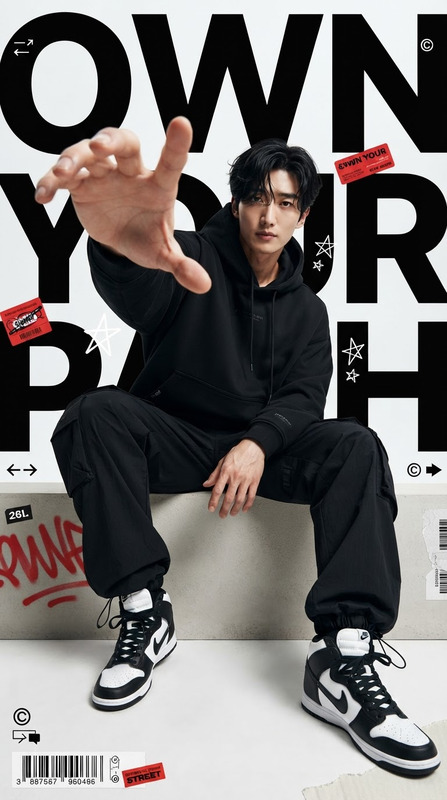
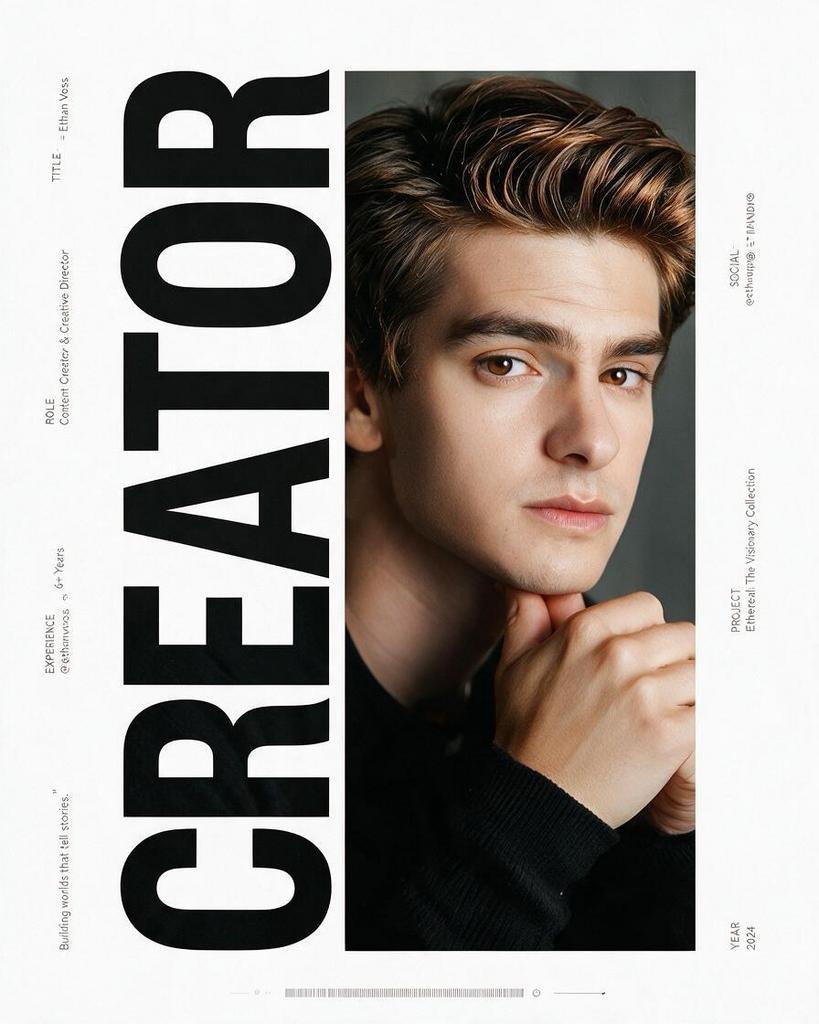
Create one photorealistic 4:5 vertical editorial advertising poster by building the composition sequentially from STEP 1 through STEP 6, with each step layered precisely on top of the previous step. Use the first attached image as a screenshot of the subject's social media profile and the second attached image as a portrait, icon, or visual reference of the subject. STEP 1 — HEADLINE WORD: Read the profile title, bio, occupation, interests, and genre from the screenshot and select exactly one English word that best represents the subject, such as DESIGN for a design-oriented profile; do not use the person's name as this headline word. This single word becomes the main visual element of the poster. STEP 2 — GIANT ROTATED TYPOGRAPHY: Place the selected single word on a completely white background and rotate the entire word 90 degrees counterclockwise so that it lies horizontally on its side. Make the typography extremely large, beginning from the left edge and extending vertically across nearly the full height of the 4:5 canvas. Keep the word intact, bold, clean, and highly legible despite the rotation. STEP 3 — TYPOGRAPHY + RECTANGLE CLIPPING MASK: Do not use the portrait yet. Add a rectangular block with exactly the same vertical height as the giant rotated word, overlapping its outer edge and extending the rectangle's width all the way toward the opposite edge of the canvas. Do not resize or alter the giant typography; only extend the rectangular block horizontally. Combine the giant rotated word and the rectangle into one unified clipping-mask shape. STEP 4 — PORTRAIT CLIPPING: Take the attached portrait or character reference and transform it into a photorealistic editorial representation of the subject. Do not directly copy or reproduce the exact face; instead, preserve the recognizable overall visual identity, hairstyle, hair color, glasses or accessories, clothing character, expression, styling, and general atmosphere from the reference. Enlarge and crop the resulting portrait so the subject's face fills the frame dramatically. Place the image across the entire canvas and clip it precisely inside the STEP 3 mask, so the photograph appears only within the combined typography-and-rectangle shape as one continuous, uninterrupted image. The subject should be presented as a gender-neutral young adult subject without assuming or emphasizing a specific gender. STEP 5 — SECONDARY INFORMATION: Create clean white areas on both sides of the STEP 4 composition for supporting information extracted from the screenshot. Translate the relevant profile information into concise English and arrange it as refined editorial typography. Rotate all secondary text 90 degrees so it also runs vertically along the composition rather than horizontally. On the left, include TITLE = subject name, ROLE, EXPERIENCE, SOCIAL, and one short quotation or editorial lead. On the right, include @handle, campaign or project title, and year. Keep the information sparse, balanced, highly legible, and intentionally spaced; avoid overcrowding. STEP 6 — FINAL GRAPHIC DETAILS: Add a thin horizontal barcode-inspired graphic near the bottom of the poster, accompanied by only minimal dots, lines, registration marks, or subtle geometric details where necessary to balance the negative space. The final result must feel like a professionally art-directed fashion, culture, or creative-industry advertising campaign rather than a generic social media graphic. Across every step, treat the attached portrait or icon strictly as a source of visual inspiration rather than a direct face-copying reference. Preserve the subject's overall visual character, hairstyle, hair color, eyewear, accessories, styling, expression, and atmosphere while creating a natural photorealistic human representation. If the reference is an illustration or character icon, reinterpret its distinctive colors, hairstyle, eyewear, accessories, and mood into a believable real-world photographic subject. Avoid an artificial AI-generated appearance; use realistic skin texture, natural hair strands, believable anatomy, authentic posture, natural facial expression, and realistic clothing materials. Use bright, high-key, airy lighting with a clean sense of openness; avoid dark interiors, muddy gray tones, or underexposure. Derive the primary color palette from the screenshot but redesign it for premium advertising, using exactly one strong accent color as the visual focal point. Avoid generic business attire and instead create distinctive fashion styling that reflects the subject's personality and visual world. Maintain a precise 4:5 aspect ratio, high resolution, premium fashion-editorial photography quality, sophisticated Japanese graphic design, strong negative space, disciplined typography, visual hierarchy, and polished commercial art direction. No watermark, no random text, no extra logos, no unnecessary decorative elements.
Any aspect ratio
Overview
The VERTICAL IDENTITY — Japanese Editorial Poster template is designed for crafting photorealistic advertising posters with a distinct editorial flair. Using the AI Image Editor capabilities, this template helps you layer elements to create a compelling and visually arresting composition.
What It Does
This template guides you through creating a 4:5 vertical editorial poster by integrating a series of precise, sequential steps. It starts with selecting a key word from a social media profile, moving through various design layers, including typography, a clipping mask, and a photorealistic portrait, before refining the overall composition with graphic details. The final output is a high-resolution, fashion-oriented design that reflects professional art direction.
Who It's For
Ideal for graphic designers, advertisers, and creators working in fashion or creative industries, this template leverages advanced features of the AI Image Editor to produce market-ready advertising materials. It's particularly useful for professionals aiming to transform digital images into compelling visual narratives without compromising on quality.
Summary
With a focus on synthesis of style and substance, this template turns raw visual ideas into polished editorial posters. By following the outlined steps and applying the Video Face Swap tools for inspiration, users can achieve sophisticated designs that convey the intended message and brand personality effectively.
How To
Choose the Template

Customize Inputs

Generate the Poster

Use Cases
Fashion Editorials
Creative Advertising
Social Media Campaigns
Best Practices
Focus on Typography
Ensure that the giant rotated typography remains bold and legible throughout the design.Balancing Elements
Use the clipping mask effectively to integrate portrait elements seamlessly with typography.Maintain Quality
Ensure high resolution is maintained to reflect professional photography standards, suitable for high-quality AI Video Extender inputs.