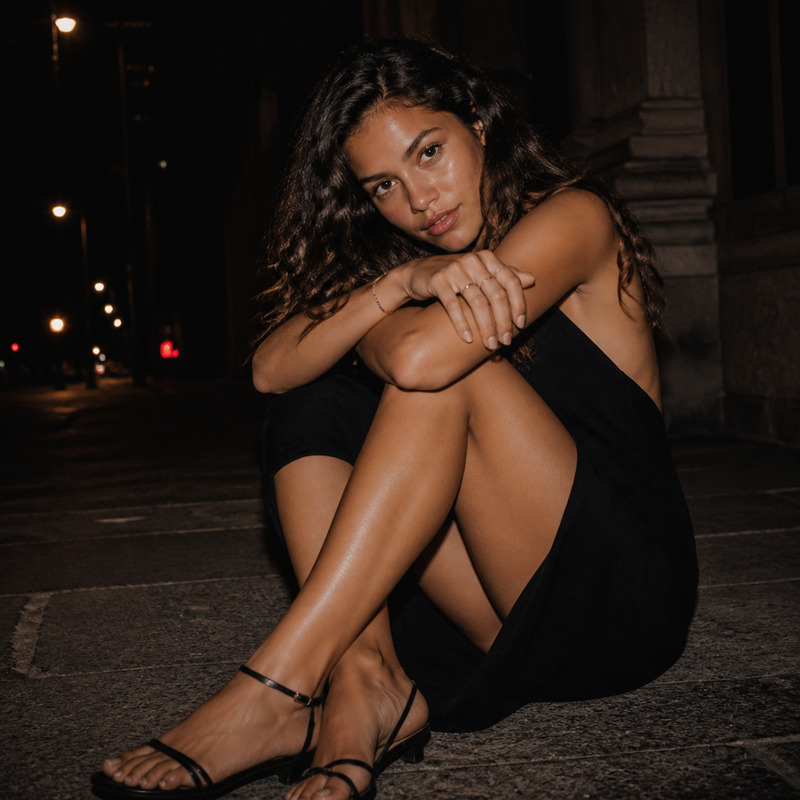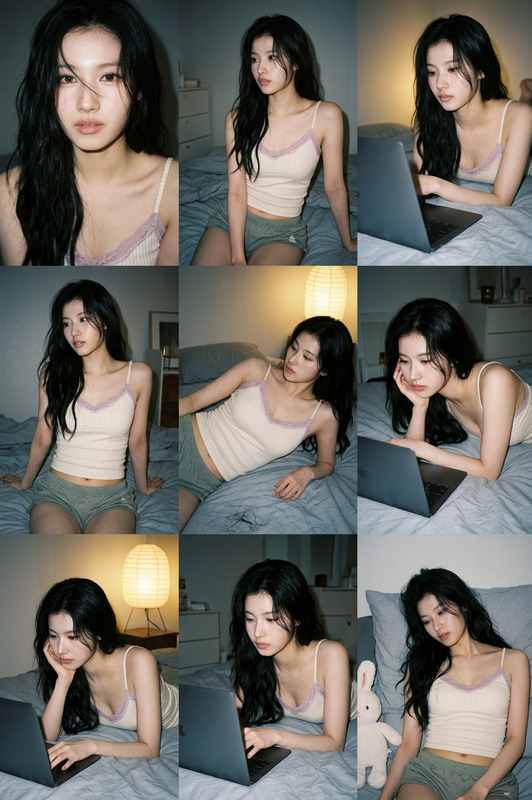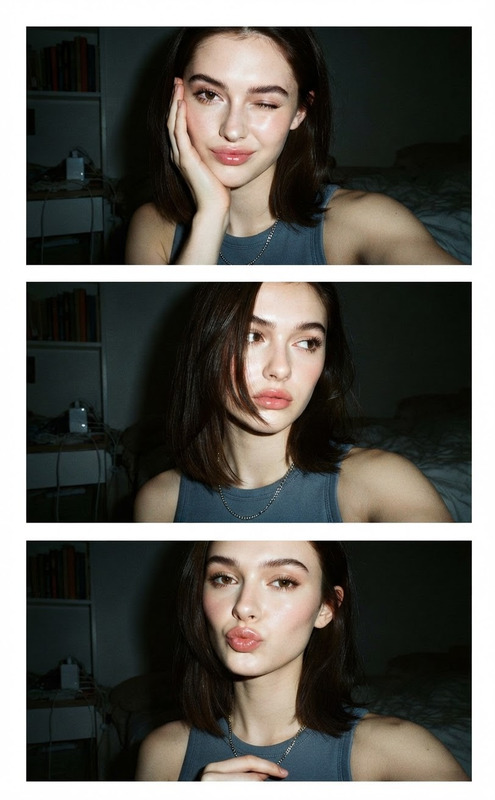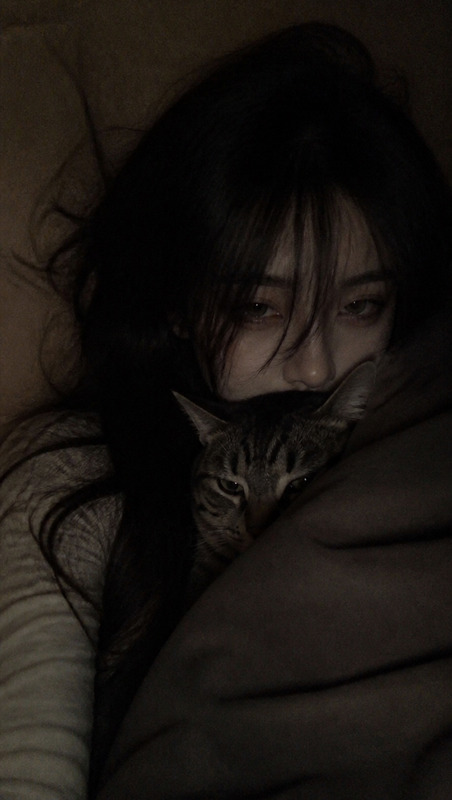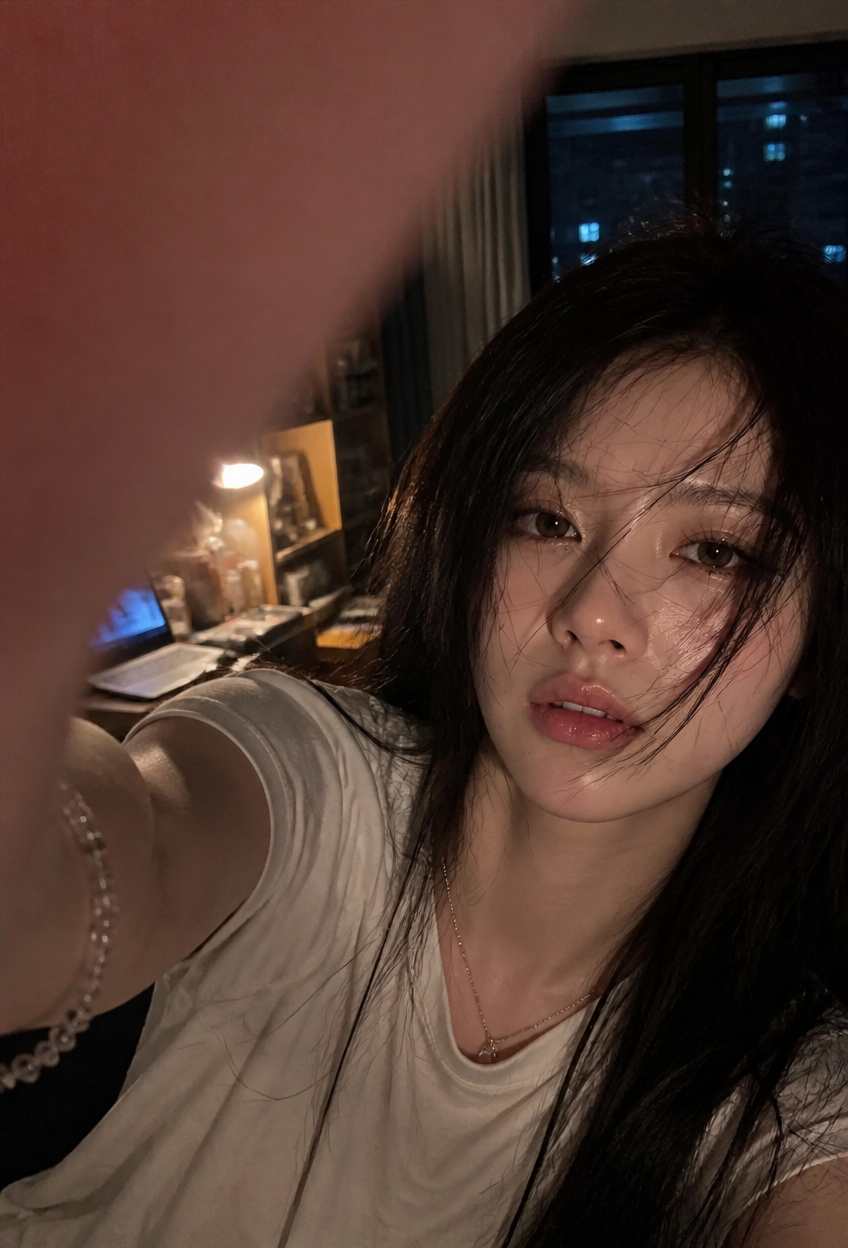
Late-Night Room Selfie
- Model
- GPT Image 2
- Image
- 848 × 1248 px
Prompt
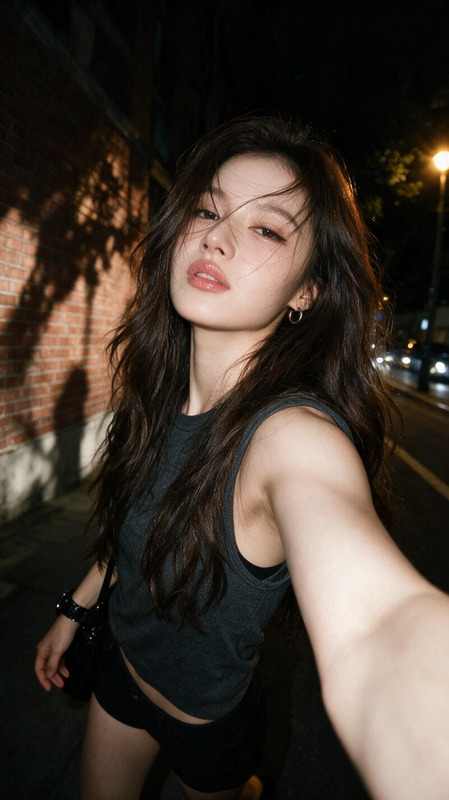
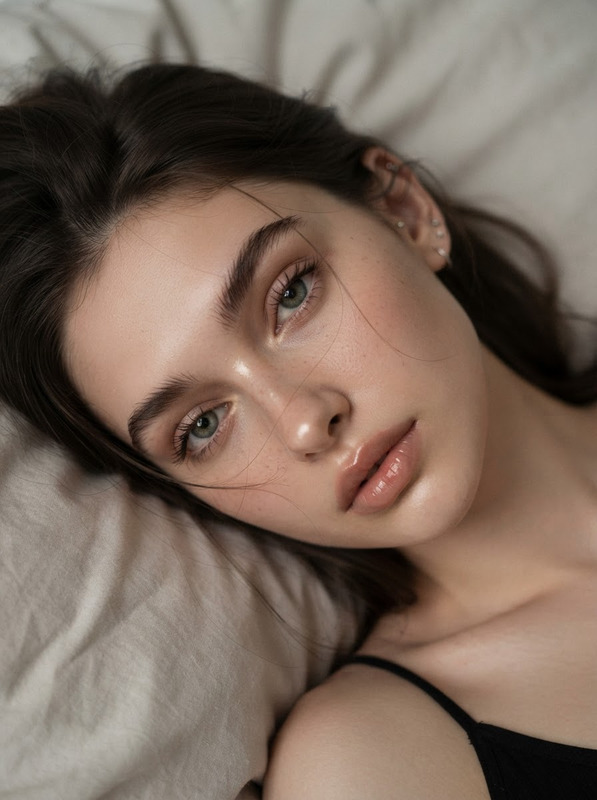
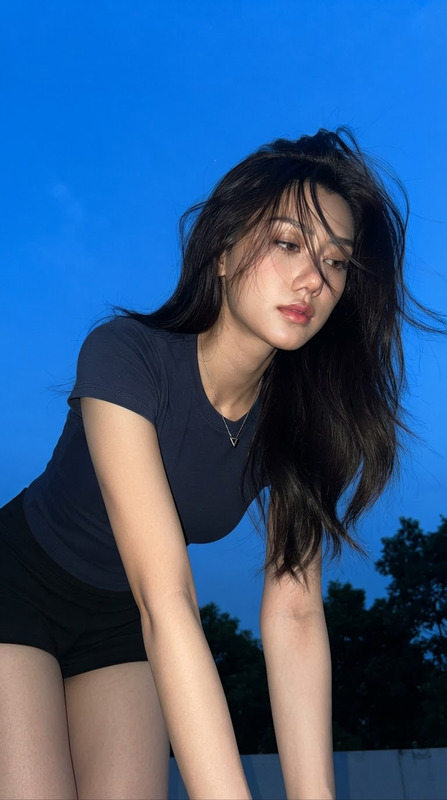
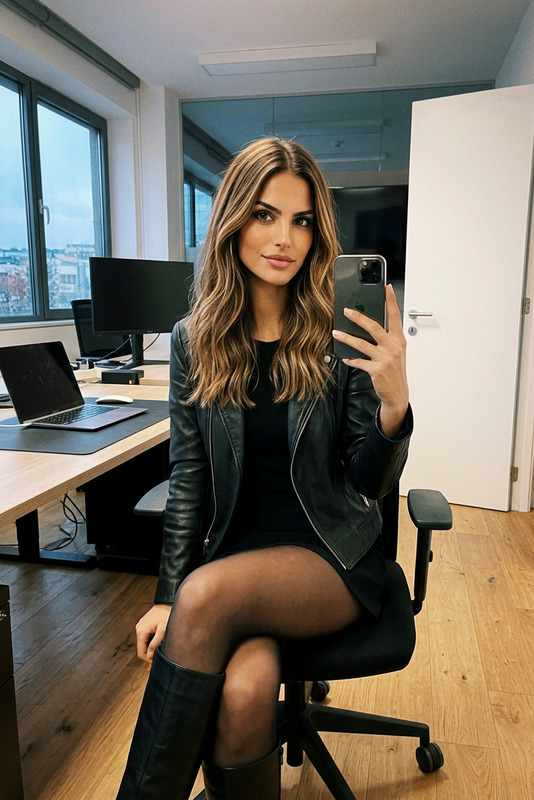
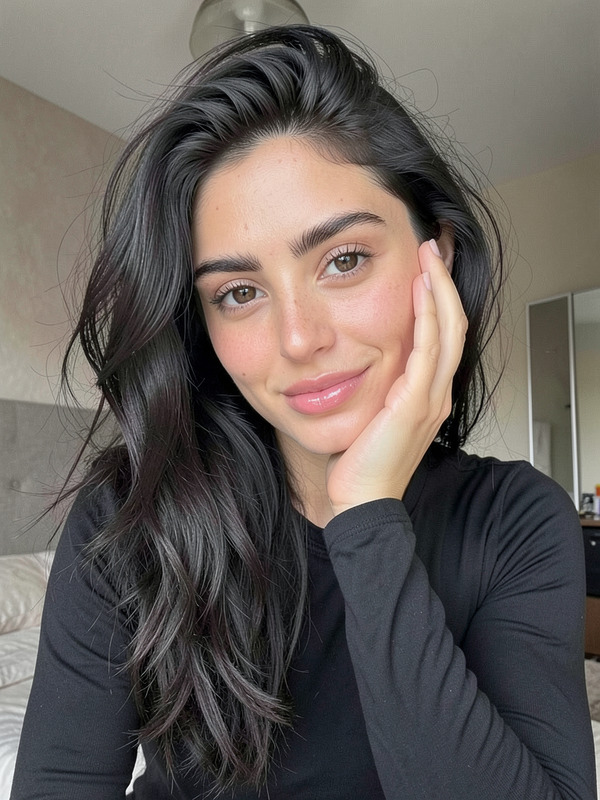
Realistic late-night smartphone selfie of the subject in a close high-angle composition, with the face positioned on the right side of the frame while one arm reaches toward the camera and a blurred finger or palm naturally obstructs the upper-left corner. The subject appears as an adult with a small face, soft jawline, natural nose bridge, moist slightly tired eyes looking toward the camera, slightly parted glossy lips, and subtle natural flushing around the nose and cheeks. Long dark black-brown hair falls loosely around the face with messy strands crossing the eyes, cheeks, and lips, catching soft brown reflections from the room lighting. The subject wears a casual loose white short-sleeved T-shirt with natural fabric folds, along with a delicate necklace and subtle wrist accessory. The setting is a cluttered private room at night with an open laptop, desk lamp, everyday objects, shelves, and city lights visible through the window. Warm desk-lamp and laptop light softly illuminate the face and extended arm while cool blue window light remains in the shadows, creating an authentic warm-cool night atmosphere. Preserve realistic skin texture, slight dewy highlights, low-light smartphone noise, compression artifacts, mild motion blur, localized overexposure, shallow-to-medium depth of field, imperfect framing, and strong foreground blur. The overall mood is tired, intimate, spontaneous, and lived-in, resembling an unprepared everyday selfie taken after a long night rather than a staged studio portrait. Avoid plastic skin, excessive retouching, studio lighting, clean backgrounds, over-sharpening, high saturation, explicit styling, text, logos, and watermarks.
Any aspect ratio
Overview
The "Late-Night Room Selfie" template offers an AI Image Editor experience that crafts a compelling late-night selfie in a cluttered room environment. Utilizing the power of GPT-Image-2, this template delivers a realistic, intimate photo reflecting a spontaneous moment rather than a staged photo shoot.
What It Does
This AI Image Editor captures the essence of a late-night vibe with realistic textures, imperfect framing, and natural lighting. The template maintains critical details such as low-light noise and motion blur, creating an authentic feel. It avoids over-sharpening and studio-like retouching for a truly lived-in look.
Who It's For
The "Late-Night Room Selfie" template is ideal for social media enthusiasts, photographers experimenting with AI Headshot Generator tools, or anyone looking to capture genuine, unpolished moments. It's perfect for creators aiming to convey authenticity in their imagery.
Summary
Embrace the raw and relatable beauty of the everyday with this template. Capture moments just after the day winds down, highlighted by the gentle glow of a desk lamp and distant city lights. This format is part of the broader offering of our AI Photo Relighting suite, ensuring your images retain ambient lighting nuances.
How to Use
Choose Template

Customize Inputs

Generate and Download

Use Cases
Social Media Content
- Realistic selfies
- Genuine, lived-in look
Photography Projects
- Explore light and shadow
- Experiment with angles
Marketing Campaigns
- Authenticity in campaigns
- Engage target audiences
Best Practices
Experiment with Lighting
Adjusting the room's ambient lighting can significantly impact the selfie’s mood and authenticity.Focus on Detail
Maintaining natural textures and slight imperfections is essential for an authentic result.Select Relevant Props
Choices in background objects can enhance narrative and personal connection in the photo.