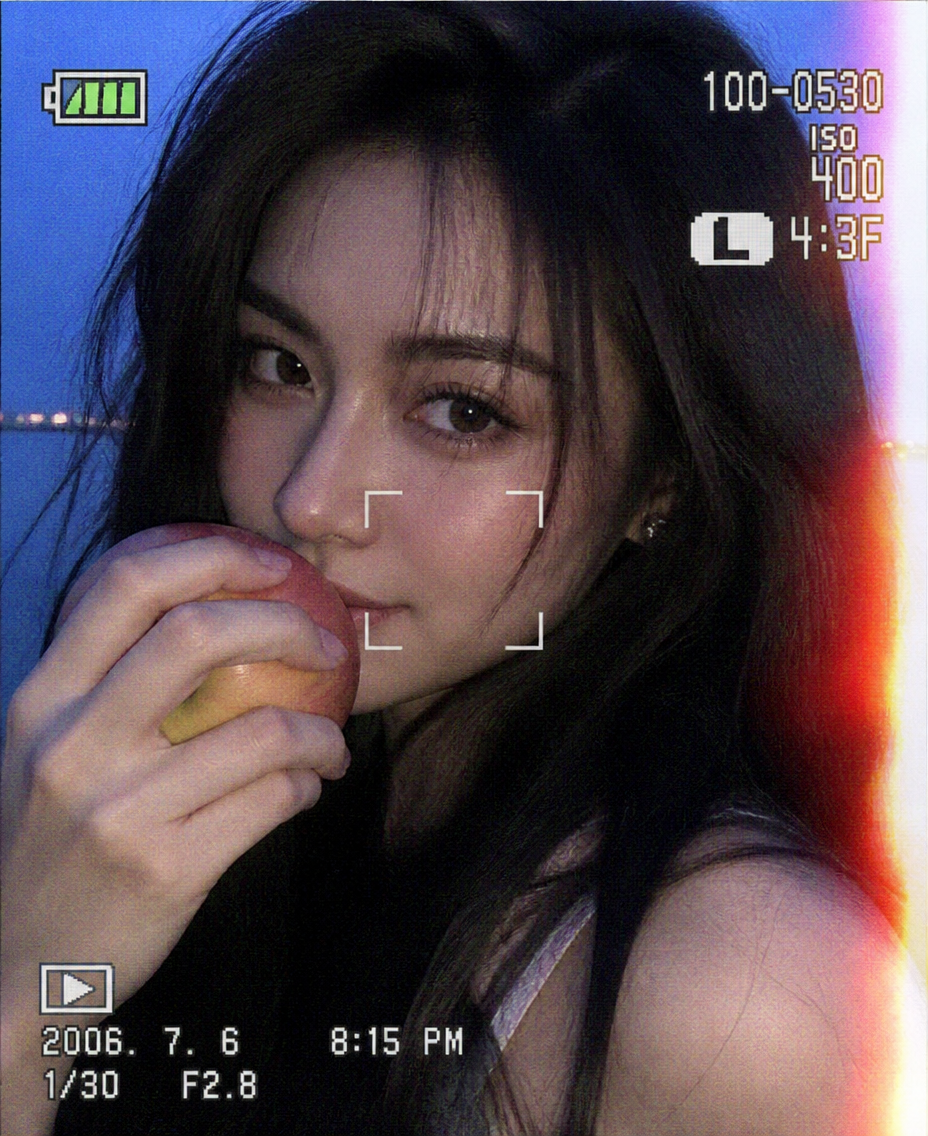
Blue Hour Snapshot — Apple Frame
- Model
- GPT Image 2
- Image
- 928 × 1136 px
Prompt
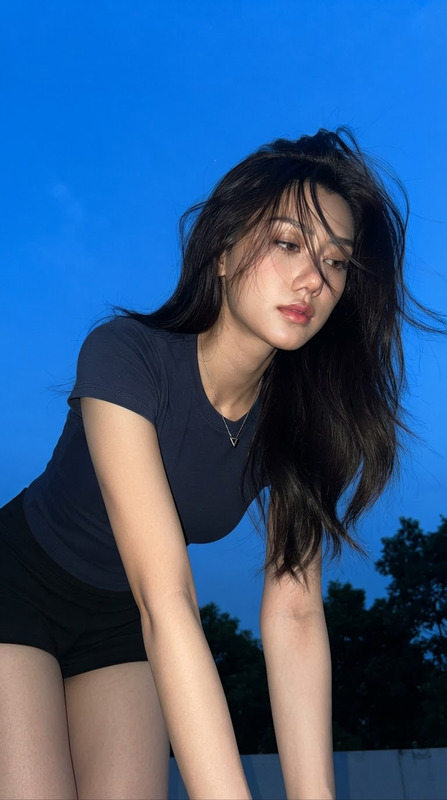
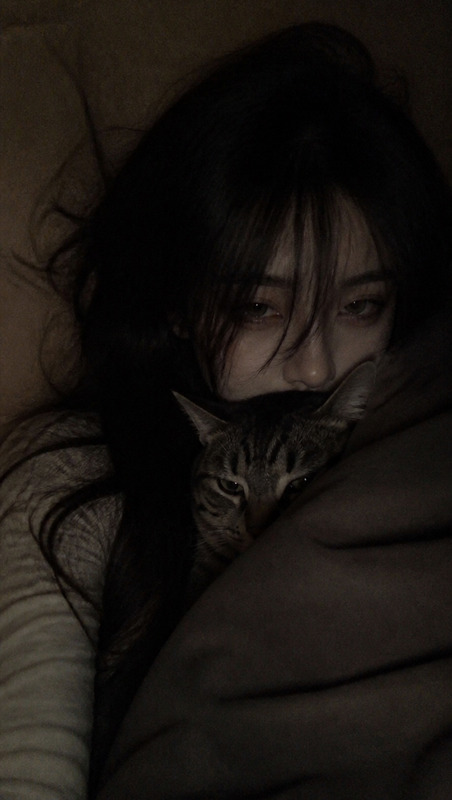
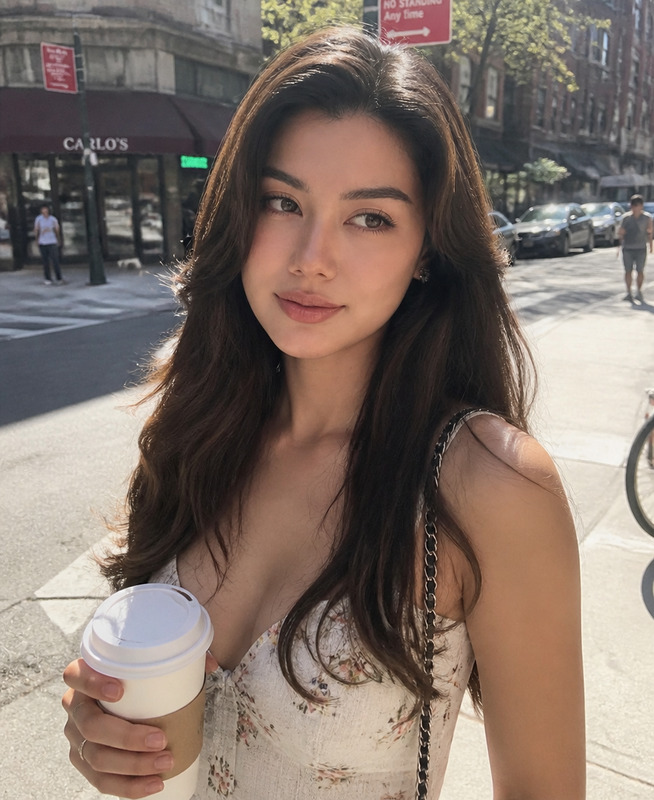
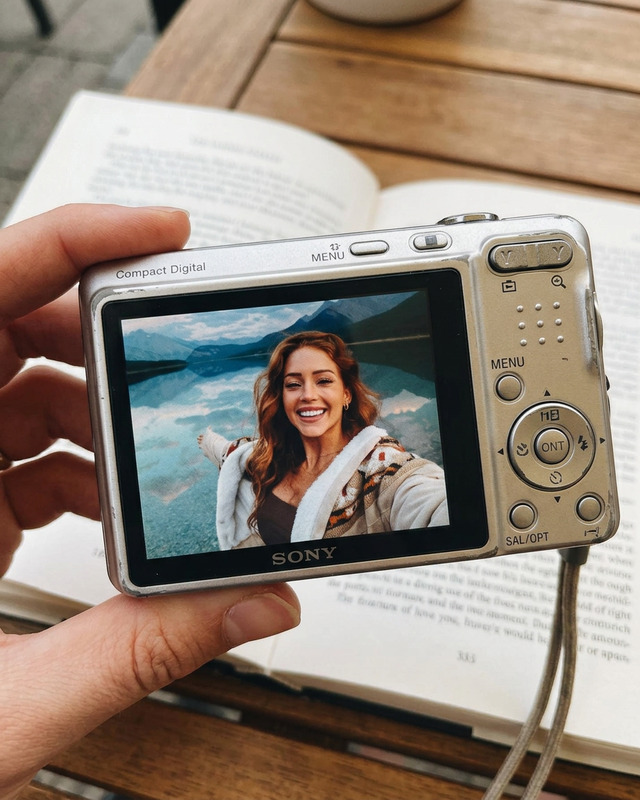
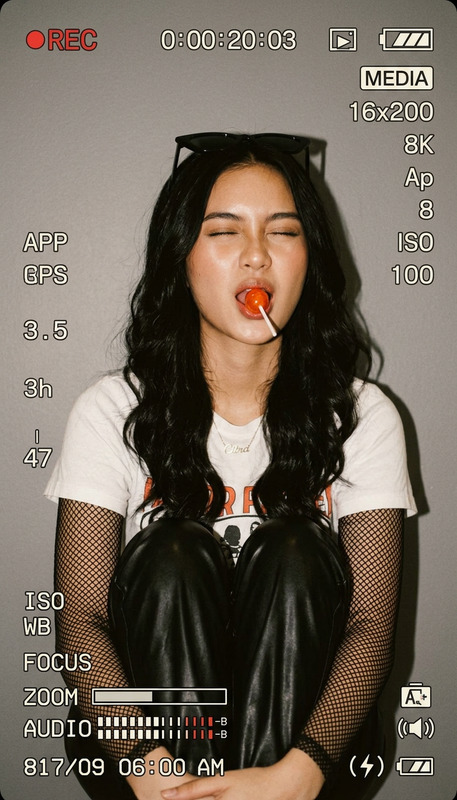
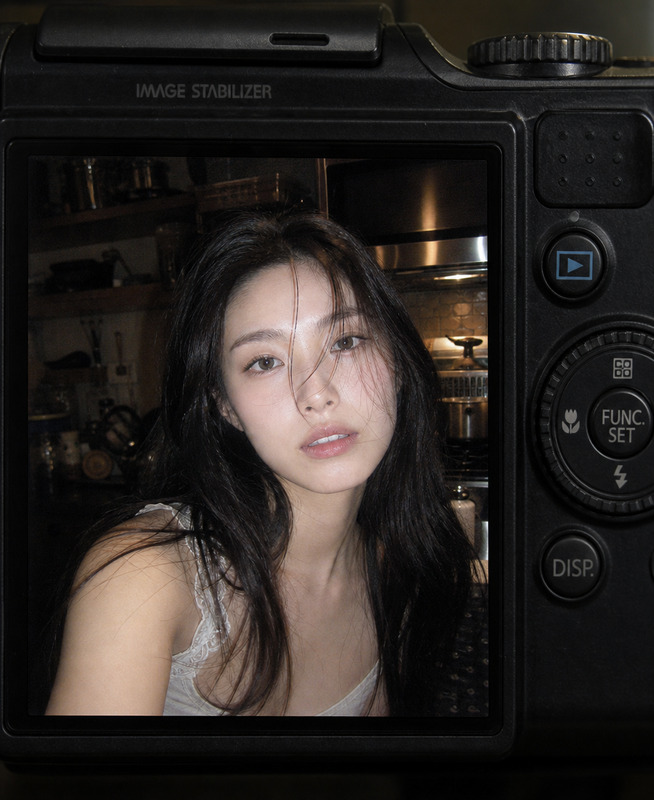
Create a realistic 3:4 vertical compact-camera viewfinder snapshot featuring an adult young woman outdoors in a spontaneous, imperfect close-up composition, with the camera frame almost completely filled by her face and upper body; preserve natural facial identity, realistic anatomy, authentic skin texture, and believable proportions, with large expressive eyes, a cute mischievous expression, and a subtle three-quarter side profile as she looks playfully toward the lens while holding a fresh apple directly in front of her mouth, partially covering her lips; give her a Hinata-inspired soft layered hairstyle with dark hair, airy uneven strands, loose flyaways, and beautifully messy texture, allowing slight wind movement and subtle motion blur around selected hair strands and facial edges; emphasize the eyes as the sharpest and most captivating detail, while keeping the apple and parts of the hair slightly softer due to the spontaneous handheld capture; place her in an indistinct outdoor environment during blue hour with cool blue ambient tones, soft distant lights, and atmospheric background separation; create the unmistakable look of an old compact digital camera or early card camera, with low resolution, coarse film-like grain, visible digital noise, rough compression, mild focus errors, slight motion blur, uneven exposure, soft pixelation, and imperfect color rendering; add severe localized light leakage across one edge or corner of the frame, as if the camera sensor or lens has caught accidental flare, creating irregular washed-out patches without obscuring the eyes; preserve an awkward, spontaneous framing with the subject slightly off-center, partial cropping, and minimal deliberate posing, making it feel like an accidental favorite photo rather than a professional portrait; include authentic compact-camera viewfinder or rear-screen interface elements such as focus brackets, exposure indicators, battery or recording icons, shutter/aperture/ISO-style parameters, and small technical display text positioned naturally around the edges, while keeping the photographic subject unobstructed and ensuring the interface looks like genuine camera metadata rather than a modern smartphone UI; use a cool blue cinematic palette with muted skin tones, subtle silver highlights, imperfect white balance, and restrained contrast, combining nostalgic early-digital photography with disposable-camera spontaneity; the final image should feel intimate, playful, slightly chaotic, low-resolution, candid, and emotionally authentic, with the eyes, apple, messy hair, blue-hour atmosphere, accidental light leak, and camera-screen imperfections forming the main visual identity, avoiding studio lighting, beauty-commercial polish, excessive retouching, perfect symmetry, full-body composition, artificial anime rendering, cartoon features, excessive blur, clean modern smartphone UI, watermark, random illegible text, distorted hands, extra fingers, duplicated facial features, or unnaturally perfect digital rendering.
Any aspect ratio
Overview
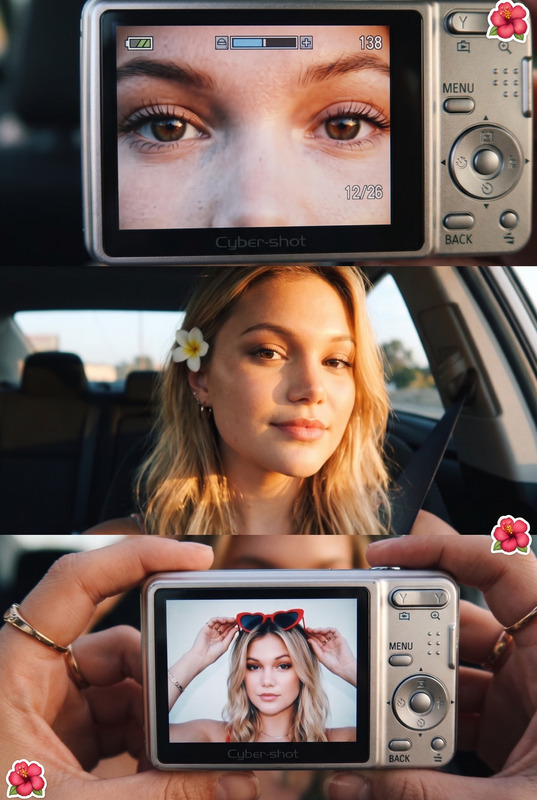
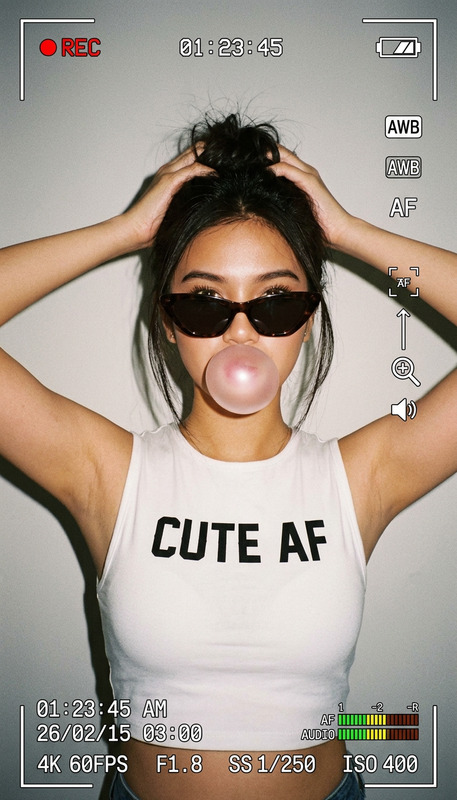
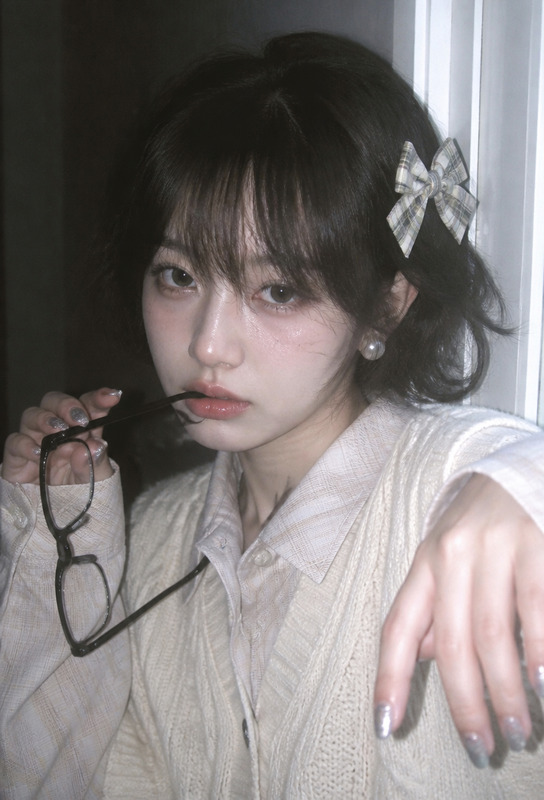
Capture the nostalgic essence of early digital photography with the "Blue Hour Snapshot — Apple Frame" template. Using the AI Image Editor powered by the gpt-image-2 model, this template recreates the look and feel of a classic compact-camera snapshot during blue hour. It's perfect for adding a playful, candid touch to your images with a mix of spontaneous framing, natural skin textures, and digital imperfections.
What It Does
This template immerses your photos in the aesthetic of early compact digital cameras. It emphasizes large expressive eyes, soft blue ambient tones, and noticeable light leakage, creating an emotionally authentic image. Elements like focus brackets and exposure indicators enhance the nostalgic feel, while the template maintains imperfect camera characteristics such as slight motion blur and uneven exposure.
Who It's For
The "Blue Hour Snapshot — Apple Frame" is designed for photography enthusiasts and creators seeking to emulate vintage digital camera aesthetics. It's also ideal for social media users aiming to capture eye-catching, retro-inspired visuals. Creative professionals working in personal projects or social media campaigns will find this template particularly appealing.
Summary
With this template, you can infuse your photography with a retro digital camera charm. From playful compositions to imperfect color renderings, each element contributes to a vivid, personal capture. This template is ideal for generating memorable imagery with character and depth, perfect for both professional projects and personal memories shared online.
How to Use
Choose Your Template

Customize Your Input

Generate Your Image

Use Cases
Social Media Campaigns
- Instagram Reels
- Retro-themed posts
- Casual, spontaneous imagery
Personal Projects
- Family memories
- Travel diaries
- Personal blogs
Creative Storytelling
- Graphic novels
- Mood boards
- Artistic expressions
Best Practices
Embrace Imperfection
Highlighting flaws like motion blur and light leaks can add to the charm of your photograph. Avoid over-correcting these elements to maintain an authentic feel.Focus on Expression
Ensure that eyes remain the focal point, as they bring out the intended expressive detail and emotional depth.Utilize Blue Hour Lighting
Aim to replicate blue hour natural lighting to achieve the intended ambient effect and atmosphere within the image.