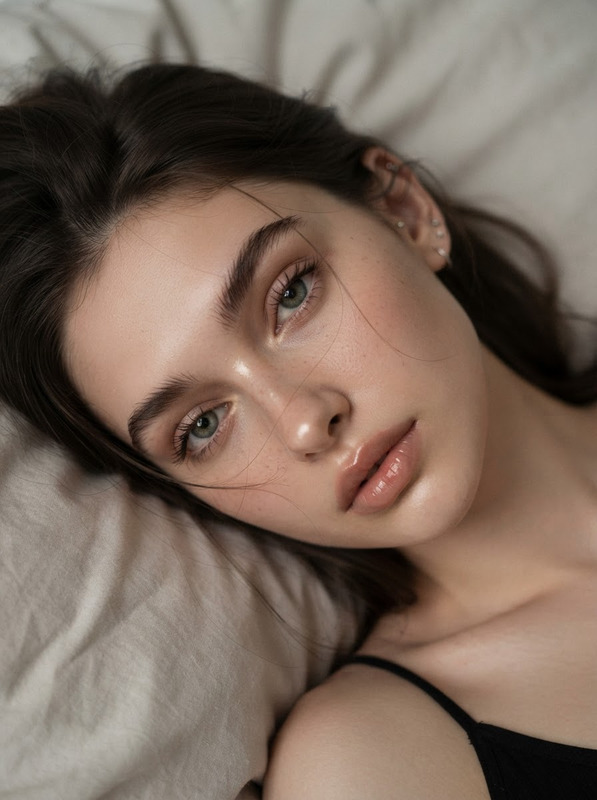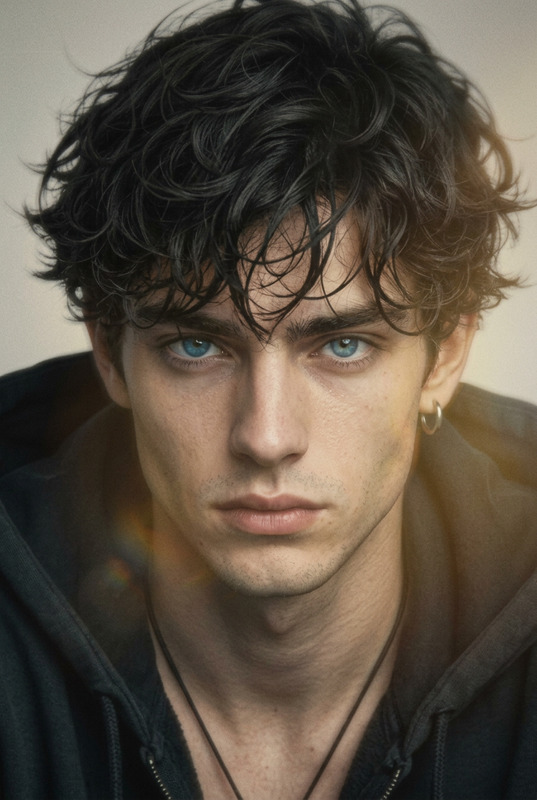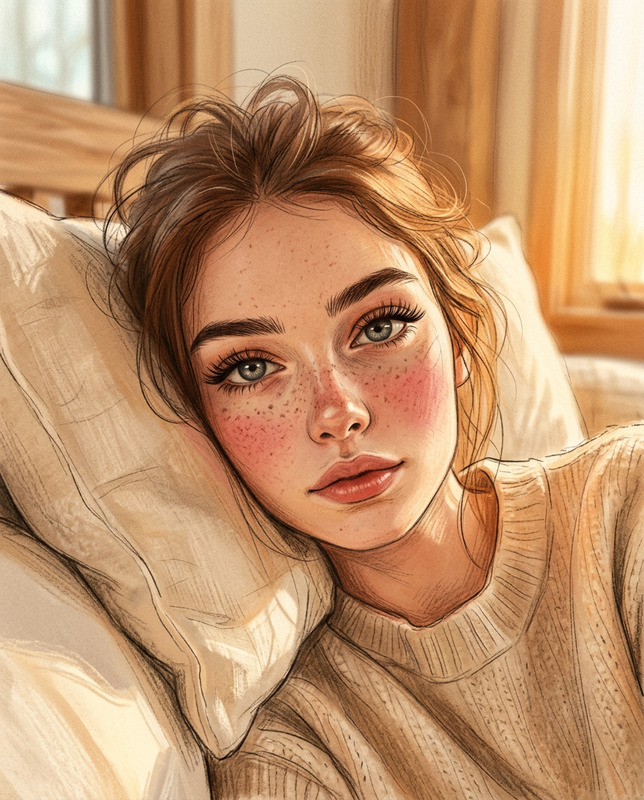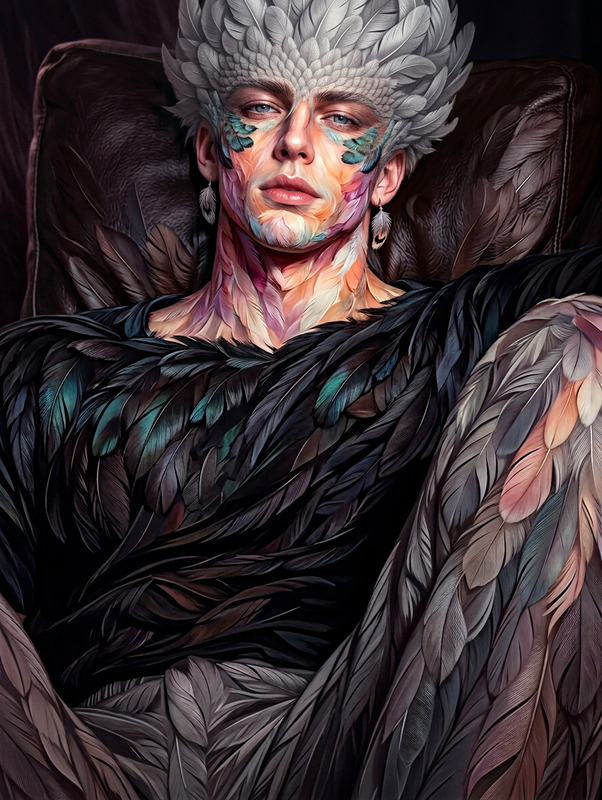
Bird’s-Eye Sleeping Portrait
- Model
- Nano Banana 2
- Image
- 768 × 1376 px
Prompt
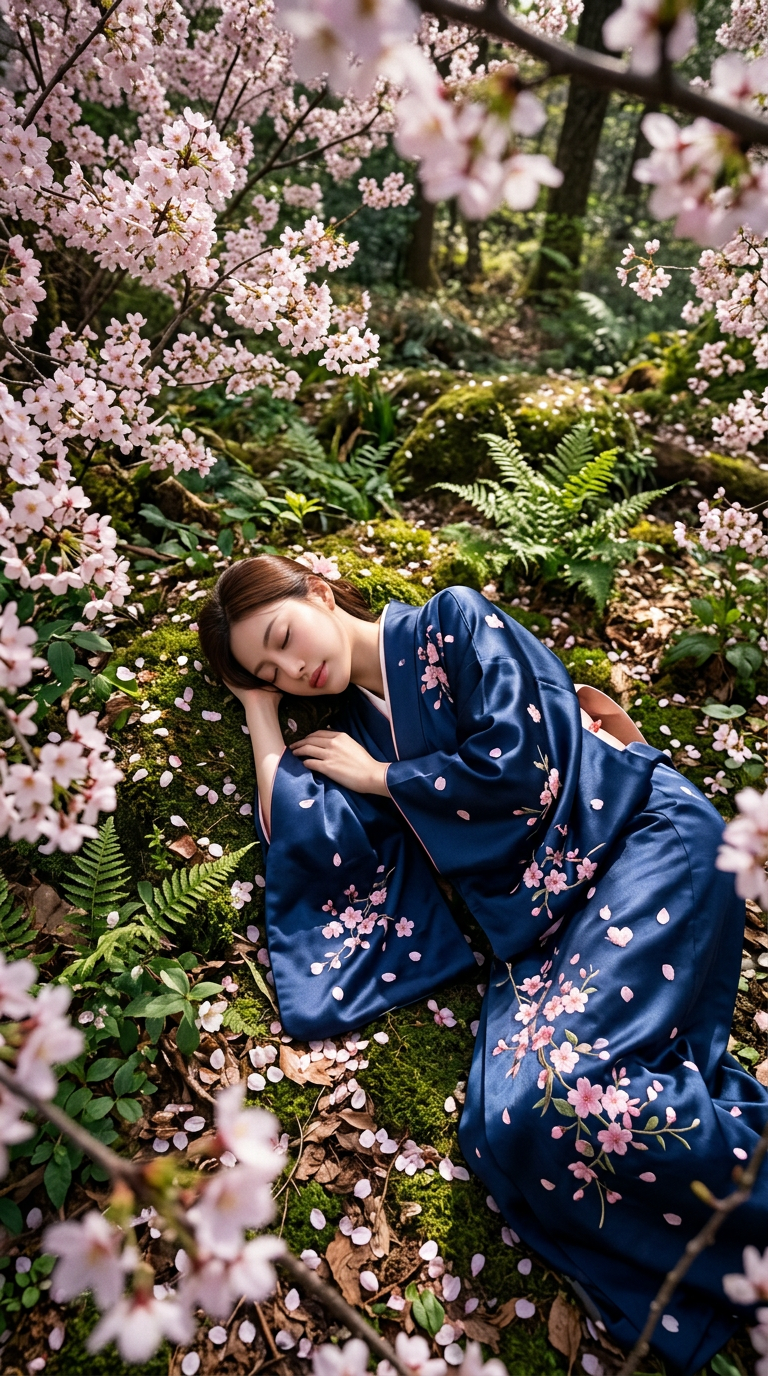
Photorealistic 9:16 portrait using the reference image’s face while preserving the subject’s original facial features @miu . The subject wears a traditional kimono and sleeps peacefully on the forest floor, photographed from an extreme high-angle bird’s-eye perspective with an ultra-wide lens and dynamic composition. Surround the subject with a lush forest filled with blooming cherry blossom trees, scattered fallen sakura petals covering the ground, green foliage, moss, and natural forest textures, with fallen petals and branches softly framing the foreground. Use gentle sunlight filtering through the trees, natural shadows, subtle depth-of-field blur and bokeh, realistic smartphone photography texture, and detailed photorealistic rendering.
Any aspect ratio
Overview
The Bird’s-Eye Sleeping Portrait template is designed for creators looking to craft serene and photorealistic portraits. By utilizing advanced AI capabilities from the AI Image Editor, this template allows you to transform a reference image into an immersive 9:16 portrait, capturing the beauty of traditional aesthetics set in a lush, natural landscape.
What It Does
This template features the nano-banana-2 model to ensure that the final image accurately represents the subject's facial features while incorporating the tranquility of nature. It seamlessly merges the artwork of traditional kimono design with high-angle bird's-eye perspectives, offering a dynamic composition that highlights both the subject and its natural surroundings.
Who It's For
Artists, photographers, and visual storytellers who wish to enhance their portfolios with ethereal, culturally inspired photography will find this tool invaluable. Additionally, users aiming to create content for social media platforms like Instagram Reels will benefit from this template's ability to produce visually stunning imagery that captivates audiences.
Summary
The Bird’s-Eye Sleeping Portrait template merges technology and artistry, allowing users to produce portraits that offer a fresh perspective on traditional themes. With the power of AI generated imagery, your storytelling capabilities are expanded, making each photo both a piece of art and a narrative experience.
How to Use
Choose the Template

Customize Your Inputs

Generate Your Image

Use Cases
Social Media Content Creation
- Instagram Reels
- TikTok Videos
- Facebook Posts
Cultural Artwork
- Gallery showpieces
- Cultural festival posters
- Thematic photography books
Product Photography
- Fashion brands
- Lifestyle products
- Photography services
Best Practices
Choose the Right Reference Image
Ensure the face in your reference image is clear and well-lit to maximize the template's ability to capture details.Leverage Natural Light Effects
Utilize the prompt's features to add natural lighting effects, which can enhance realism and depth.Experiment with Different Perspectives
Try various high-angle shots to discover unique compositions that best complement the subject and background.