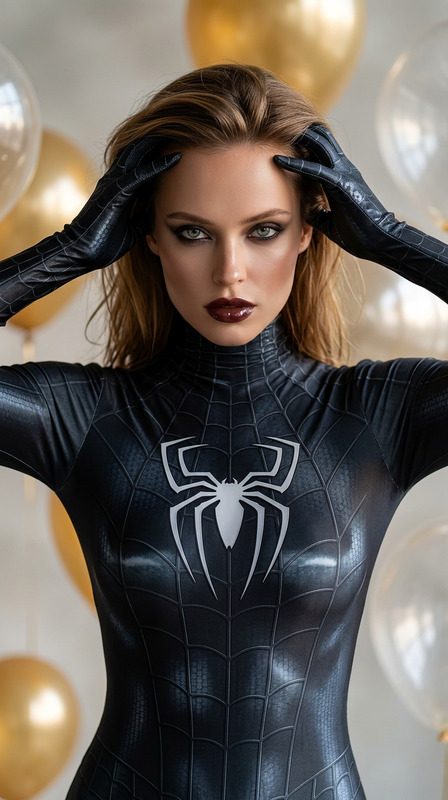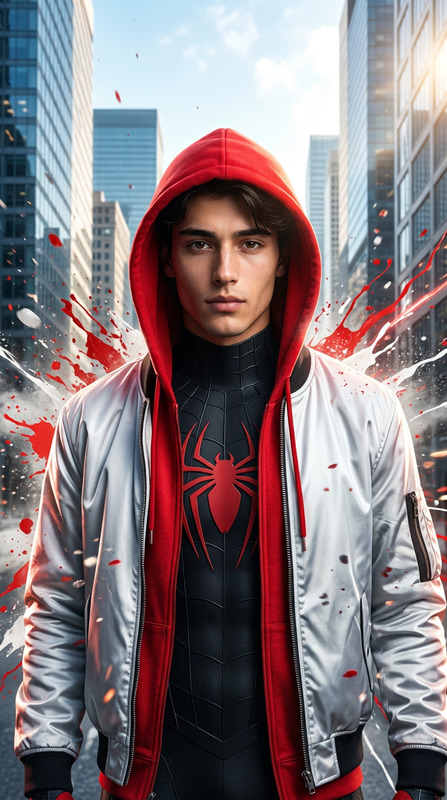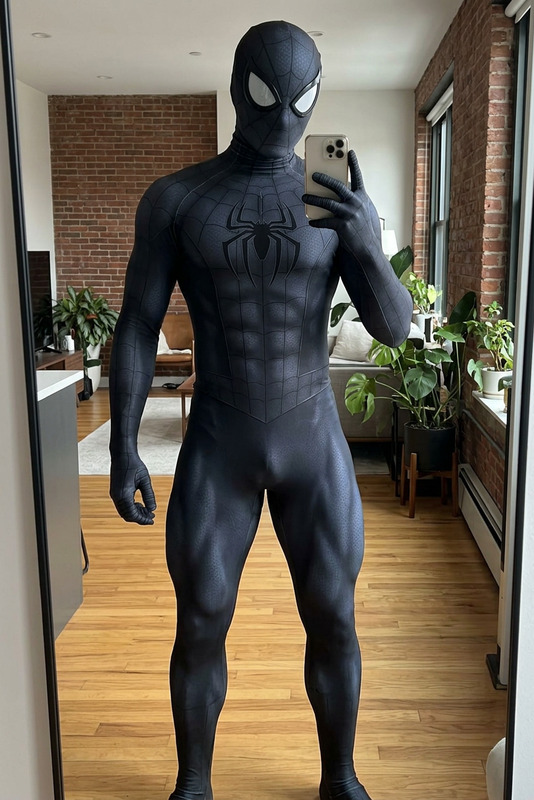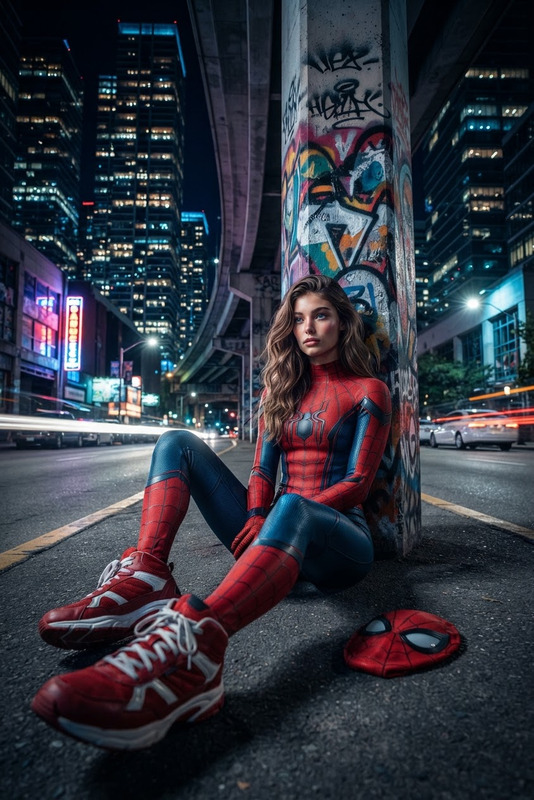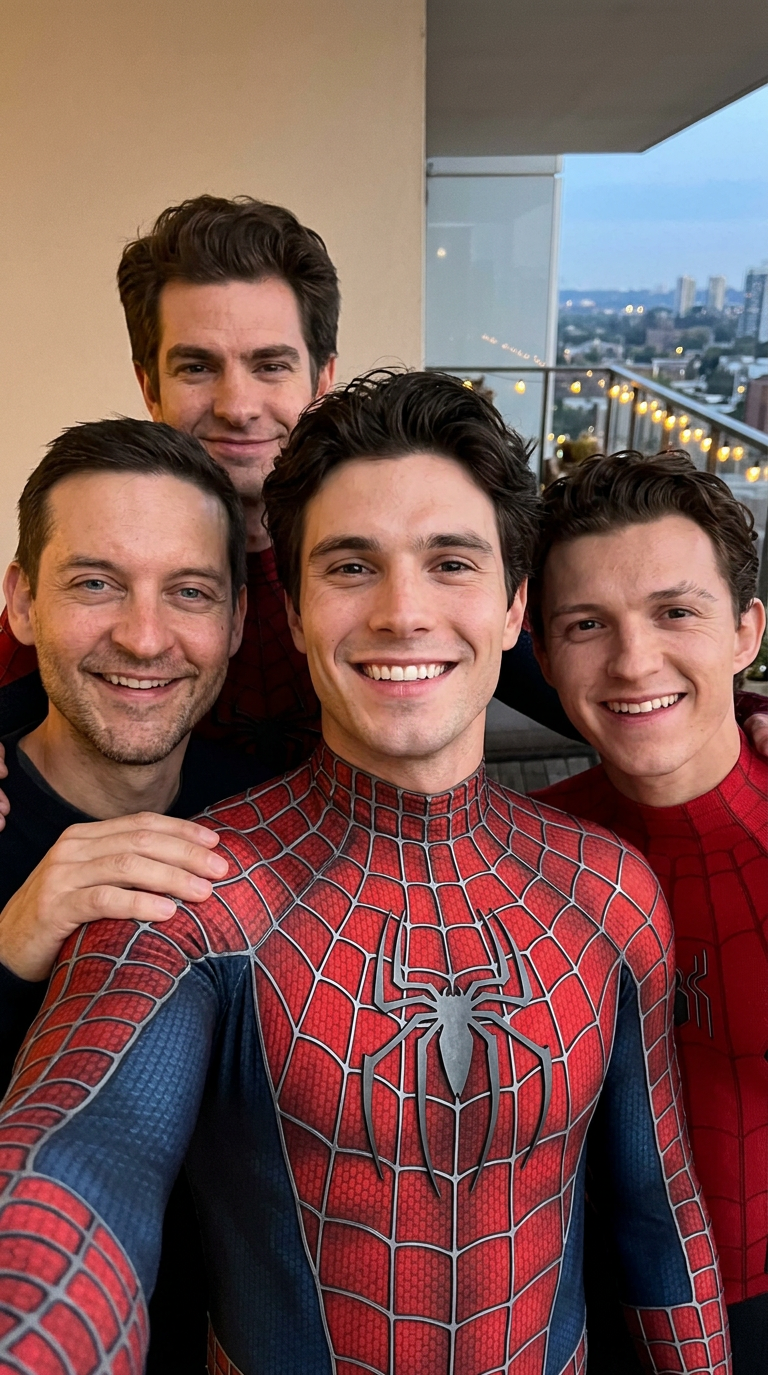
Spider Squad Selfie
- Model
- Nano Banana 2
- Image
- 768 × 1375 px
Prompt
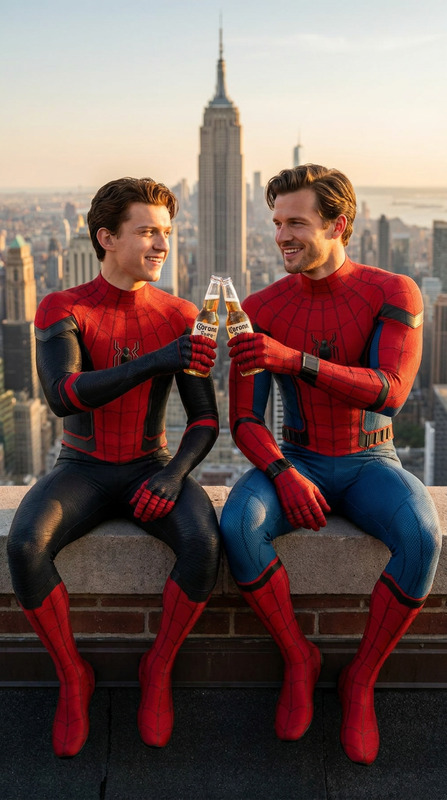
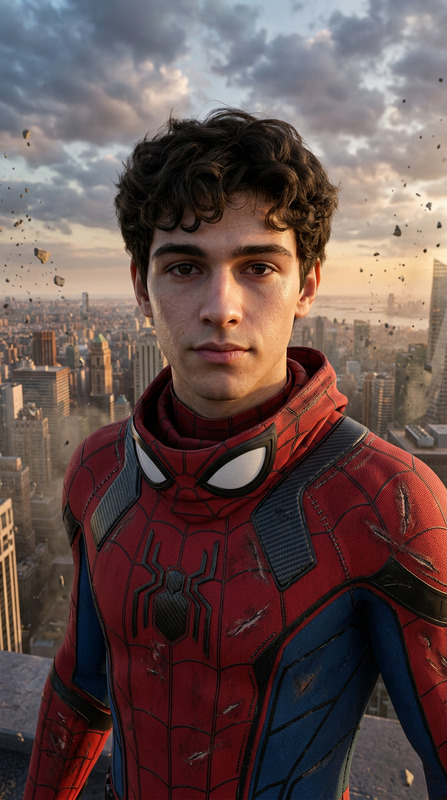
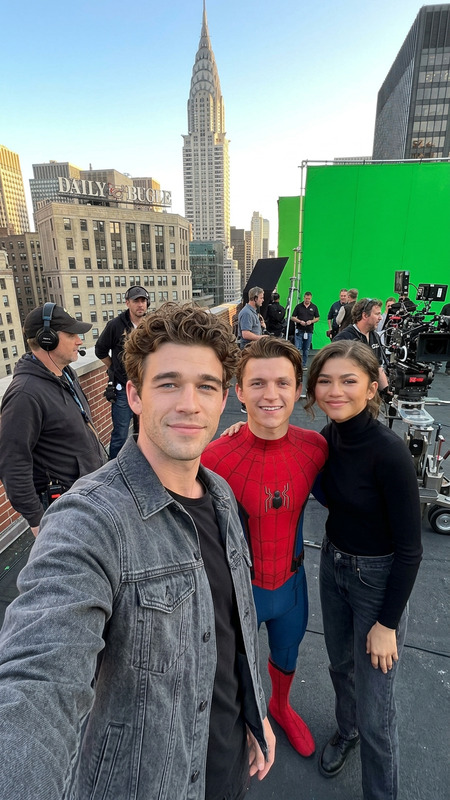
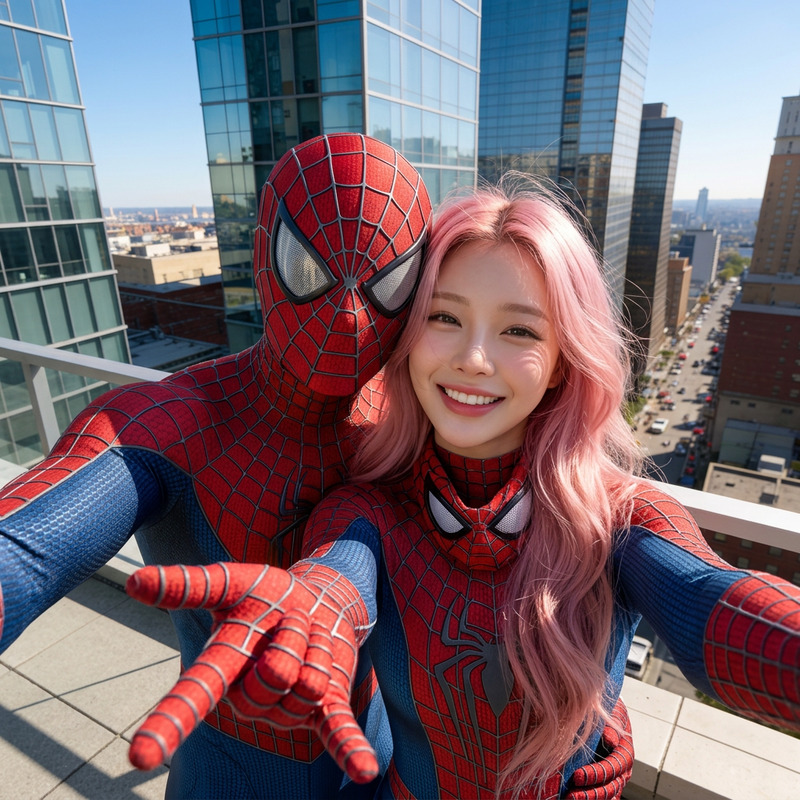
A cinematic, high-quality selfie taken from a slightly high angle, featuring a 25-year-old South Asian male with a lean, athletic build, short dark hair, and no sunglasses. He is smiling warmly at the camera, holding it out with one arm visible in the foreground to create a natural selfie perspective, while flashing a peace sign with his other hand. He is wearing a highly detailed, custom superhero suit featuring intricate web patterns and a prominent spider emblem on the chest. Crowding tightly into the frame behind him are the three iconic cinematic Spider-Man actors: Tom Holland on the left, Tobey Maguire centered directly behind him, and Andrew Garfield on the right. All three actors are in their respective Spider-Man suits (with masks off), smiling genuinely and leaning in close for a warm, candid group photo. The setting is a dimly lit, atmospheric workshop or industrial loft reminiscent of a superhero headquarters, with soft, warm ambient background lights throwing subtle bokeh shapes. Captured with a professional full-frame camera and an 85mm lens at f/1.8, creating a sharp focus on the faces with realistic skin textures, natural details, and a soft cinematic depth of field. Photorealistic, 8k resolution, cinematic lighting.
Any aspect ratio
Overview
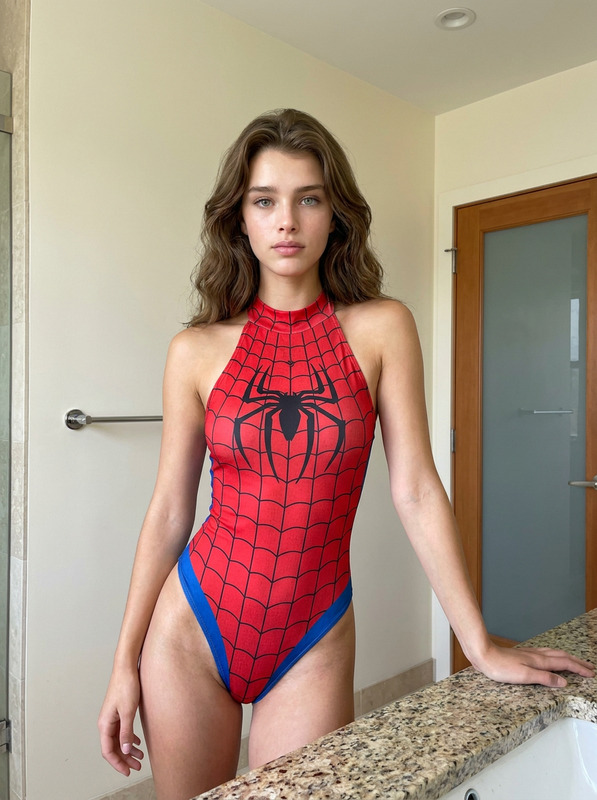
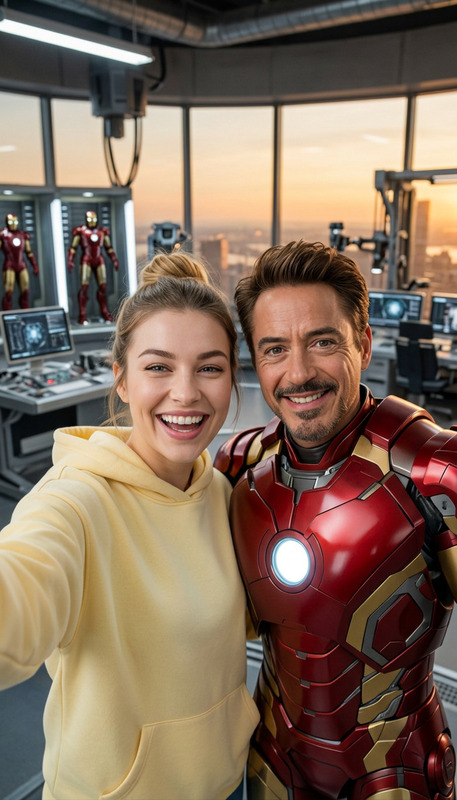
The Spider Squad Selfie template in our AI Image Editor series allows you to create stunning, cinematically realistic selfies. Featuring a superhero theme, this template combines modern photo editing technology powered by the nano-banana-2 model with the magic of intricate superhero suits.
What It Does
This template transforms ordinary images into breathtaking superhero-themed selfies. By combining your photo with Spider-Man's iconic trio—Tom Holland, Tobey Maguire, and Andrew Garfield—you can achieve an incredibly lifelike and atmospheric group photo. Designed with cinematic lighting and full control over composition, the result is an 8k resolution image that mimics professional photography.
Who It's For
Perfect for fans of superhero movies, aspiring filmmakers, and anyone interested in professional-quality photo editing. This template offers a great way to explore the AI Image Generator capabilities, making it a solid choice for content creators looking to enhance their digital portfolios or social media presence.
Summary
With the Spider Squad Selfie template, you can bring your superhero fantasies to life. Combining advanced image-to-video effects with a personalized touch, this template provides everything you need to craft stunning, lifelike selfies with your favorite Spider-Man stars. Whether for fun or professional use, the results are nothing short of cinematic.
How To
Choose Your Template

Customize Your Inputs

Generate Your Image

Use Cases
Social Media Content
- Engage followers with unique content
- Boost your profile's visual appeal
Event Promotions
- Grab attention with personalized graphics
- Enhance event-related content
Creative Projects
- Add depth to storylines
- Enhance visual narratives
Best Practices
Optimize Image Quality
Ensure your input photo is high resolution to maximize the quality of the final image. Aim for sharp details to complement the photorealistic output.Adjust Lighting
Use the template's prompt adjustments to ensure the lighting matches your setting. This enhances realism and depth in the final image.Balance Composition
Keep key subject features like facial expressions and outfit details proportionate and aligned with the group for a natural ensemble look.