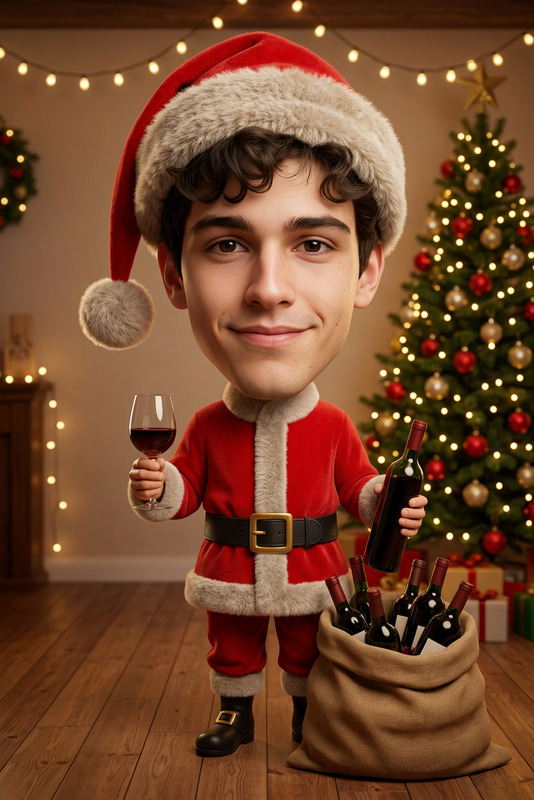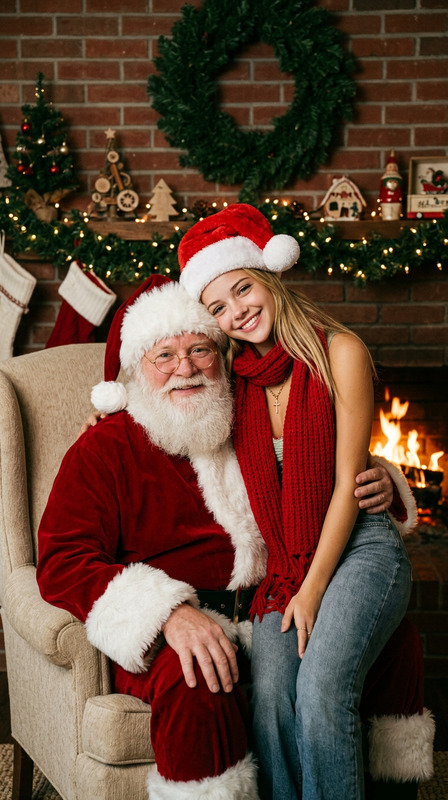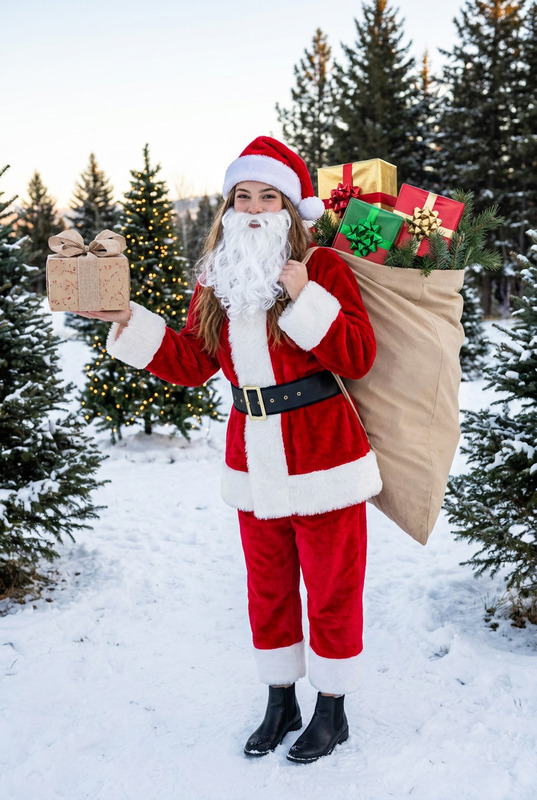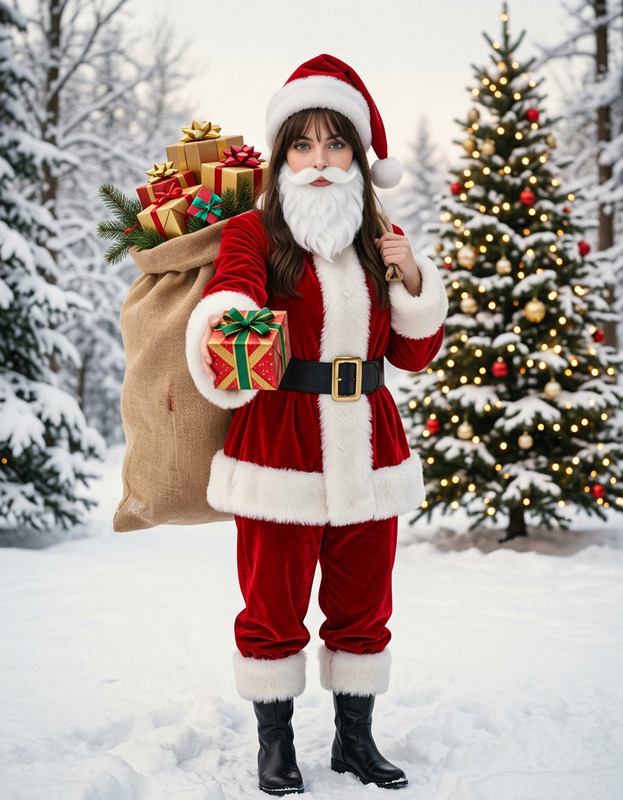
Polaroid Ghostface Choke
- Model
- Nano Banana Pro
- Image
- 768 × 1376 px
Prompt
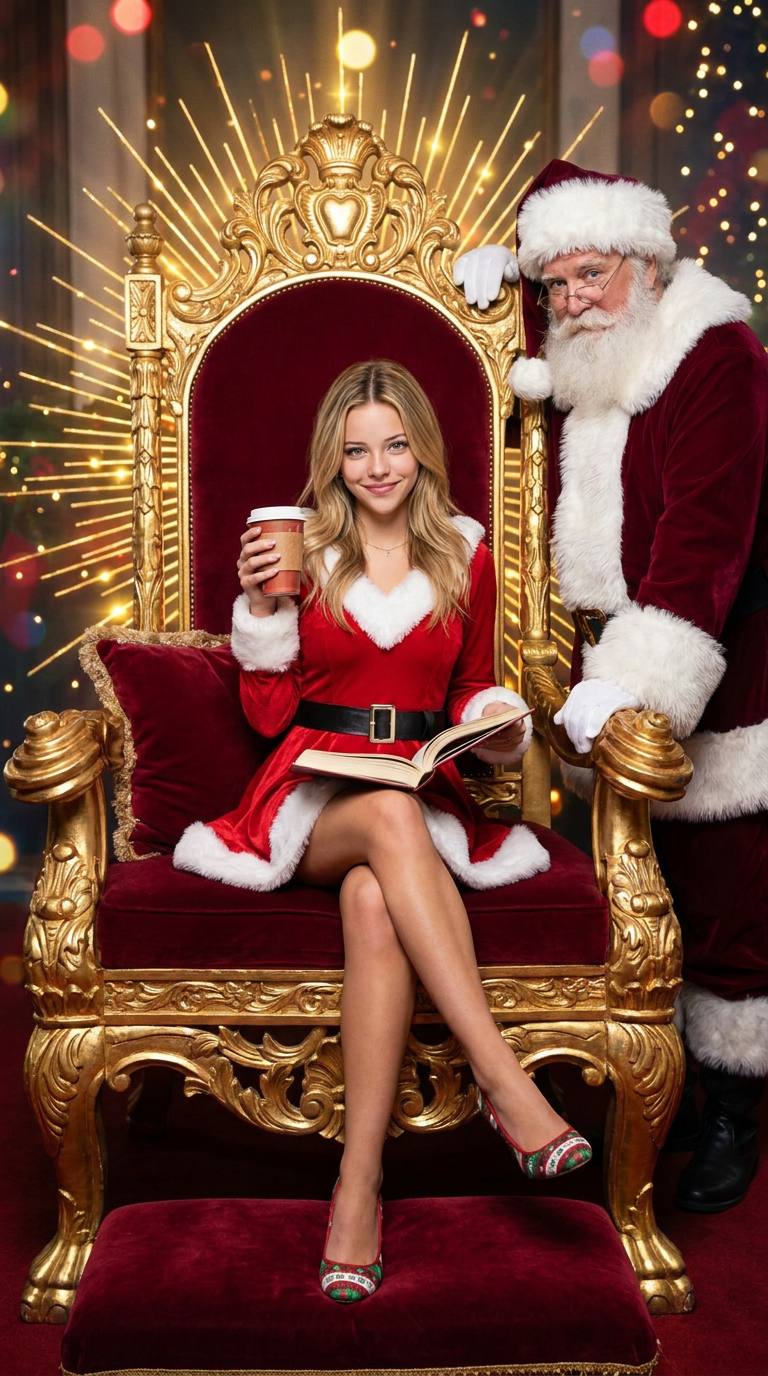
The magnificent golden Christmas throne room is set up with a complexly designed oversized golden throne as the focus, featuring deep red velvet cushions, radiating festive golden lighting, and flashing bokeh festive lights.The figure in the reference picture is sitting confidently in the center of the throne, with his legs elegantly crossed. He is dressed in a festive red outfit, paired with white fur, a black belt and Christmas-themed shoes. In his right hand, he holds a warm drink cup, and in his left hand, he holds an open book on his knee, gazing at the audience with a mischievous yet confident expression.Behind the shoulders of the figure in the reference picture, there is a traditional IP image of Santa Claus (wearing a deep red coat with white fur trims, black boots and a Santa Claus hat), leaning close to the right side of the throne. One hand is placed on the hip and the other is casually placed on the throne, slightly tilted towards the audienceOverall realism, realistic photos
Any aspect ratio
Overview
The "Polaroid Ghostface Choke" template for the AI Image Editor is a creative visual effect setting perfect for festive imagery. Set against the backdrop of a lavish Christmas throne room, this template utilizes the power of the nano-banana-pro model to layer complex visuals on your images, transforming ordinary photos into stunning festival-themed masterpieces.
What It Does
This template allows you to create a striking Christmas-themed image featuring an oversized golden throne, bokeh festive lights, and a mischievous festive figure. You can customize every detail from the outfit colors to the figure's pose, adding elements such as a warm drink and an open book. The AI effectively merges the original image with new elements, creating a cohesive, realistic result.
Who It's For
Designed for photographers, content creators, and marketers looking to enhance their holiday imagery, the "Polaroid Ghostface Choke" template serves anyone aiming to craft eye-catching, theme-driven visuals. Whether you are in ecommerce, building holiday campaigns, or just adding a festive touch to personal photos, this template offers flexibility and creativity.
Summary
Utilize the "Polaroid Ghostface Choke" template to elevate photos with a touch of holiday magic. Its advanced AI capabilities within the AI Image Editor make it ideal for blending traditional festive elements into modern imagery. Try it out to see how the AI Video Generator can complement your creations with moving elements.
How-To
Choose Your Template

Customize the Visuals

Generate Your Image

Use Cases
Holiday Marketing Materials
- Use in online ads and banners
- Craft unique visuals for email marketing
Ecommerce Product Photos
- Feature holiday-wrapped products
- Add thematic backgrounds and props
Social Media Content
- Create festive-themed profile pictures
- Share celebratory greetings with a unique twist
Best Practices
Balance Colors and Lighting
Ensure the added festive colors and lighting elements complement the existing image while maintaining focus on the main subject.Use High-Resolution Images
Begin with high-quality photos to ensure the final output is crisp and professional-looking, especially when adding detailed elements.Mind the Composition
Consider how new elements, such as Santa Claus or holiday props, affect the overall balance and composition of your image.