Christmas Parade Festivity
- Model
- Nano Banana 2
- Image
- 768 × 1371 px
Prompt
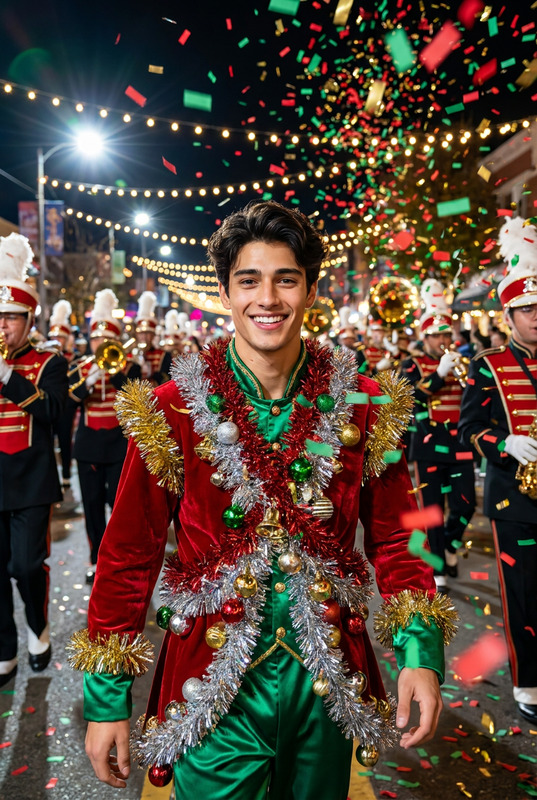
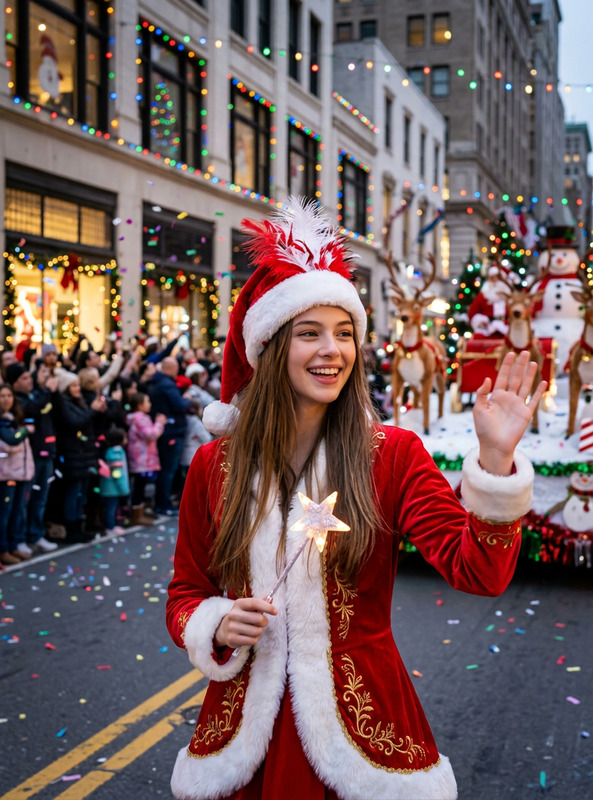
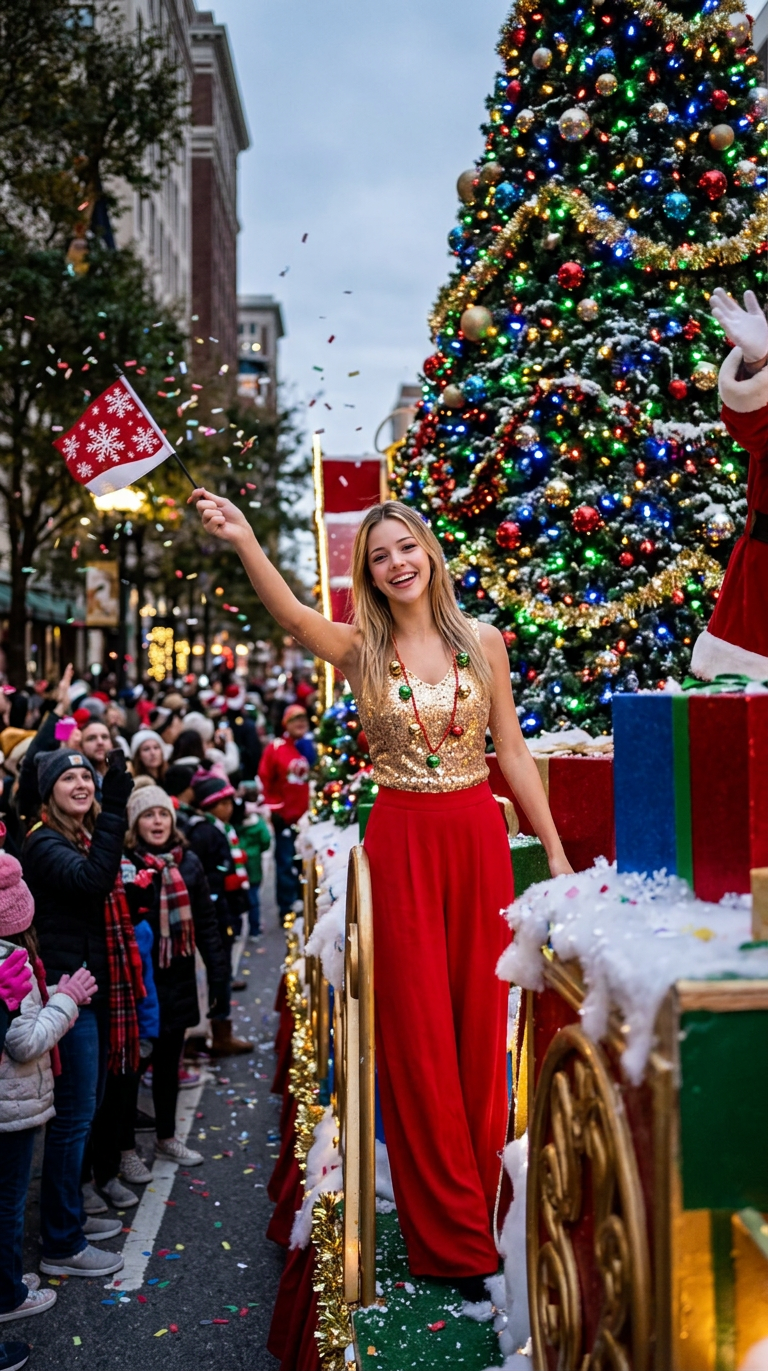
The subject (character/animal/other entity) in the reference image stands beside a Christmas parade float, wearing a gold sequin top decorated with Christmas bells (paired with red wide-leg pants), waving a Christmas flag with snowflake patterns. The float has a giant glowing Christmas tree decoration, surrounded by cheering crowds and snow; Presenting a real and lively holiday parade atmosphere.
Any aspect ratio
Overview
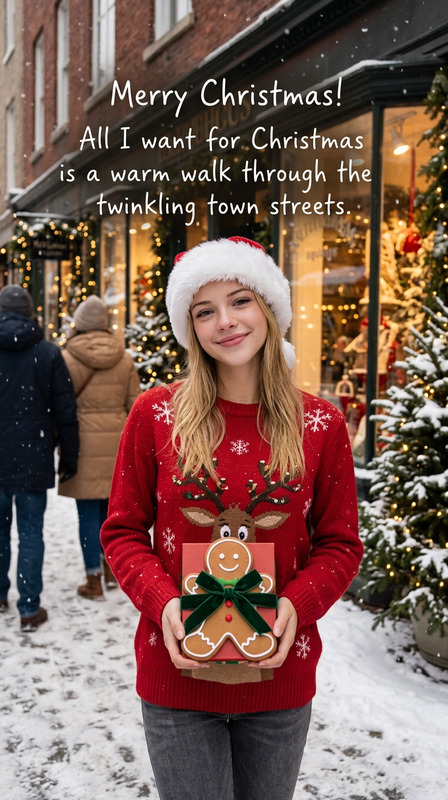
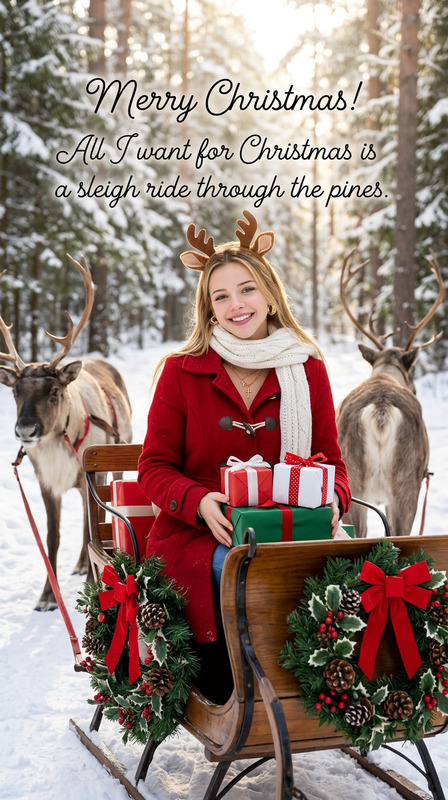
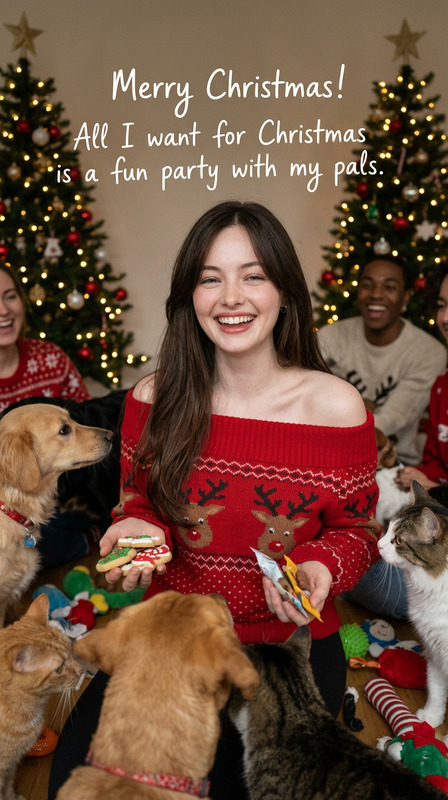
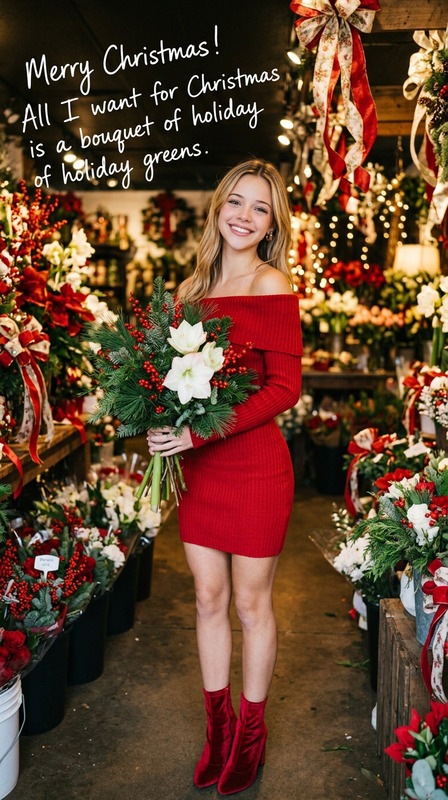
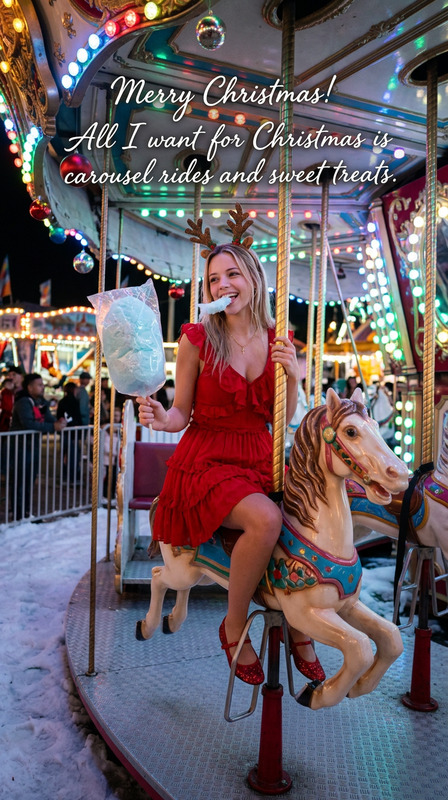
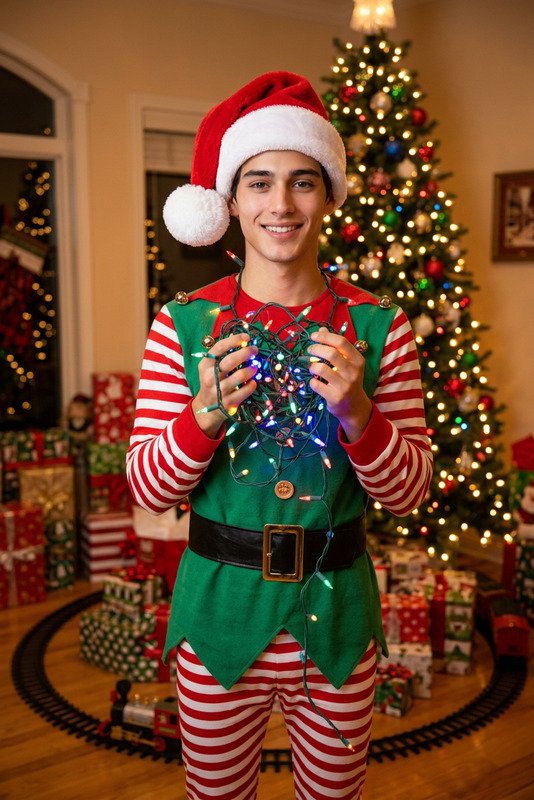
Transform your holiday memories into vibrant festive spectacles with the Christmas Parade Festivity. Using advanced AI image editing capabilities, this template helps you craft lively images that capture the essence of a Christmas parade, complete with elaborate costumes and festive decorations.
What It Does
The template focuses on bringing a holiday parade to life by editing the provided reference image to include detailed and festive elements. Expect transformations like attire changes to eye-catching holiday-themed outfits and the addition of a dynamic parade environment. This is perfect for creating both whimsical and realistic holiday scenes.
Who It's For
This tool is ideal for holiday enthusiasts, content creators, and businesses looking to elevate their seasonal marketing materials. Graphic designers who frequently work on festive projects will find it particularly useful as it simplifies the process of creating striking Christmas visuals from ordinary images.
Summary
Whether you're aiming to create a fun holiday card or develop engaging marketing content, the Christmas Parade Festivity template provides the tools to transform any image into a vibrant holiday scene. Explore other creative possibilities through the AI Image Editor, and enhance your projects with our complementary AI Ad Creative Generator and AI Product Photography tools.
How to Use
Choose

Customize

Generate

Use Cases
Creating Holiday Cards
- Personalized festive images
Social Media Content
- Festive visuals for Instagram and Facebook
Event Promotions
- Eye-catching banners and ads
Best Practices
Select Vibrant Images
Choose images with clear subjects and minimal background clutter for the best result.Optimize for Output
Ensure your image dimensions fit the intended use, whether for printed cards or digital screens.Use High-Quality References
Higher-quality reference images yield more realistic and detailed edits, especially for event promotions.