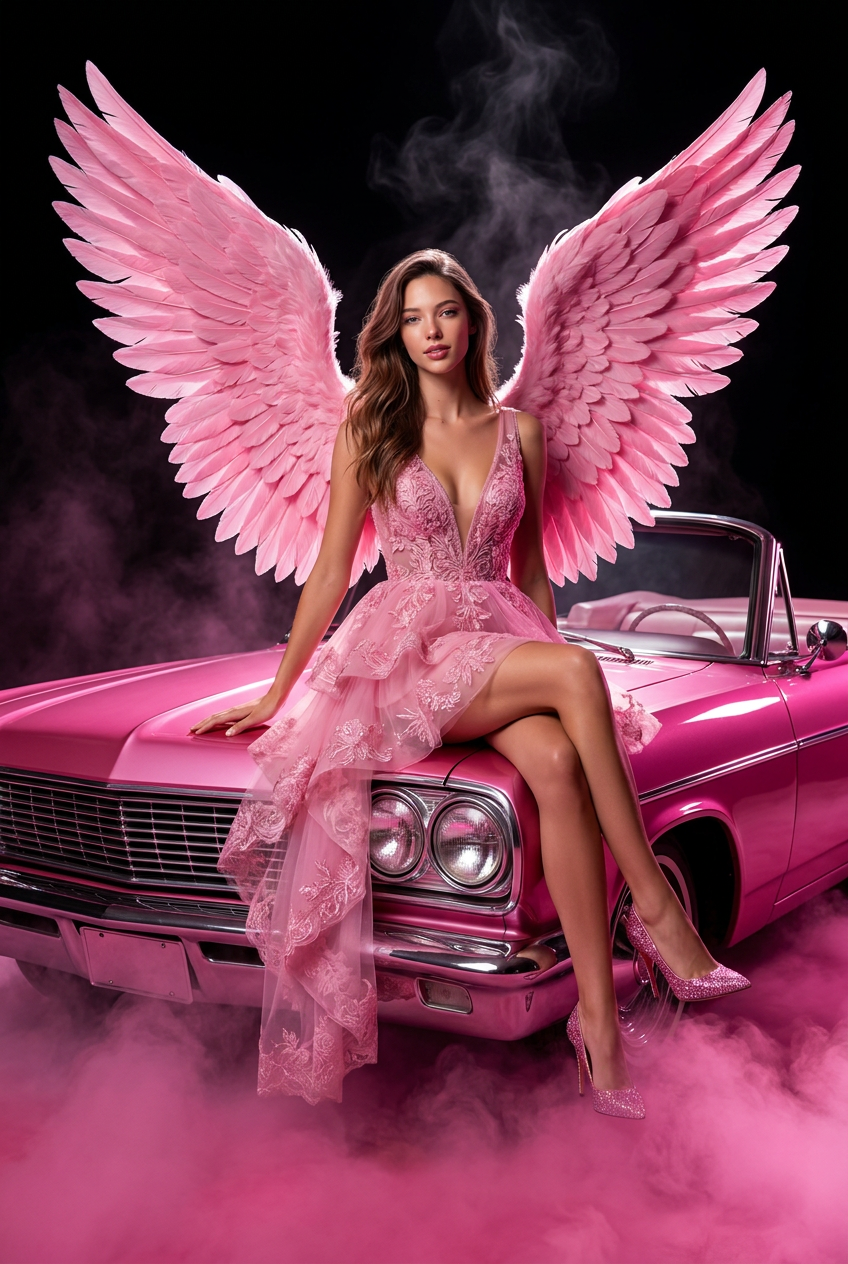
Pink Angel Couture
- Model
- Nano Banana Pro
- Image
- 848 × 1264 px
Prompt
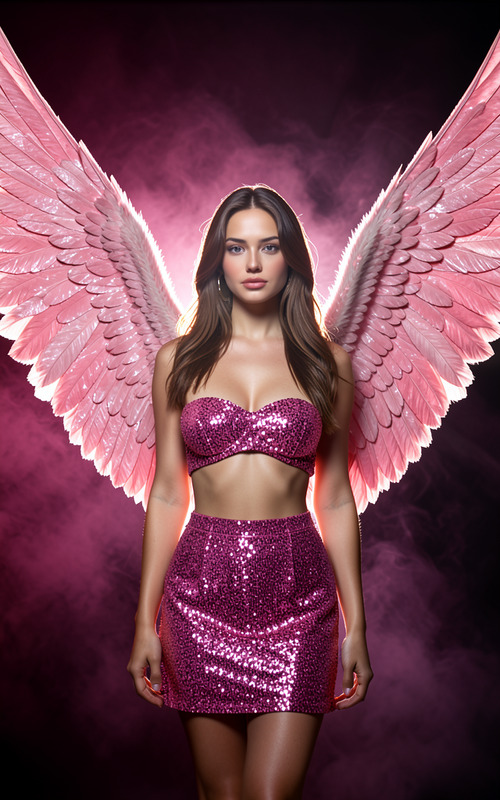
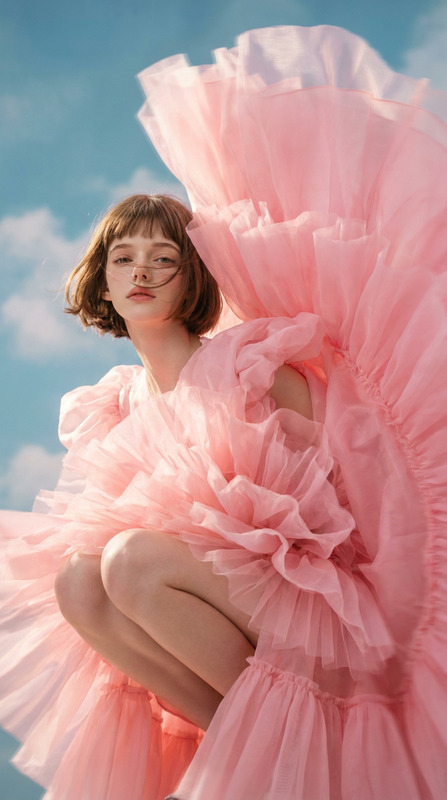
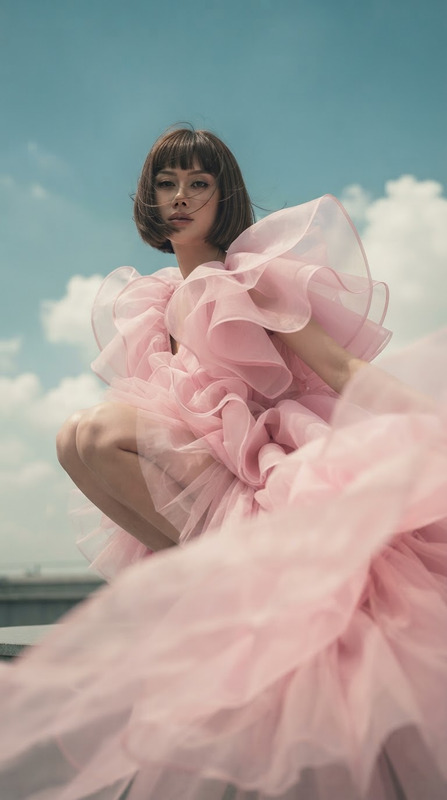
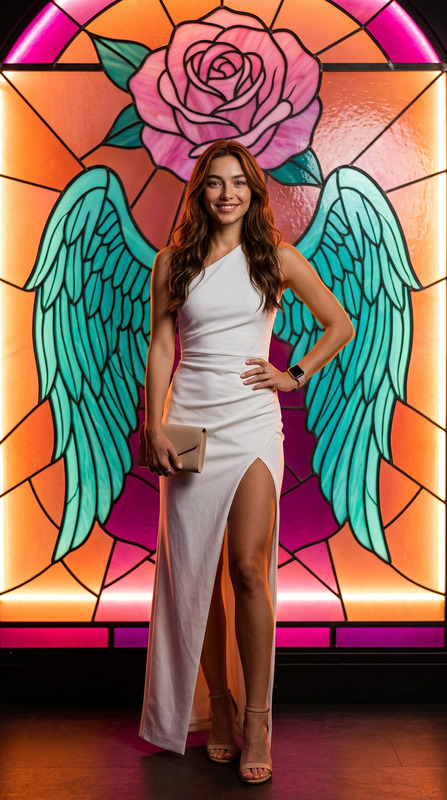
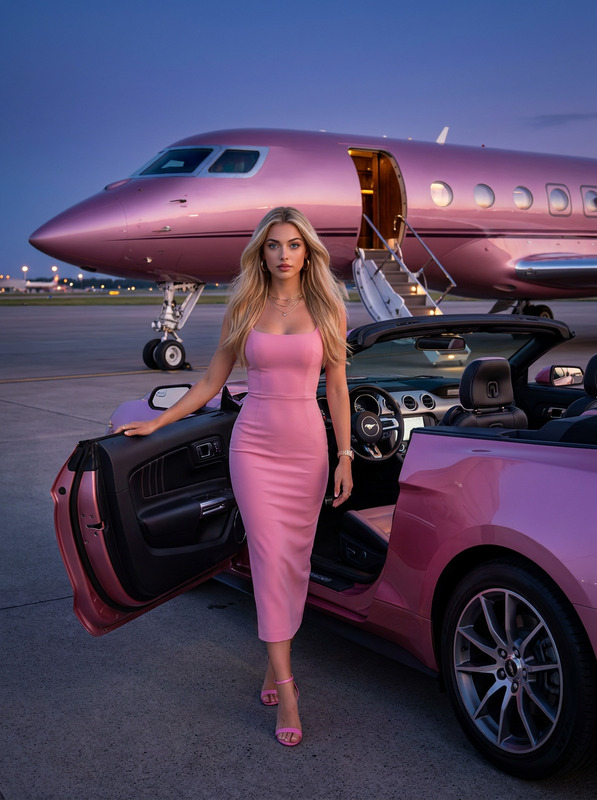
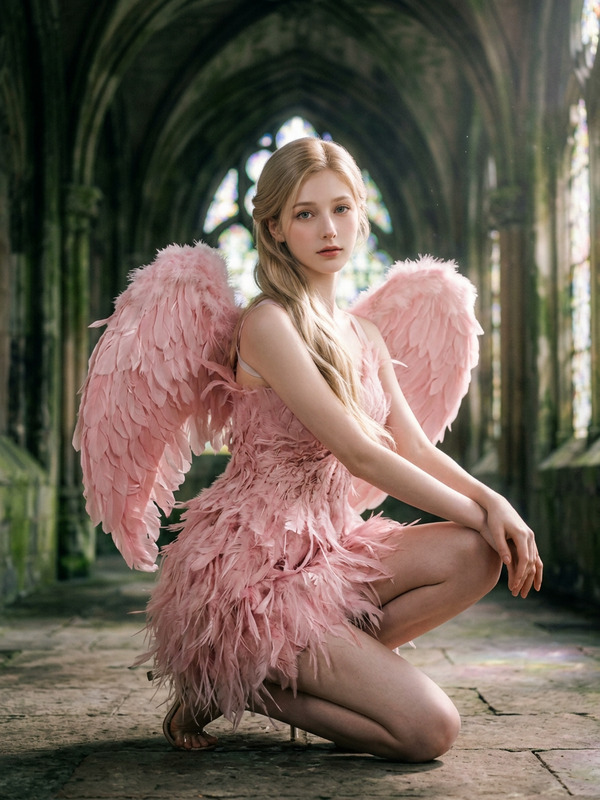
Recreate a new image based on the subject in the uploaded image. Use a close-up perspective to create a dark studio setting. From the subject’s back extend a pair of massive, clearly layered pink angel feather wings. The wings should have a complete structure, exaggerated volume, and strong visual tension. The subject is seated at the center of the hood of a vintage convertible car. The car body features a high-saturation bright pink paint finish, with clearly defined metallic chrome front grille and round retro headlights. The surface of the car should display realistic highlight reflections and a refined glossy paint texture. The outfit should be restored as a pink three-dimensional layered tulle short dress. The skirt has an irregular voluminous structure that naturally drapes to one side. The bodice features intricate three-dimensional embroidery and a deep V-neck design, presenting a high-fashion couture texture. Pair it with matching sparkling rhinestone high heels to create a unified pink dreamy aesthetic. The subject’s pose is seated, with one leg naturally crossed and one hand supporting the car body, conveying a confident and composed expression. The foreground and ground are filled with rich pink smoke, featuring volumetric lighting effects and layered gradients. The background is a pure black space with slowly rising smoke, creating a strong contrast between light and shadow. The lighting follows a commercial studio setup: the key light shines from the upper front, while rim lighting from the side and back enhances the luminous feather edges of the wings, emphasizing depth and three-dimensional structure. The metallic and chrome details of the car should have sharp, crisp highlights. The composition is vertical, with the subject centered and the wings symmetrically extended. The overall color palette is a refined pink scheme contrasted against a dark background, presenting a high-end fashion magazine cover–level photography texture, ultra-high-definition details, cinematic lighting effects, and a luxurious, dreamy image with strong visual impact.
Any aspect ratio
Overview
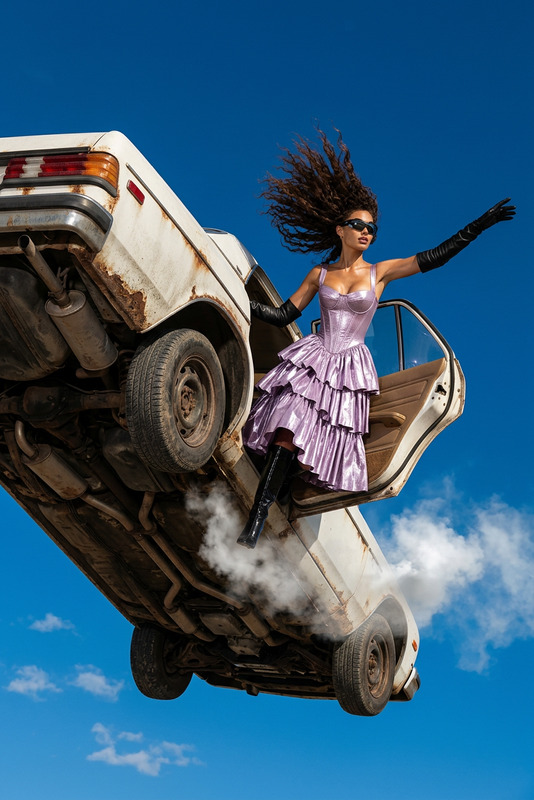
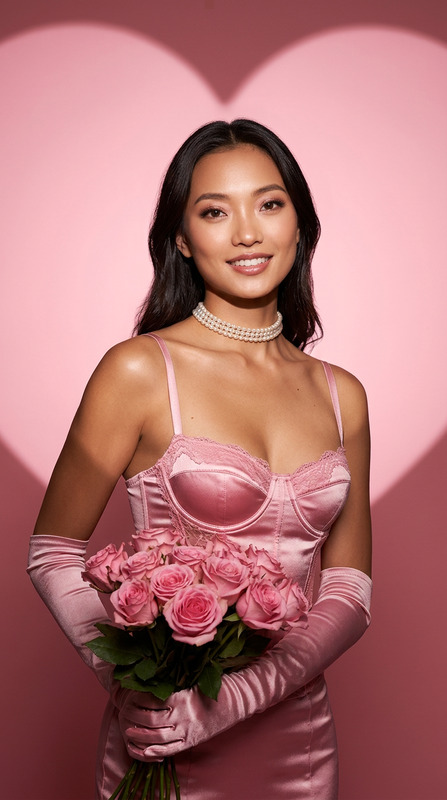
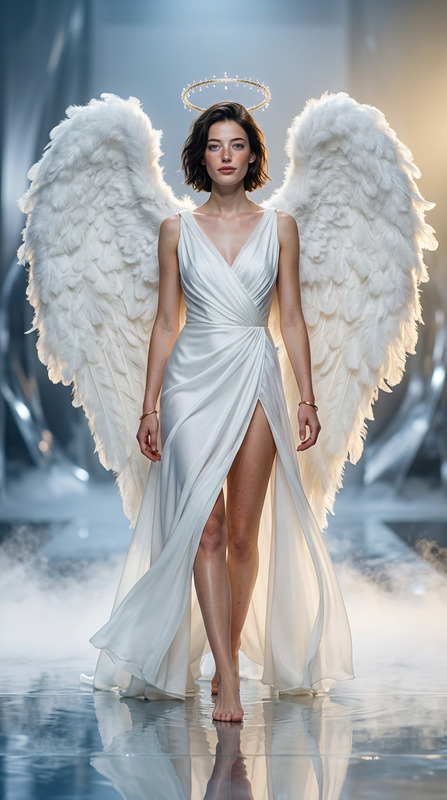
Immerse yourself in the fashion-forward realm of fantasy photography with the Pink Angel Couture template. This AI Image Editor allows you to transform ordinary images into high-fashion, visually captivating artwork that resembles a magazine cover. Whether for personal projects, fashion portfolios, or artistic endeavors, this template offers a tool for creating dramatic, couture-inspired visuals.
What It Does
The Pink Angel Couture template uses the nano-banana-pro model to craft images featuring subjects with enormous, sleek pink angel wings against a dark backdrop. It combines intricate details, from the vintage convertible to the layered smoke and ornate dresses, to render a realistic and luxurious atmosphere fit for a high-fashion context.
Utilize this template to create visuals with AI Image Editor, where narrative meets aesthetics, resulting in ultra-high-definition, cinematic imagery.
Who It's For
This template is ideal for photographers, digital artists, and fashion designers looking to generate artistic and commercial images quickly. It's perfect for those in the fashion industry aiming to innovate their portfolios, as well as content creators who wish to enhance their storytelling with visually compelling imagery.
Additionally, if you're a marketer or brand strategist in the fashion domain, this tool can assist in creating standout visuals for campaigns and promotions.
Summary
The Pink Angel Couture template empowers you to create eye-catching, stylish images with a flair of elegance and sophistication. Situated at the intersection of art and technology, this template leverages advanced AI features to render high-quality visuals. Particularly useful for the fashion industry, it provides versatile capabilities for commercial and creative applications.
For more transformative tools, explore our AI Talking Photo for adding motion to your stills or our Face Swap product for dynamic character variations in your projects.
How to Use
Choose Your Template

Customize Inputs

Generate Your Image

Use Cases
Fashion Portfolio Enhancement
Marketing Campaign Visuals
Artistic Expression
Best Practices
Optimize Image Quality
Ensure your uploaded image has a high resolution for better output quality. This is crucial for capturing intricate details.Focus on Lighting
Leverage the key and rim lighting adjustments to highlight features and dimensions within the scene for a more dramatic effect.Experiment with Details
Don't hesitate to tweak the car's paint finish or the tulle dress texture to match your vision and the project's theme.