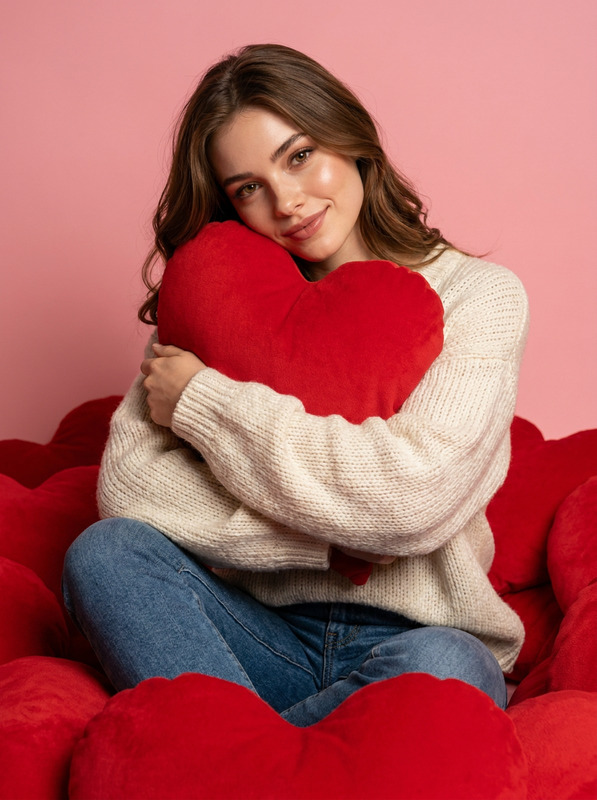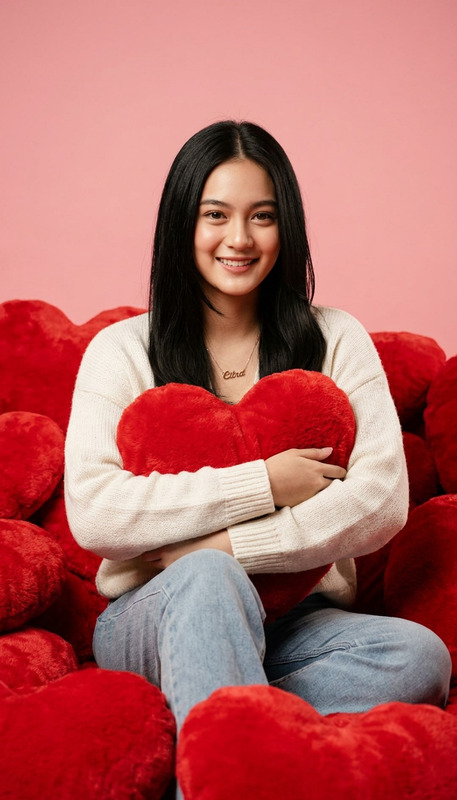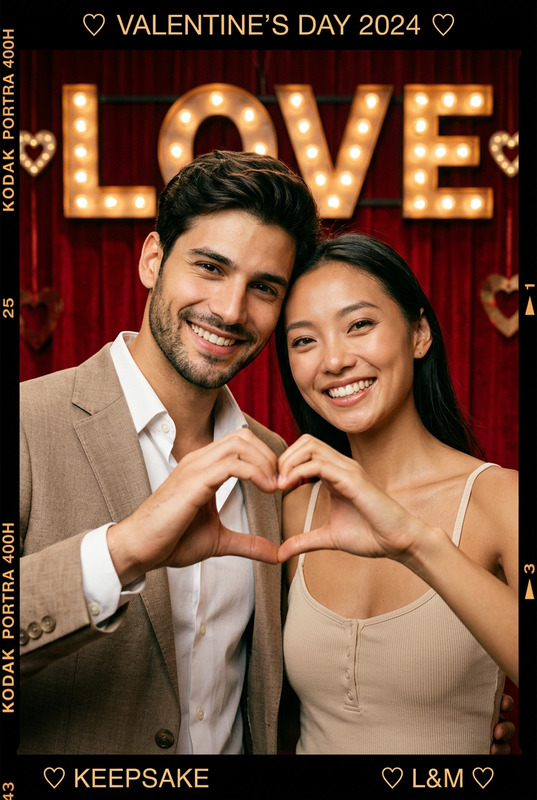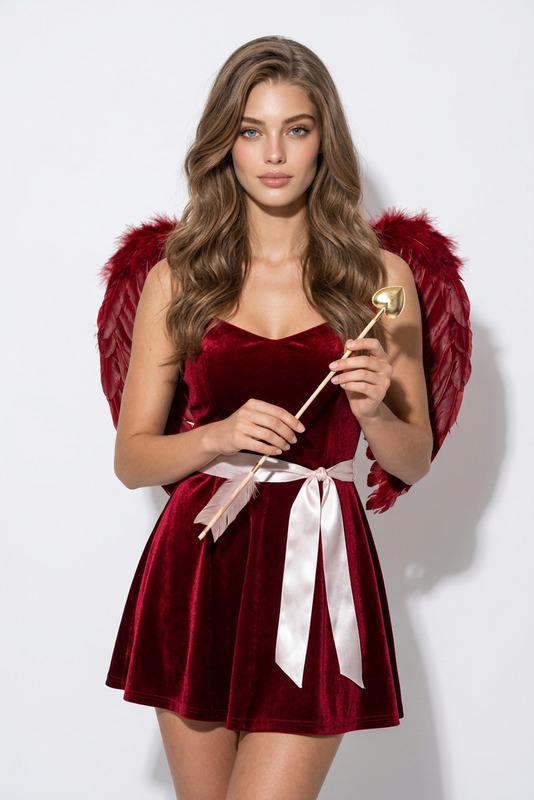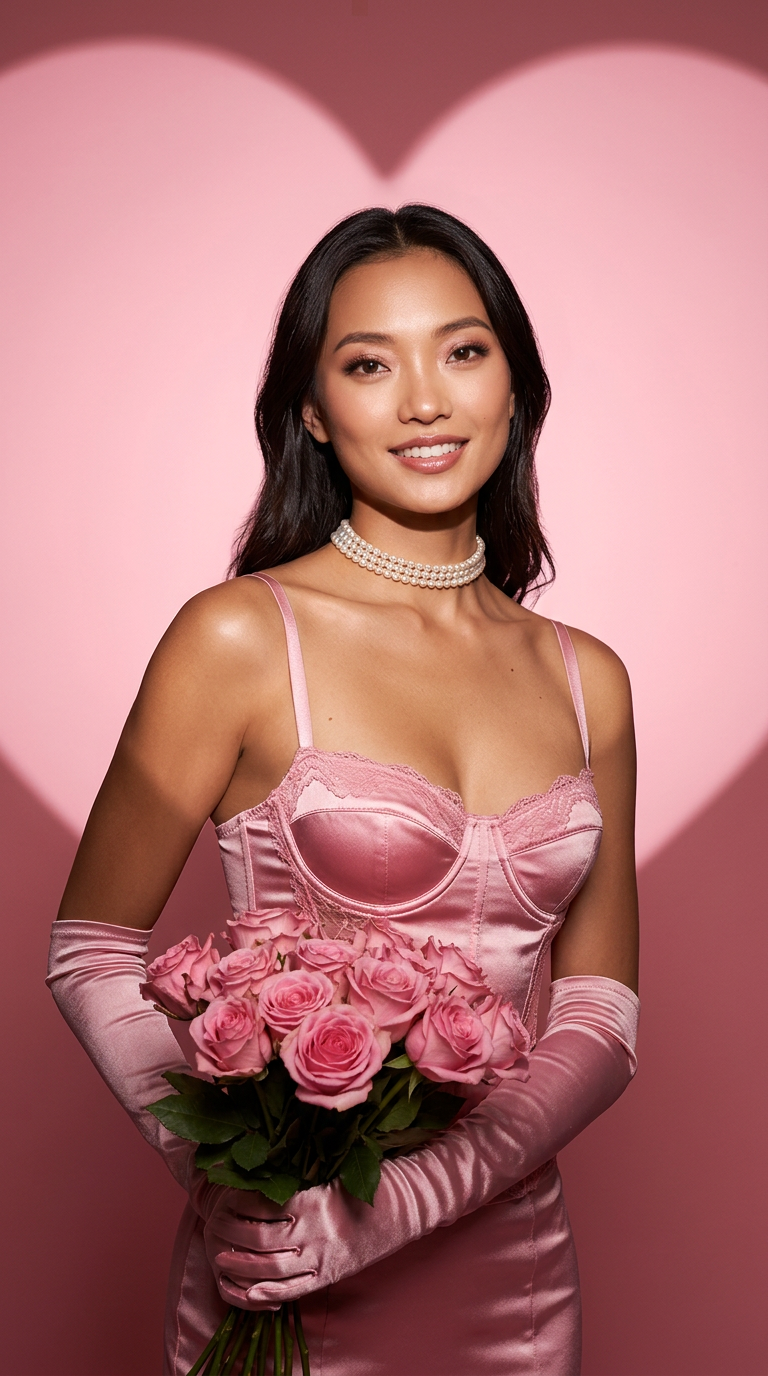
Valentine Heart Light Pink Corset
- Model
- Nano Banana 2
- Image
- 768 × 1376 px
Prompt
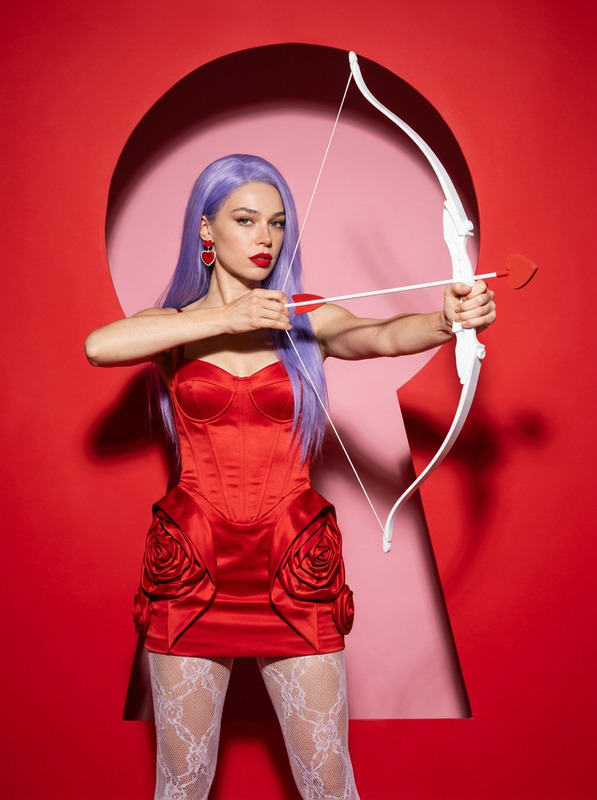
Recreate a new image based on the subject in the uploaded image. The composition is a vertical, high-end portrait photography setup. The camera angle is slightly below the subject’s eye level, facing the subject directly, capturing the upper body. The framing is stable and polished, with a strong fashion editorial presence. The subject’s body is posed in a subtle three-quarter stance, with the shoulders and hips forming a natural angular contrast. The head is gently turned toward the camera, and the gaze is level but directed slightly to one side of the frame. The expression is calm and confident, conveying a mature, charismatic emotional tone. The subject’s arms are bent in front of the body, with both hands naturally lifting and holding a bouquet of flowers. The arms rest close to the body without appearing tense, creating an elegant pose with a sense of ceremony. The center of gravity is stable, posture upright, and the overall silhouette emphasizes vertical proportions and graceful curves, presenting a classic high-fashion portrait stance. The outfit and accessories are fully preserved: the subject wears a pink satin corset-style top with lace trim, tailored closely to the body’s contours. The satin surface has a distinct sheen, and the detailing is refined and delicate. Matching long satin gloves in the same color cover both arms, maintaining material consistency with the outfit. Around the neck is a close-fitting pearl choker necklace, with tightly arranged pearls and a soft luster, serving as a key elegant accent. In her hands, the subject holds a bouquet of pink roses, full and layered, functioning as an important emotional symbol that reinforces the romantic theme. The background is a soft pink-toned backdrop. At the center of the background appears a symmetrical, complete, and clearly defined heart-shaped light or shadow effect. The heart’s outline is smooth with softly diffused edges, while the area outside the heart gradually transitions into a darker tone, creating a natural spotlight effect that places the subject clearly within the center of the heart shape. The heart occupies the visual core of the composition and serves as the primary symbolic element of the Valentine’s Day theme. The lighting follows a studio portrait setup. The key light is directed from the upper front of the frame, evenly illuminating the face and body with clean, well-controlled shadows and layered depth. Skin texture appears smooth and refined. Fill and background lights work together to shape the heart motif and enhance contrast, ensuring the subject’s silhouette stands out clearly. The overall color palette is dominated by pink tones, creating a sweet, soft, and sophisticated aesthetic. The image style aligns with a high-end fashion magazine–cover–level Valentine’s Day portrait, with an atmosphere that is romantic, refined, and visually compelling.
Any aspect ratio
Overview
The Valentine Heart Light Pink Corset template leverages the power of the AI Image Editor to create a high-fashion portrait with a romantic theme. Using the advanced capabilities of the nano-banana-2 model, this template transforms existing images into polished portraits with a focus on fashion and elegance.
What It Does
This AI Image Editor template recreates images into stunning Valentine’s Day portraits, emphasizing fashion editorial elements. The template automatically adjusts the composition to a vertical format, applying a high-end portrait photography setup that includes specific lighting and pose arrangements to enhance the elegant and luxurious vibes of the image.
Who It's For
Perfect for fashion photographers, models, and marketing professionals looking to craft visually compelling images for Valentine’s Day campaigns or editorials. This tool is also ideal for individuals in the creative industry sector needing to produce high-quality, theme-specific visuals quickly and efficiently.
Summary
The Valentine Heart Light Pink Corset template is your go-to solution on Magic Hour for creating elegant and romantic portraits with minimal effort. Discover more about how it can fit into your creative projects by exploring our AI Talking Photo and AI Image Generator for expanding your artistic toolbox.
How-To
Choose the Template

Customize Your Image

Generate and Save

Use Cases
Fashion Editorials
Valentine's Day Promotions
Portfolio Enhancement
Best Practices
Use High-Quality Images
Upload images with a high resolution to ensure the best results when using the template.Customize Prompt Details
Adjust prompt elements to better match the desired expression, emotion, or accessory details for a more personalized touch.Review Lighting and Colors
Ensure that the lighting and color adjustments align with your vision before generating the final image for the best visual impact.