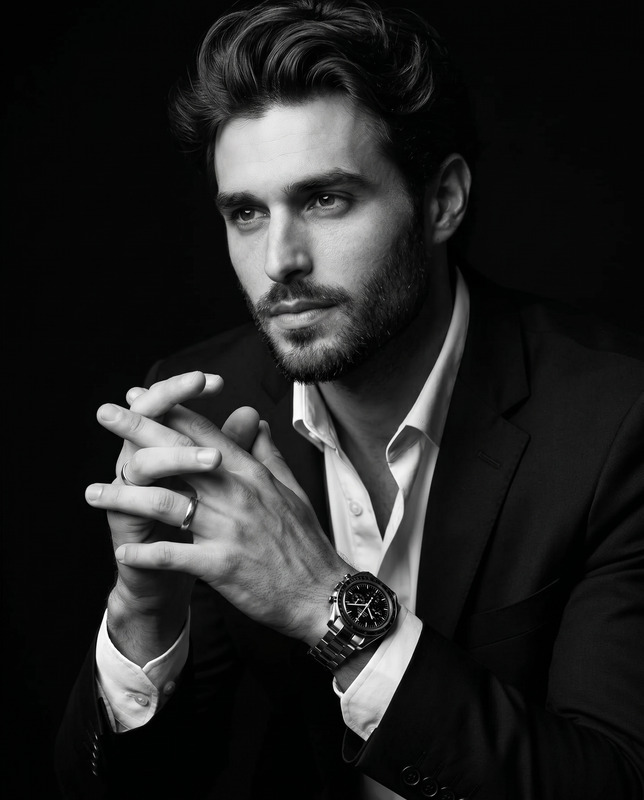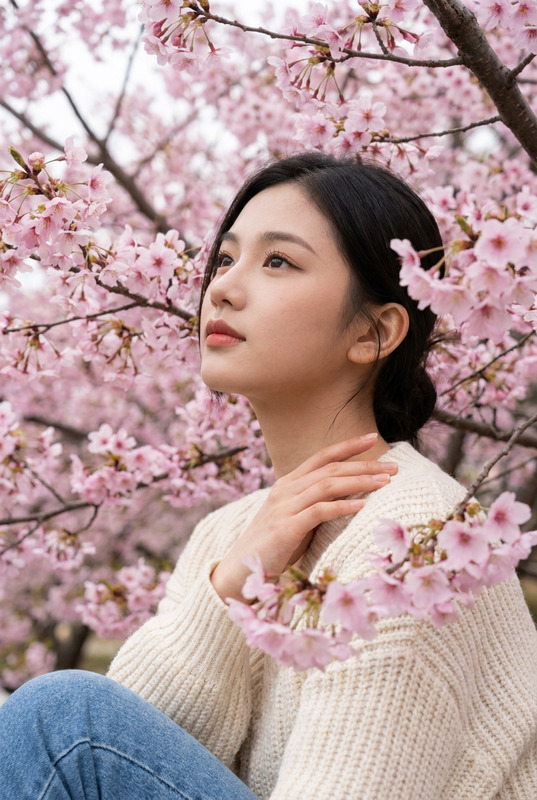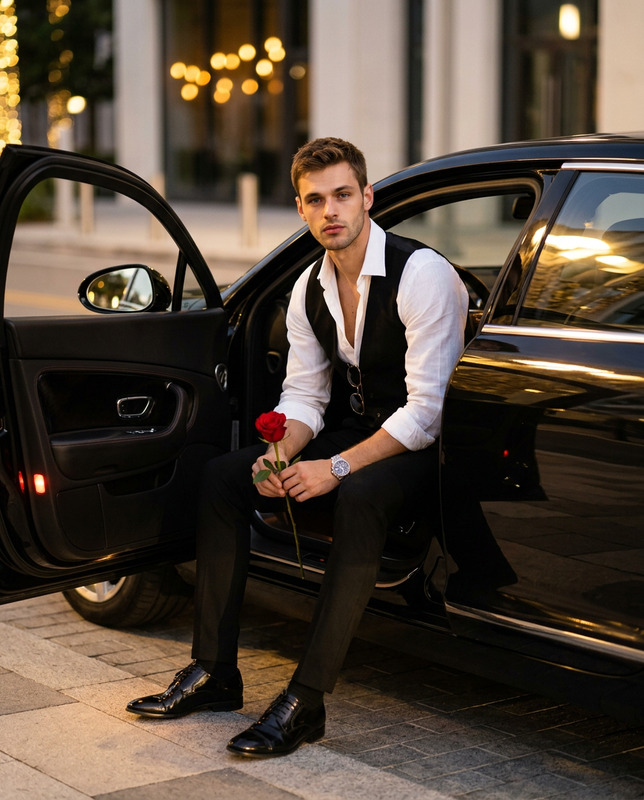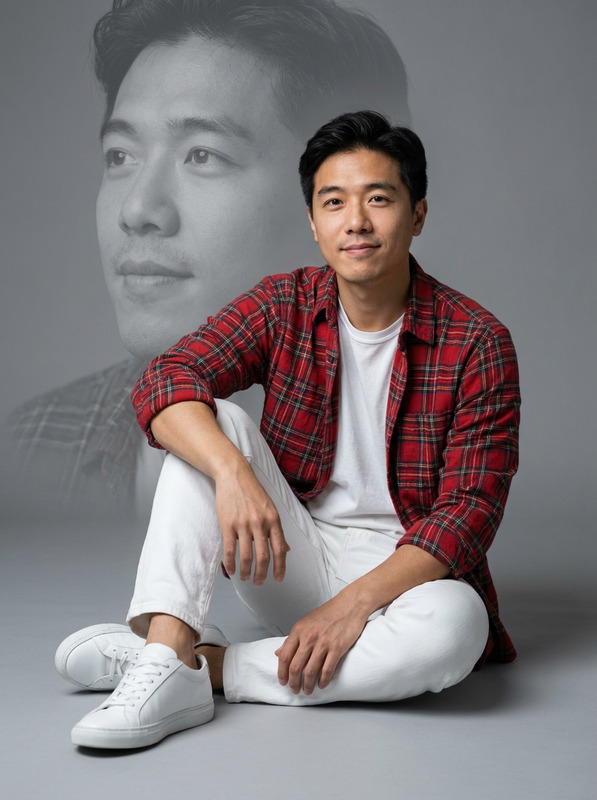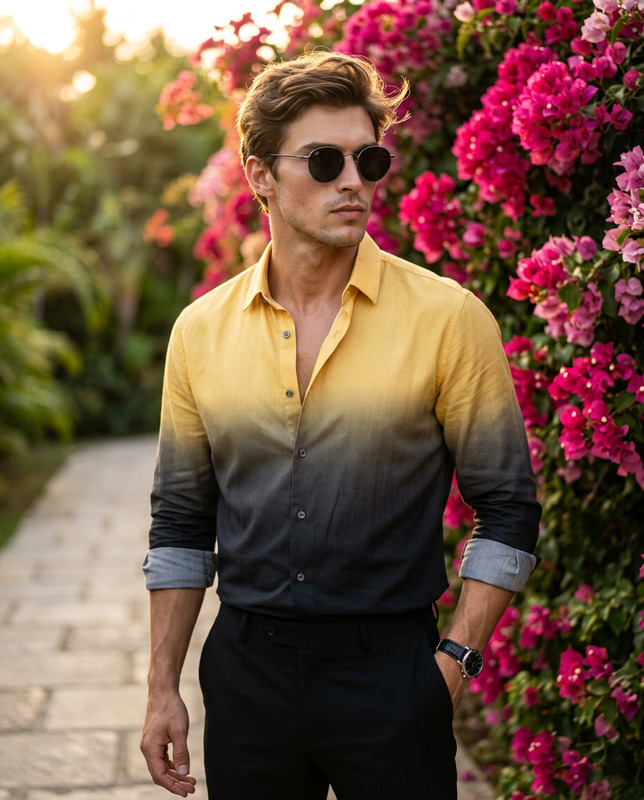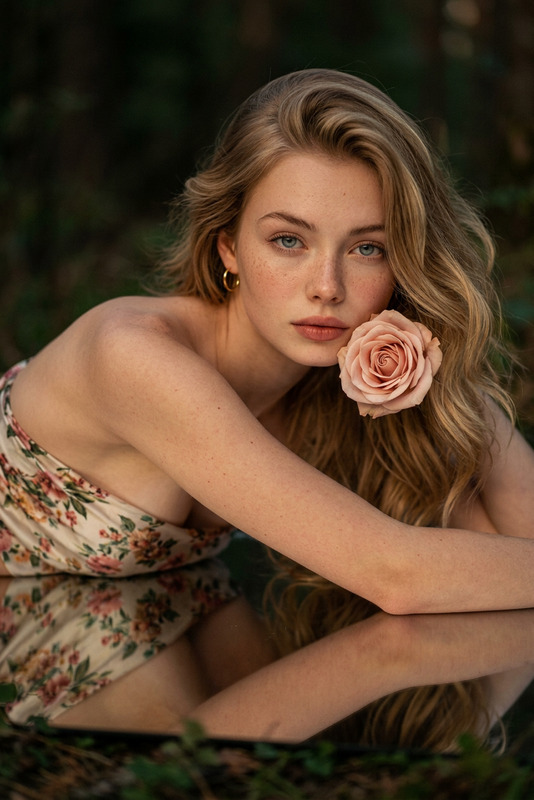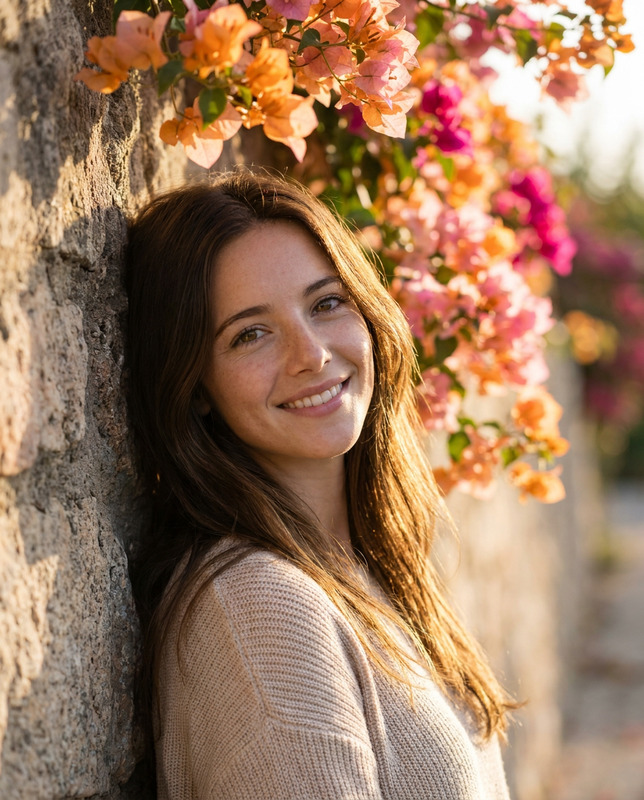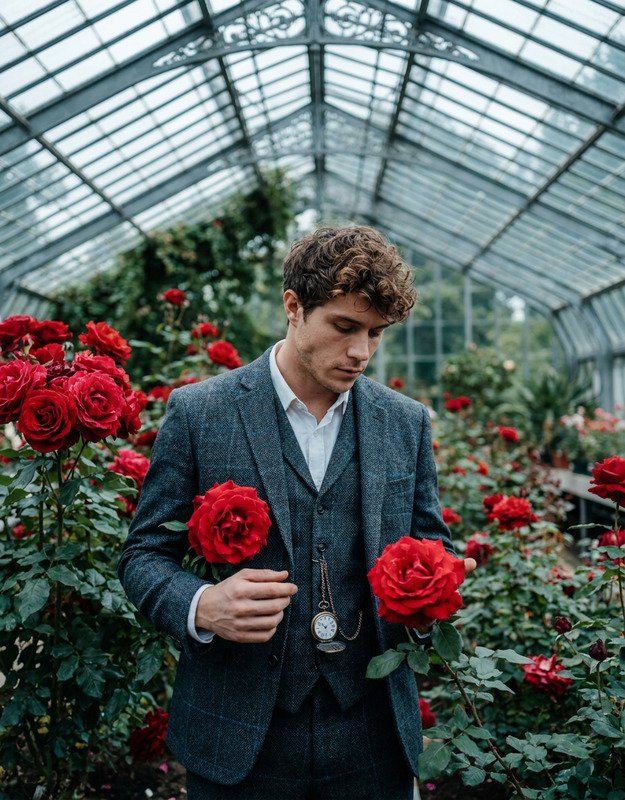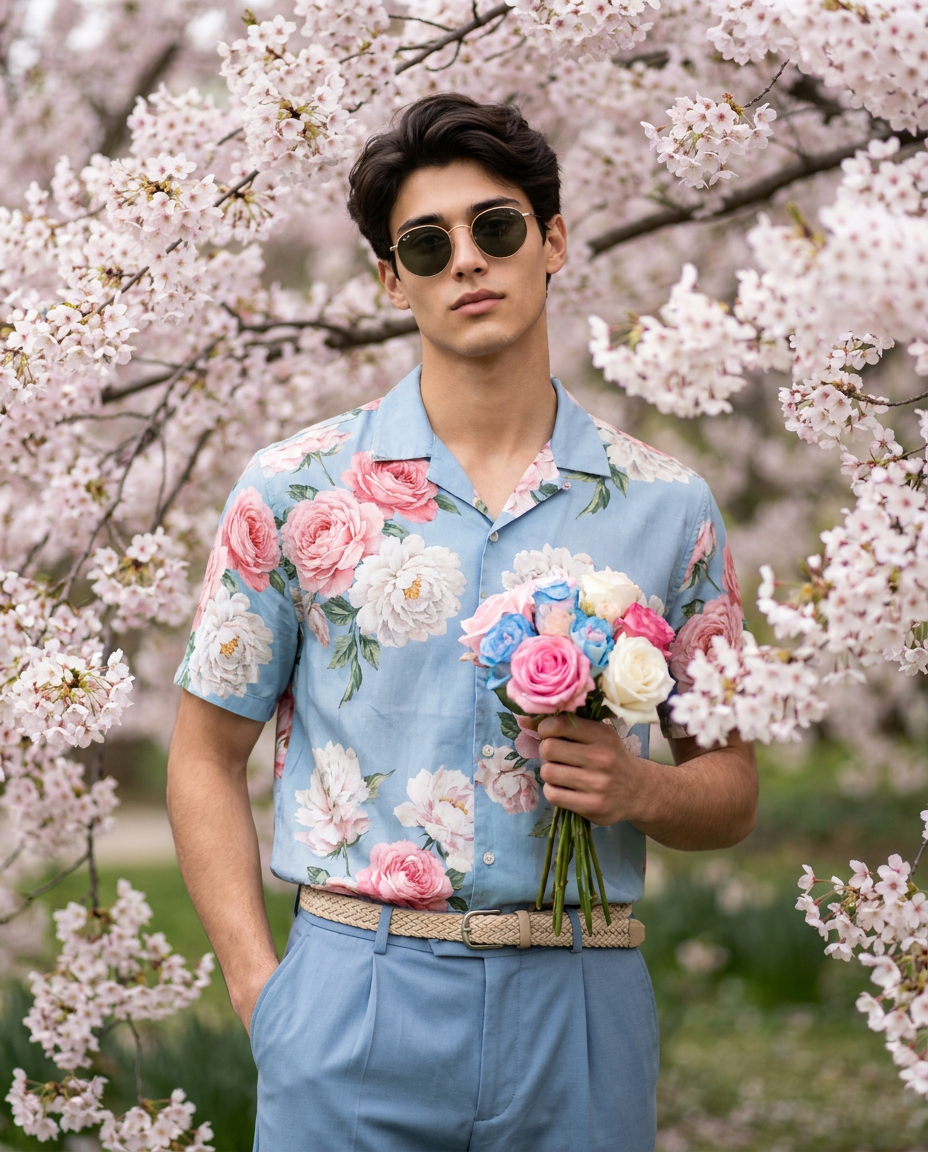
Man with Roses in a Sakura Garden
- Model
- Nano Banana Pro
- Image
- 928 × 1152 px
Prompt
Create a photorealistic, high-fashion portrait of a stylish man (face match). He has a well-groomed appearance. He is wearing vintage round sunglasses with thin gold frames and dark tinted lenses. His outfit features a short-sleeved, light blue button-down shirt adorned with a large, realistic floral pattern of pink roses and white peonies, tucked into tailored, light blue pleated trousers secured with a braided beige belt. His left hand is casually tucked into his trouser pocket, while his right hand holding at chest level, a small, elegant bouquet of pink, blue and white roses. His expression is confident, relaxed, and subtly charismatic. The background is a lush, vibrant spring garden filled with heavily blooming cherry blossom trees, featuring a subtle natural vignette. The lighting is soft, diffused natural daylight, creating an even, flattering glow on the subject. Shot straight-on at eye level, medium-full body crop. Photographed on an 85mm portrait lens, f/1.8 aperture for a shallow depth of field, resulting in beautiful, creamy floral bokeh in the background. Ultra-detailed, 8k resolution, cinematic color grading with a pastel spring aesthetic. Aspect ratio 4:5.
Any aspect ratio
Overview
The AI Image Editor template "Man with Roses in a Sakura Garden" empowers creators to craft stunning, high-fashion portraits. This template leverages the capabilities of the nano-banana-pro model to generate photorealistic images with exquisite detail and high resolution. Perfect for designers looking to enhance their creative storytelling, this template blends exquisite style with natural elegance.
What It Does
This template focuses on generating a photorealistic, high-fashion portrait of a stylish man in a vibrant spring garden setting. It utilizes a cinematic color grading and soft, diffused natural lighting to bring out the best in every element, from the man's carefully styled appearance to the lush cherry blossoms in the background. The template ensures each detail, from clothing to bouquet, contributes to an overall high-quality aesthetic.
Who It's For
This template is ideal for photographers, fashion designers, and creative artists seeking to produce high-quality fashion images without the need for an extensive photoshoot. It's also perfect for marketers in the fashion industry aiming to create engaging content for campaigns. By using the AI Image Generator, professionals can efficiently craft visually compelling graphics.
Summary
The "Man with Roses in a Sakura Garden" template in the nano-banana-pro model offers an unmatched tool for creating captivating, detailed portraits. Its focus on ultra-realism and high fashion makes it a valuable asset for producing sophisticated visuals.
How To
Choose Your Template

Customize Your Inputs

Generate Your Image

Use Cases
Fashion Lookbooks
- High-quality portraits for catalogues
- Consistent aesthetic with pastel spring colors
Social Media Campaigns
- Increase engagement with vibrant photos
- Promote spring-themed collections
E-commerce Displays
- High-resolution images for product displays
- Detailed look to highlight unique designs
Best Practices
Focus on Detail
Ensure that the clothing patterns and model's expressions are clearly specified in the prompt for the best outcomes.Utilize Natural Lighting
Leverage the described lighting settings to evoke a natural, soft look which enhances the fashion elements.Align with Brand Aesthetic
Match the image style and color grading to your brand’s aesthetic for consistency across marketing materials.