Vacuum Archive Fashion
- Model
- Nano Banana 2 Lite
- Image
- 843 × 1264 px
Prompt
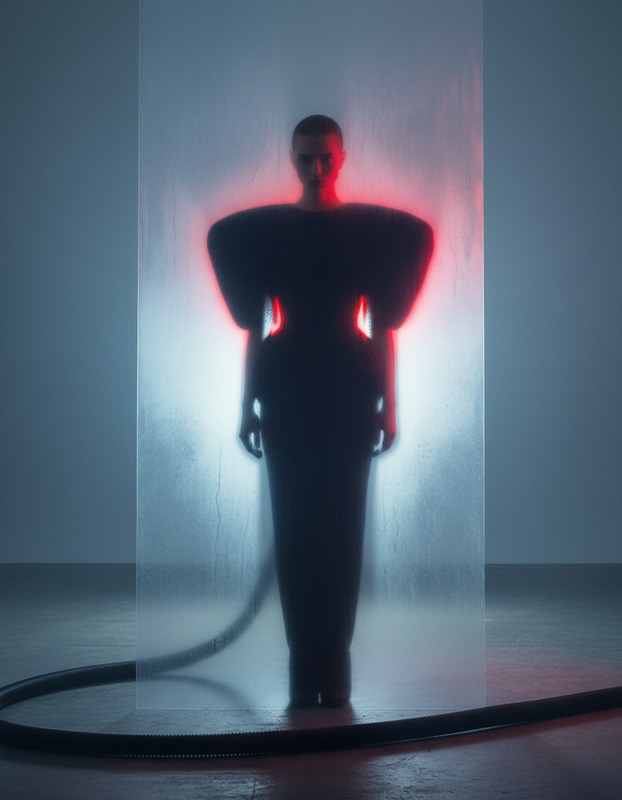
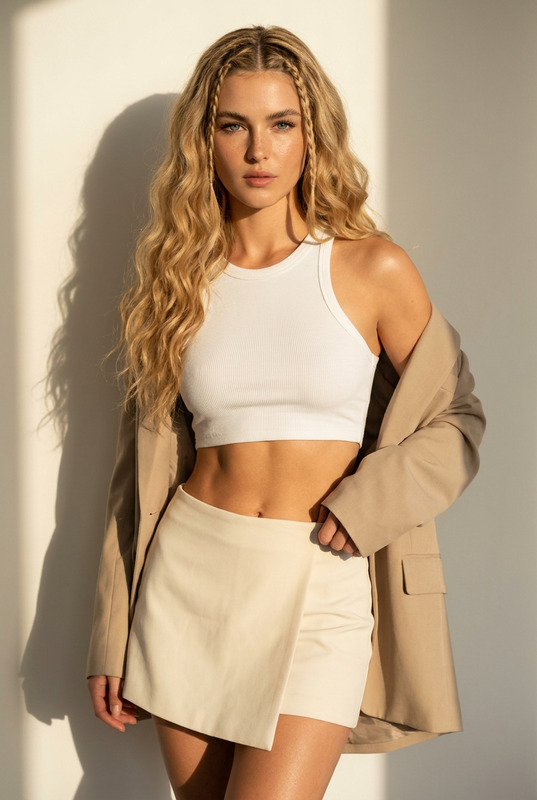
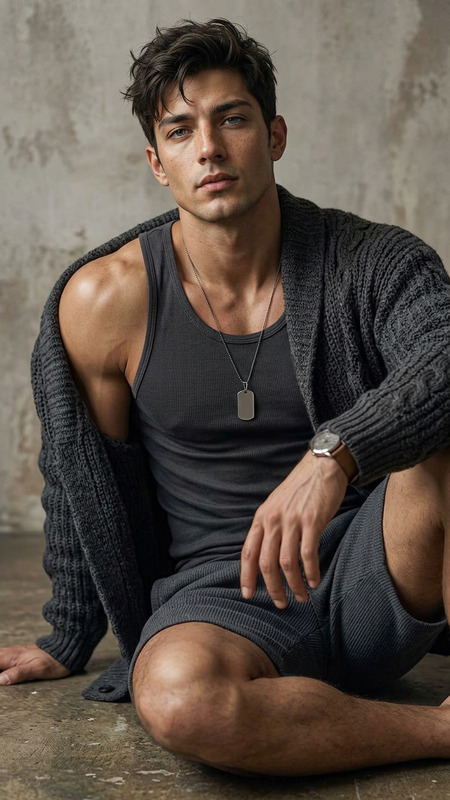
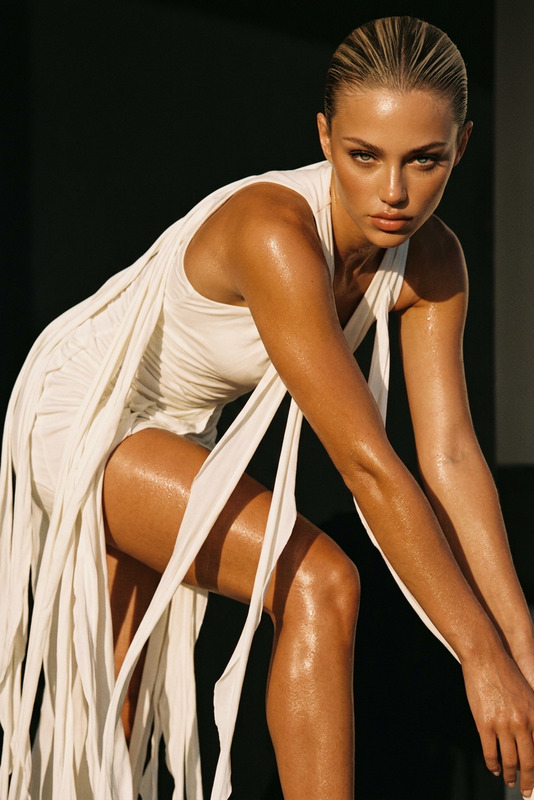
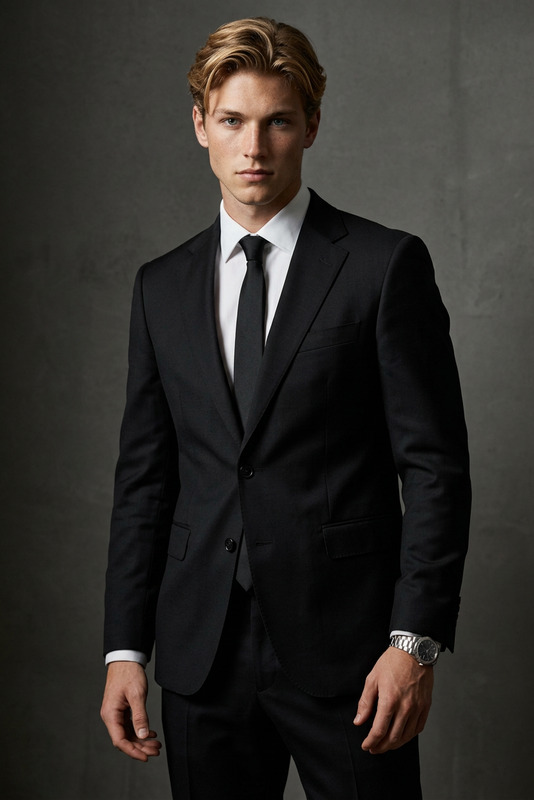
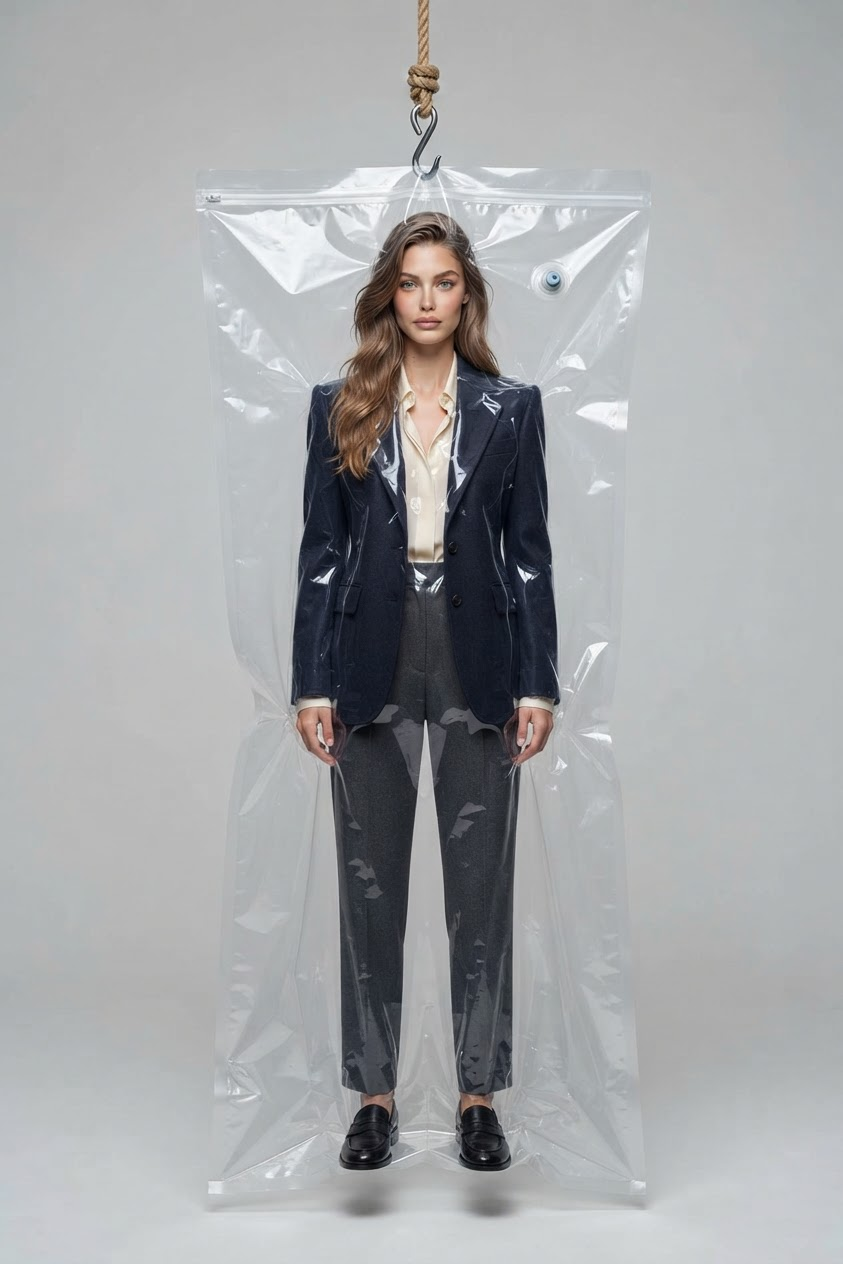
The subject is captured in an ultra-professional studio fashion photograph, shown full-body inside a transparent vacuum storage bag suspended from a hook attached to a rope entering from the top of the frame. The subject is posed stiff and neutral like a mannequin display, while still appearing clearly alive, with realistic skin texture, natural facial details, subtle emotion in the eyes, and a direct gaze into the camera. The subject wears a detailed fashion outfit with clearly visible clothing structure, realistic fabric texture, seams, folds, and material behavior. The entire body is visible from head to toe, including legs and shoes, with strong emphasis on facial detail, eye realism, and garment craftsmanship. The transparent plastic vacuum bag wraps naturally around the subject with realistic compression, subtle wrinkles, reflections, highlights, and transparent surface distortion. The material should behave like real plastic under studio lighting, creating believable reflections without obscuring the subject. The scene is minimalist and clean, featuring only the suspended subject against a simple studio background with no additional objects or distractions. Use soft professional fashion studio lighting with controlled highlights, gentle shadows, and sharp focus across the subject. High-end editorial photography aesthetic, ultra-photorealistic, 8K detail, realistic skin pores, detailed eyes, accurate fabric textures, realistic plastic reflections, premium fashion campaign style, cinematic clarity.
Any aspect ratio
Overview
The Vacuum Archive Fashion template uses the nano-banana-2-lite model to create ultra-professional studio fashion photographs. This AI Image Editor enhances the look of models by placing them in a high-fashion setting inside a transparent vacuum storage bag. The template ensures that every fabric detail and facial nuance is captured in stunning 8K realism.
What It Does
This template presents subjects as full-body fashion displays, enveloped in a vacuumed bag, enhancing the fabric's structure and texture. It focuses on real skin textures and subtle facial emotions, maintaining a high-end editorial look suitable for premium fashion campaigns. The minimalist backdrop and controlled lighting make these images ideal for portfolio pieces or brand advertisements.
Who It's For
This template is perfect for fashion photographers, designers, and marketers seeking to elevate their visual presentations. Whether you're producing content for a luxury brand, creating eye-catching materials for an Ecommerce Ad, or developing visuals for a fashion campaign, this tool ensures your content stands out.
Summary
With the Vacuum Archive Fashion template, you can quickly produce stylistic, high-resolution images. This AI Image Editor delivers top-tier, photorealistic results by attentively simulating every detail from the fabric's texture to the subject's eyes. It's a valuable tool for any visual content creator looking to push the boundaries of digital fashion imagery.
How-To
Choose the Template

Customize Your Image

Generate and Export

Use Cases
Fashion Campaigns
- Showcase new collections
- Highlight clothing craftsmanship
- Create editorial-style advertisements
Ecommerce Visuals
- Detailed views of garments
- Clear depiction of items in context
Portfolio Development
- Unique concept styling
- High-quality image resolution
Best Practices
Focus on Fabric Details
Ensure the clothing textures and structure are clear by refining the prompt to emphasize materials and seams.Adjust Lighting Intelligently
Utilize the lighting controls to bring out the facial details and create a professional studio atmosphere.Refine Subject Posing
Experiment with different poses to capture the subject's essence while maintaining a mannequin-like feel.