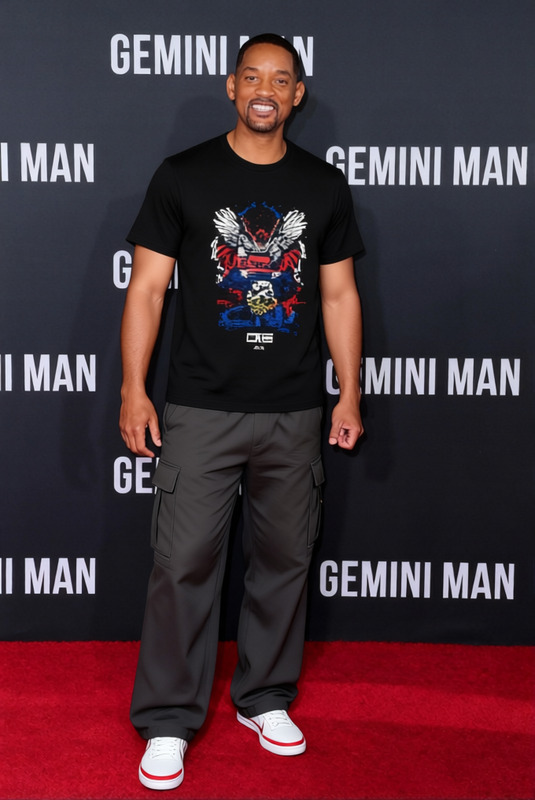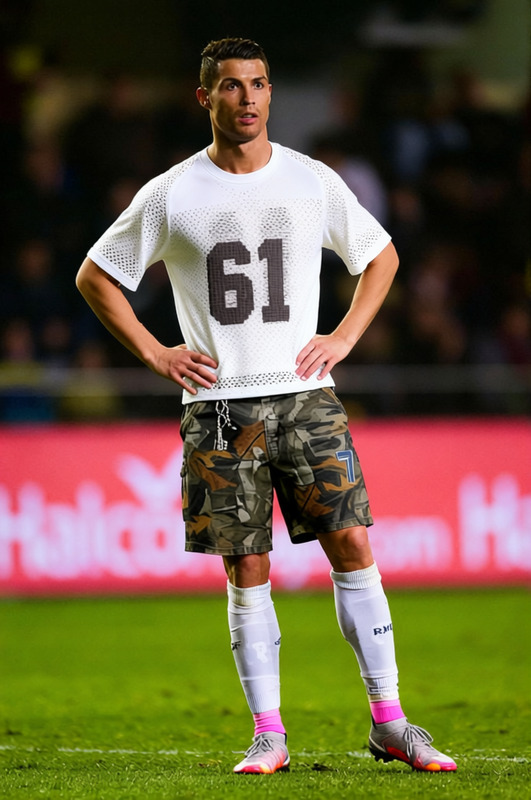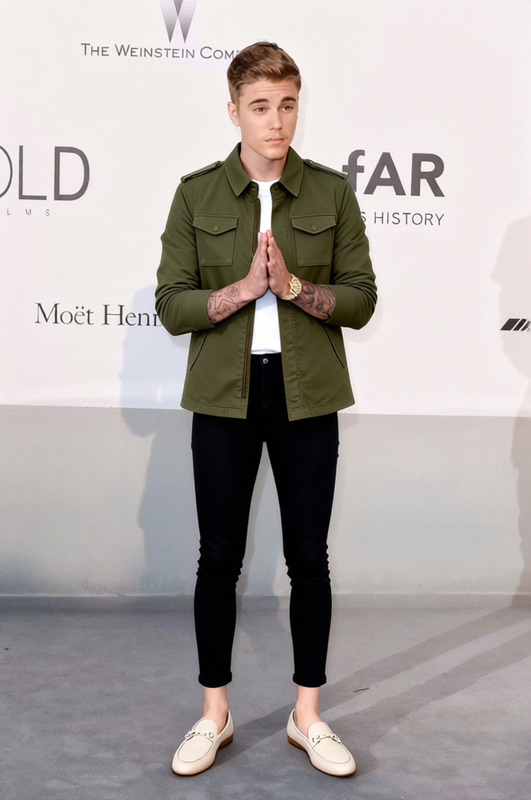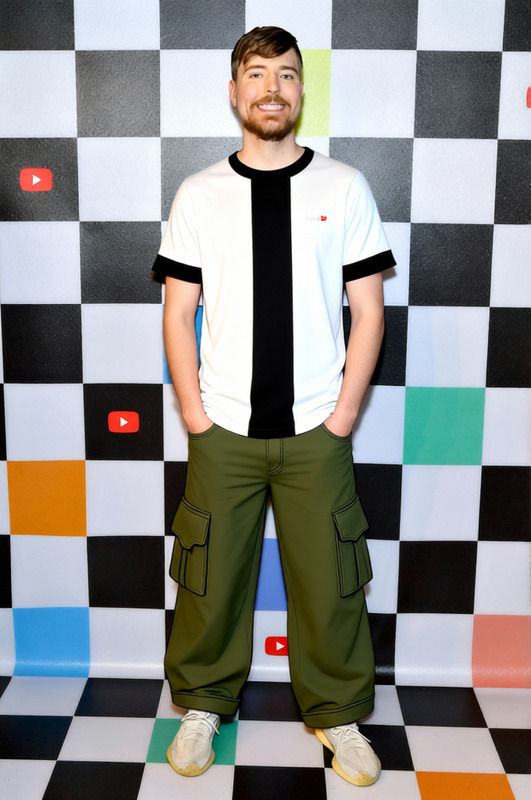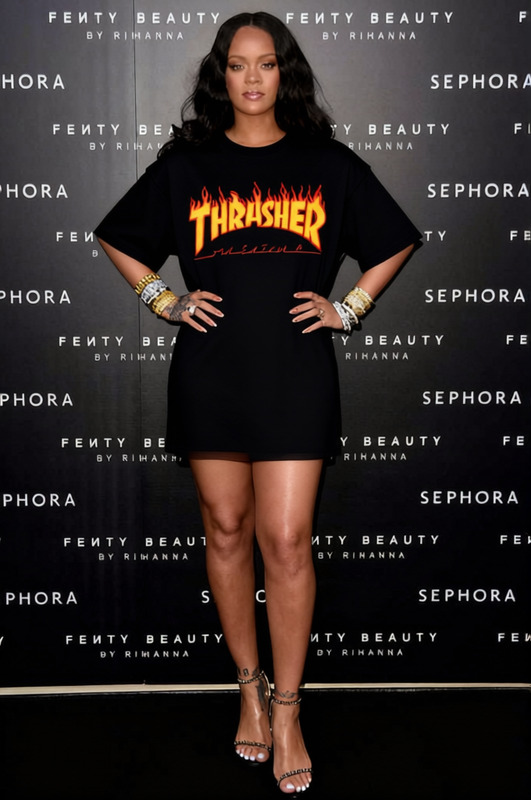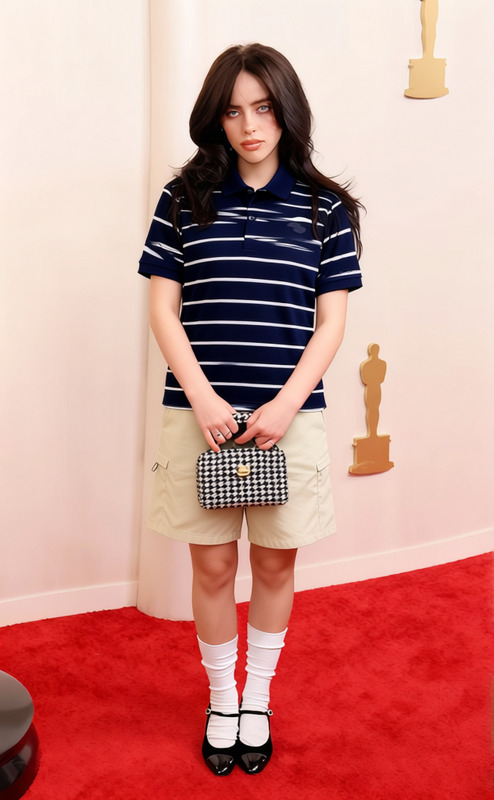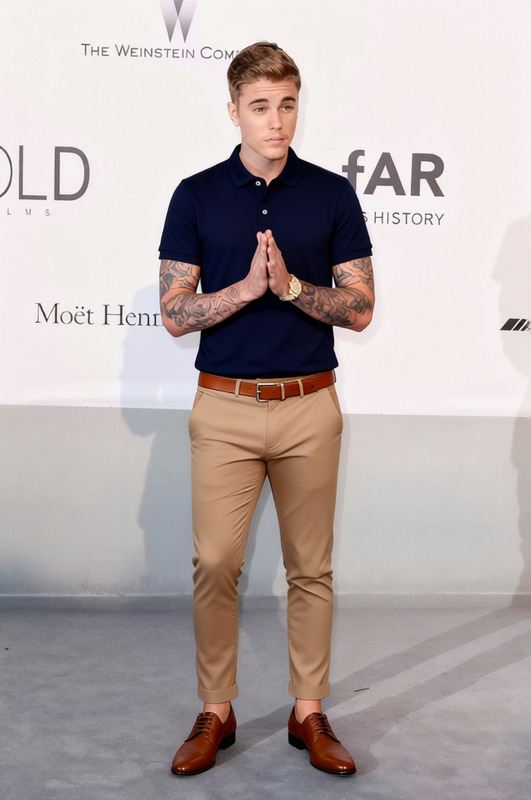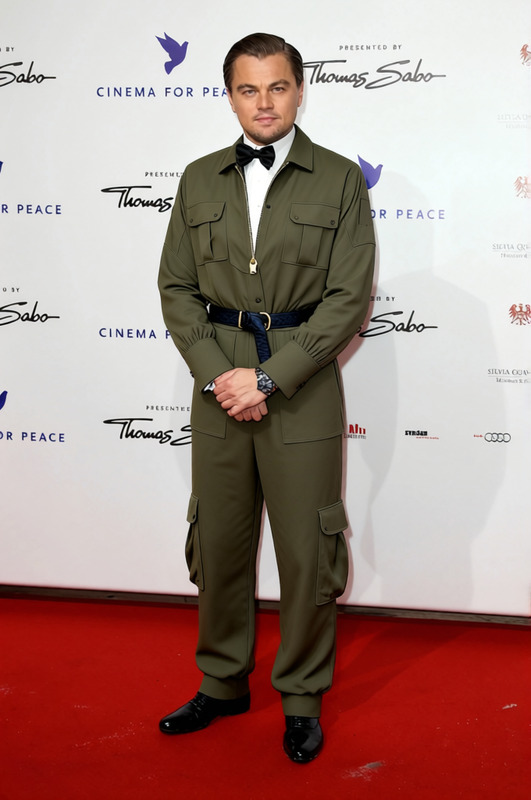
Cargo Shorts Streetwear Beige Cargo Shorts With Tee 2
- Image
- 680 × 1024 px
Any aspect ratio
Overview
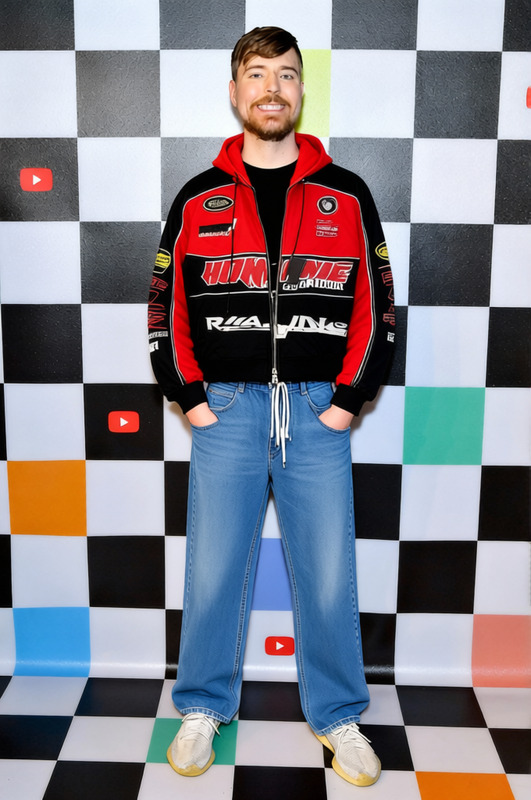
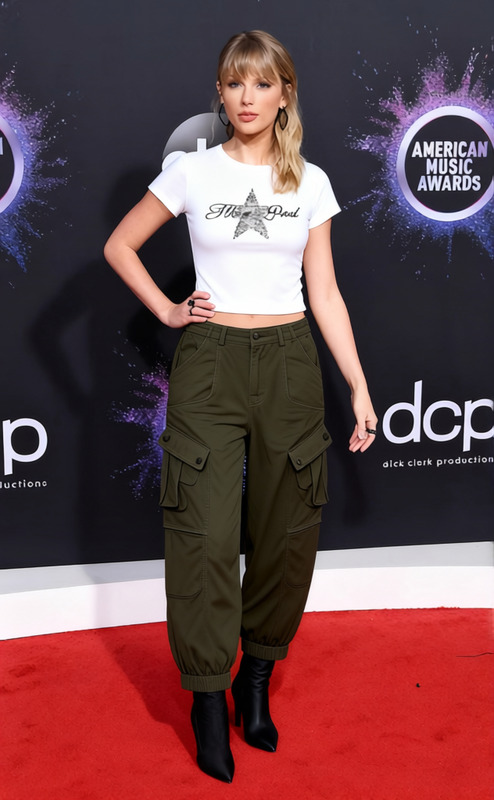
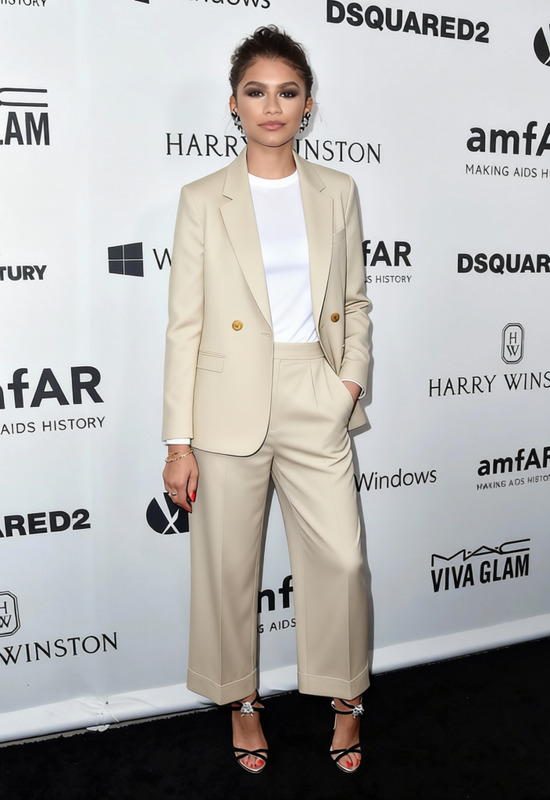
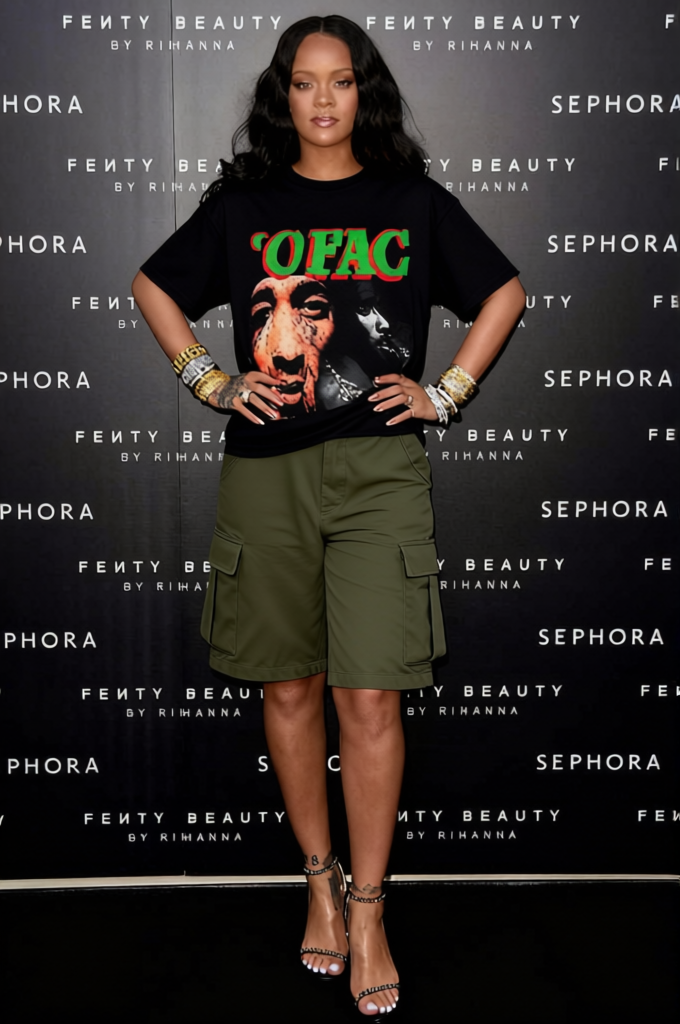
Transform your streetwear look with the Beige Cargo Shorts template, perfectly paired with a casual tee. This template is part of our AI Clothes Changer suite, designed to swiftly swap outfits in your images, maintaining realism and style.
What It Does
The template alters the clothing in your photos, replacing existing outfits with beige cargo shorts and a matching tee. Ideal for fashion enthusiasts, it enables you to experiment with new styles using our advanced AI Image Editor tools.
Who It's For
Perfect for fashion designers and marketers looking to showcase diverse clothing options without the need for physical samples. Social media influencers will also find it useful for creating fresh content effortlessly using the Lip Sync tool to enhance their audience engagement.
Summary
This template leverages cutting-edge AI technology to offer quick transformations of your visual assets. Integrate with other tools in our suite to maximize creativity and efficiency in your project planning and execution.
How To
Choose Your Template

Customize Your Image

Generate Your Output

Use Cases
Fashion Design Exploration
- Test different streetwear looks
- Showcase new designs to clients early in the process
Social Media Content Creation
- Fashion inspo posts
- OOTD (Outfit Of The Day) shots
Best Practices
Choose High-Resolution Images
Quality source images ensure the best results when applying the clothes changing feature.Maintain Realism
Align the new outfit properly with body angles and lighting for a seamless transition.Pair with AI Image Editor
Use alongside the AI Image Editor to enhance the background and other elements for a complete transformation.
Frequently asked questions
More Like This