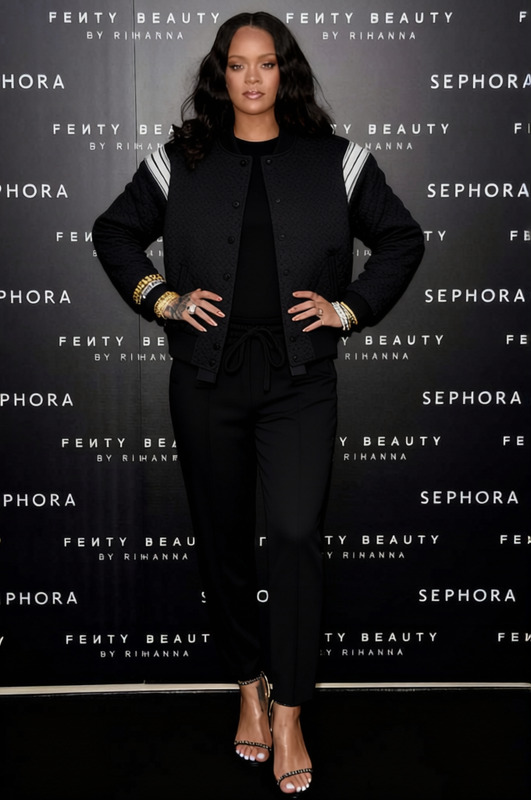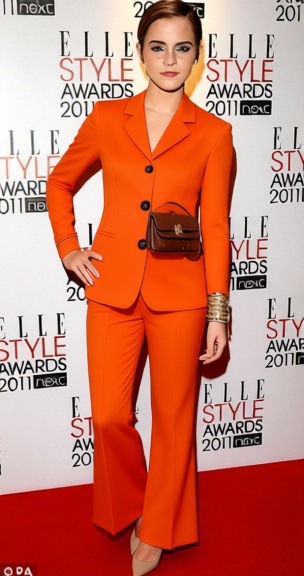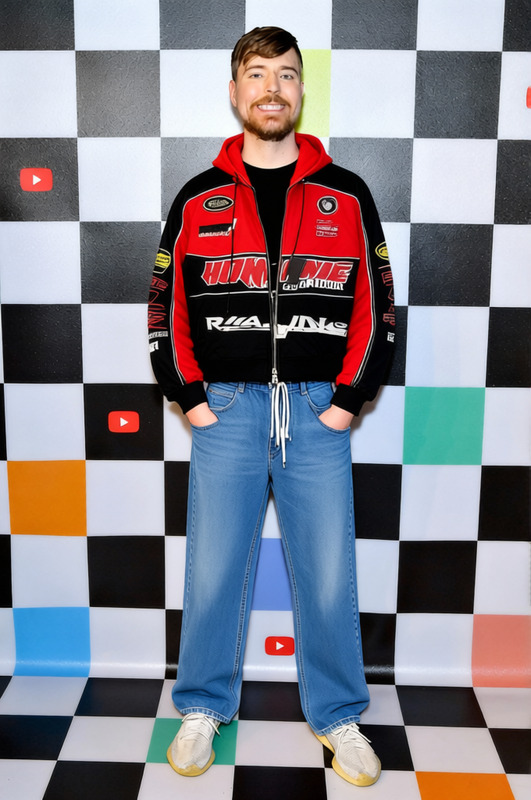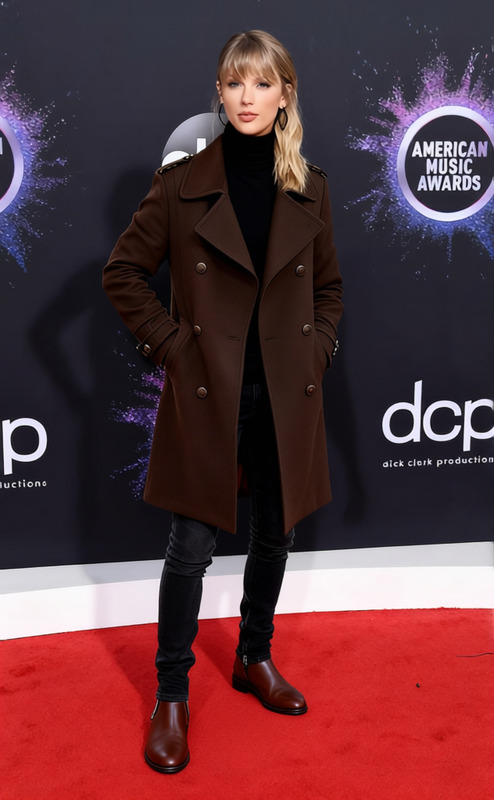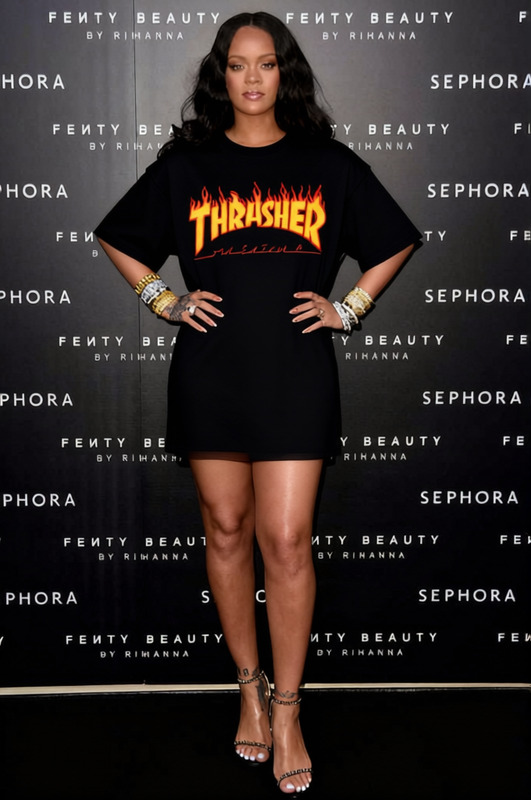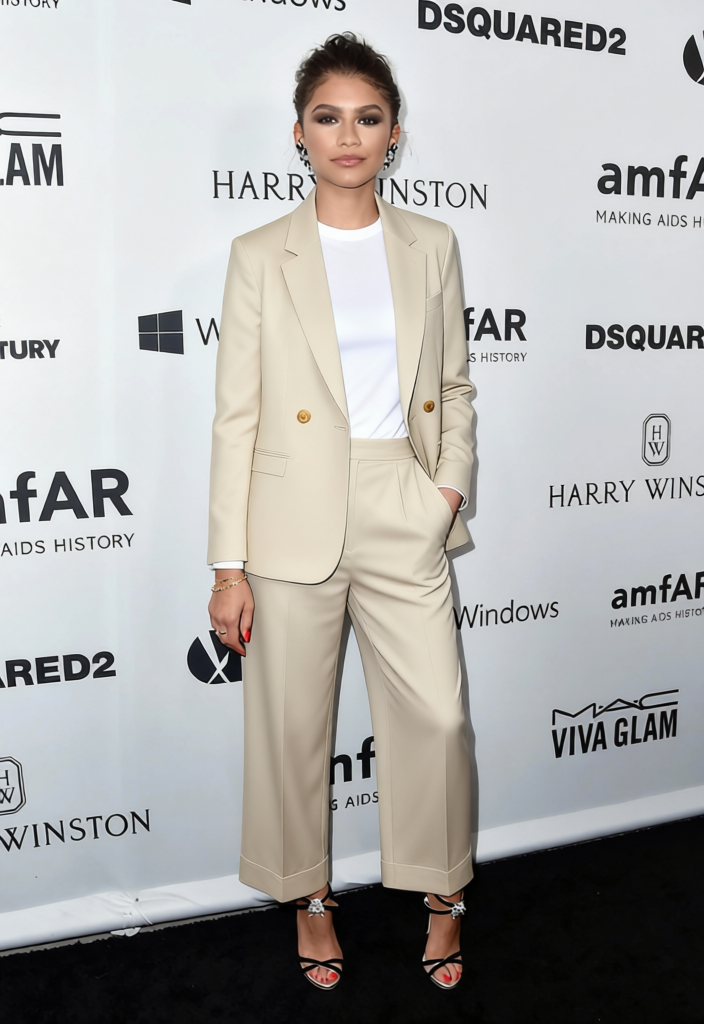
Street Tailoring Charcoal Suit Jacket With Cargo Pants 2
- Image
- 704 × 1024 px
Any aspect ratio
Overview
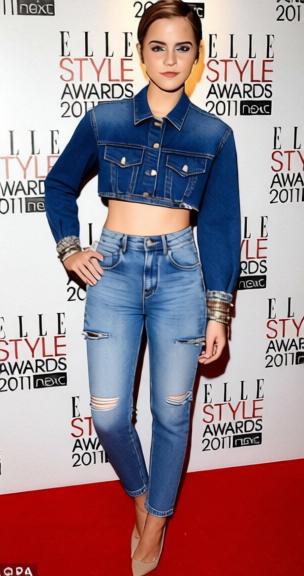
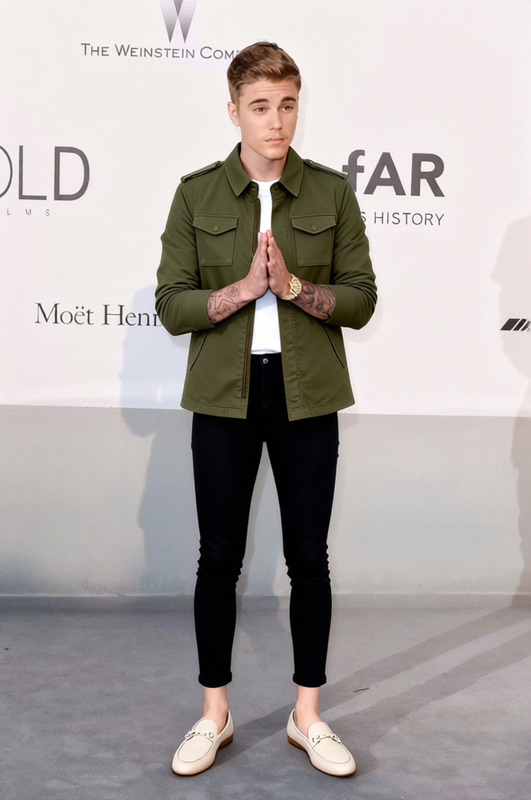
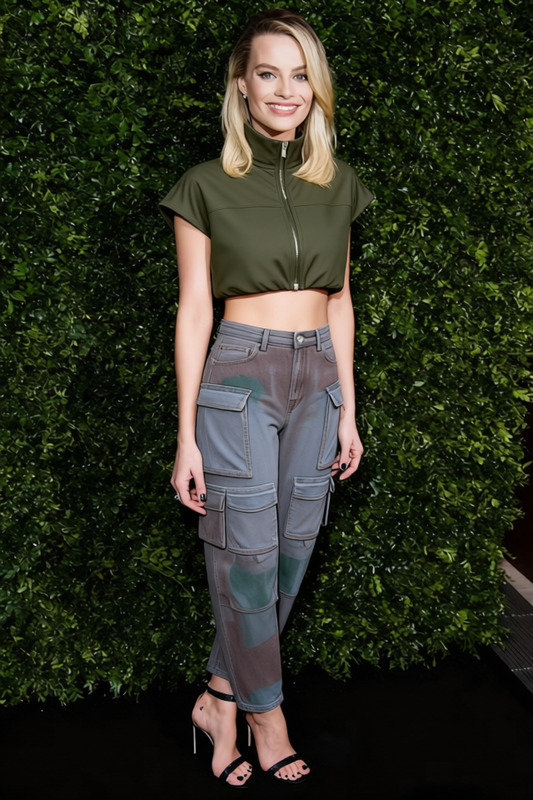
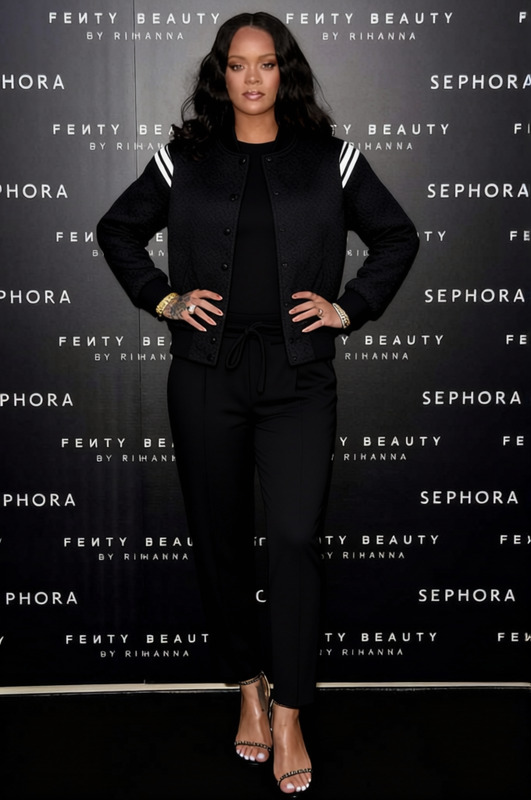
Transform your existing wardrobe into a chic ensemble with the Street Tailoring Charcoal Suit Jacket with Cargo Pants 2 template. Designed to adapt and apply a sophisticated look to your photos, this AI Clothes Changer template gives your images a stylistic upgrade by swapping outfits effortlessly.
What It Does
This template modifies your image by replacing the current clothing with a tailored charcoal suit jacket paired with cargo pants. It's perfect for achieving a refined yet casual aesthetic. By utilizing this tool, you can explore various fashion styles and find which look suits your personality best without having to change a thing in reality.
Who It's For
Ideal for fashion enthusiasts, personal stylists, and social media influencers who want to experiment with different wardrobe styles. If you're someone who values both fashion and convenience, or if you're a content creator in need of a quick fashion enhancement, the AI Profile Picture Generator can complement this outfit transformation to keep your profile fresh and up-to-date.
Summary
Explore the timeless style of a charcoal suit jacket combined with modern cargo pants, using the Street Tailoring template. This easy-to-use clothing swap enhances the visual impact of your photos. Whether you're updating your professional profile or creating content for social media, fashion has never been more accessible. For more options, check out our expansive collection within the AI Background Changer to match your new look with the perfect backdrop.
How to Use
Choose Your Template

Customize Your Image

Generate Your New Look

Use Cases
Social Media Content
- Create standout Instagram posts
- Boost engagement with stylish looks
Online Shopping Previews
- Try before you buy
- Evaluate styling preferences
Fashion Blogging
- Showcase the latest trends
- Attract a style-conscious audience
Best Practices
High-Quality Images
For accurate transformations, use images with clear resolution and well-lit subjects.Dress Fitting
Fine-tune the fitting settings to ensure clothing appears natural on the subject.Background Considerations
Pair with a suitable background for a cohesive look, using the AI Background Changer to complement the new outfit.
Frequently asked questions
More Like This