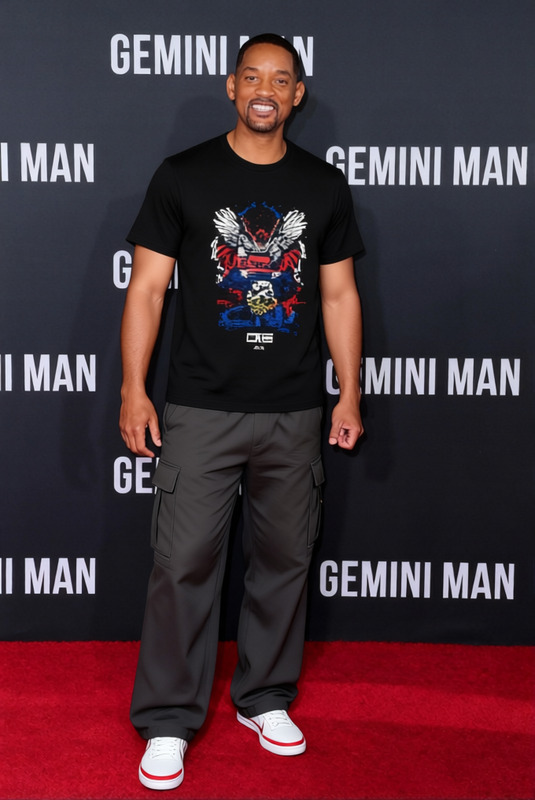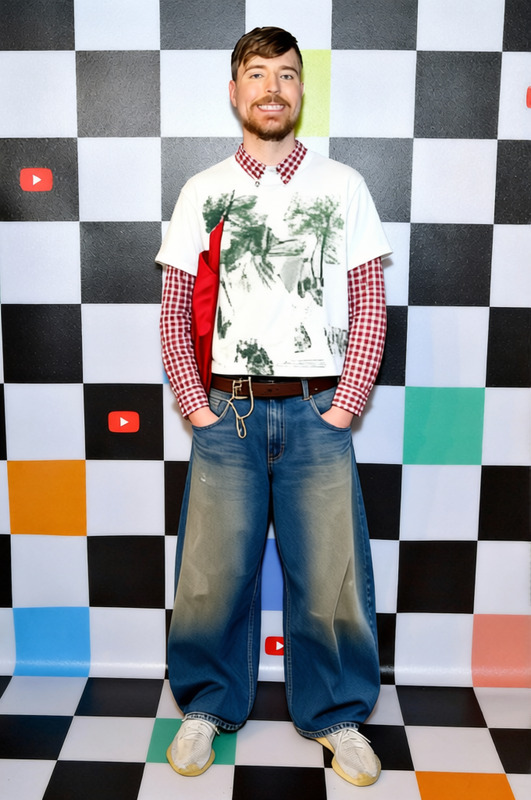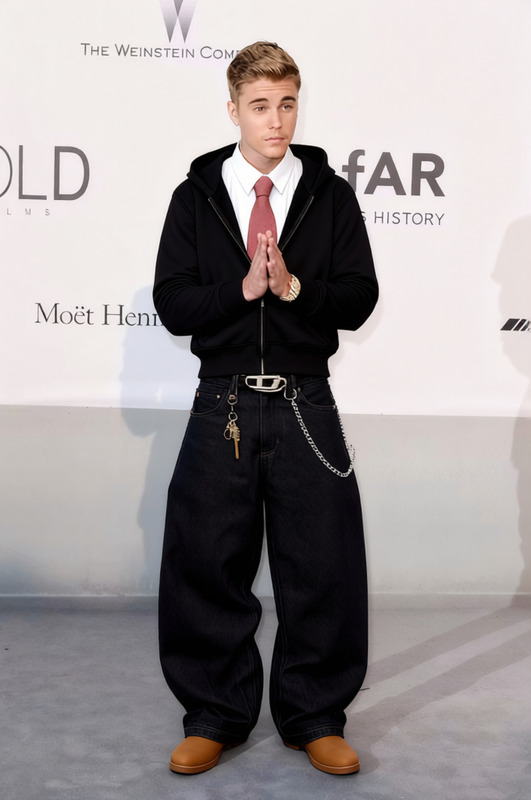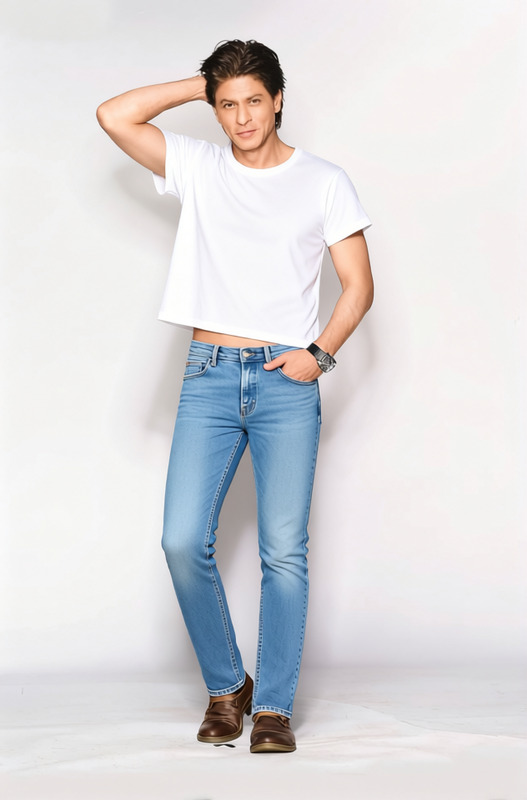
Sneakerhead Streetwear Graphic Sweatshirt With Ripped Jeans 2
- Image
- 680 × 1024 px
Any aspect ratio
Overview
The Sneakerhead Streetwear Graphic Sweatshirt With Ripped Jeans 2 template lets you effortlessly try out the latest streetwear trends without leaving your screen. As part of our AI Clothes Changer offering, this template focuses on transforming images by pairing a graphic sweatshirt with stylish ripped jeans.
What It Does
This template offers a fashionable transformation of any portrait or full-body image. By applying a digital graphic sweatshirt and ripped jeans, the AI system ensures that you achieve a fresh streetwear style. Use this tool for fashion previews or social media styling without the need for a single clothing change.
Who It's For
Designers, fashion influencers, and online retailers can all benefit from this template. Whether you're creating engaging content for social media ads or enhancing product details on e-commerce platforms, this tool is your gateway to captivating streetwear visuals.
Summary
The Sneakerhead Streetwear Graphic Sweatshirt With Ripped Jeans 2 template is an essential tool for anyone looking to enhance their appearance in photos with high-quality, trendy clothing. By leveraging technology from our AI Clothes Changer, the final image is both fashionable and photorealistic, perfect for a variety of digital uses.
How To
Choose Your Template

Customize Your Inputs

Generate Your Image

Use Cases
Fashion Design Preview
Social Media Content
E-commerce Listing
Best Practices
High-Resolution Images
Use high-resolution images for better clarity and more realistic transformations.Adjust Clothing Fit
Pay attention to the precise placement and size of clothing to ensure it fits naturally on the subject.Check Lighting Conditions
Ensure the lighting in the base image complements the lighting textures of the clothing for a cohesive look.
Frequently asked questions
More Like This