Chappell Roan Pink Cowgirl Hat And Sequined Bodysuit 2
- Image
- 640 × 960 px
Any aspect ratio
Overview
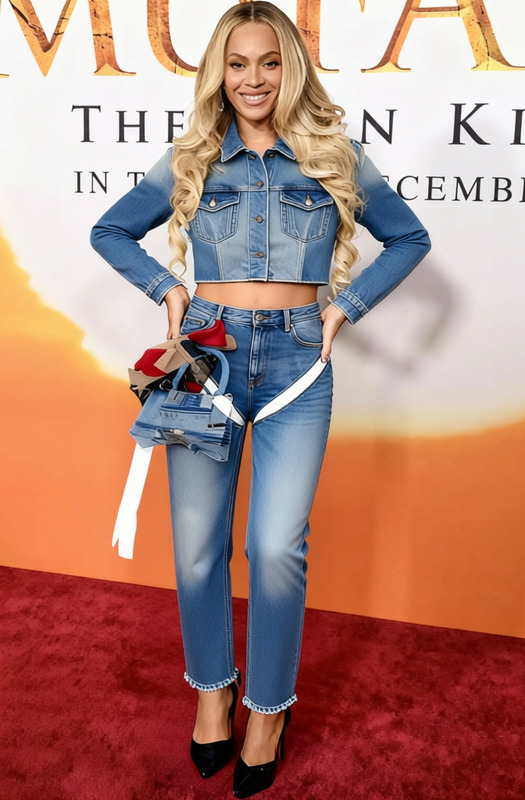
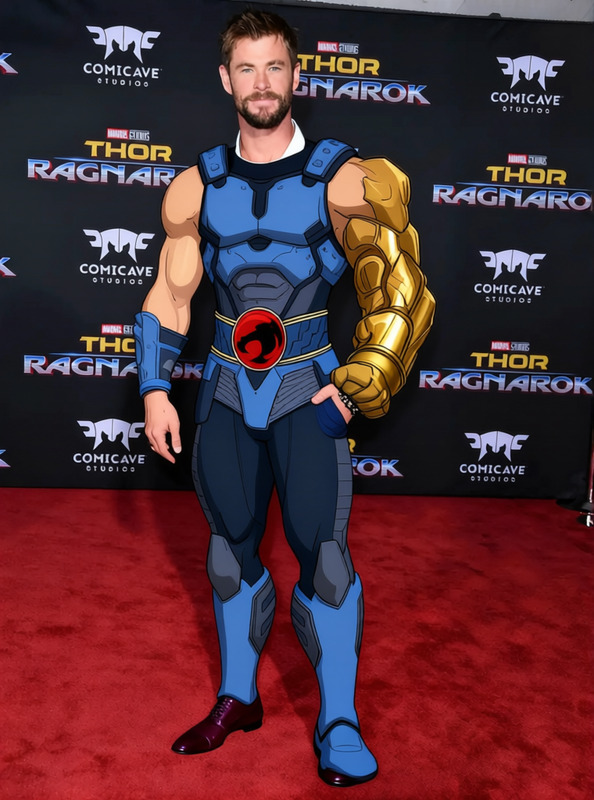
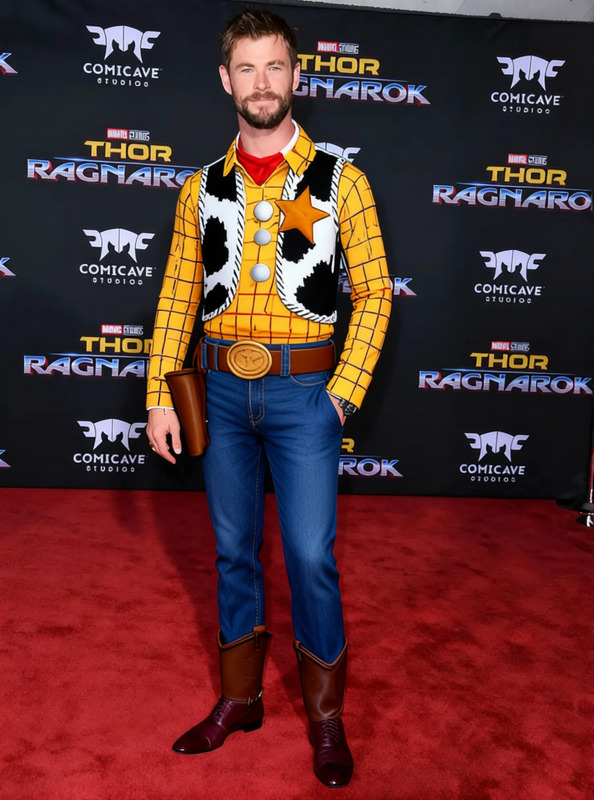
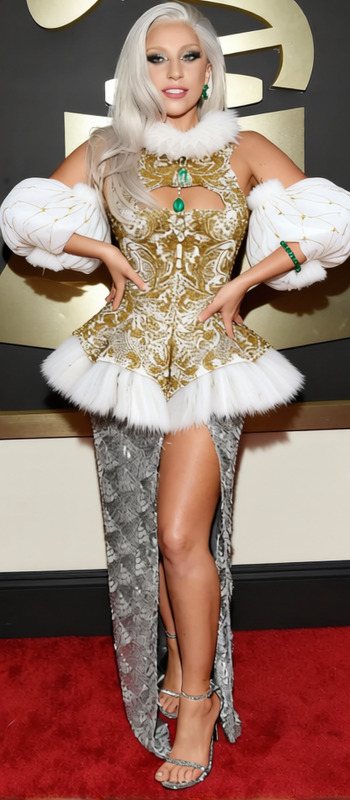
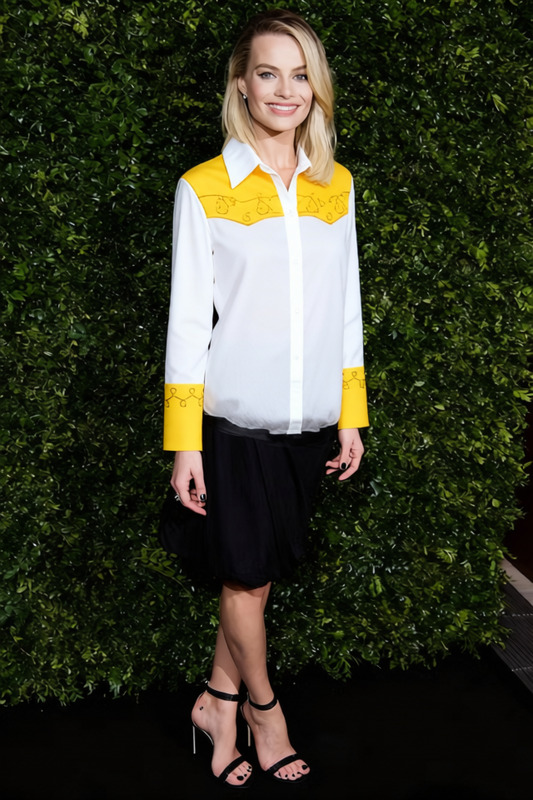
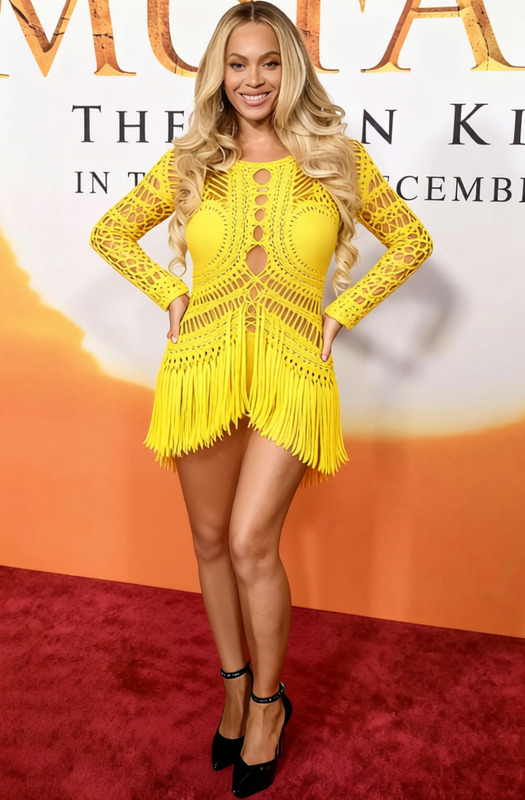
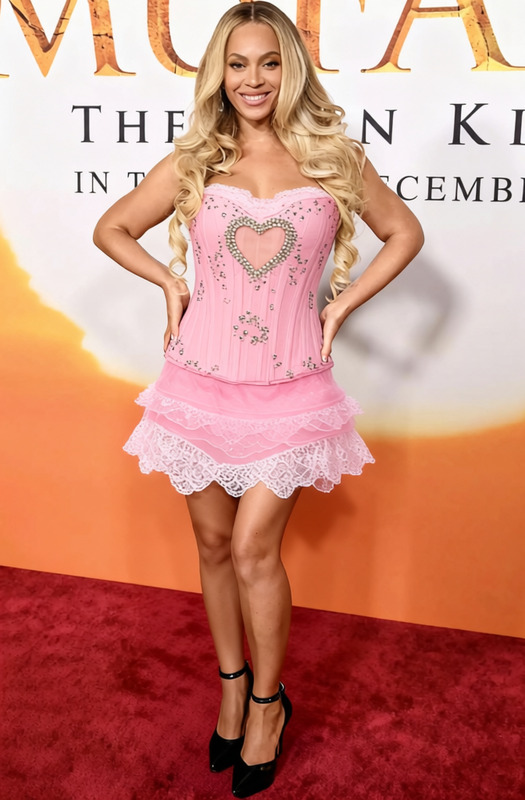
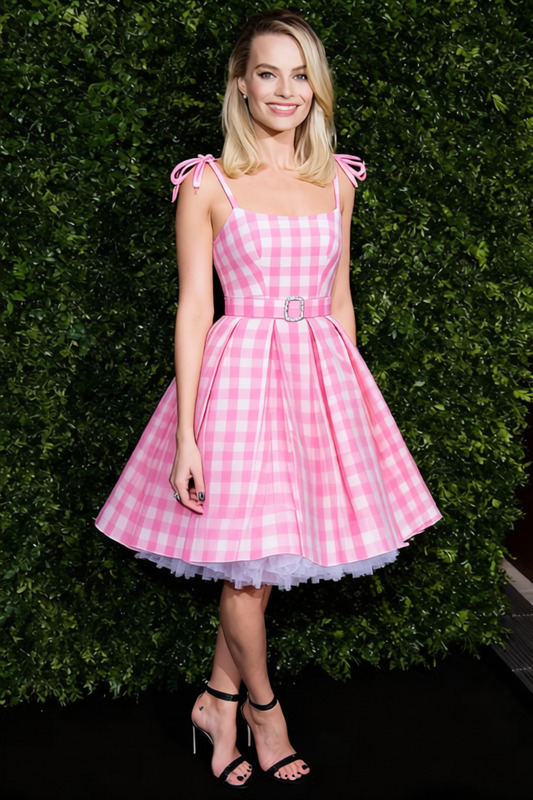
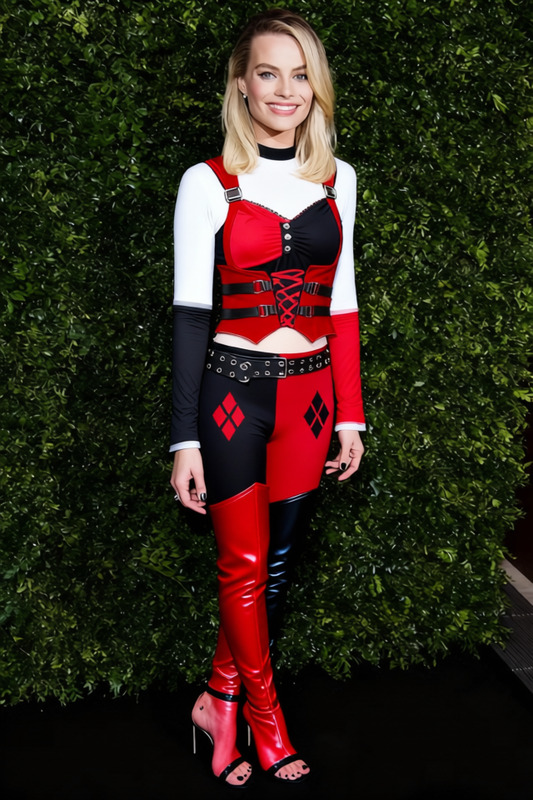
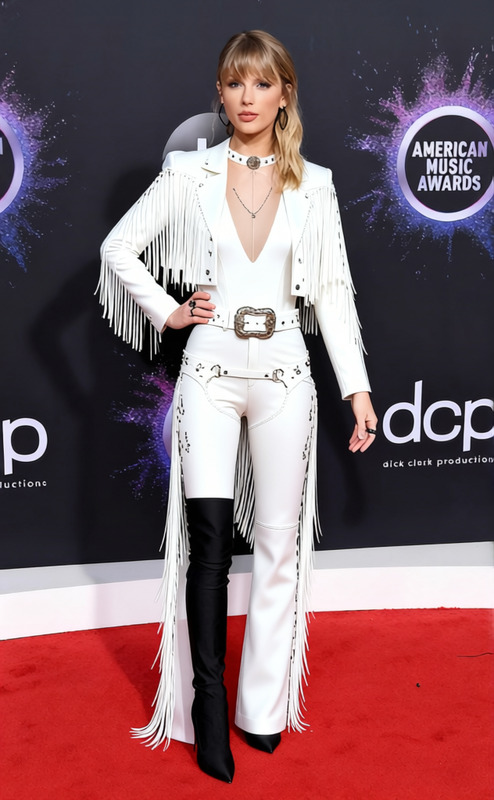
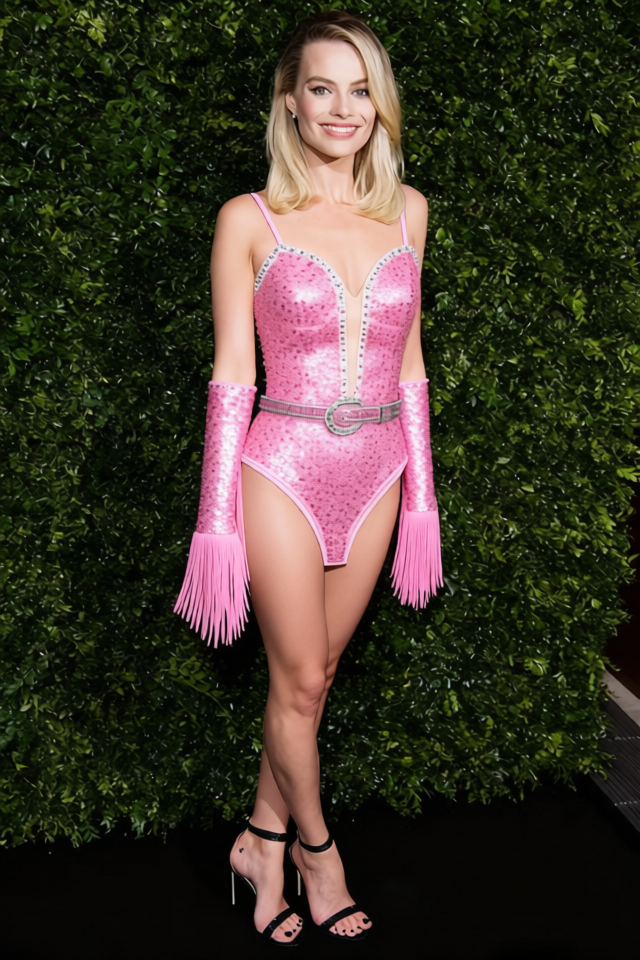
Step into the spotlight with the Chappell Roan Pink Cowgirl Hat and Sequined Bodysuit template. Designed for quick clothing transformations, this template uses advanced AI techniques to switch attire in photographs, delivering a stunning, fashionable new look without the need for a wardrobe overhaul.
What It Does
This template is part of our AI Clothes Changer lineup. It digitally alters the clothing in your images, replacing outfits with a pink sequined bodysuit and matching cowgirl hat. Whether you are revamping an image for social media or creating themed content, this template provides an easy solution for dramatic style changes.
Who It's For
Ideal for influencers, content creators, and digital agencies looking to add flair to their visuals, our clothes changer template meets the needs of anyone wanting to keep their style fresh and engaging. Particularly if you're creating content for fashion shoots or social media campaigns, this template provides a seamless transition into a new, stylish ensemble.
Summary
Transform your images with ease using the Chappell Roan Pink Cowgirl Hat and Sequined Bodysuit template. Quickly adjust attire in your photos for standout visual content. Pair it with other tools like the AI Image Editor for enhanced creative control, or check the AI Image Generator to create complementary backgrounds and scenarios.
How-To
Choose Your Template

Customize Your Input

Generate Your Output

Use Cases
Social Media Content
Fashion Photography
Marketing Campaigns
Best Practices
Ensure Image Clarity
Use high-resolution images for the best transformation results when applying the new clothing style.Adjust Fit
Customize the placement and fit of the clothing to closely align with the model’s posture and positioning within the image.Combine Tools
For a cohesive outcome, pair with tools such as the Photo Colorizer to match tones and styles across images.
Frequently asked questions
More Like This