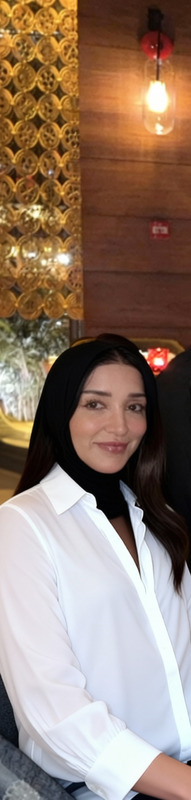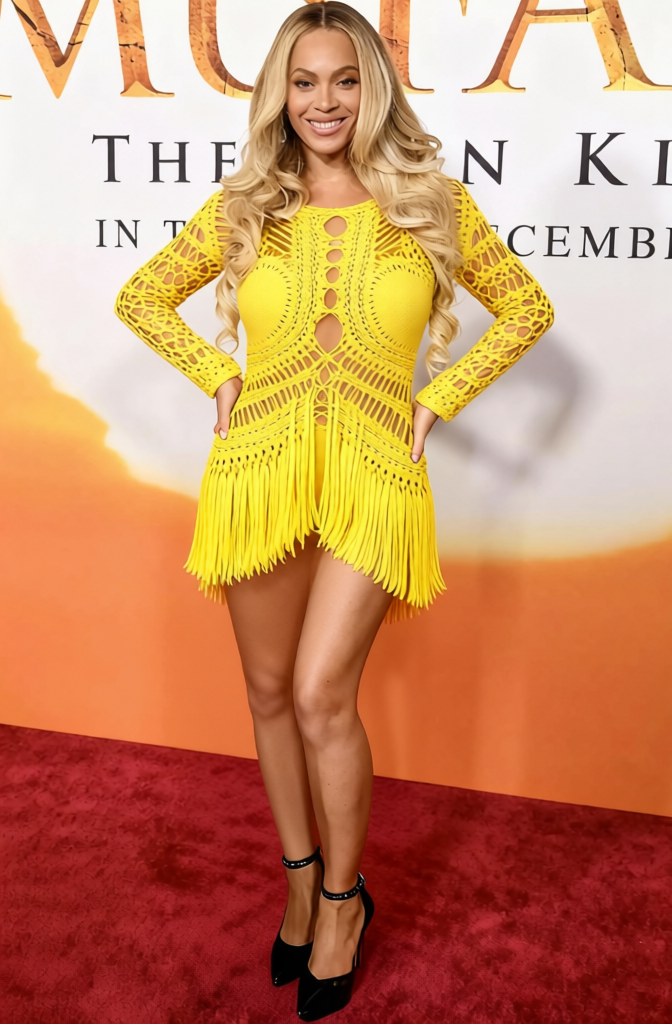
Single Ladies Black Bodysuit 2
- Image
- 672 × 1024 px
Any aspect ratio
Overview
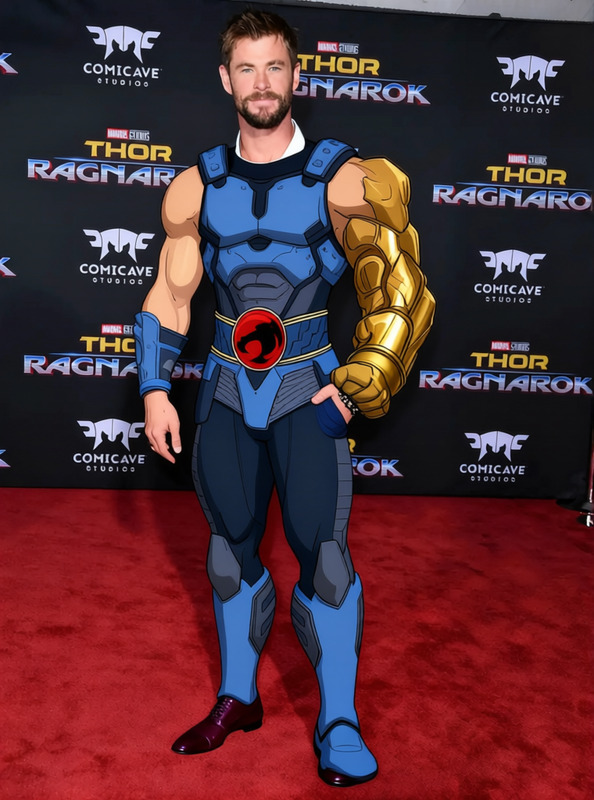
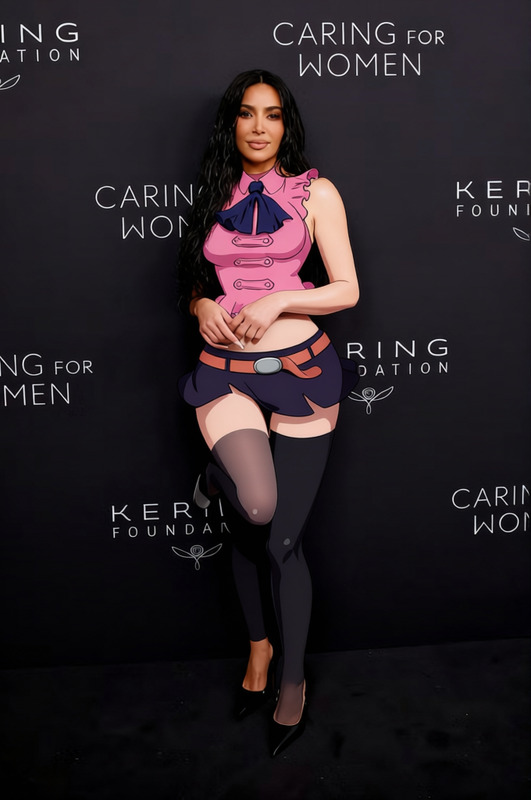
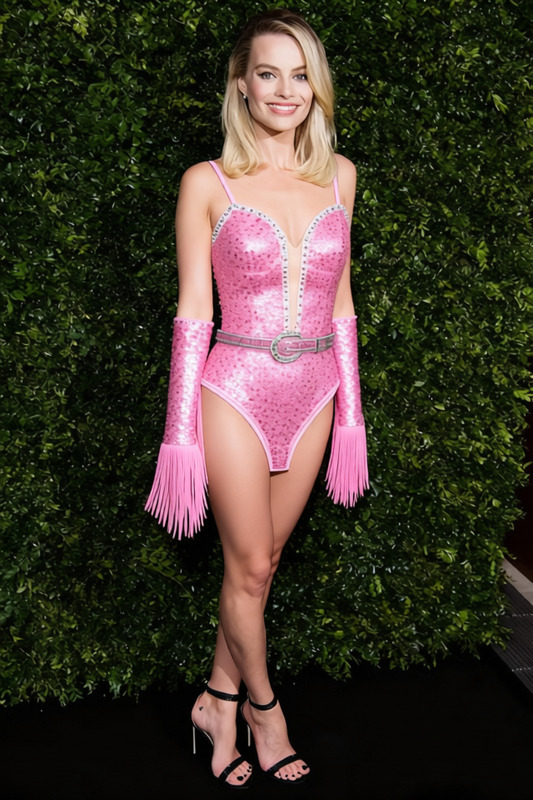
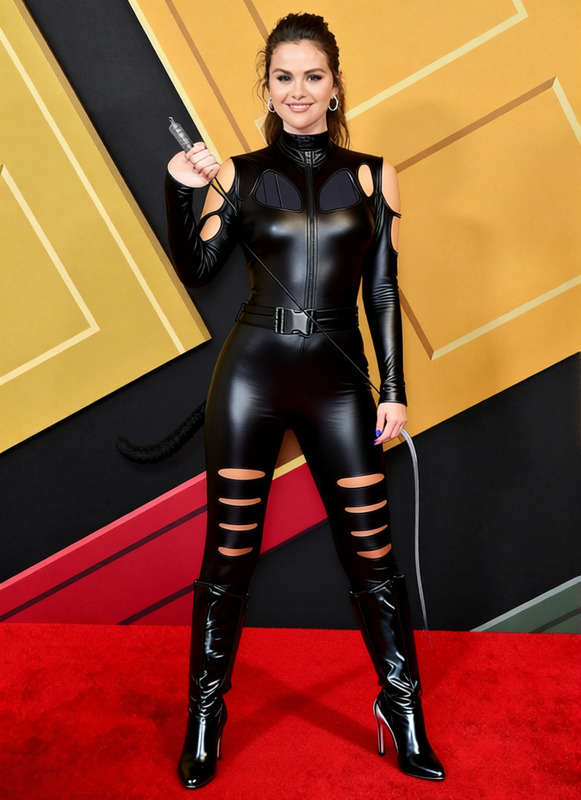
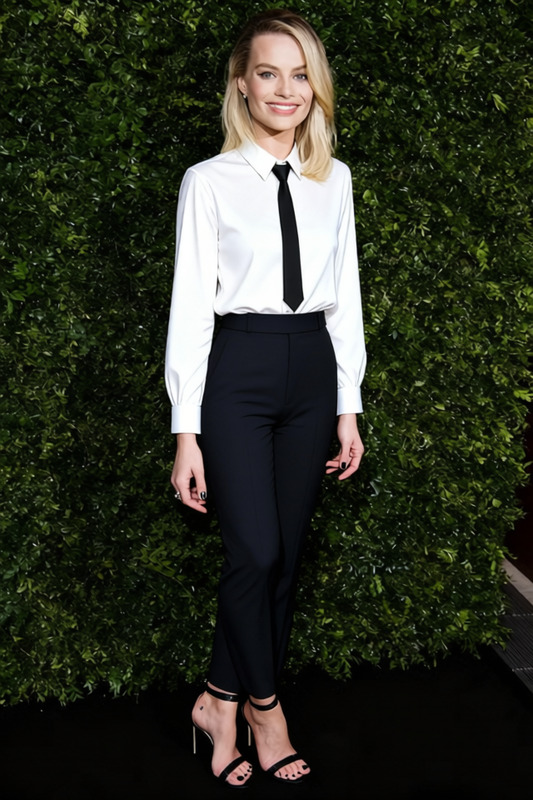
The Single Ladies Black Bodysuit 2 template allows you to virtually change clothing in images or videos, specifically adding a sleek black bodysuit. This style is perfect for fashion experiments, prototyping collections, or enhancing social media posts. Leverage the power of AI to explore new fashion possibilities without the need for physical garments.
What It Does
This clothes changer template precisely overlays a black bodysuit over selected figures in your images or videos. Using advanced recognition models, it ensures the garment appears natural and well-fitted. Enhance your projects by integrating this tool with our Image to Video and AI Image Upscaler products for polished results.
Who It's For
Ideal for fashion designers, content creators, and social media influencers looking to innovate their visual content. This tool is also perfect for marketers in e-commerce to quickly prototype and showcase styles in a digital format. Combine it with our AI Product Photography for enhanced online storefronts.
Summary
The Single Ladies Black Bodysuit 2 template offers a quick and creative solution for altering apparel in visuals. Whether you aim to produce compelling marketing materials or unique social media content, this template integrates effortlessly with other tools like AI Image Editor for a seamless workflow.
How To
Choose Your Template

Customize Your Inputs

Generate Your Output

Use Cases
Fashion Prototyping
Social Media Content
Marketing Material
Best Practices
Ensure High-Quality Input
Start with high-resolution images or videos for the best results when changing clothing.Use Complementary Tools
Pair with the Video to Video tool to refine your final output for moving visuals.Adjust Lighting and Shadows
Pay attention to lighting settings in the template to maintain a natural look in your augmented clothing images.
Frequently asked questions
More Like This