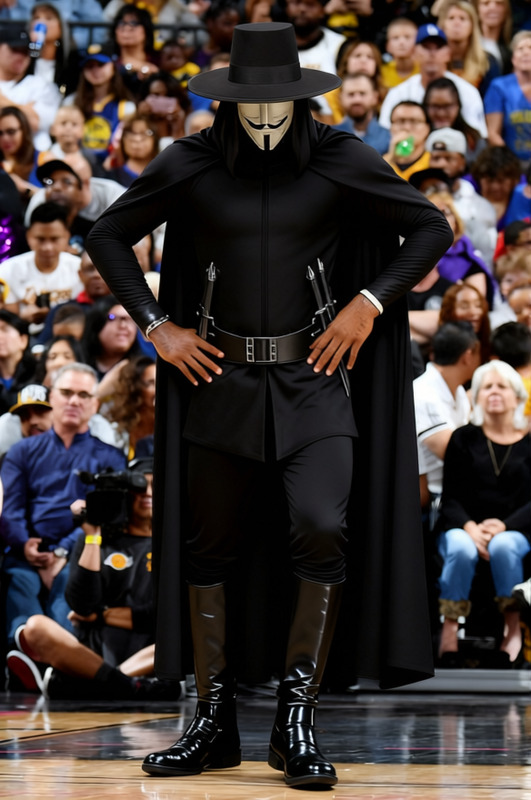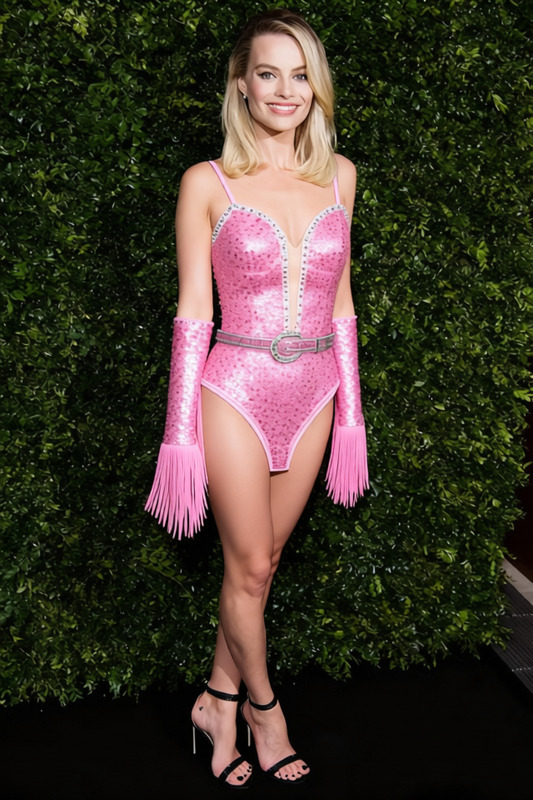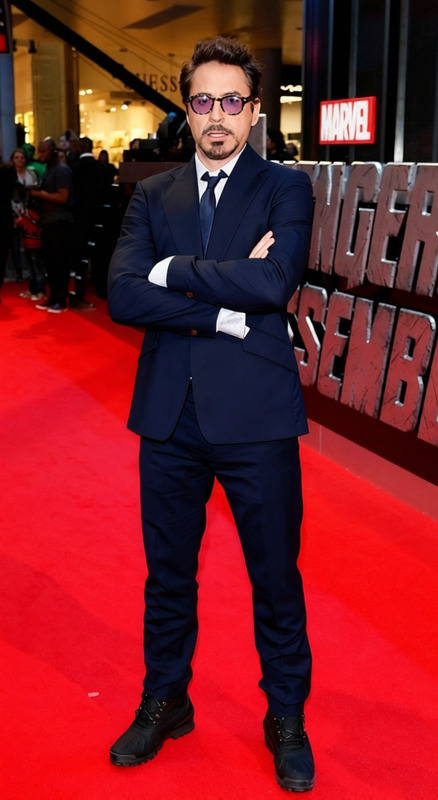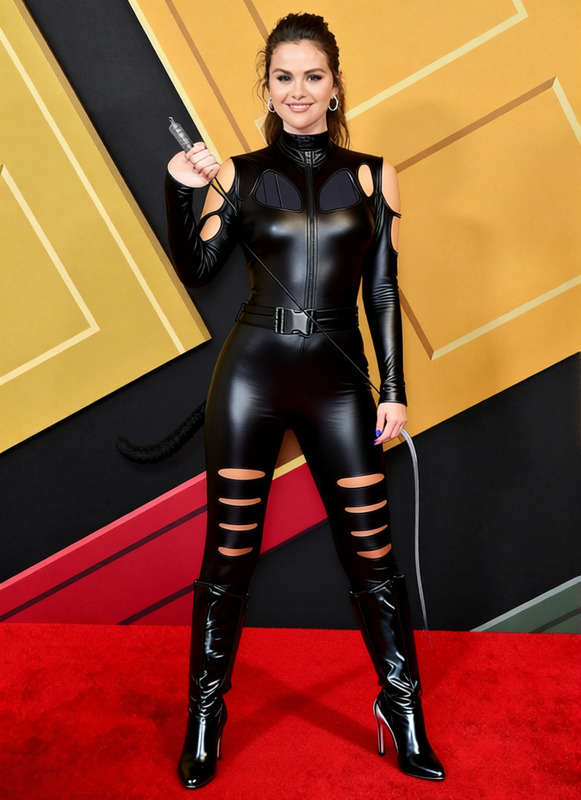
Harley Quinn Red And Black Harlequin Suit With Jester Hat 2
- Image
- 640 × 960 px
Any aspect ratio
Overview
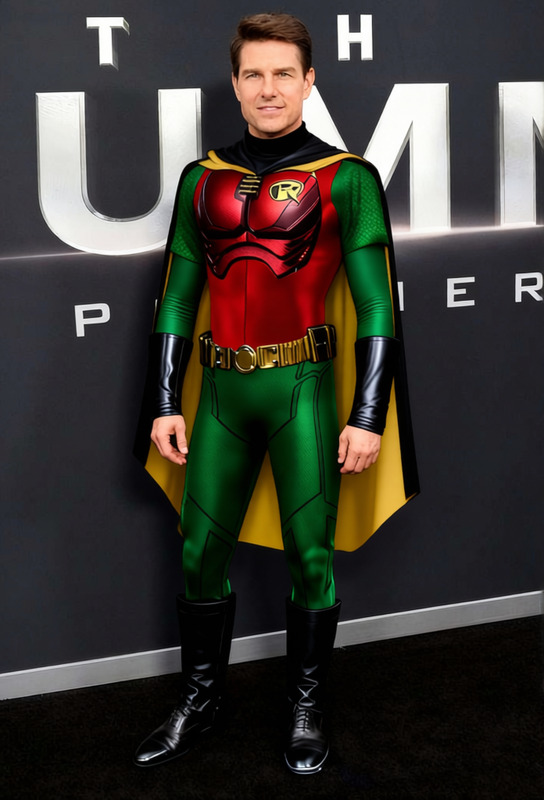
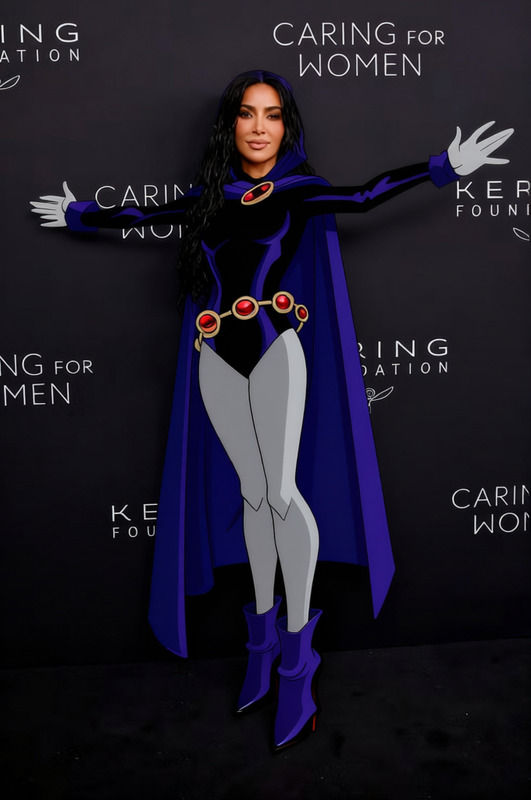
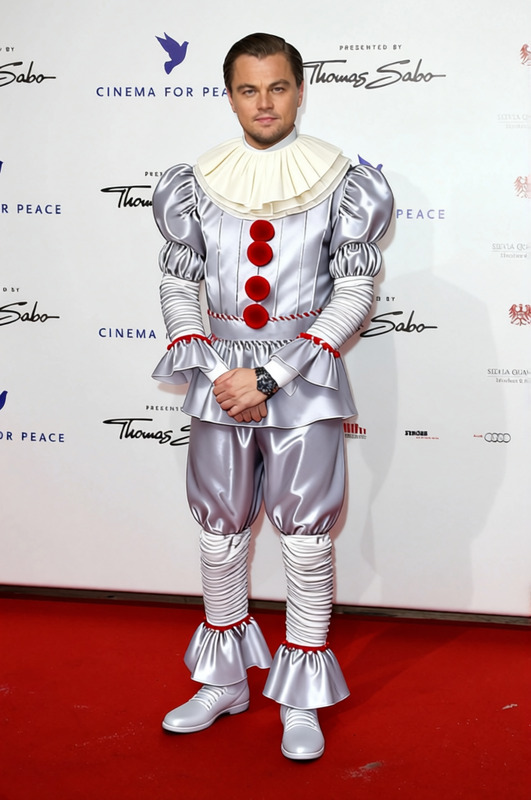
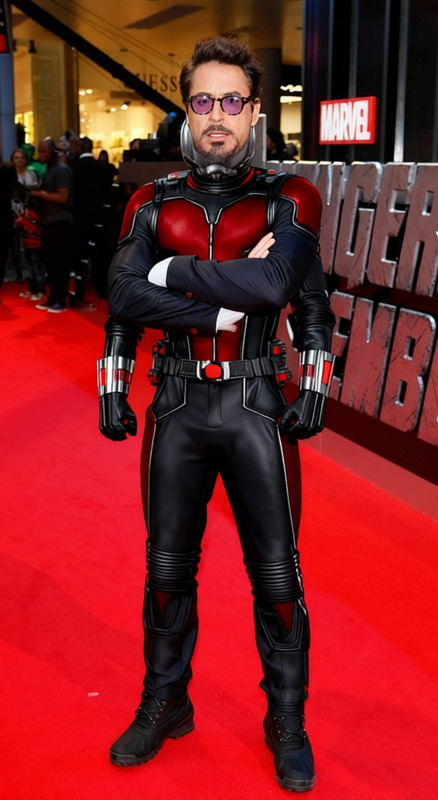
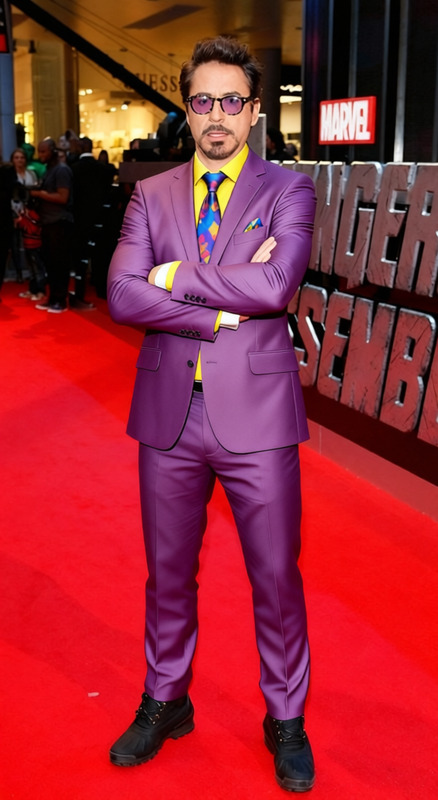
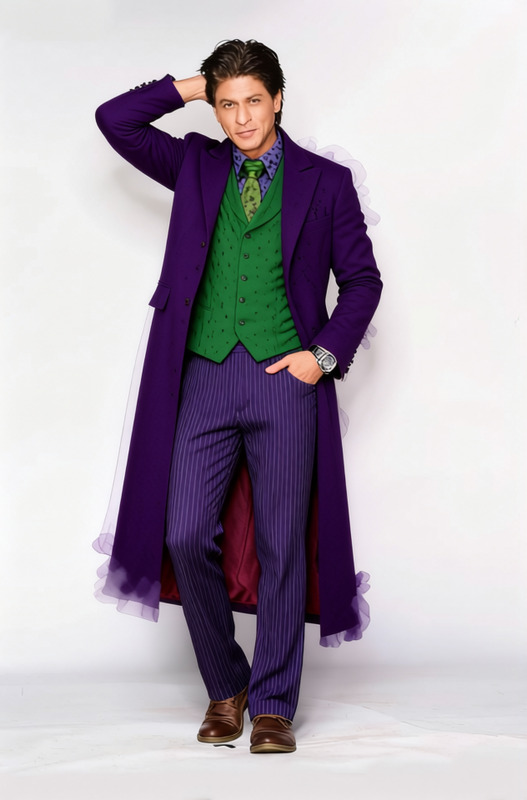
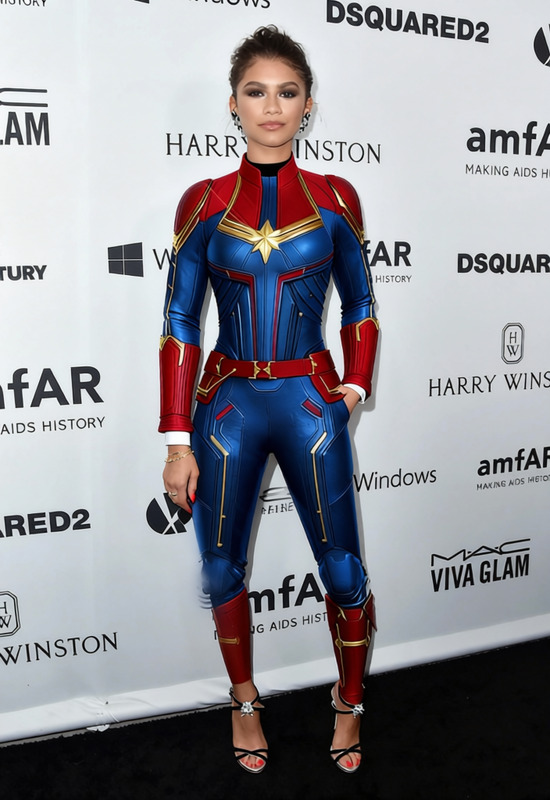
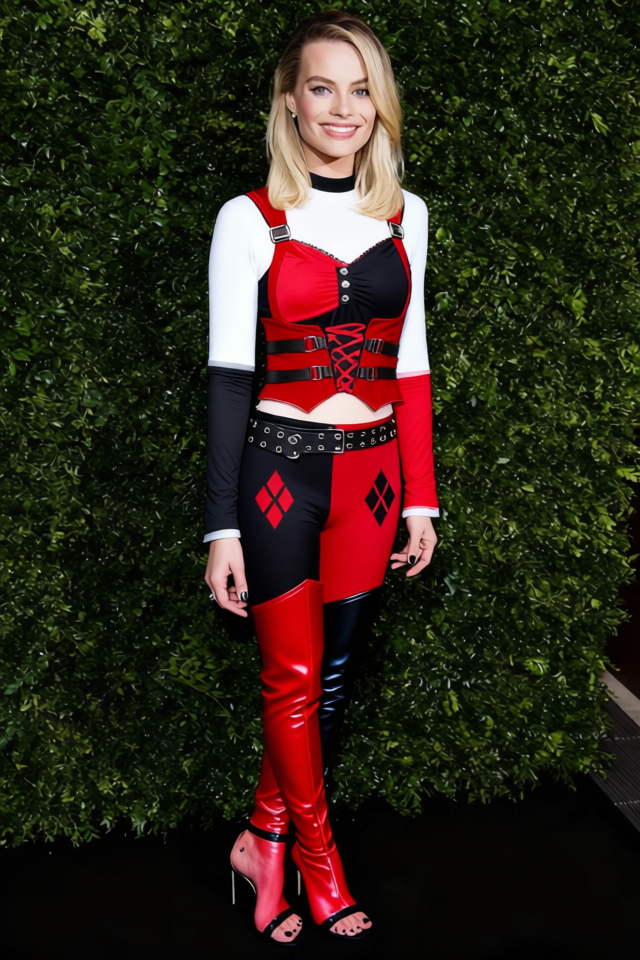
Step into the world of transformation with the Harley Quinn Red and Black Harlequin Suit with Jester Hat 2 template, a dedicated clothes changer option in Magic Hour. Embrace the iconic look of Harley Quinn with stunning AI-driven enhancements that make changing outfits in images more innovative than ever. This tool effectively integrates with the AI Clothes Changer product, allowing for exceptional costume transformations.
What It Does
This template allows users to digitally dress subjects in the vibrant and bold black and red attire of Harley Quinn, complete with a jester hat. Perfect for spicing up photos with a touch of comic character costume, this template leverages AI technology to achieve realistically altered wardrobe appearances. Integrate this capabilities with the AI Image Editor for refined touch-ups post transformation.
Who It's For
The Harley Quinn Red and Black Harlequin Suit template is ideal for content creators, cosplayers, or anyone seeking to add a unique twist to their photo projects. Marketing teams can use this to create engaging advertisements with comic-themed visuals. It’s a perfect addition for users of the Face Swap product looking to expand into more elaborate image alterations.
Summary
Overall, this clothes changer template stands out as an innovative tool for anyone looking to infuse characters into imagery. By embracing this transformative option, users can substantially alter aesthetic elements with precision and flair, a feature that pairs well with the AI Video Extender for dynamic project enhancements.
How To
Choose Your Template

Customize Your Inputs

Generate and Download

Use Cases
Cosplay Photography
Marketing Campaigns
Social Media Content
Best Practices
Select High-Resolution Images
For the best results, use high-resolution images where the subject is clearly visible. This ensures the clothing change appears more realistic.Adjust Lighting and Skin Tone
If needed, use the AI Image Editor to make fine-tune adjustments to lighting and skin tone for seamless integration of the new outfit.Experiment with Angles
Try different angles and poses within the template to see which best complements the new attire.
Frequently asked questions
More Like This