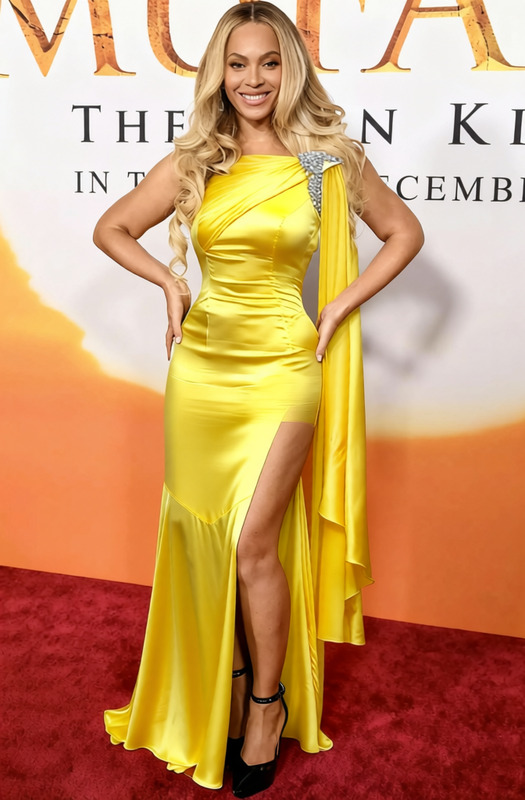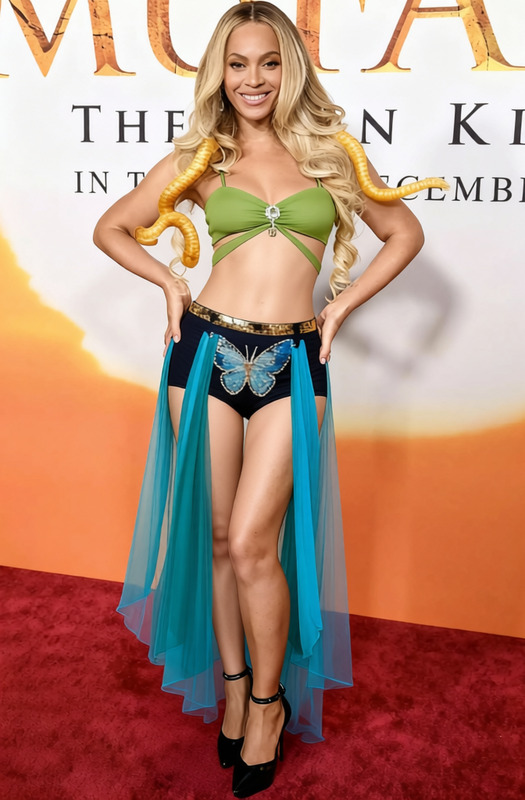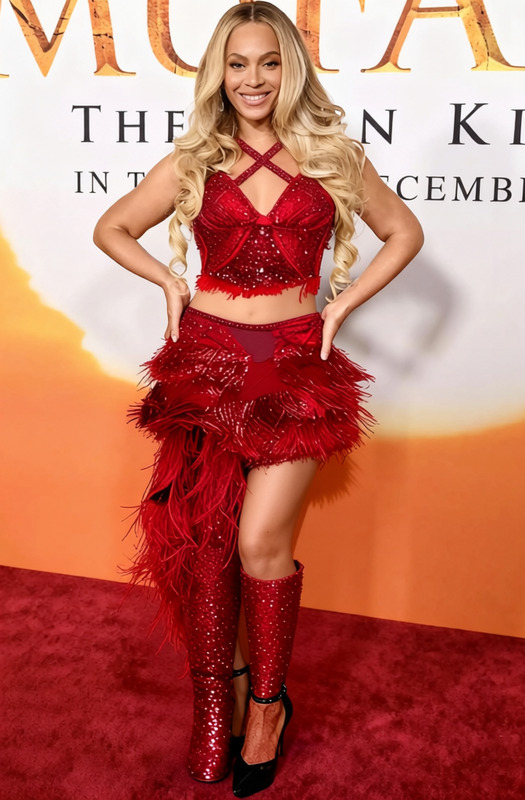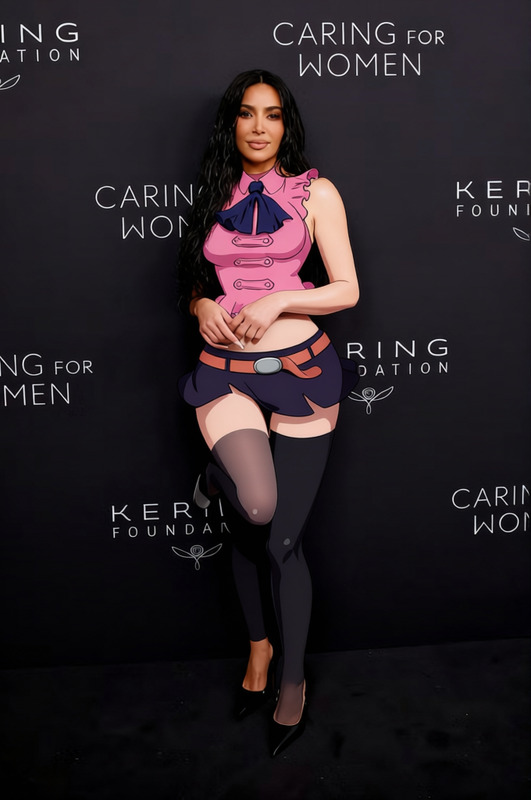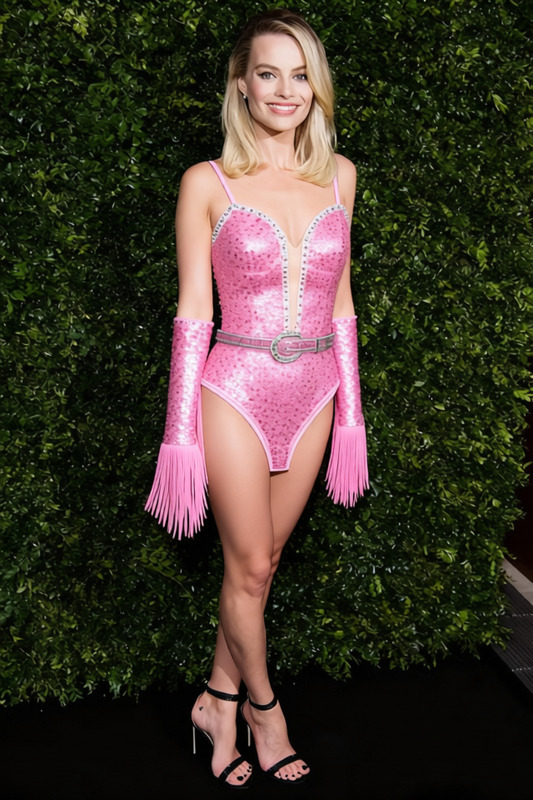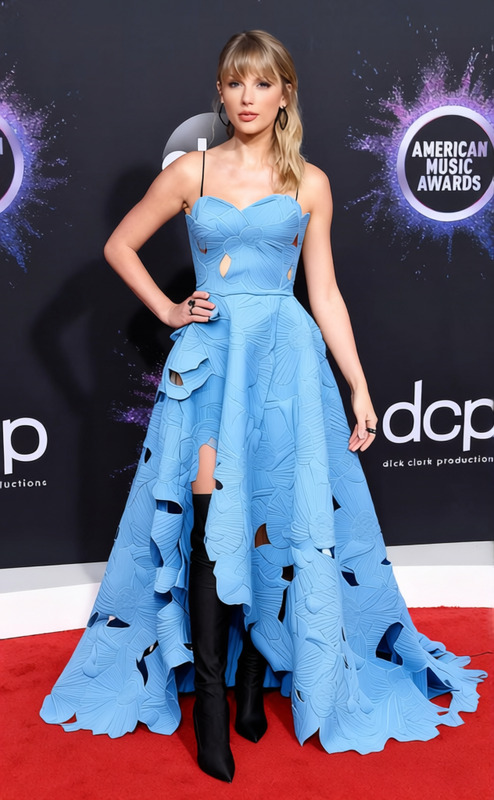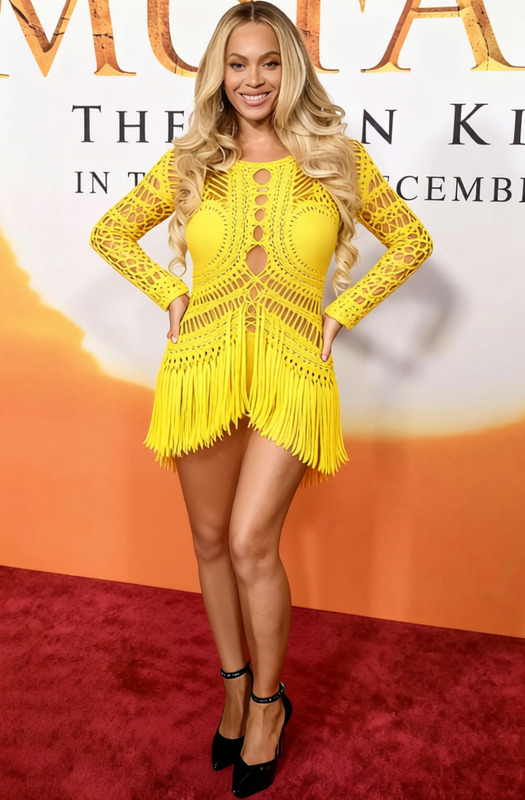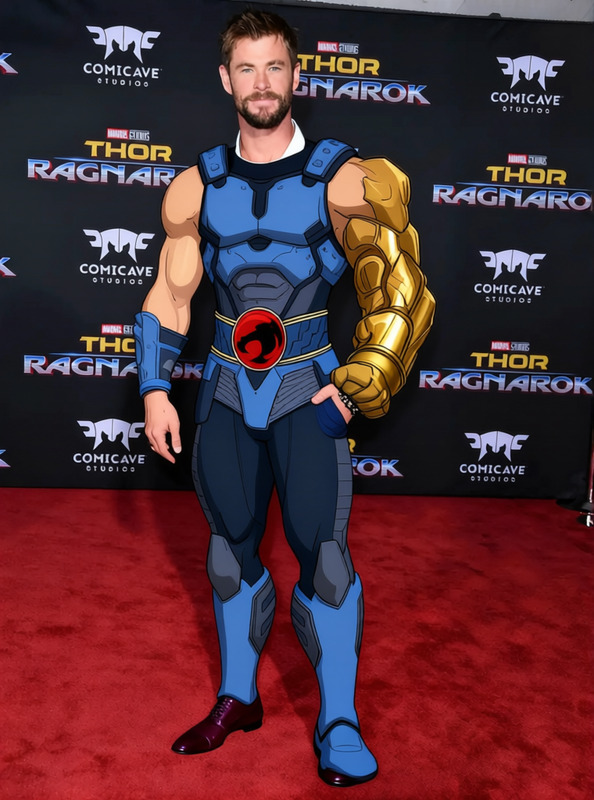
Sabrina Carpenter Gold Sequined Bodysuit 2
- Image
- 672 × 1024 px
Any aspect ratio
Overview
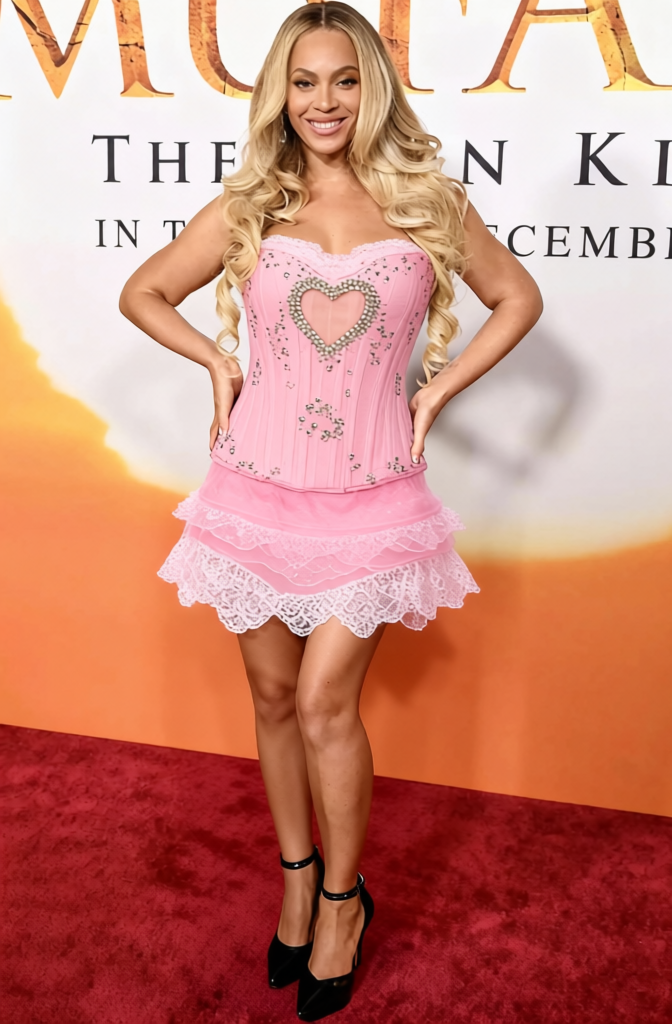
The Sabrina Carpenter Gold Sequined Bodysuit 2 template lets you virtually try on a dazzling gold sequined bodysuit. Ideal for fashion looks, marketing materials, and product photography enhancements, this template is designed to give lifelike renders of fashion-forward styles.
What It Does
This Clothes Changer template applies a gold sequined bodysuit to your subject's existing photo. Pair it with the AI Image Editor to adjust lighting and shadows for a more realistic effect, or use the AI Product Photography tool to enhance product listings on e-commerce platforms.
Who It's For
This template is perfect for fashion designers, e-commerce store owners, and marketers seeking to showcase outfits without the need for a physical sample. Leverage the capabilities of AI Clothes Changer to expand your digital wardrobe effortlessly.
Summary
Transform your fashion photography with the Sabrina Carpenter Gold Sequined Bodysuit 2 template. This tool facilitates rapid wardrobe changes and is an excellent asset for creating visually compelling fashion imagery that captivates potential customers and audiences alike.
How To
Choose Template

Customize Design

Generate Output

Use Cases
Fashion E-commerce
Social Media Content
Digital Lookbooks
Best Practices
Image Quality
Use high-resolution images for better results and minimize pixilation or distortion.Correct Alignment
Ensure the uploaded subject photo is properly aligned to achieve realistic fitting of the digital outfit.Lighting Adjustments
Utilize tools like the AI Image Editor to refine lighting and color balance for natural integration of the new outfit.
Frequently asked questions
More Like This