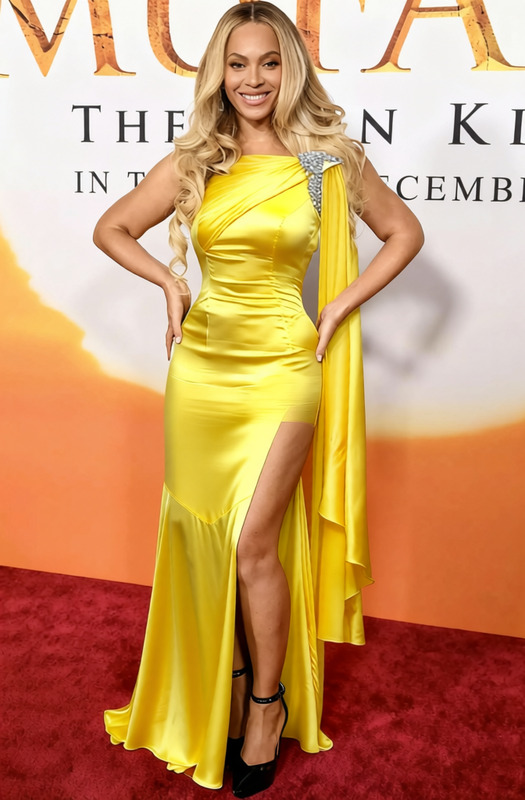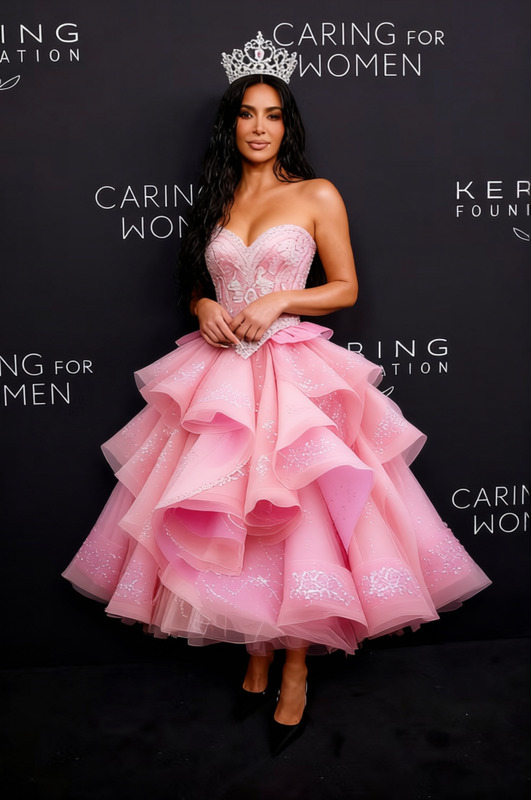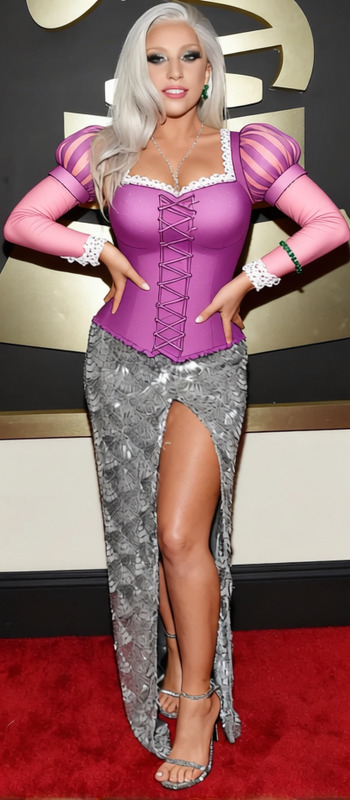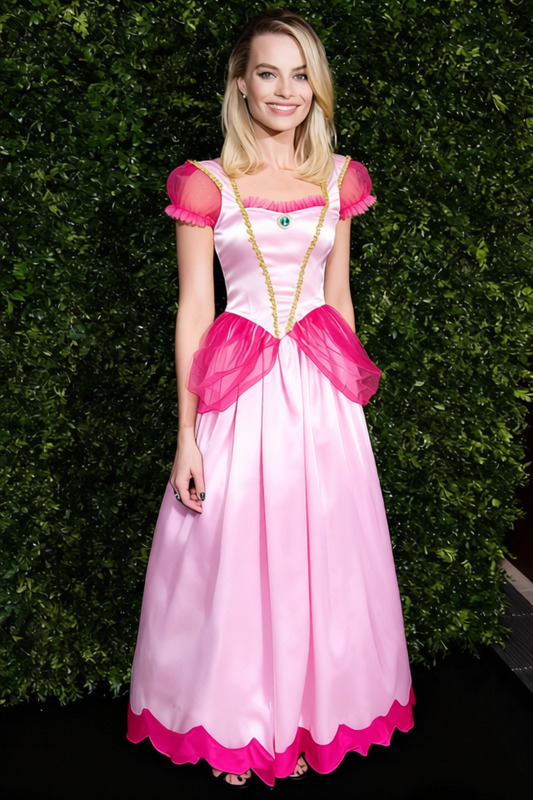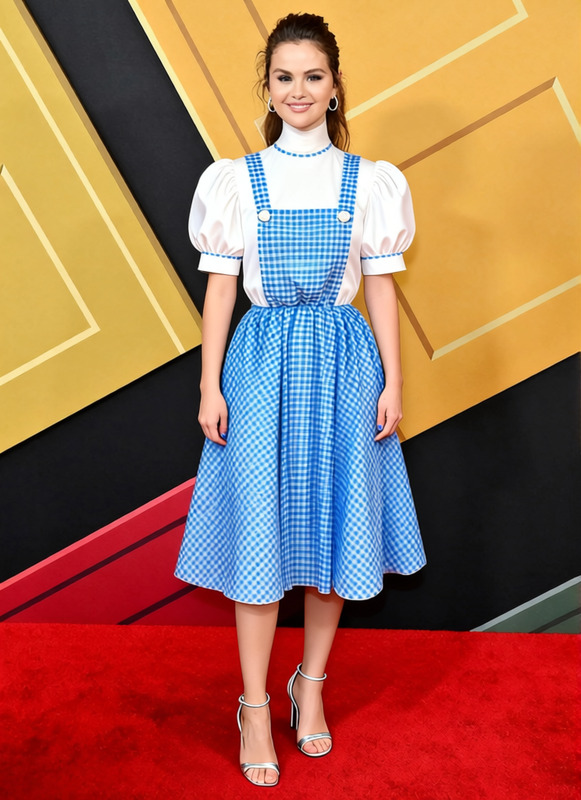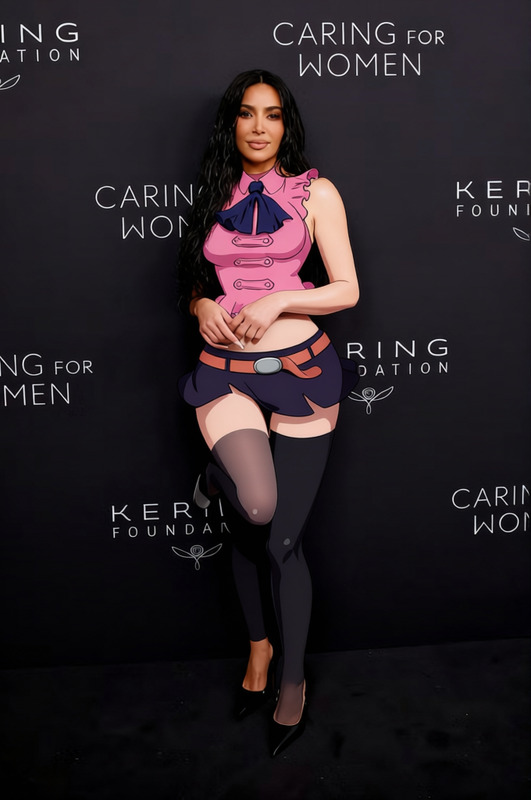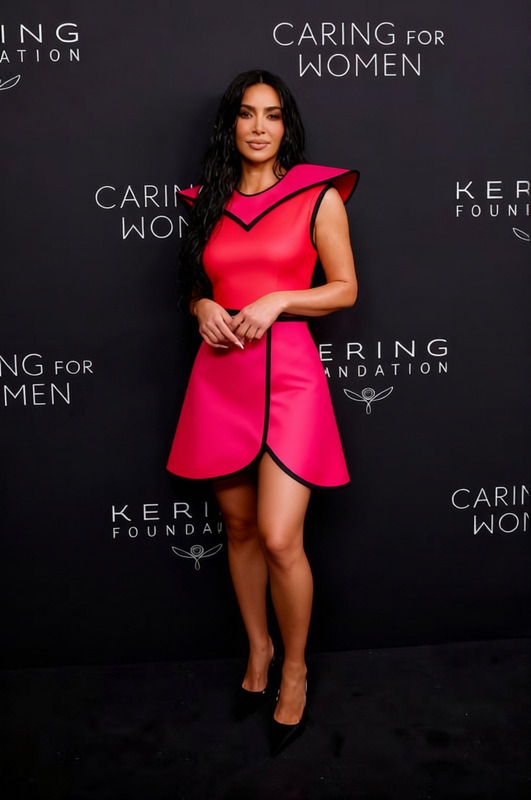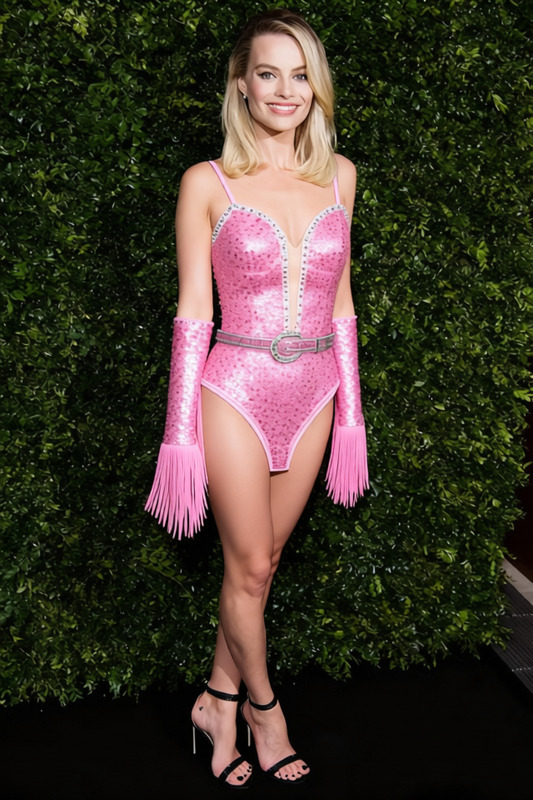
Barbie Pink Gingham Dress With Matching Hair Bow 2
- Image
- 640 × 960 px
Any aspect ratio
Overview
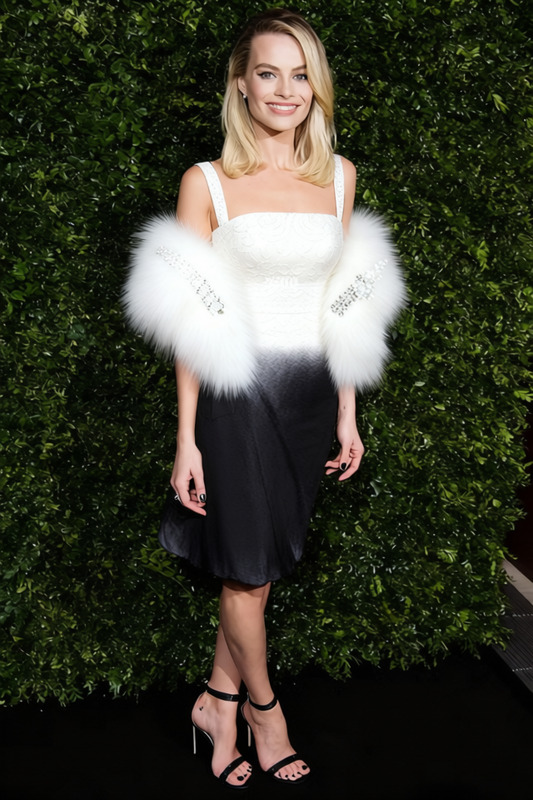
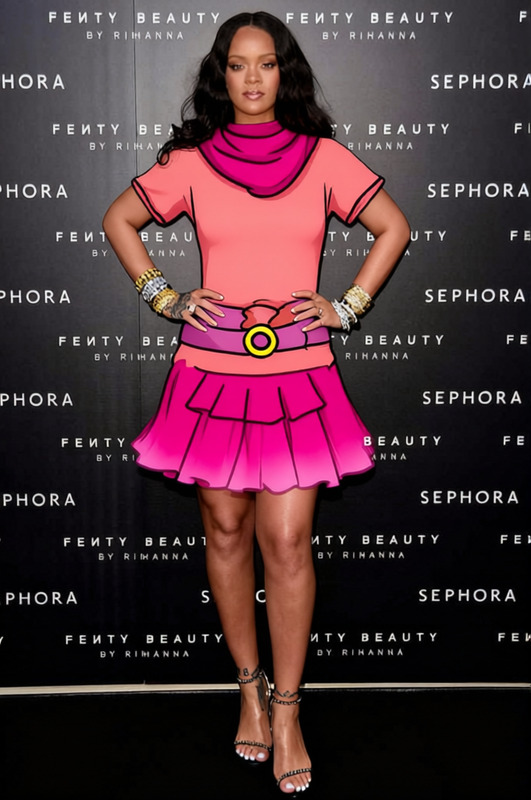
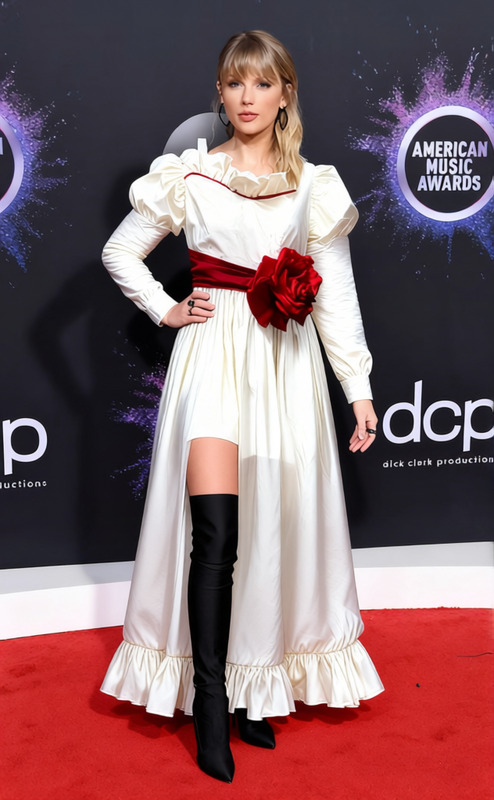
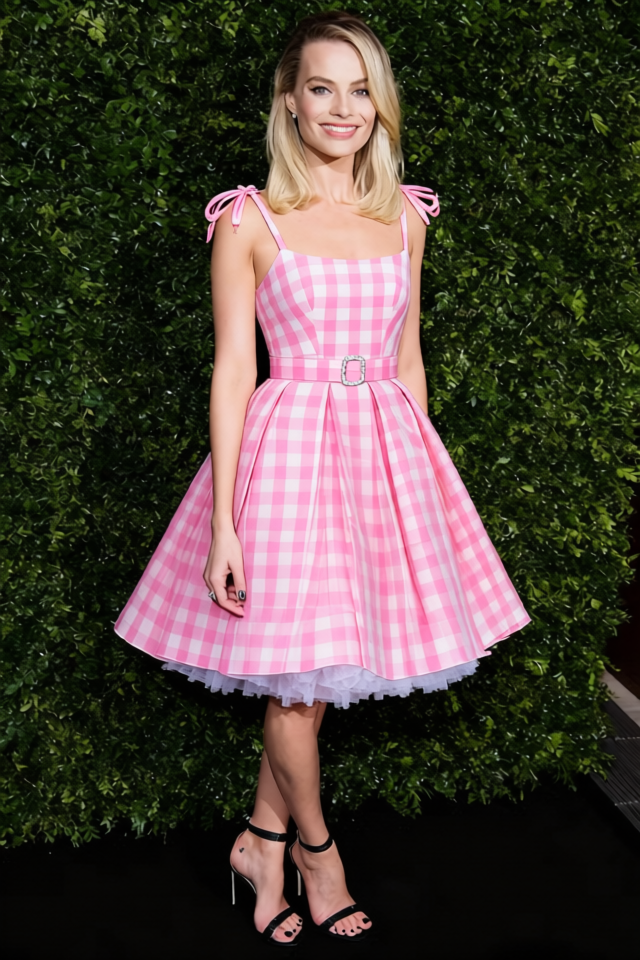
The "Barbie Pink Gingham Dress With Matching Hair Bow 2" template is a dynamic clothes-changing solution that lets you virtually style yourself or models in a whimsical pink gingham dress, complete with a matching hair bow. Ideal for fashion forward creators and virtual stylist enthusiasts, this template enhances your images by adding a touch of Barbie-inspired charm.
What It Does
This clothes changer template provides a digital makeover by overlaying your selected images with a pink gingham dress and matching hair bow. The template works with a variety of image formats, allowing you to experiment with different poses and angles, making it perfect for creating themed social media posts or fashion lookbooks.
Once you've applied the template, check out the AI Image Editor to further refine your image with professional-grade tools.
Who It's For
Designed for social media influencers, fashion bloggers, and digital creators who need a quick style transformation tool. This template is also perfect for creative agencies looking to generate engaging content without staging elaborate photo shoots. If you're a fan of customization, AI Clothes Changer might also interest you for complex projects.
Summary
The "Barbie Pink Gingham Dress With Matching Hair Bow 2" offers a delightful way to switch up your image styles, focusing on ease of use and creativity. It complements other AI Talking Photo tools, providing a seamless integration into digital storytelling.
How to Use This Template
Choose the Template

Customize Your Inputs

Generate and Download

Use Cases
Social Media Promotions
- Instagram stories and posts
- Facebook advertisements
- TikTok fashion reveals
Fashion Blog Content
- Quick outfit ideas
- Seasonal style guides
- Themed fashion lookbooks
Creative Campaigns
- Advertising campaigns
- Brand collaborations
- Product launch events
Best Practices
High-Quality Images
Ensure your base images are clear and well-lit to make the most of the clothes changing effect.Angle Matching
Try using frontal or three-quarter angles for a more natural fit of the dress and bow.Complementary Tools
Pair with the AI Image Editor for enhanced adjustments and finishing touches.
Frequently asked questions
More Like This