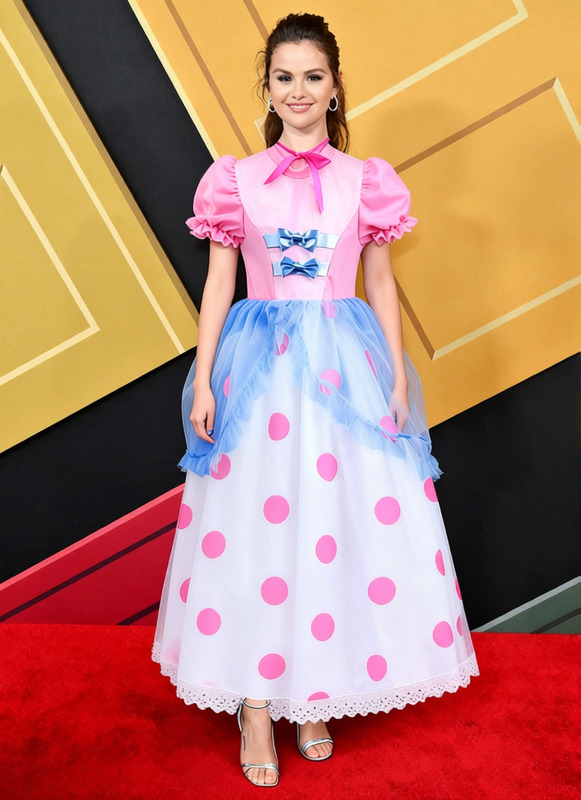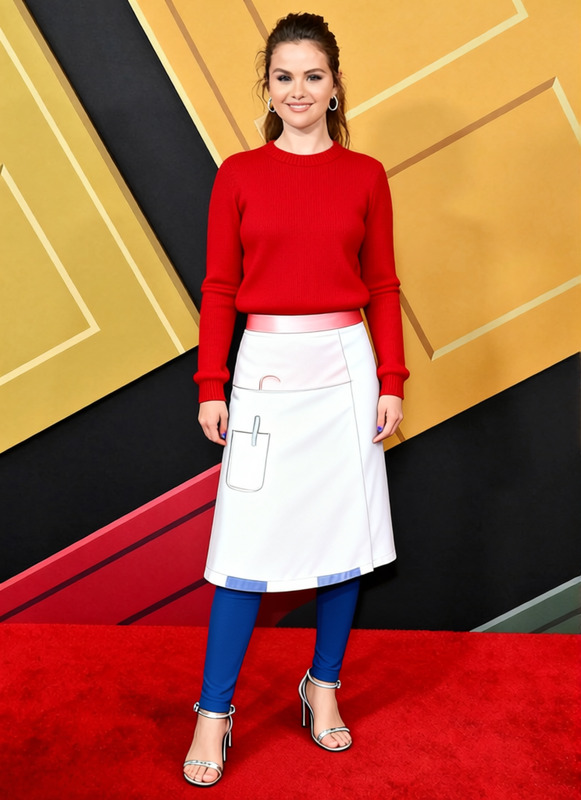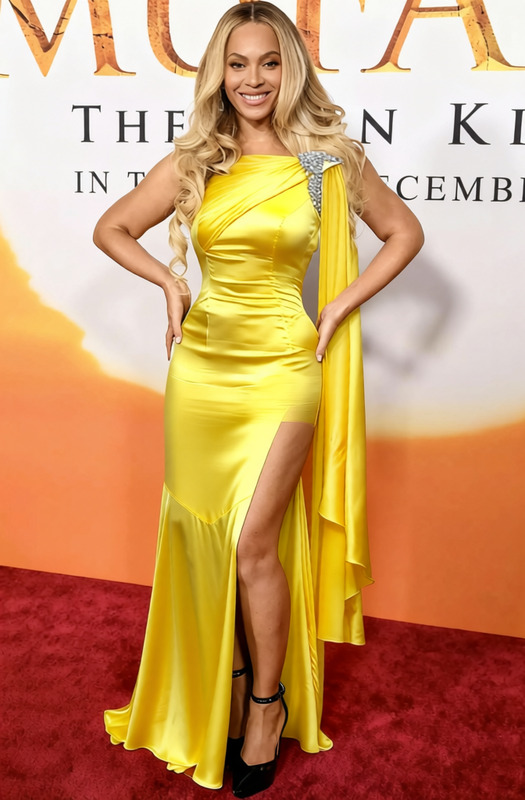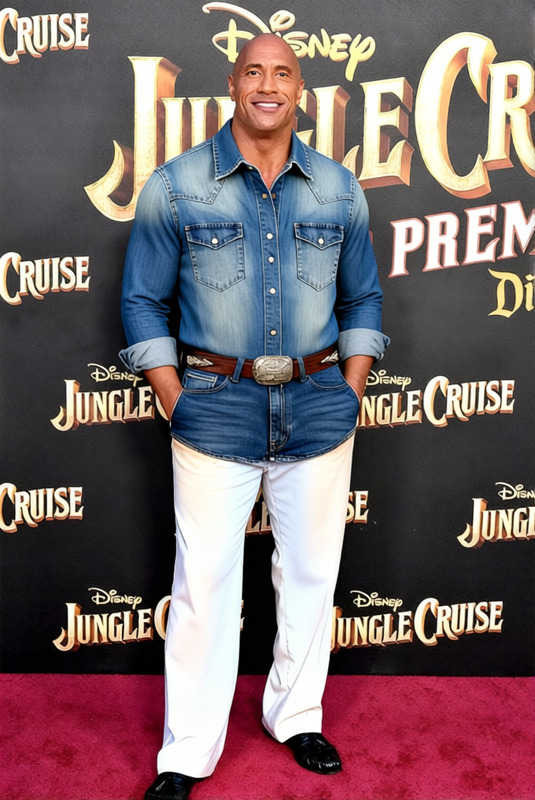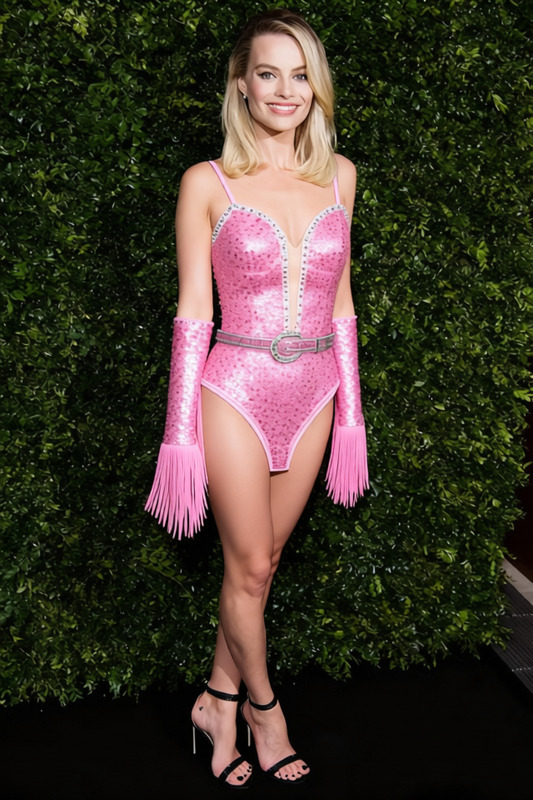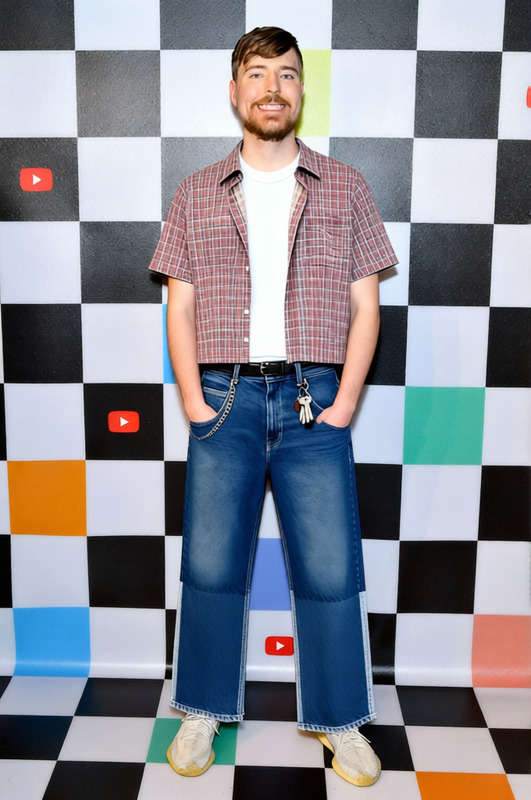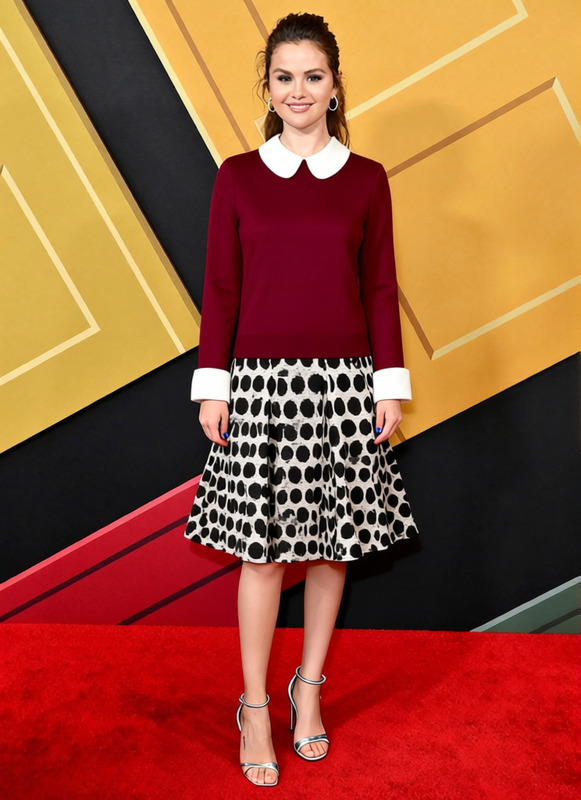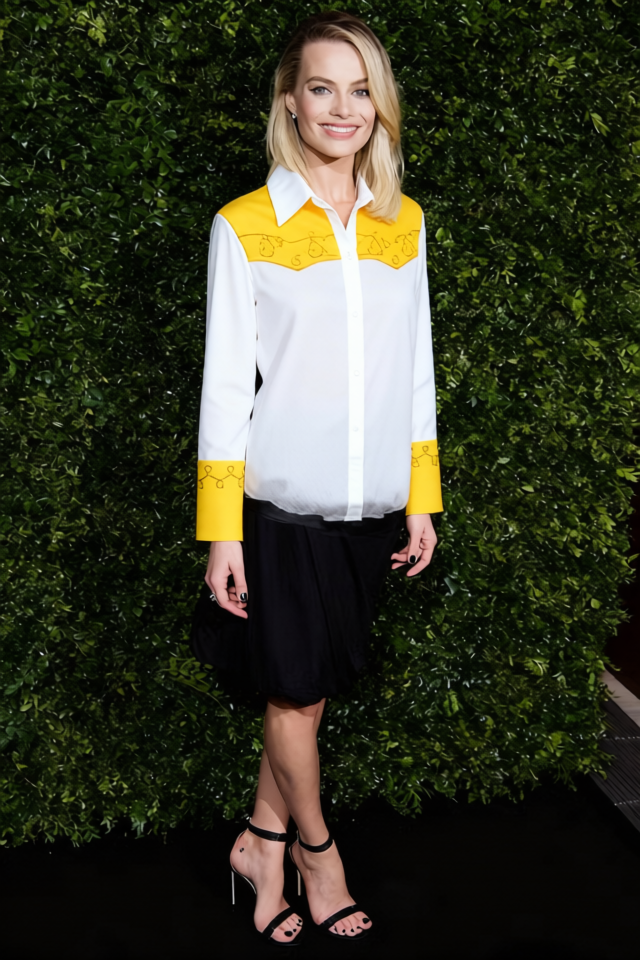
Jessie White Cowgirl Shirt With Yellow Trim
- Image
- 640 × 960 px
Any aspect ratio
Overview
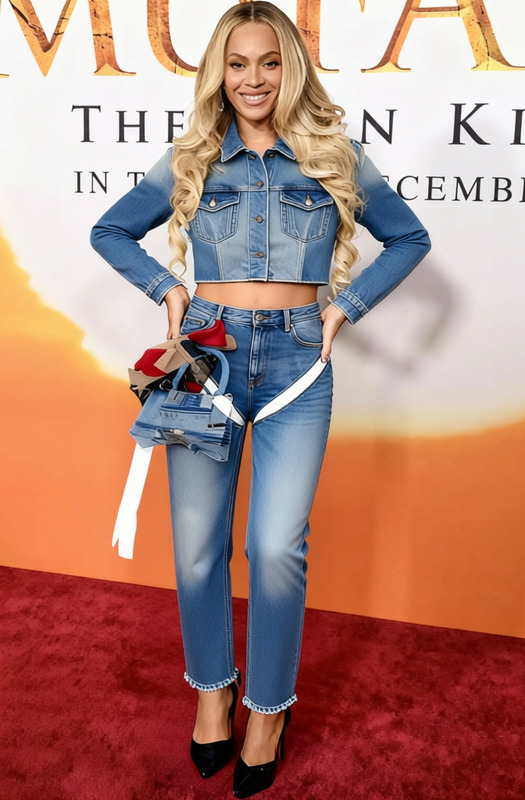
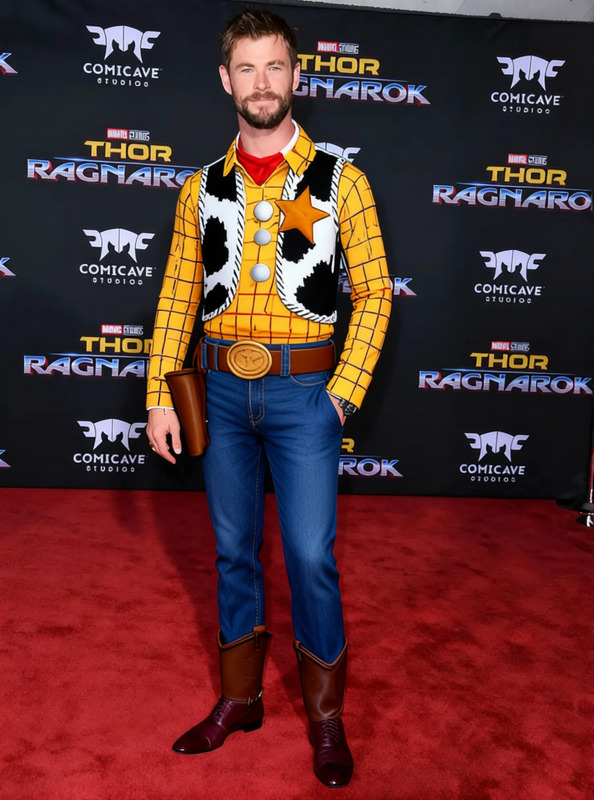
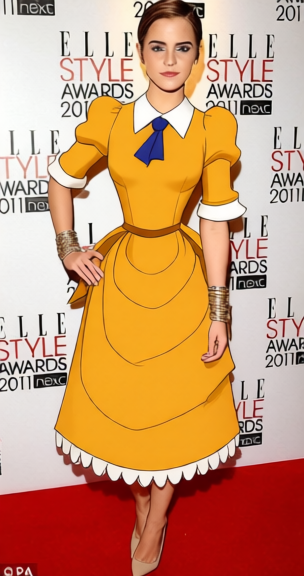
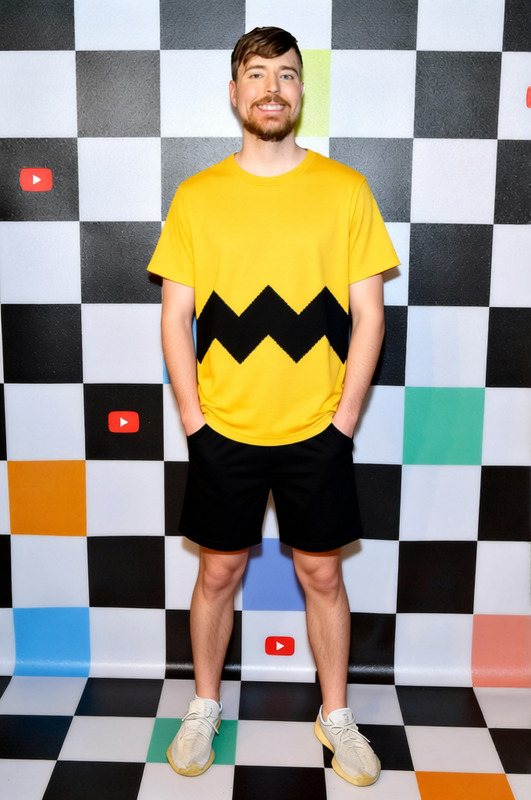
The "Jessie White Cowgirl Shirt With Yellow Trim" template is a digital clothes changer designed for creative projects that require a western flair. This template gives you the ability to replace clothing in your images with a realistic cowgirl shirt featuring distinct yellow trim, adding character and style to your visual assets.
What It Does
This AI Clothes Changer template replaces the clothing in your images with a white cowgirl shirt embellished with a unique yellow trim. It processes images with precision, ensuring that the clothing fits naturally onto the subject, maintaining proportions and realistic texture. Perfect for photography edits, promotional content, and virtual try-ons, this tool saves time and resources by automating costume swaps.
Who It's For
The template is essential for creative professionals such as advertisement designers, photographers, and content creators who regularly work with themed imagery. It's particularly useful for those in the fashion industry, marketing, and entertainment sectors, providing a quick and easy way to adapt their visual materials without needing a physical wardrobe change.
Summary
Enhance your project workflow with the "Jessie White Cowgirl Shirt With Yellow Trim" template. This intuitive AI Image Editor feature allows you to easily swap out apparel in your visuals for a stylish cowgirl option. Whether you're working on promotional material or editorial art, this template empowers you to achieve professional results swiftly.
How To
Choose the Template

Customize Your Image

Generate Your Final Image

Use Cases
Fashion Editorials
- Create multiple looks from a single session
- Achieve a cohesive theme with matching apparel
Advertising and Promotions
- Tailor ads to different demographics
- Experiment with themes and styles on-demand
E-commerce Fashion Previews
- Boost sales with interactive previews
- Provide diverse styling options
Best Practices
High-Quality Images
Use high-resolution images for better results when changing clothes, ensuring that details like shadows and textures are preserved.Proper Alignment
When defining the clothing area in your images, ensure proper alignment with the body for a more natural look.Combine Tools
Consider using the AI Image Upscaler to enhance your final output quality.
Frequently asked questions
More Like This