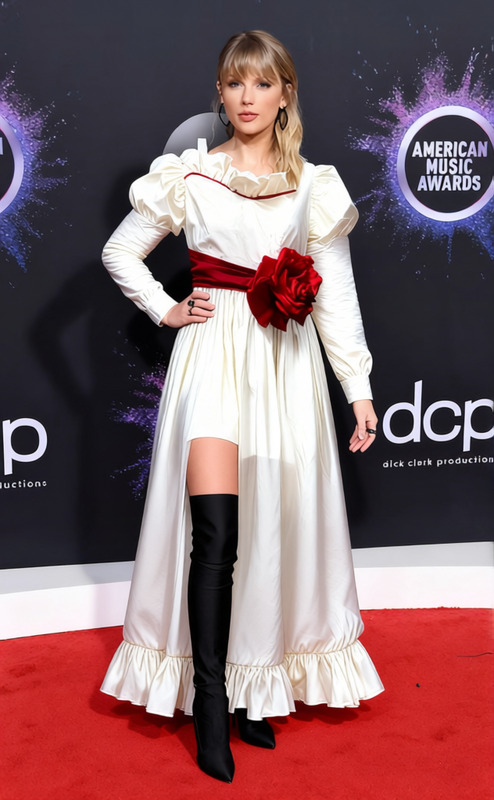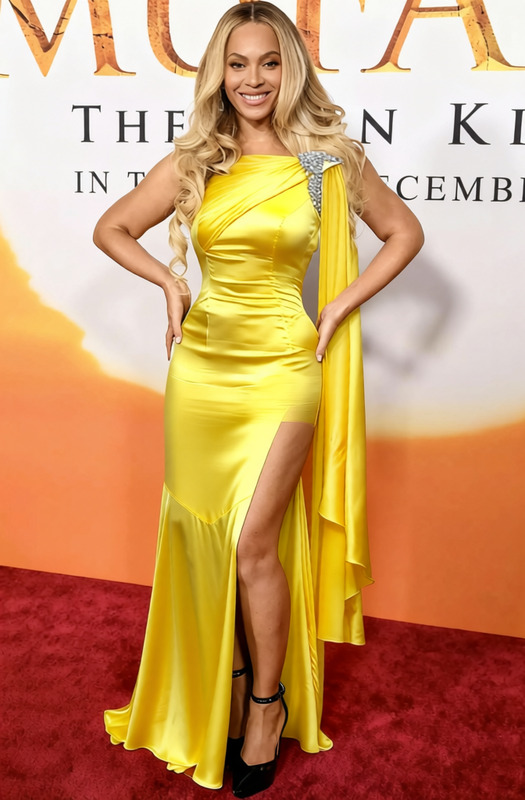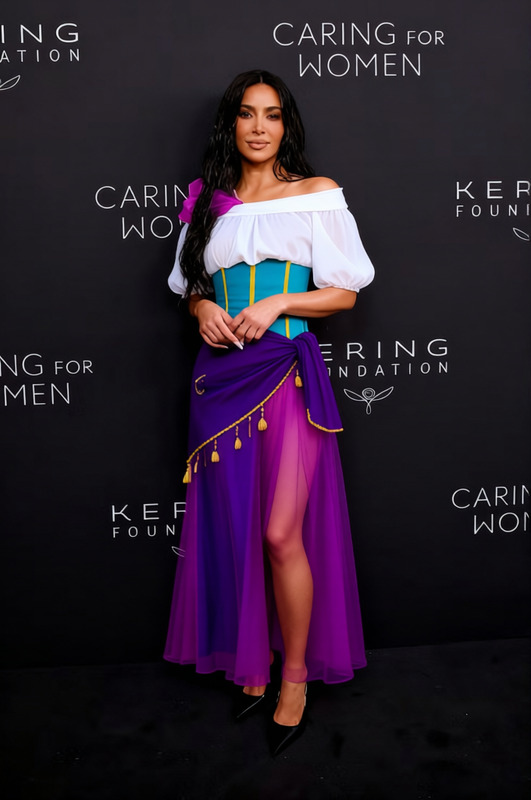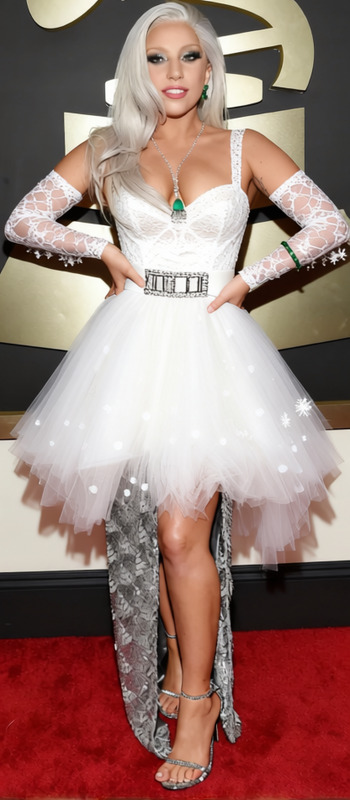
Wedding Dress White Tulle Ball Gown With Lace Veil 2
- Image
- 672 × 1024 px
Any aspect ratio
Overview
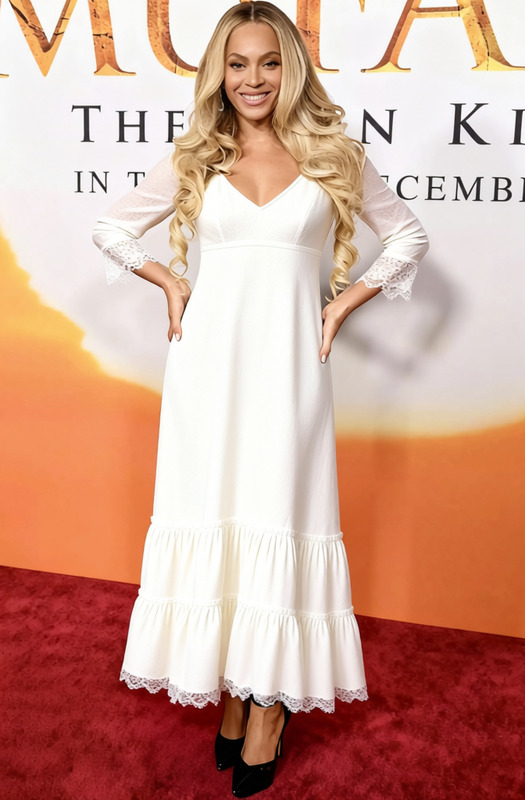
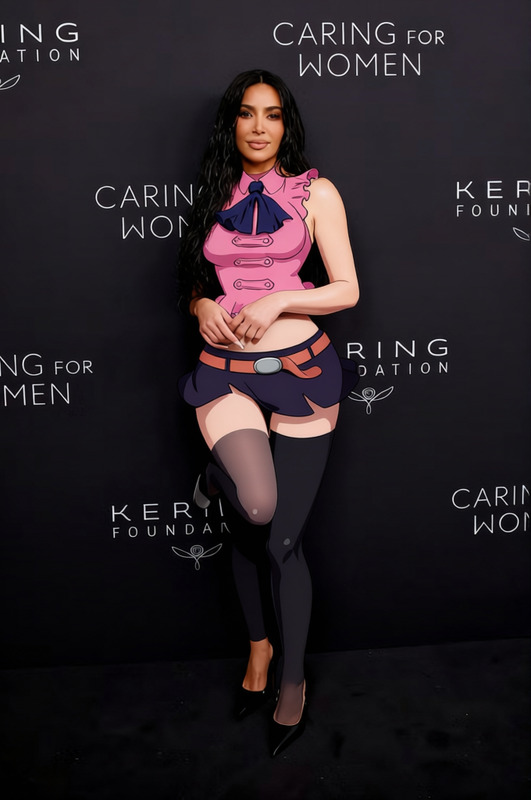
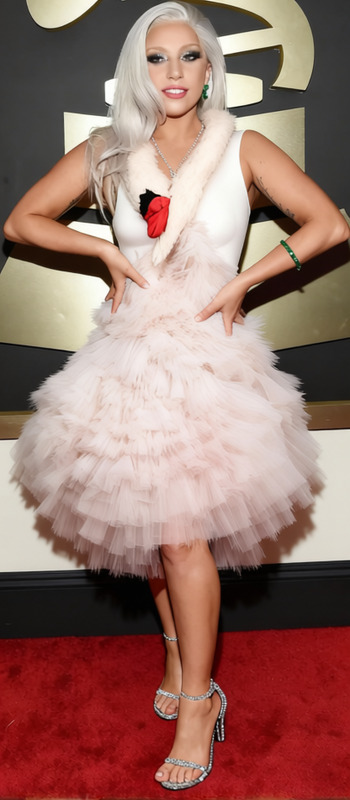
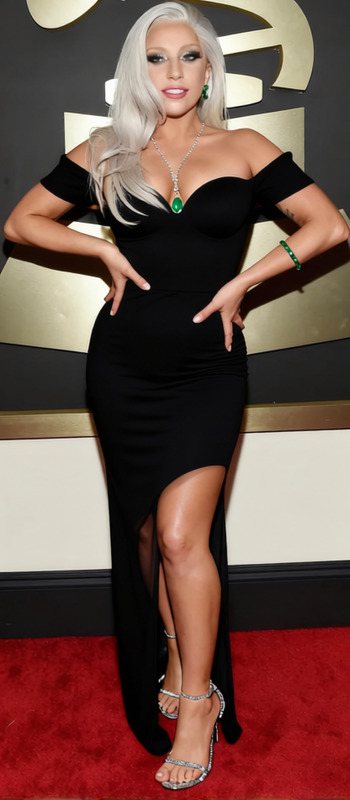
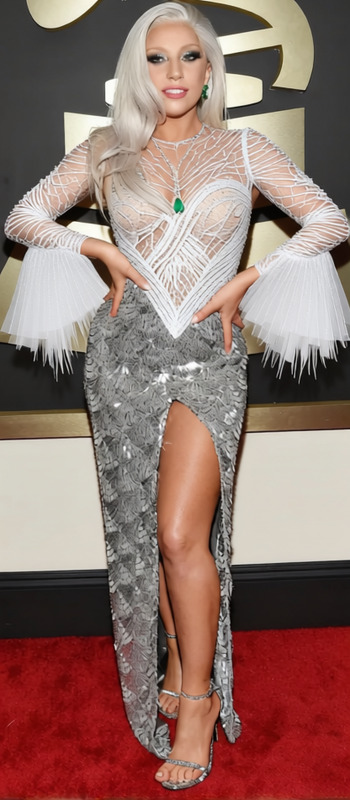
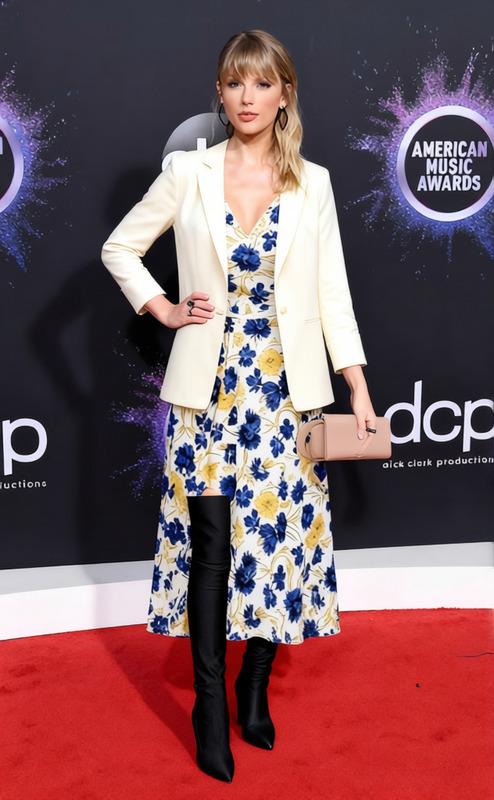
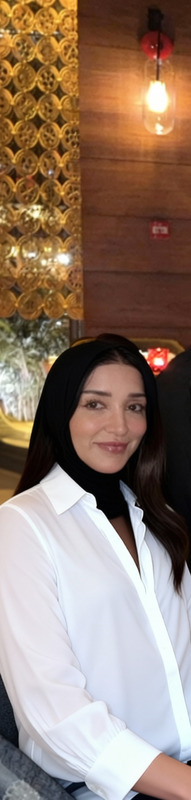
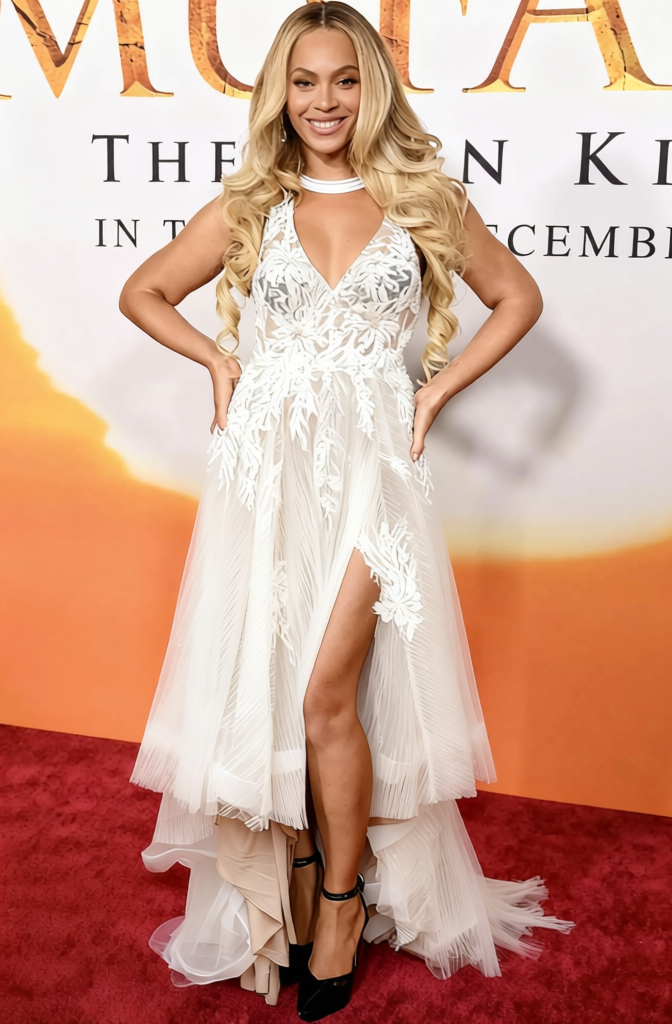
The Wedding Dress White Tulle Ball Gown With Lace Veil 2 template transforms ordinary imagery into a bridal fantasy. Aimed primarily at weddings and bridal themes, this template allows users to replace current outfits with an elegant ball gown and lace veil. The output is suitable for promotional content or personal keepsakes.
What It Does
This Clothes Changer template swaps out the attire in your images, applying a sophisticated white tulle ball gown and a lace veil to your chosen subject. By using AI-driven technology, the tool ensures that the new attire fits naturally and accurately reflects the bridal theme. To explore a broader clothing alteration toolset, visit our AI Clothes Changer product page.
Who It's For
Photographers, event planners, and brides-to-be will find this template valuable for creating timeless wedding-themed imagery. It's equally useful for ecommerce businesses targeting bridal markets. Discover more capabilities with our full Face Swap and Image to Video tools to create comprehensive wedding narratives.
Summary
The Wedding Dress White Tulle Ball Gown With Lace Veil 2 template is ideal for anyone looking to visualize or promote bridal fashion. Whether for marketing materials, social media, or personal collections, this template provides a seamless experience for transforming attire in portraits. To enhance your imagery further, consider exploring our AI Image Upscaler for high-resolution outputs.
How To
Select the Template

Customize Your Image

Generate Your Output

Use Cases
Bridal Fashion Promotions
- Update existing catalogs with new variations
- Craft eye-catching social media posts
Wedding Planning Visuals
- Create visual mockups for clients
- Personalize wedding proposals
Personal Wedding Content
- Plan wedding photoshoots
- Personal keepsakes and albums
Best Practices
Select High-Quality Images
For best results, ensure the source images are of high resolution and clear details to support intricate lace and fabric transitions.Adjust Lighting and Position
Align the new gown and veil perfectly with the subject's body to maintain realism. Adjust the lighting in post-editing if necessary.Experiment with Angles
Different angles can drastically alter the final appearance, so try various options to find the most flattering pose.
Frequently asked questions
More Like This