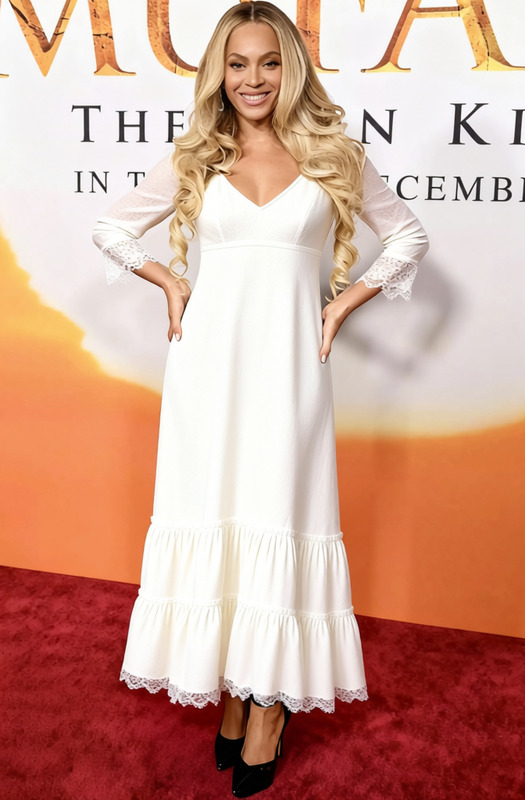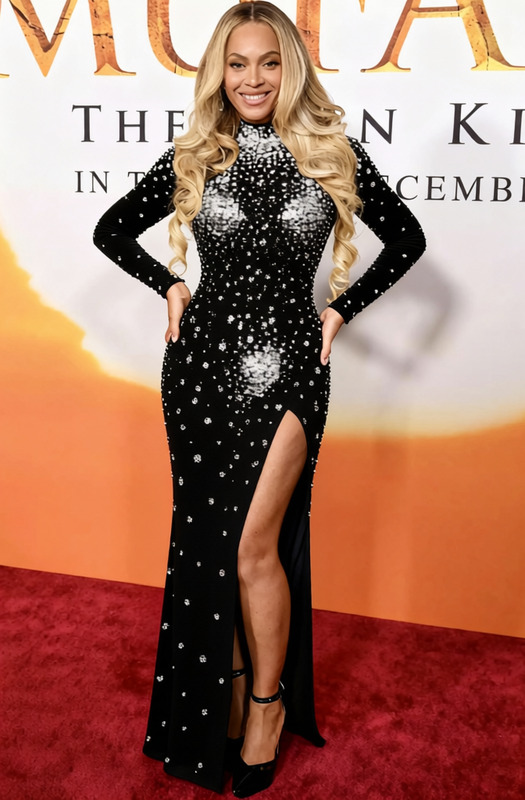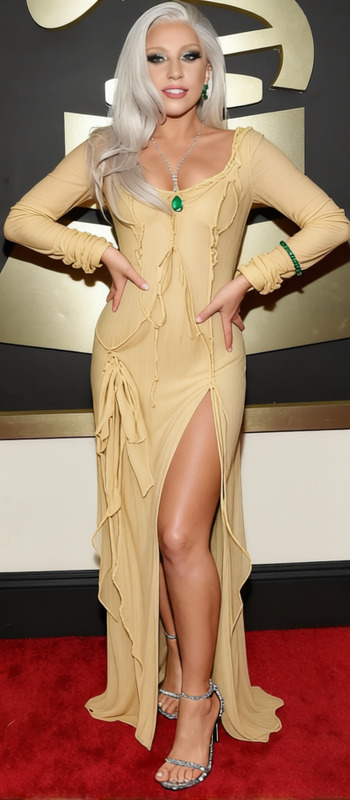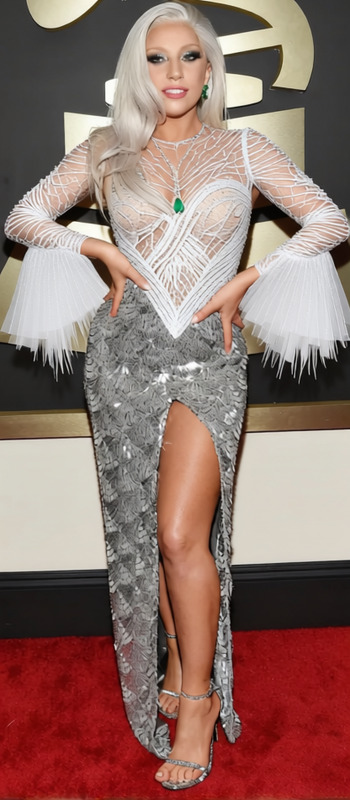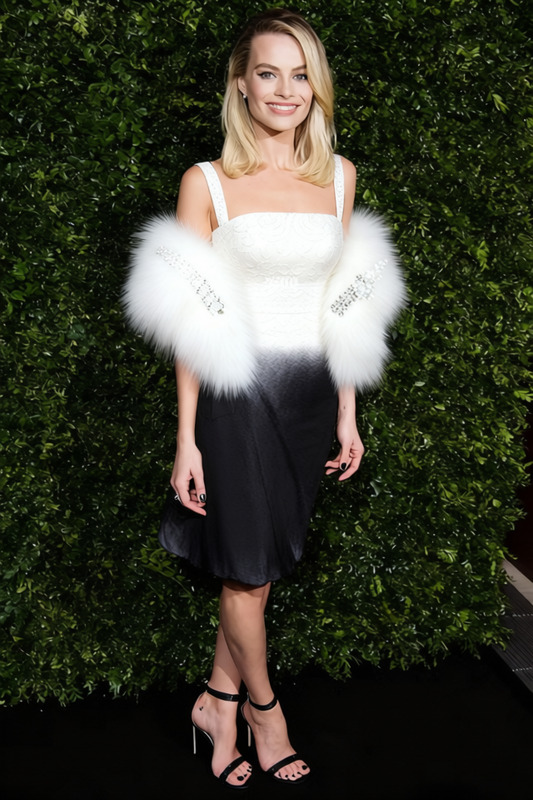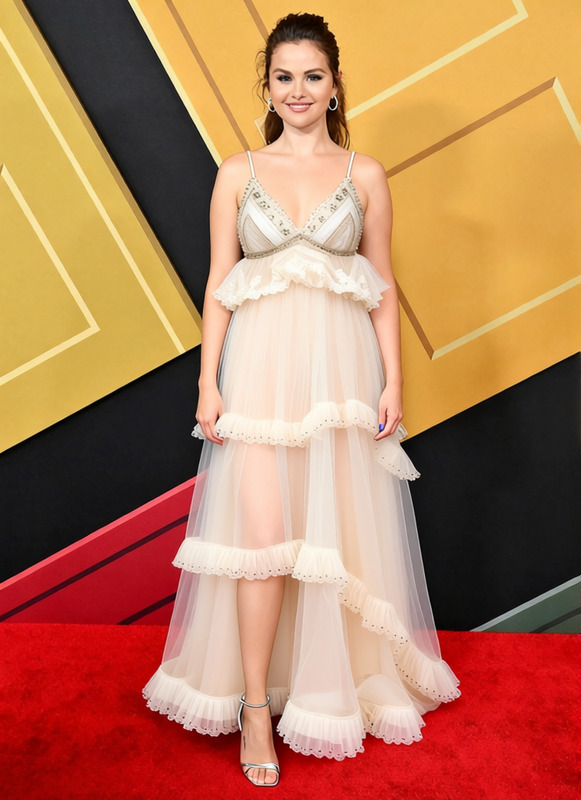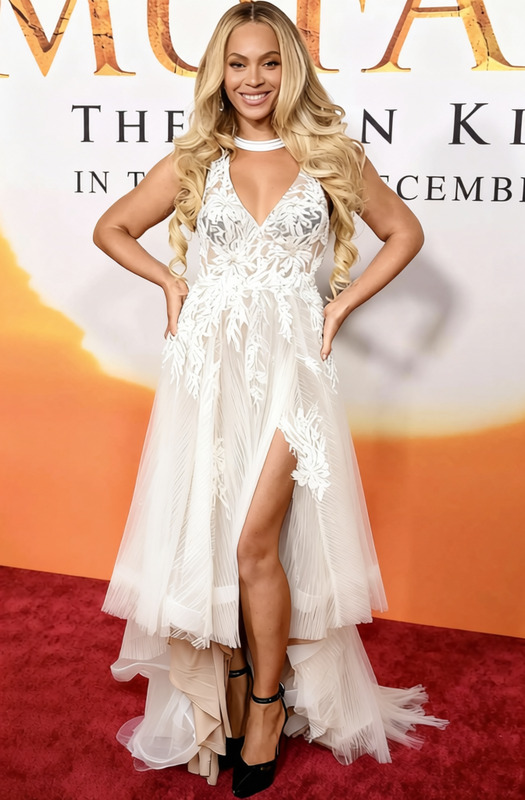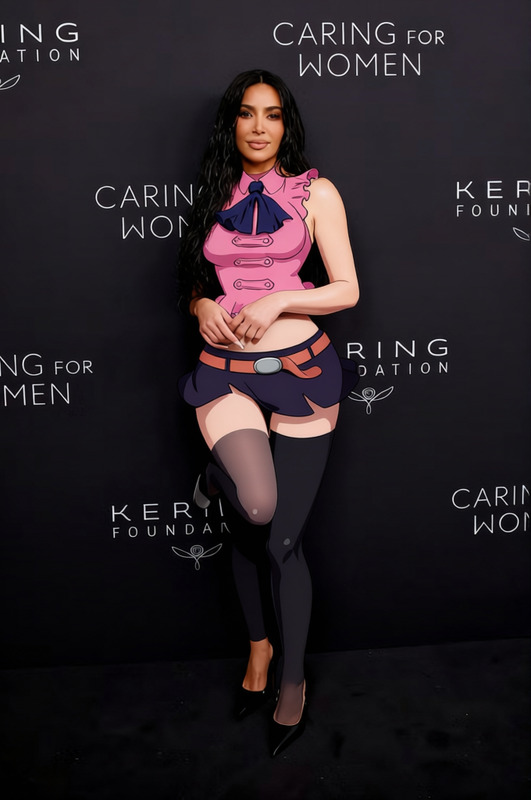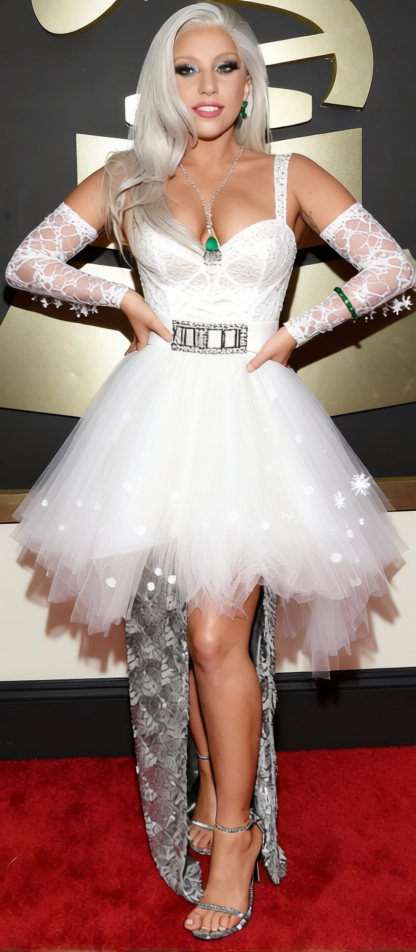
Madonna Lace Wedding Dress With Belt
- Image
- 416 × 952 px
Any aspect ratio
Overview
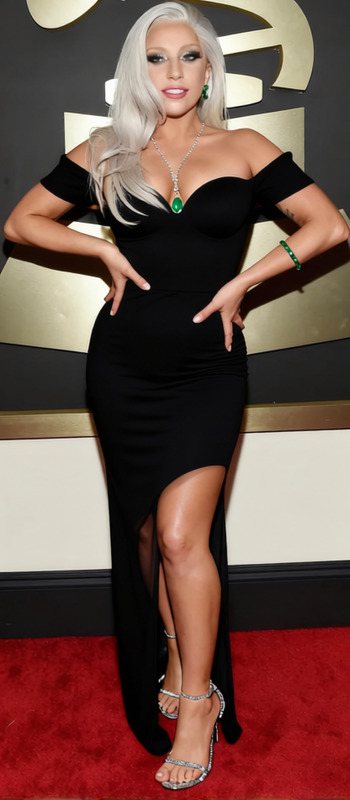
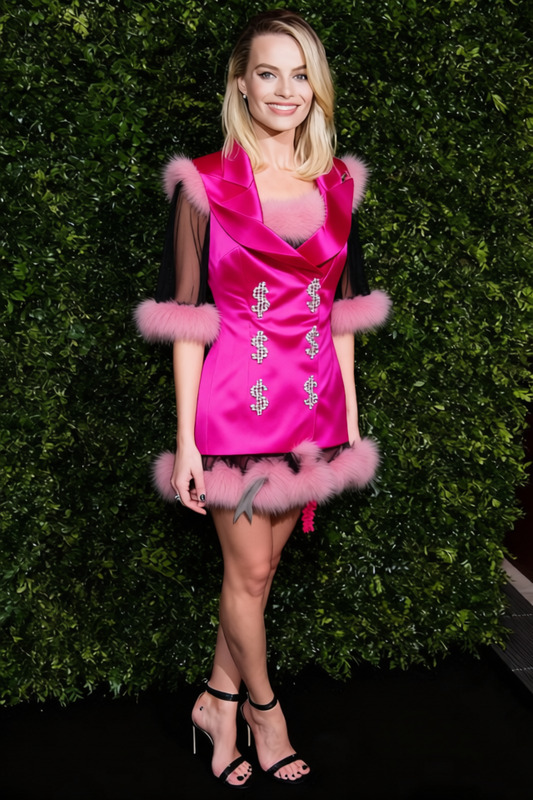
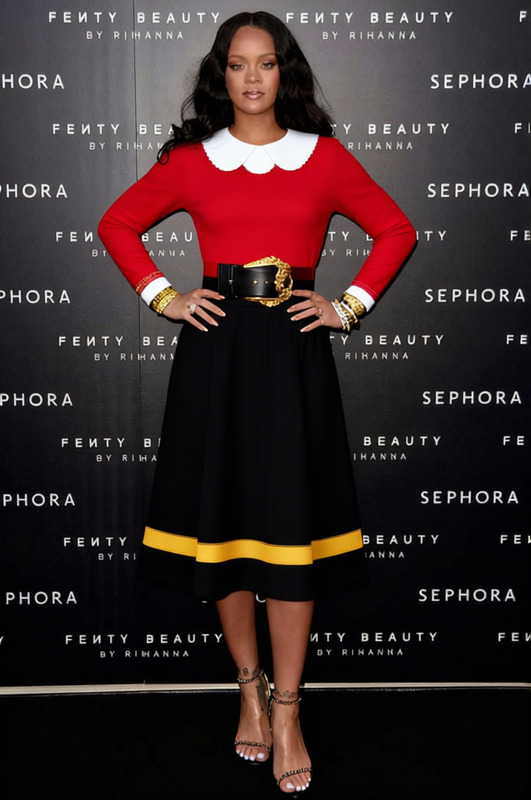
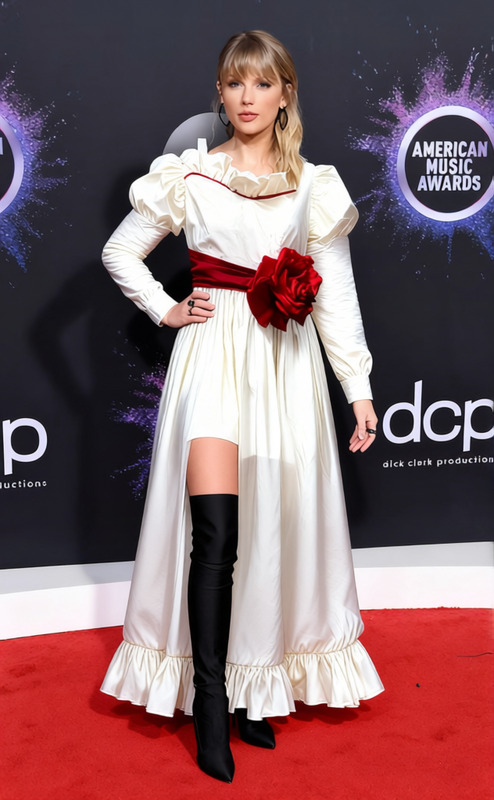
The Madonna Lace Wedding Dress With Belt template allows you to digitally transform any outfit in your photos to a luxurious lace wedding dress instantly. Perfect for bridal previews, engagement announcements, and fantasy photo shoots. This template leverages advanced AI-driven tools such as the AI Clothes Changer to achieve seamless photo transformations.
What It Does
This template makes it possible to replace existing clothing with a stunning lace wedding dress design, complete with a fashionable belt. You can easily adjust the appearance to suit different photo styles and settings, enhancing images with lifelike fabric textures and realistic lighting.
By using this template in conjunction with our AI Image Editor, you can additionally fine-tune every aspect of your image to achieve a polished final look.
Who It’s For
This template is ideal for photographers, bridal shop marketers, and social media influencers who focus on wedding-related content. It provides an innovative way to showcase wedding gown selections or create engaging visual content that captivates audiences.
Even users with no advanced photo editing skills can create beautiful outputs using the Face Swap feature when a full transformation is needed.
Summary
The Madonna Lace Wedding Dress With Belt template is a sophisticated tool for transforming and enhancing wedding images. It connects seamlessly with other tools to provide a comprehensive digital editing suite for creating picture-perfect bridal imagery.
How To
Choose the Template

Customize Your Design

Generate and Download

Use Cases
Bridal Fashion Showcases
Wedding Invitations and Announcements
Photo Showrooms for Bridal Shops
Best Practices
Select High-Resolution Images
Use high-quality photos for optimal clothing transformation and detail accuracy.Adjust Lighting Consistently
Make sure the lighting in your photo matches the lighting effect of the newly added dress for a cohesive look.Explore Complementary Features
Combine with AI Image Upscaler to enhance image resolution post-transformation.
Frequently asked questions
More Like This