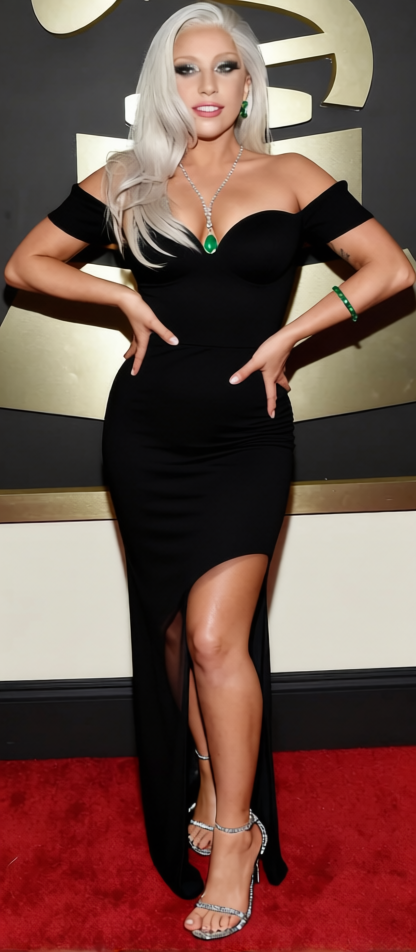
Princess Diana Revenge Dress Black Silk Cocktail Dress 2
- Image
- 416 × 952 px
Any aspect ratio
Overview
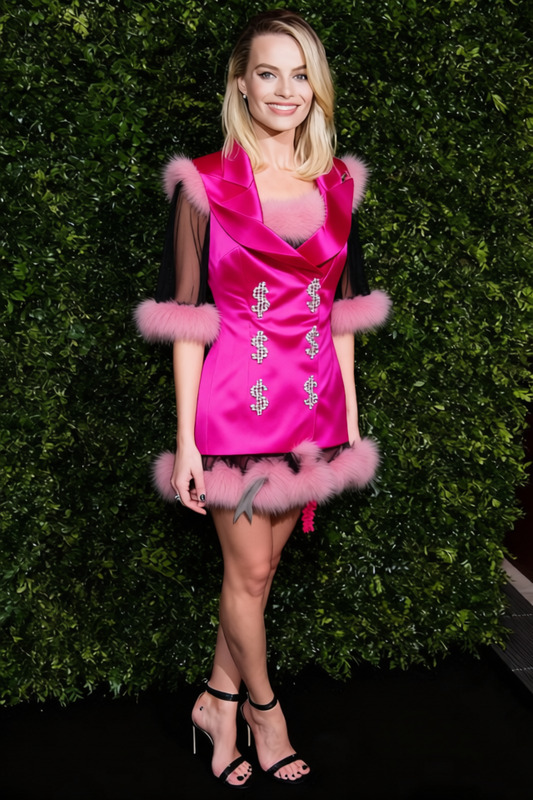
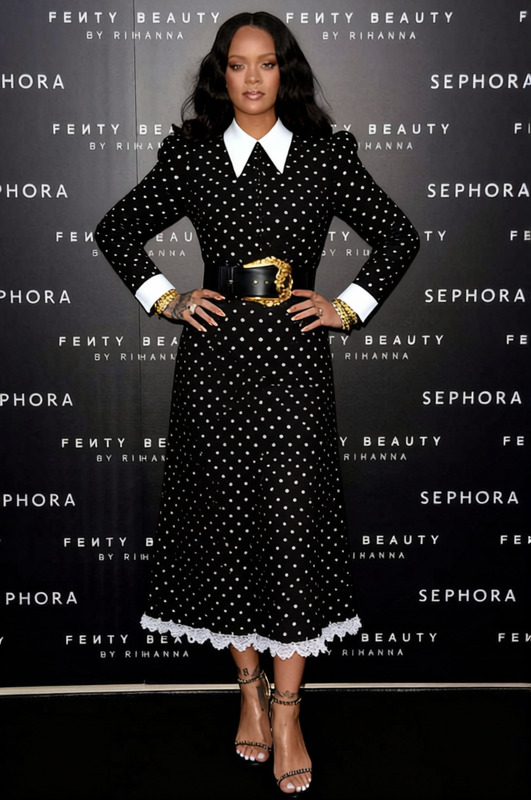
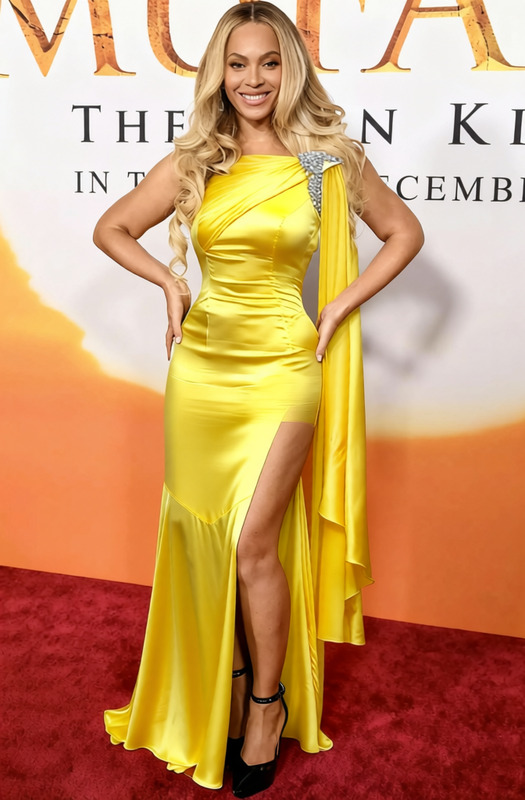
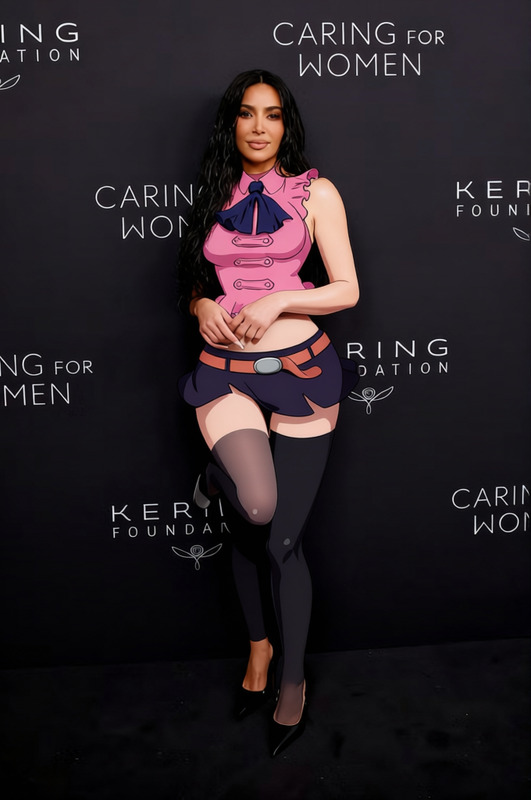
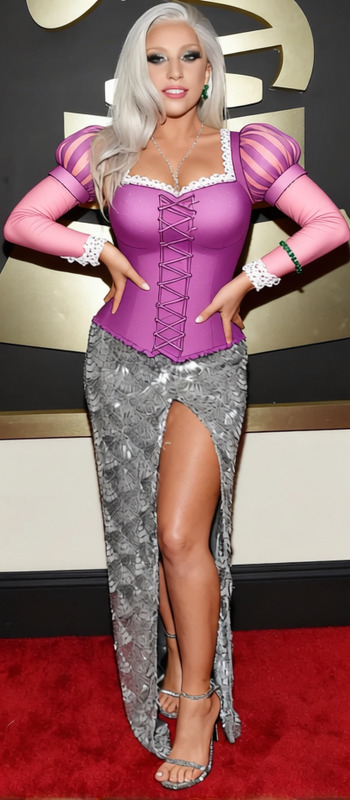
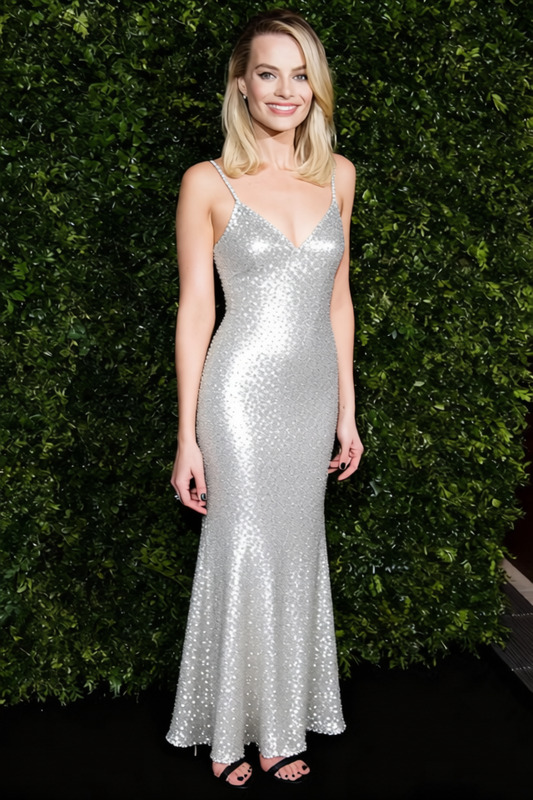
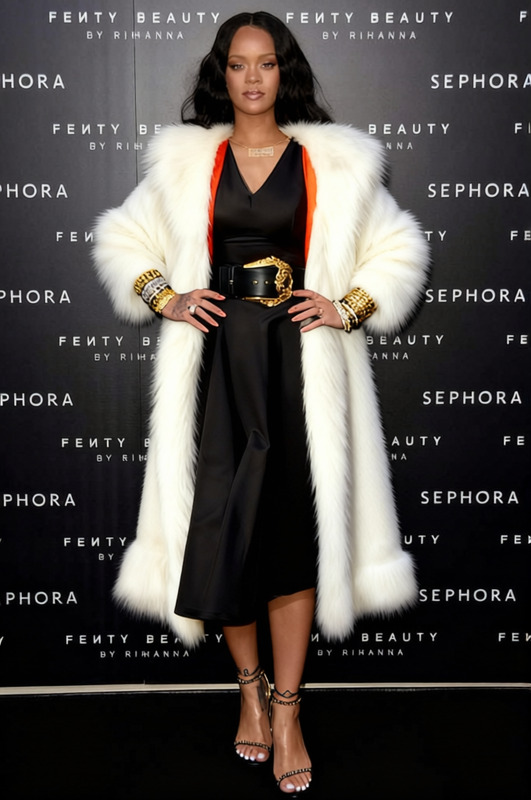
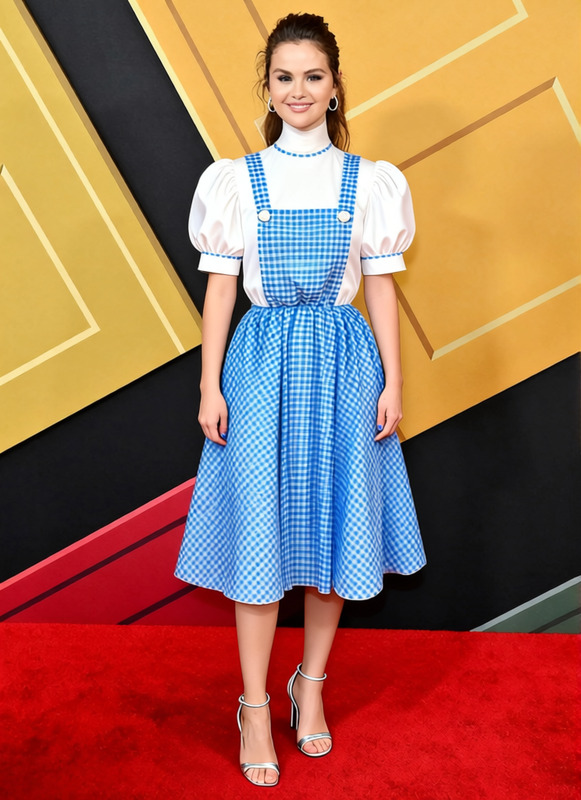
Transform any photo with the Princess Diana Revenge Dress Black Silk Cocktail Dress 2 template. This clothes changer allows users to digitally outfit their images with a classic and elegant style, adding a touch of iconic fashion to personal photos. Whether you want to experiment with different looks or create captivating visuals, this template makes high-end fashion accessible at the click of a button.
What It Does
This template expertly replaces the attire in your photo with a digital rendition of the famous black silk cocktail dress once worn by Princess Diana. Users can employ this tool to apply fashion changes in photo edits, perfect for generating unique content, planning outfits, or exploring fashion reimaginations. It's part of our broader suite of tools, such as the AI Clothes Changer, designed to bring creative flexibility to your projects.
Who It's For
Fashion enthusiasts, designers, and marketers looking to add a historic yet chic touch to images will find this template invaluable. It's also suitable for social media influencers and content creators aiming to captivate their audience with fresh, styled images. The template serves anyone keen to explore or showcase product photos to video transformations with a fashionable twist.
Summary
The Princess Diana Revenge Dress template is your gateway to fashionably elevate photos. By recreating one of fashion history's most talked-about looks, it empowers you to explore style variations easily. For those seeking an immersive fashion experience, this template works seamlessly with tools like the AI Talking Photo for dynamic presentations, ensuring your visuals are both stylish and engaging.
How to Use
Choose Your Template

Customize Your Image

Generate and Download

Use Cases
Fashion Campaigns
- Turn bland photos into captivating fashion statements
- Utilize for teaser campaigns or product launches
Event Promotions
- Perfect for gala or theme party promotions
- Capture viewer attention with engaging imagery
Social Media Content
- Create buzz with unique posts
- Foster audience interaction through styled makeovers
Best Practices
High-Quality Images
Use high-resolution images to ensure the dress template aligns perfectly and details stay crisp.Adjust Lighting
Consider editing the original photo's lighting to match the dress template’s lighting for a more seamless blend.Experiment With Angles
Try different poses and angles of the original image to find the most stunning match with the dress template.
Frequently asked questions
More Like This