Wedding Guest Suit Charcoal Slim Fit With Silk Tie 2
- Image
- 632 × 1024 px
Any aspect ratio
Overview
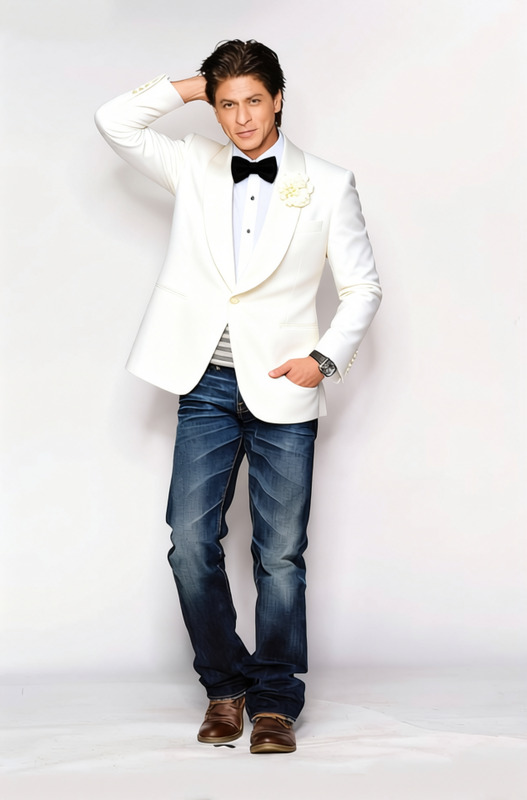
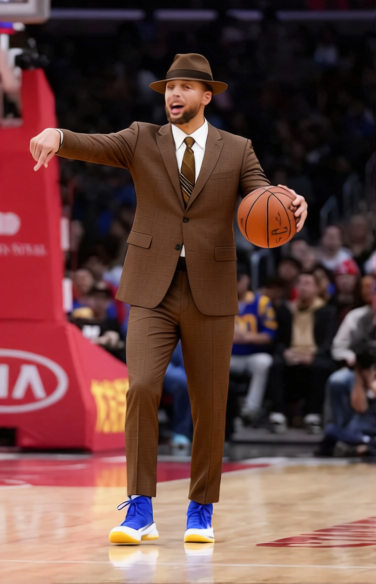
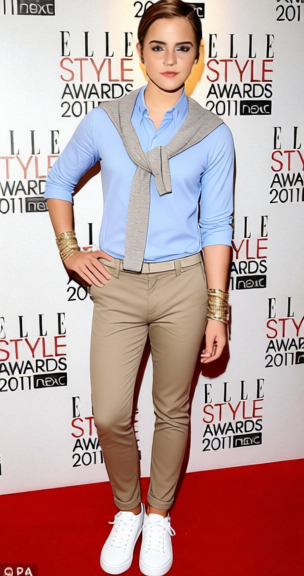
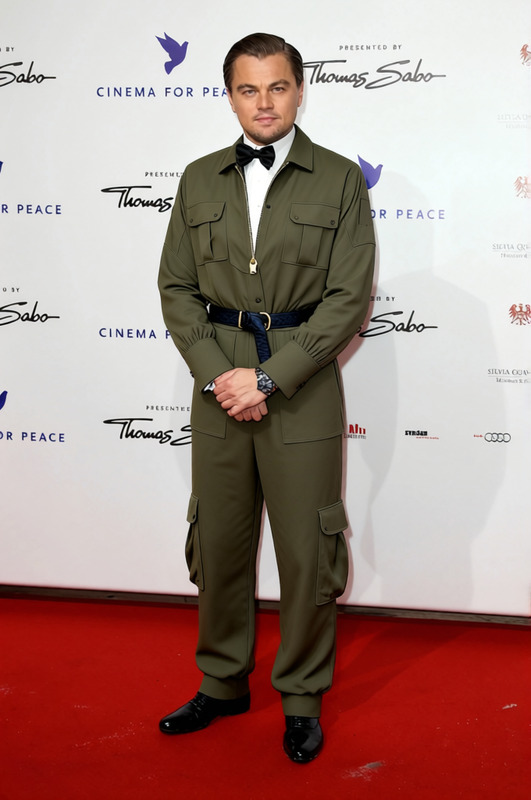
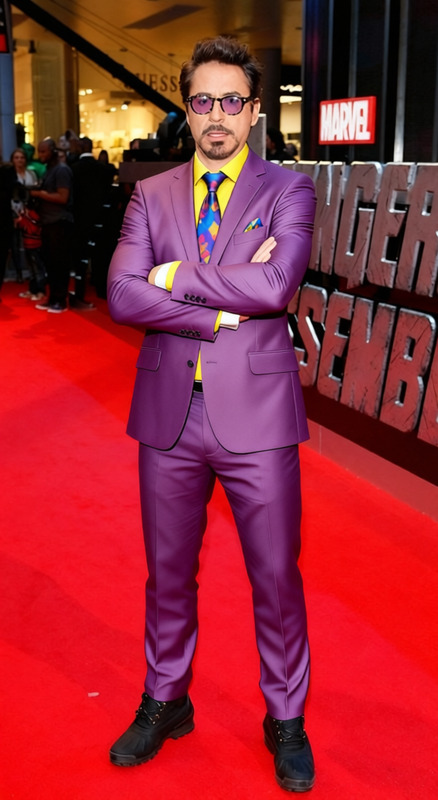
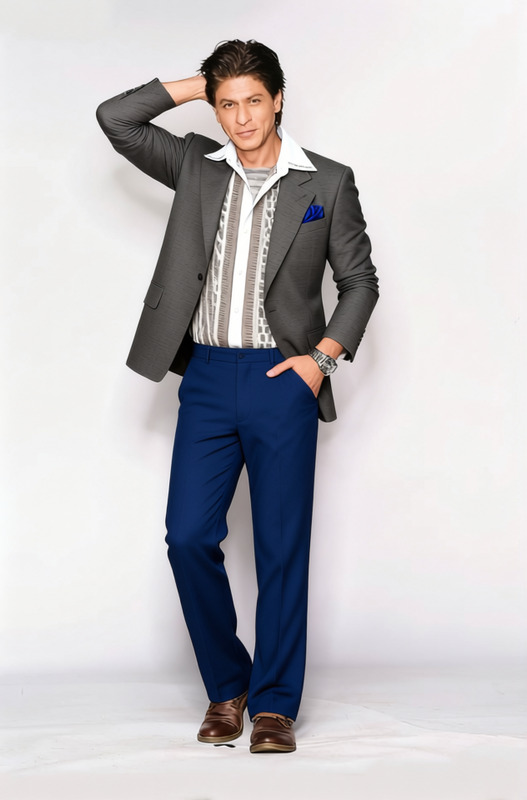
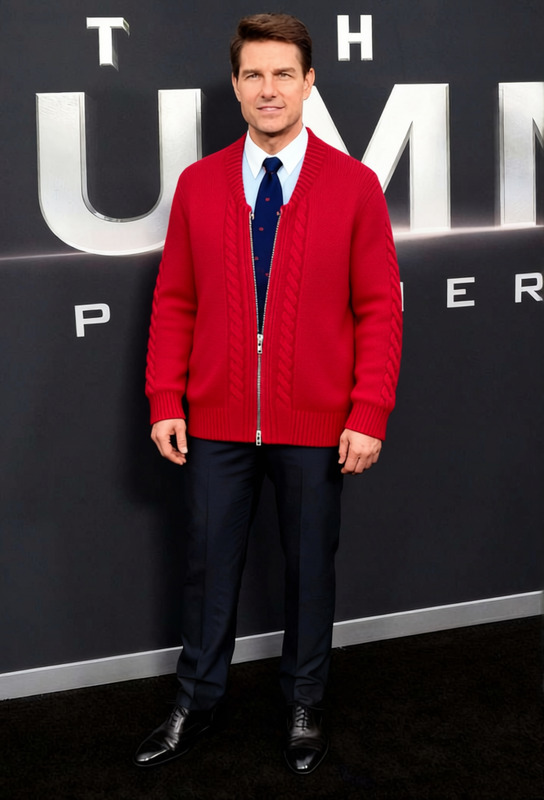
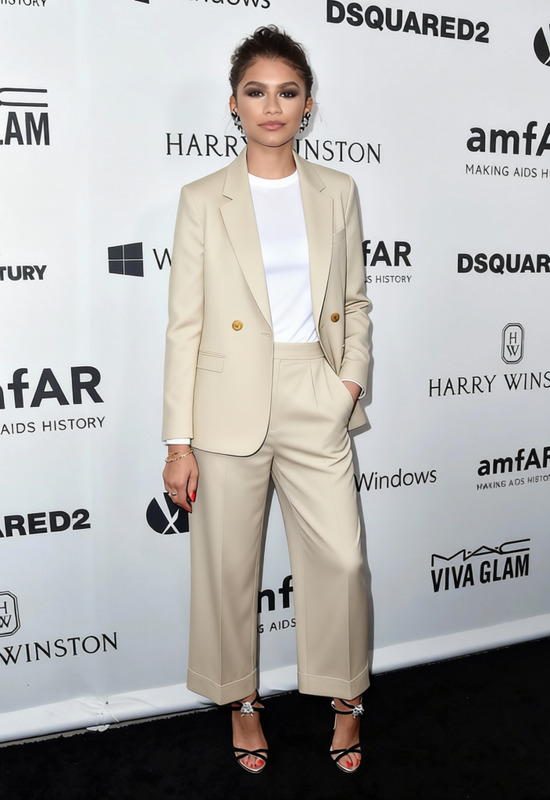
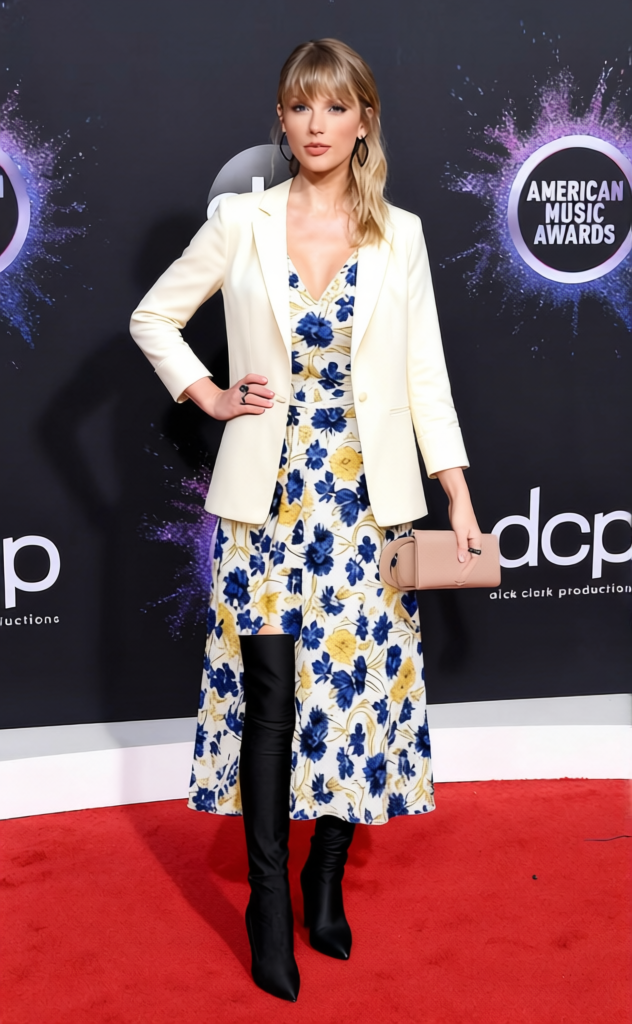
Explore the elegance of the Wedding Guest Suit Charcoal Slim Fit With Silk Tie template, tailored specifically for those looking to redefine their clothing representations. This template allows you to digitally swap your outfit choice to present a suave and cohesive appearance, perfect for any formal occasion.
What It Does
This clothes changer template offers a dynamic way to replace your current outfit with a stylish charcoal slim-fit suit paired with a silk tie. By uploading your image, you can see yourself instantly transformed, maintaining natural body proportions and fit for a polished finish.
Integrate this with other tools like the AI Image Editor to adjust lighting or the AI Image Upscaler for high-resolution outputs.
Who It's For
This template is ideal for fashion enthusiasts, digital stylists, and photographers who wish to offer their clients a sleek wardrobe option. It also serves wedding planners and ecommerce platforms as a tool to envision attire options, ensuring the perfect outfit match for high-stakes events.
Summary
Transform your look efficiently with the Wedding Guest Suit Charcoal Slim Fit With Silk Tie template. Whether preparing for a virtual event or simply exploring new styles, this tool offers a blend of sophistication and practicality. Connect it with the AI Profile Picture Generator for a comprehensive digital makeover.
How-To
Choose Your Template

Customize Your Look

Generate Your New Style

Use Cases
Formal Event Preparation
- Wedding guests
- Black-tie events
- Corporate galas
Digital Fashion Showcases
- Ecommerce listings
- Fashion blogs
- Social media posts
Client Consultation
- Personal styling
- Wedding planning
- Boutique services
Best Practices
Select High-Quality Images
For the best results, use high-resolution images with good lighting. This enhances the realism of the suit on your photo.Align Suit Correctly
Ensure the suit aligns with your body shape for a natural fit. Adjust the angle and size to match the original image proportions.Combine with Editing Tools
Utilize the AI Image Editor to retouch lighting and shadows, ensuring the suit melds seamlessly into the scene.
Frequently asked questions
More Like This