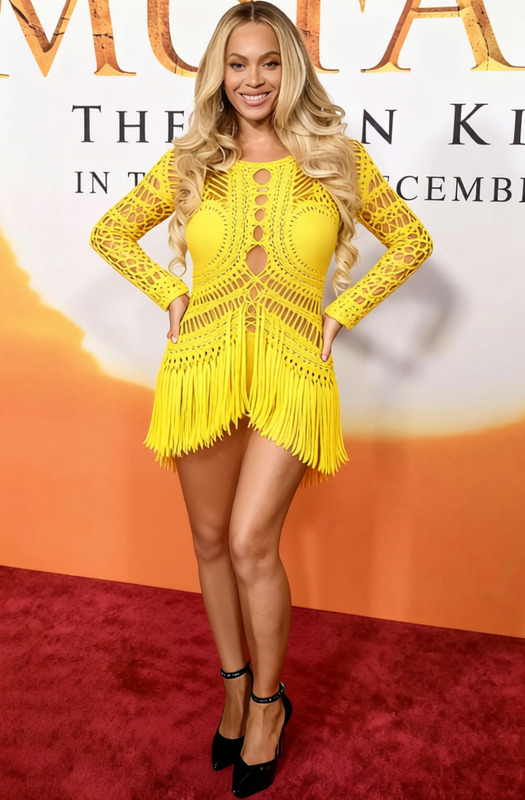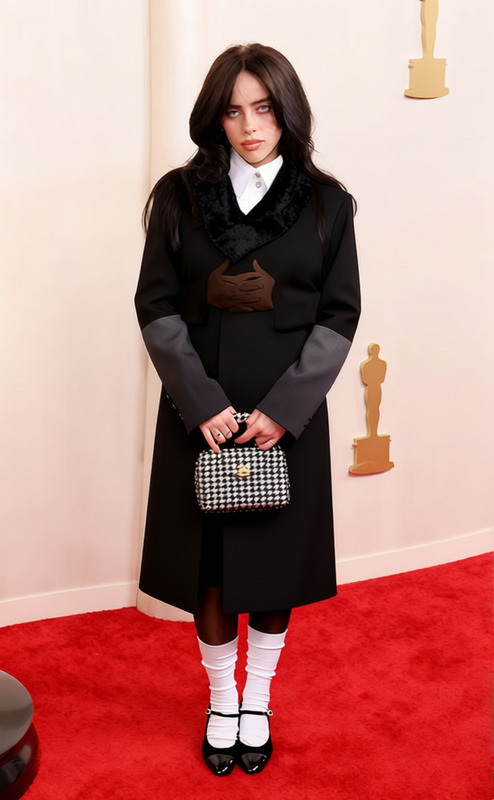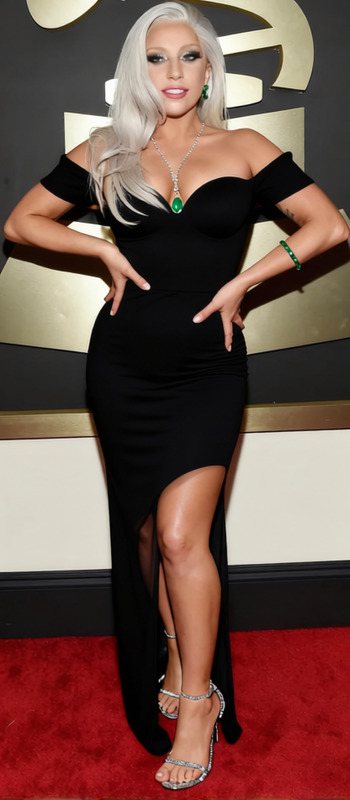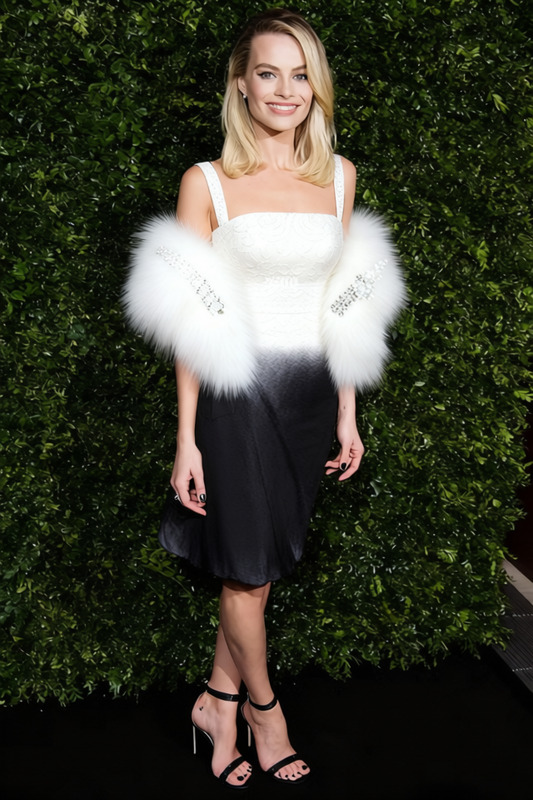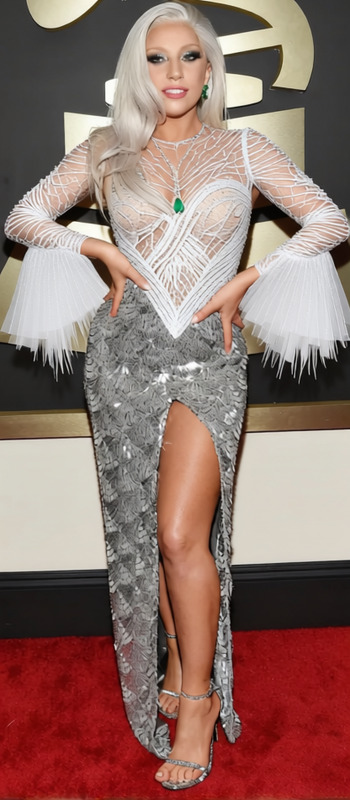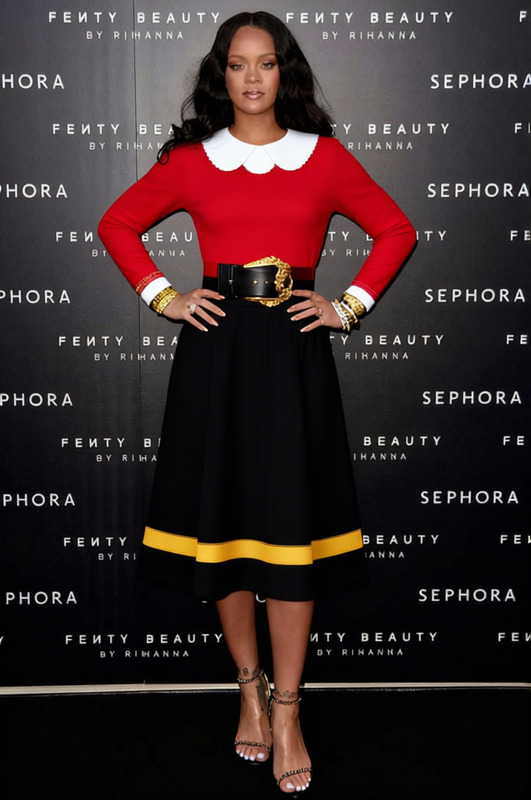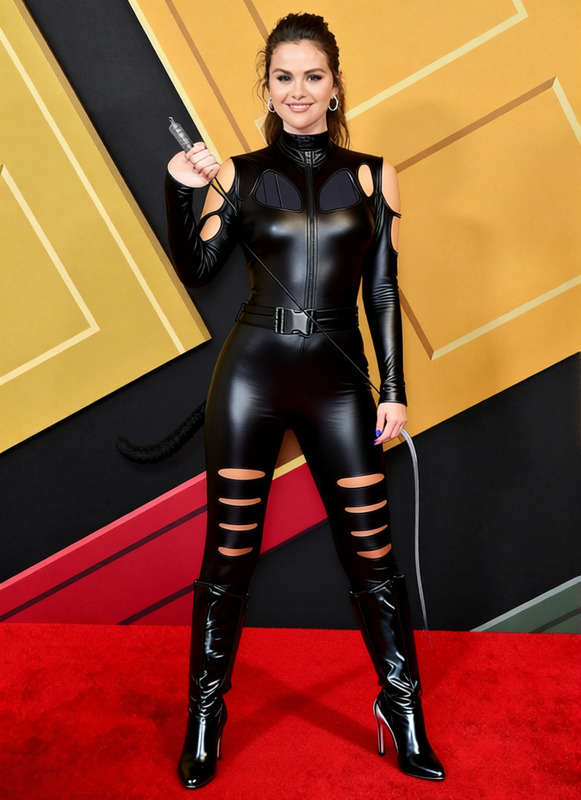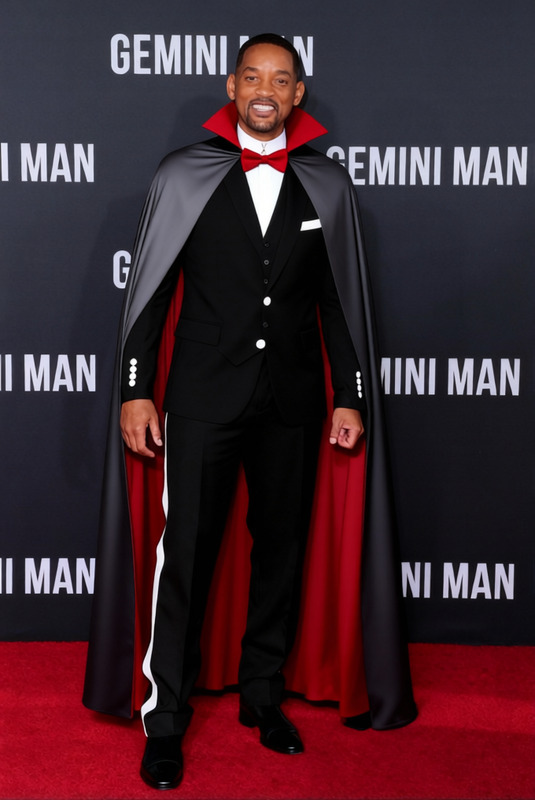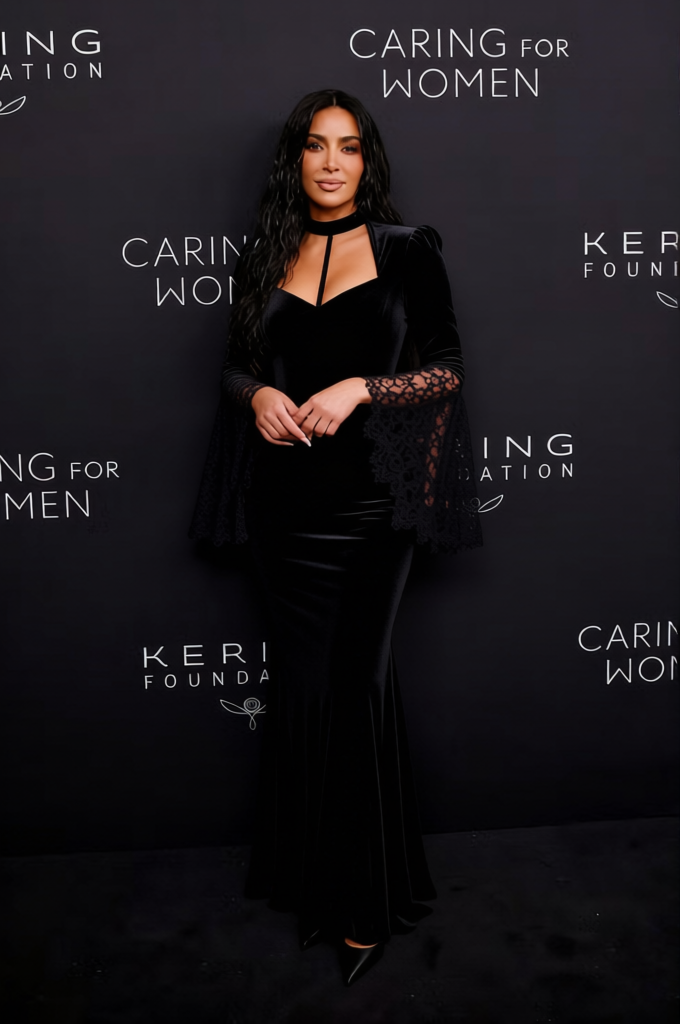
Morticia Addams Long Form Fitting Black Gown 2
- Image
- 680 × 1024 px
Any aspect ratio
Overview
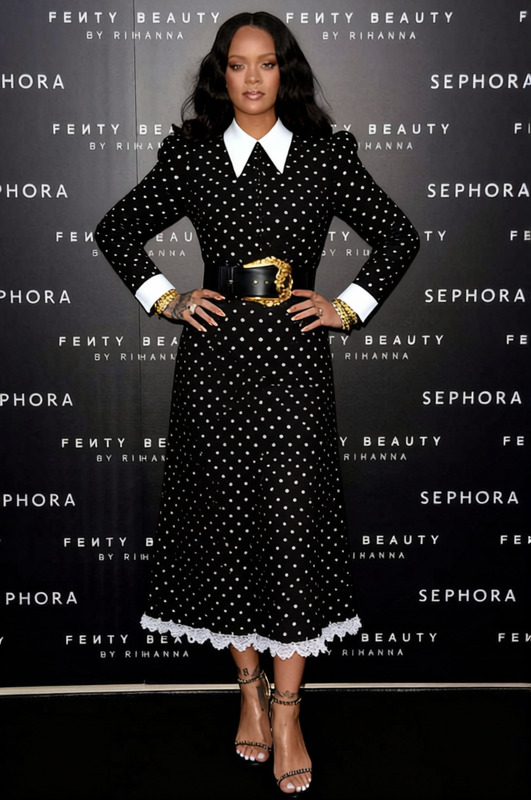
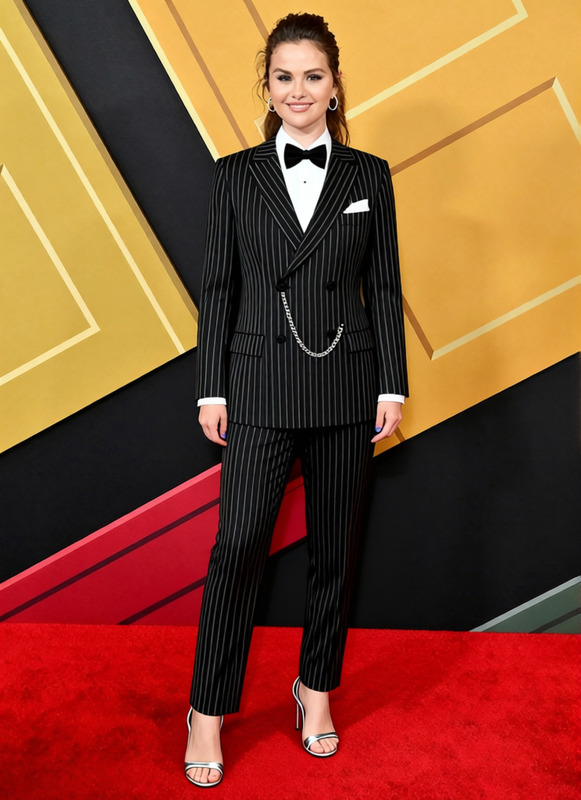
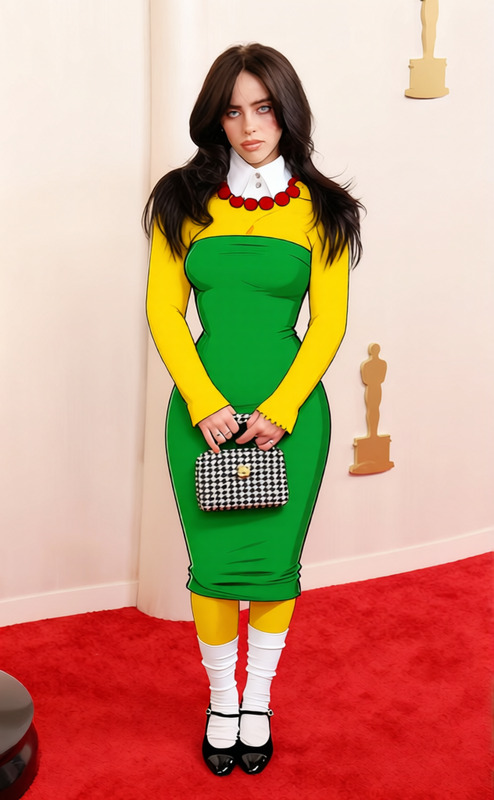
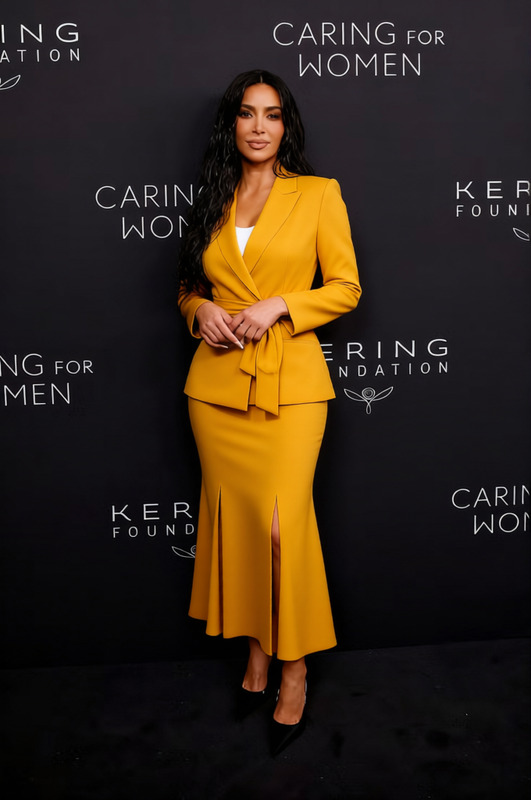
Transform any photo with the classic allure of the Morticia Addams Long Form Fitting Black Gown. This clothes changer template provides a unique way to enhance images by digitally dressing subjects in an iconic attire. Perfect for creative projects or themed photo edits, this tool gives you the ability to re-envision fashion instantly.
What It Does
This template enables users to overlay a long, form-fitting black gown onto individuals in a photo. With refined pixel precision and automated alignment, it ensures that the gown seamlessly integrates with the subject's posture. Compatible with various input formats like JPEG and PNG, it's a versatile solution for fashion and novelty edits.
Check out related tools like the AI Clothes Changer for more dynamic options and the AI Image Editor to further enhance the style and presentation of your edited images.
Who It's For
This template is ideal for fashion designers, photographers, and social media influencers aiming to elevate their content with a vintage twist. It suits creative professionals seeking a quick style transformation for projects related to eCommerce ads or personal branding.
Those involved in product demo videos can also utilize this tool to add thematic elements that capture viewer interest.
Summary
The Morticia Addams Long Form Fitting Black Gown 2 template brings a touch of sophistication to image editing. By allowing users to apply a virtual garment with ease, this tool enhances both professional and personal projects. For additional inspiration, explore tools like the AI Profile Picture Generator and the Full Body Generator for complete transformations.
How-To
Choose the Template

Customize Your Inputs

Generate Your Edited Image

Use Cases
Fashion Photography
- Online portfolios
- Social media campaigns
Event Promotions
- Themed parties
- Halloween promos
Creative Projects
- Graphic novels
- Digital storytelling
Best Practices
Select High-Resolution Images
To ensure the gown overlays smoothly, use high-resolution images for better clarity and detail.Mind the Background
A less busy background will make the gown more prominent and visually appealing.Experiment with Angles
Try different angles and positions for the subject to find the most flattering look for the gown.
Frequently asked questions
More Like This