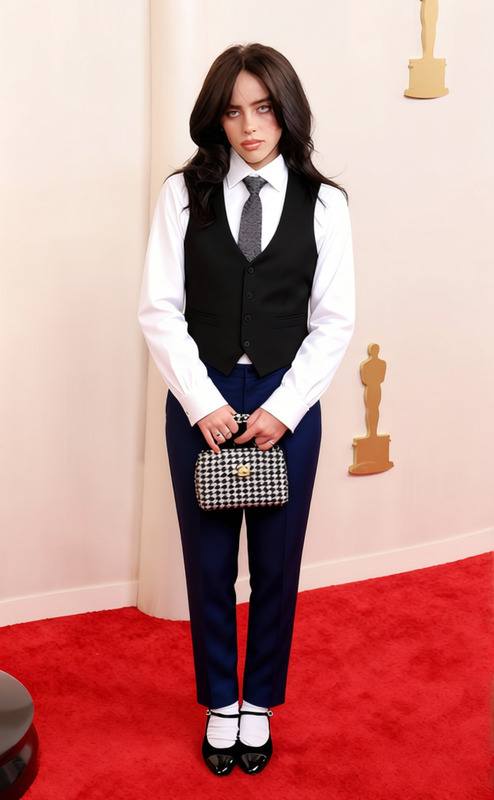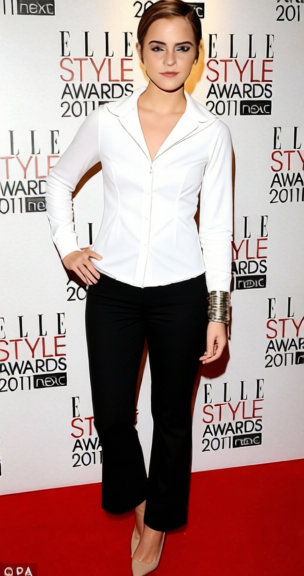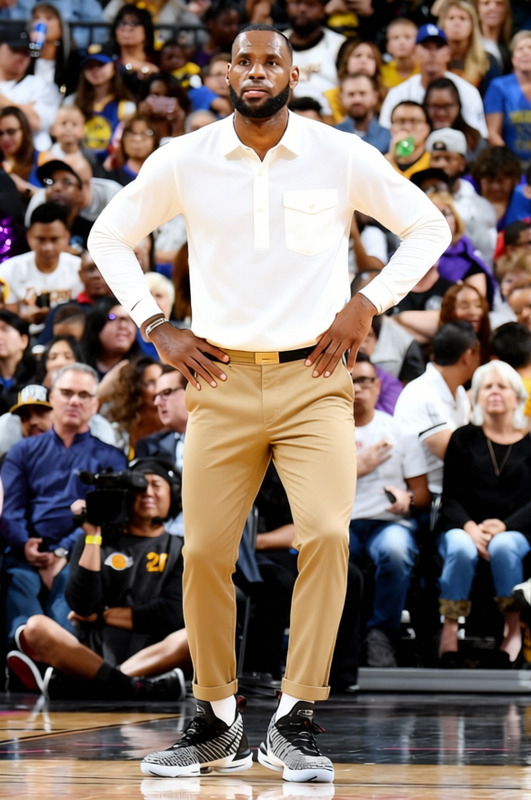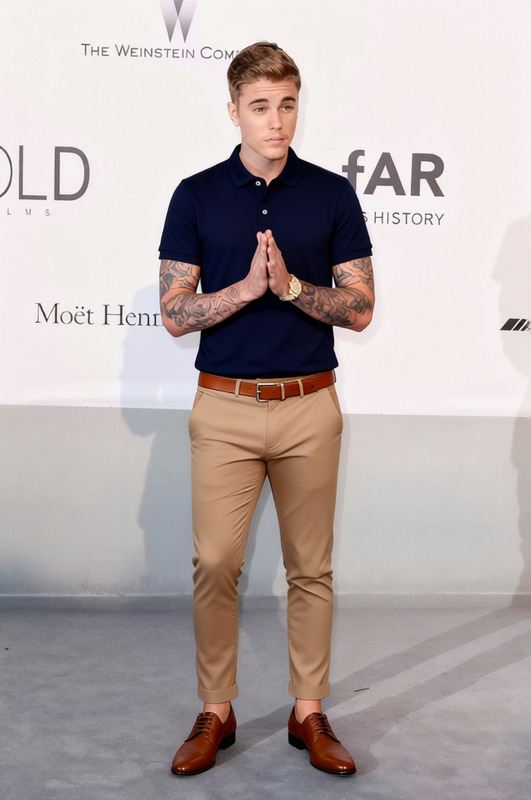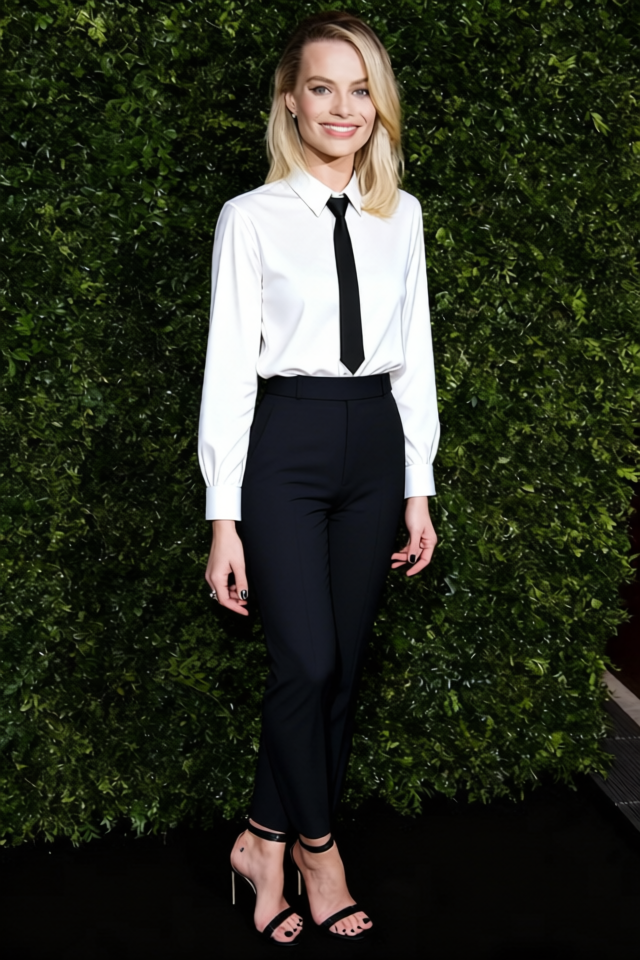
Makima White Shirt With Black Pants
- Image
- 640 × 960 px
Any aspect ratio
Overview
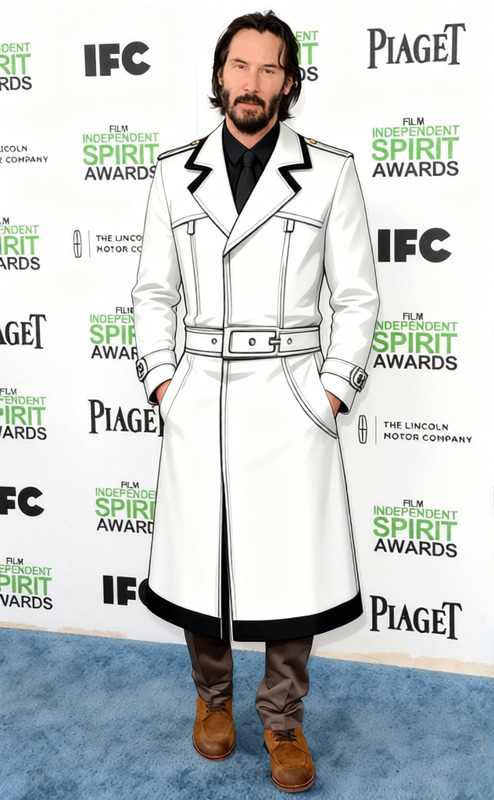
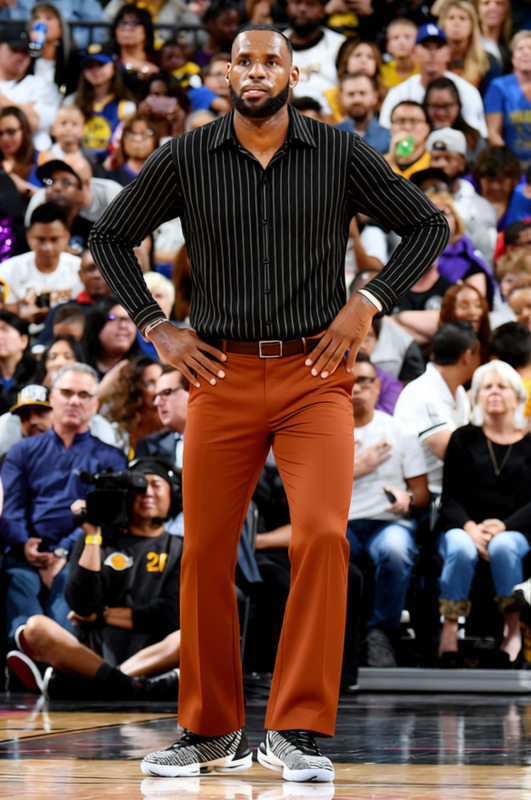
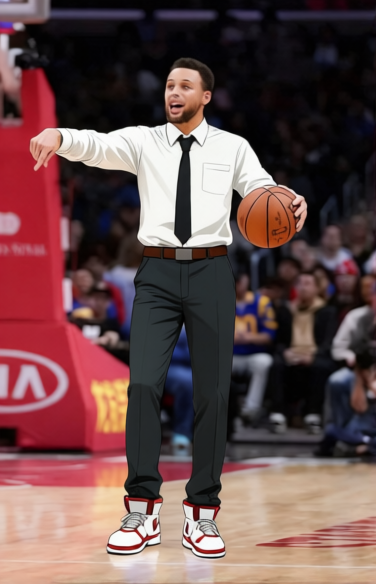
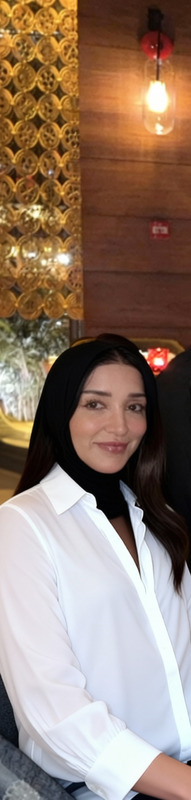
Revamp your images with the Makima White Shirt With Black Pants template. Perfect for those looking to change clothing styles in photos, this template allows for a seamless transformation, ensuring your subject is dressed in a classy white shirt paired with sleek black pants. It's designed for a polished and professional appearance in any setting.
What It Does
The template applies a realistic clothes changing effect to any image by replacing existing outfits with a white shirt and black pants ensemble. The model intelligently maps the new clothes onto the subject, taking into account lighting, shadows, and folds, creating a convincingly natural look. You can integrate this tool into wider projects using the AI Background Changer for enhanced output.
Who It's For
This tool is perfect for fashion designers, photographers, retail owners, and digital marketers who need to quickly modify or showcase different apparel styles. It's also a great asset for e-commerce businesses looking to produce versatile product images efficiently, connecting well with tools like the AI Product Photography.
Summary
Effortlessly update wardrobes in photos using the Makima White Shirt With Black Pants template. It's an ideal solution for high-quality, professional image edits that maintain a realistic appeal. Pair it with the AI Photo Relighting tool for added visual depth and dynamism.
How To
Select the Template

Adjust the Inputs

Generate and Download

Use Cases
E-commerce Catalogs
- Reduce costs of photoshoots
- Provide variety in product displays
Social Media Content
- Boost engagement with new looks
- Seasonal wardrobe updates
Brand Marketing
- Maintain brand color schemes
- Align with campaign themes
Best Practices
Ensure Proper Fit
To achieve the most convincing results, select images where the subject's body position naturally fits the shirt and pants.Use High-Quality Images
High-resolution images will produce better results, capturing more detail in clothing folds and textures.Combine with Other Tools
Utilize alongside tools like the AI Background Changer to create fully transformed photoshoots.
Frequently asked questions
More Like This