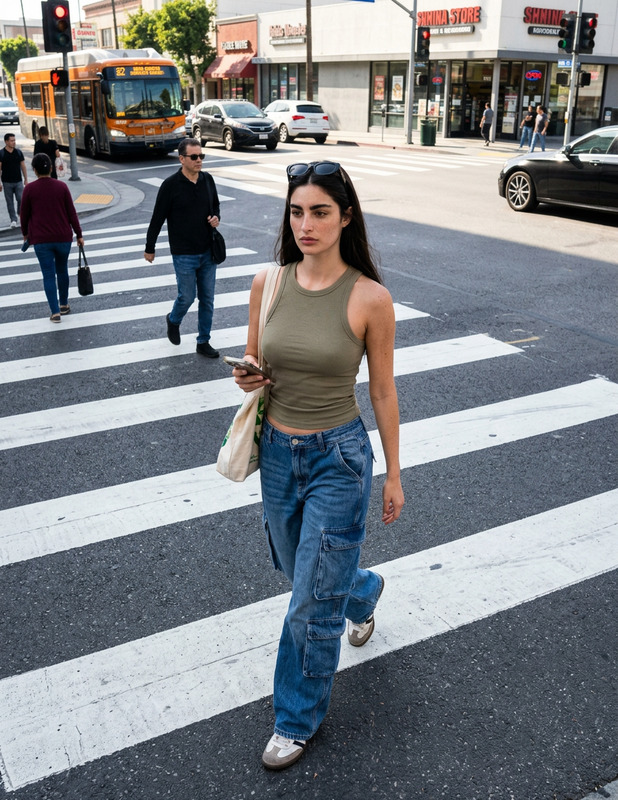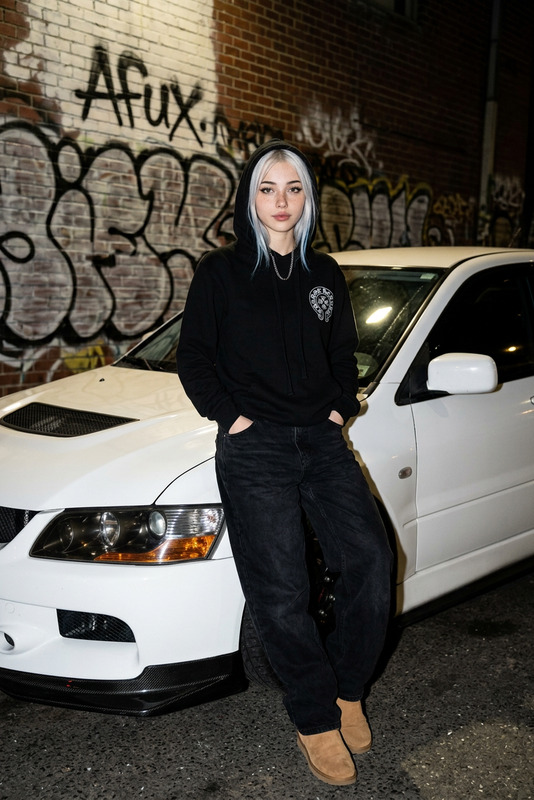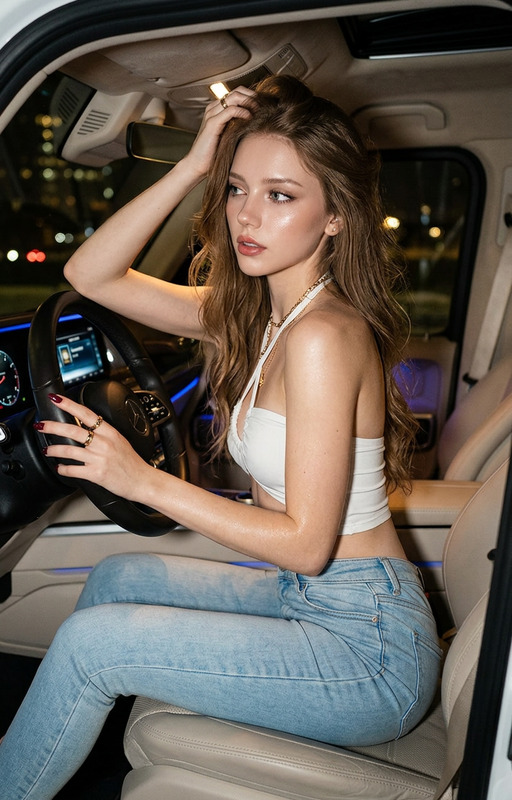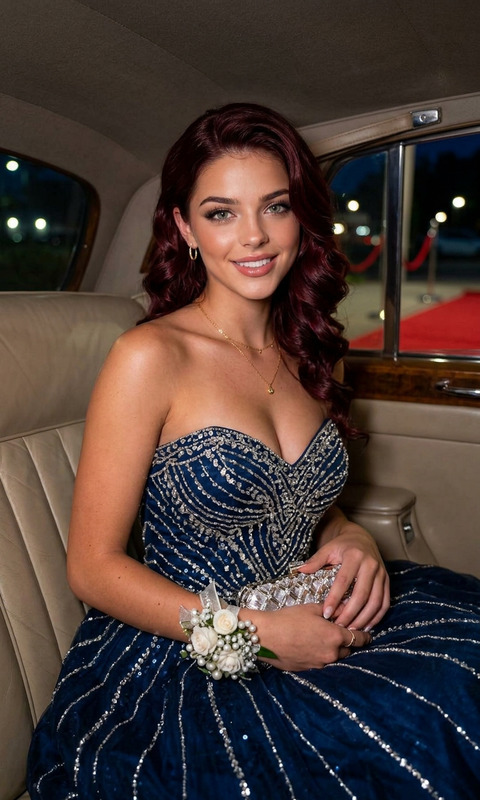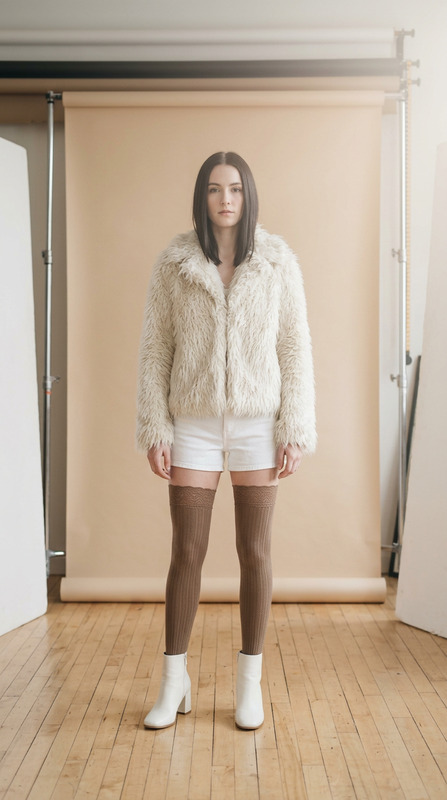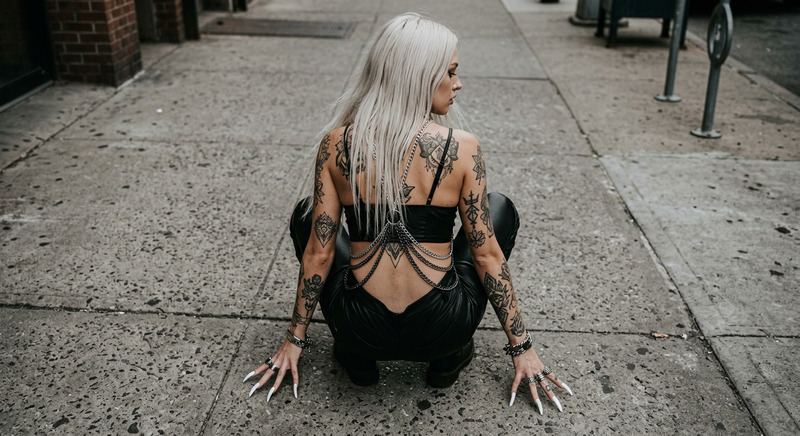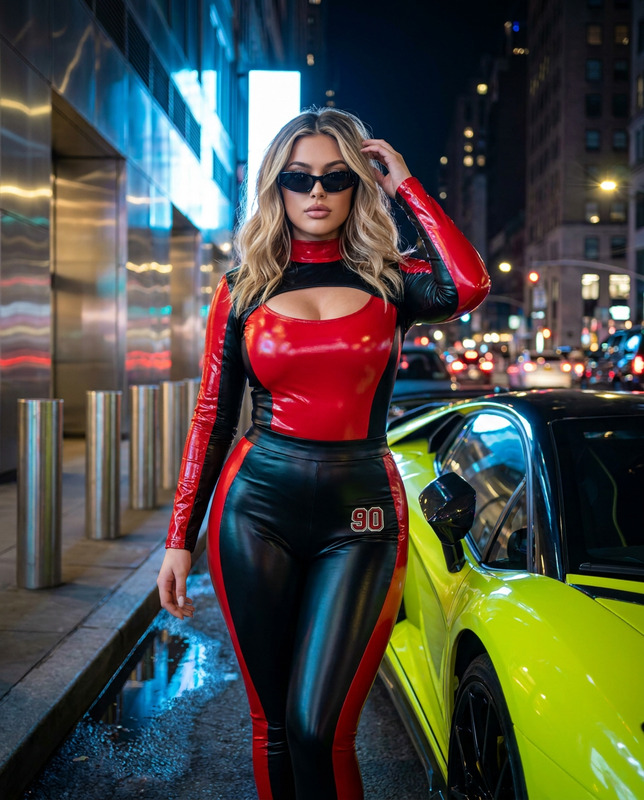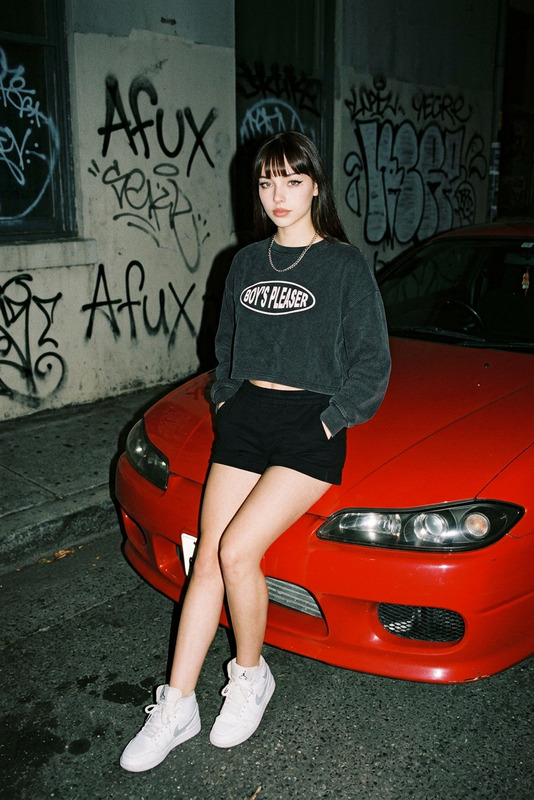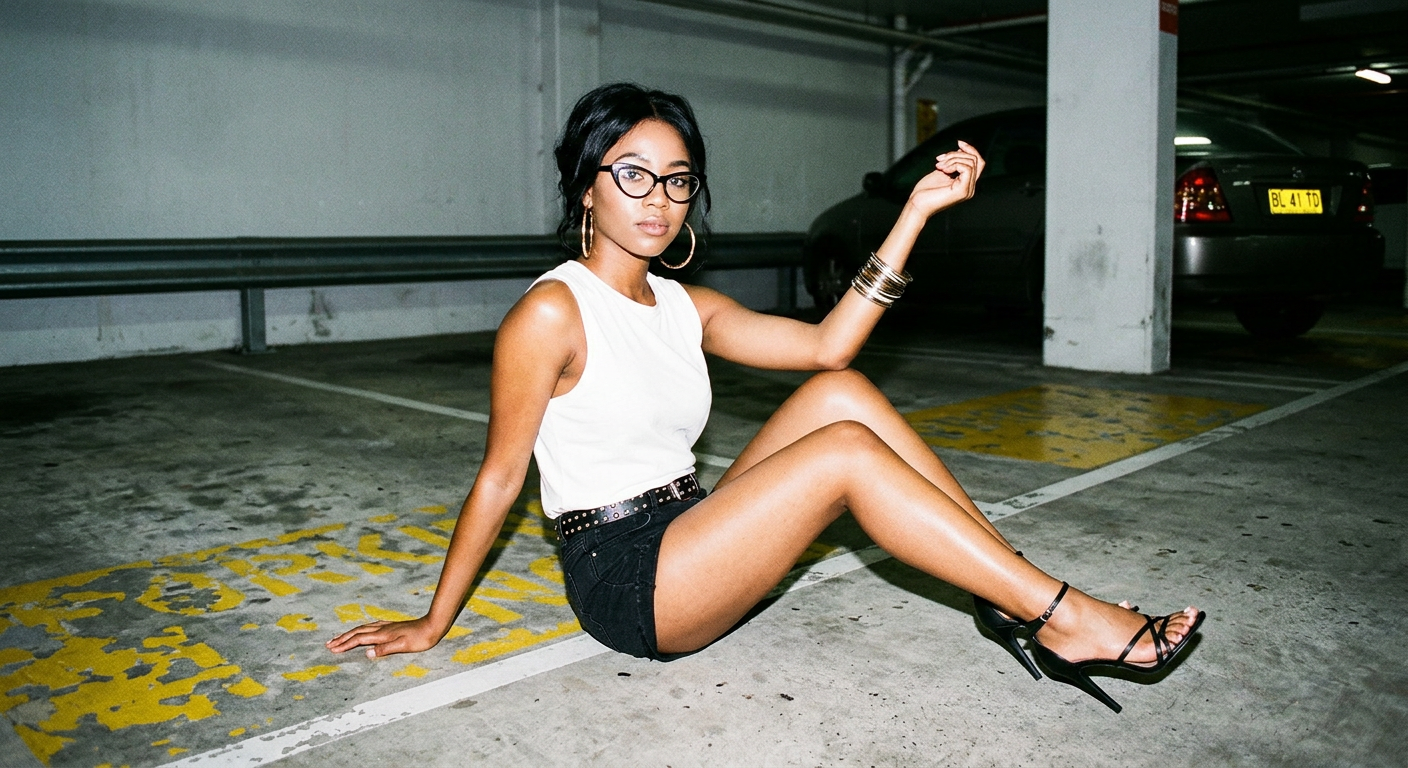
Car parking pose
- Model
- Nano Banana 2
- Image
- 1408 × 768 px
Prompt
A straight-on, medium shot captures a young woman with long, styled black hair seated on the concrete floor of an underground parking garage, dressed in a white sleeveless top and black denim shorts. Her features are accentuated with makeup including brown lipstick, and she accessorizes with cat-shaped glasses, hoop earrings, a black studded belt, and metallic bangles. Her pose is relaxed and slightly tilted to the side, supporting herself with one hand on the ground while the other is raised in an arched gesture, and she wears thin, black strappy high-heeled sandals. The atmosphere is distinctly urban, with metal railings, splotchy painted lines, and a partially visible car parked in the background, its yellow license plate reading 'BL 41 TD.' Harsh, direct camera flash illuminates the scene, creating deep, crisp shadows, especially under her arms and around her legs, revealing a glossy texture on her skin. The color palette includes deep black (#111111, #060606), muted browns and grays (#77756d, #201e1d, #64615b, #8c8980, #544d45, #3a3732), and pale highlights (#f0f0f0, #d2d0cb). Shallow depth of field keeps the woman sharply in focus with a blurred parking lot background. Captured with a digital camera, the image reflects a contemporary, flash-lit fashion aesthetic with strong contrasts and high clarity, emphasizing an edgy, modern urban mood.
Any aspect ratio
Overview
The 'Car Parking Pose' template in the AI Image Editor category enables creators to craft a dynamic urban fashion scene. Utilizing the advanced capabilities of the nano-banana-2 model, this template allows for precise detail enhancement and effortless atmosphere creation, making it ideal for modern fashion projects.
What It Does
This template provides a structured scene for creating edgy, urban fashion photos. By applying deep blacks, muted tones, and strategic highlights, the 'Car Parking Pose' template infuses your images with a contemporary aesthetic. It capitalizes on features of the AI Talking Photo product for refined focus enhancement and background blurring, ensuring your subject stands out.
Who It's For
Designed for photographers, fashion editors, and content creators, this template offers unmatched tools for setting the modern urban fashion scene. Whether you're constructing layouts for magazines or enhancing your social media photography, the template aligns perfectly with those working in visual media industries.
Summary
The 'Car Parking Pose' template is a valuable tool for creators looking to incorporate a fashion-forward, urban style into their photography. By connecting with the AI Clothes Changer, you can further adapt visual aesthetics to achieve precisely the look and mood intended for any project.
How to Use
Select the Template

Customize Your Scene

Generate the Image

Use Cases
Fashion Magazine Features
- High impact visuals
- Alignment with contemporary fashion trends
Social Media Campaigns
- Increase engagement
- Captivate your audience
Advertising Visuals
- Catchy and modern
- Highly adaptable to brand needs
Best Practices
Leverage Lighting
Adjust the lighting settings to emphasize the contrast and texture, utilizing harsh shadows for dramatic effects.Accessorize Thoughtfully
Ensure accessories complement the scene and the subject's pose, balancing between style and narrative.Maintain Focus
Use the shallow depth of field feature to keep the subject crisp while blending the background.