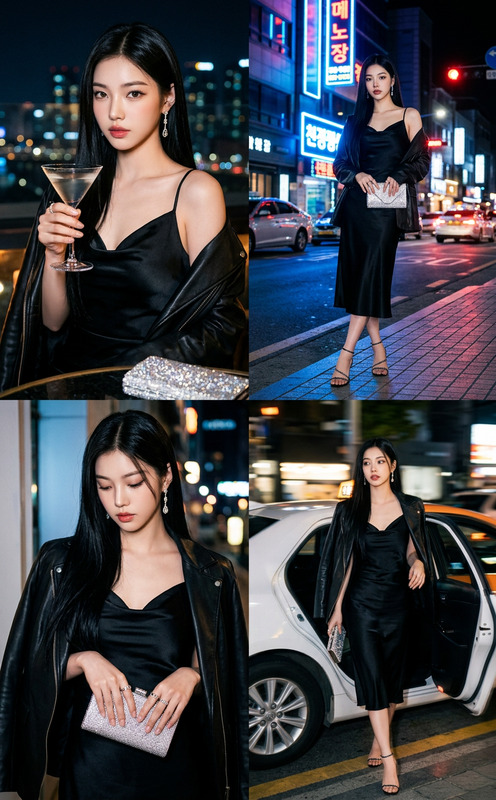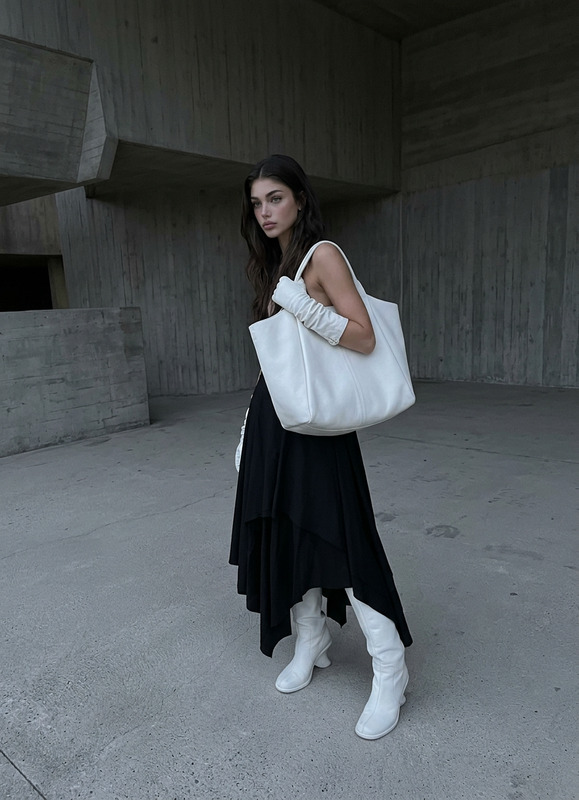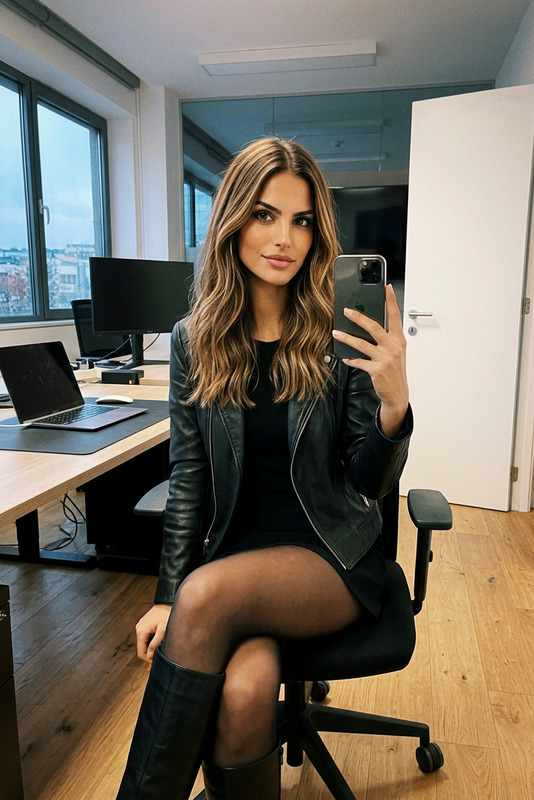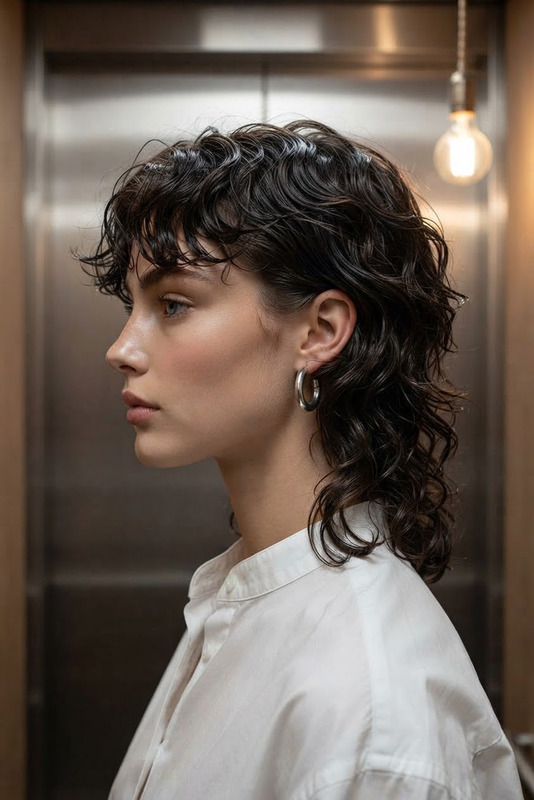
Elevator Glass Editorial
- Model
- Nano Banana 2
- Image
- 843 × 1264 px
Prompt
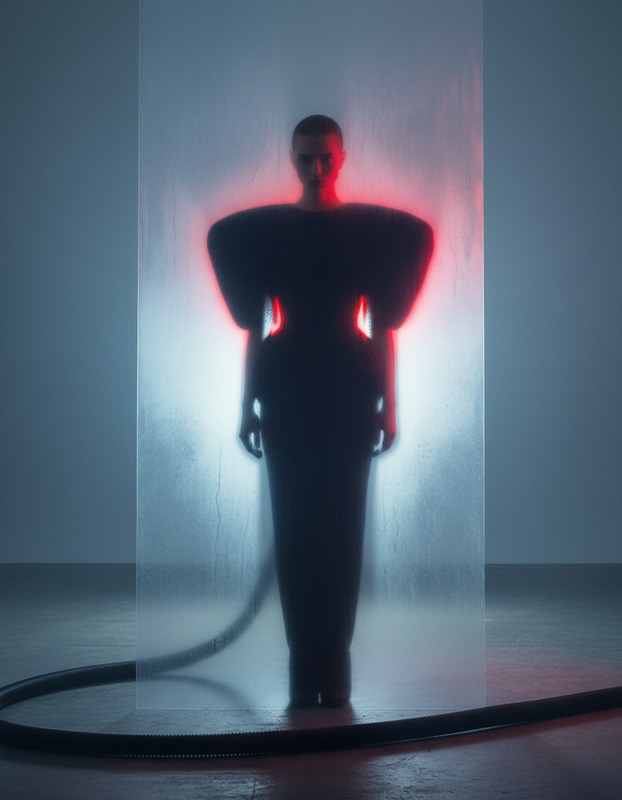
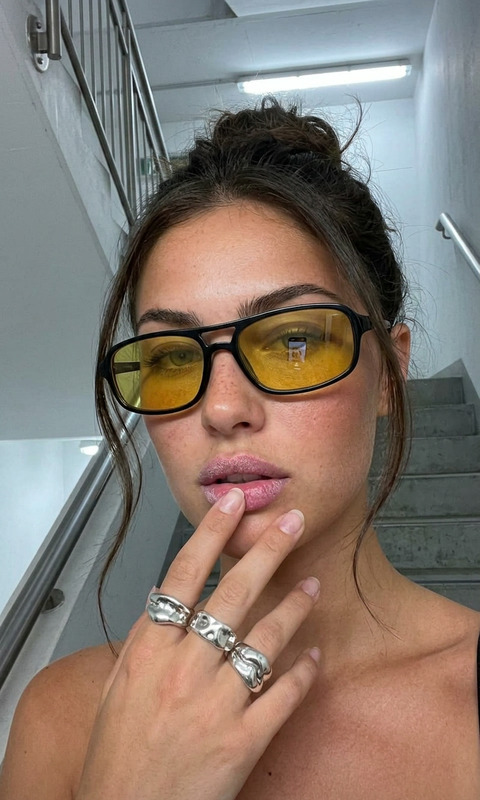
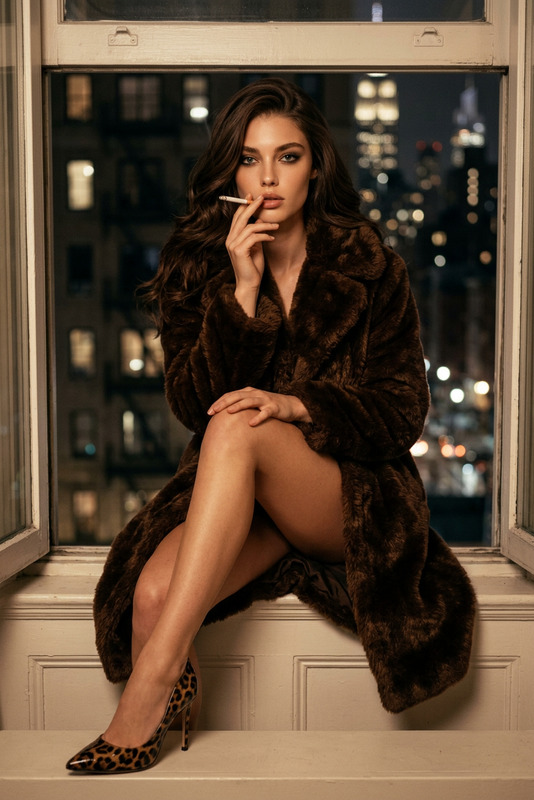
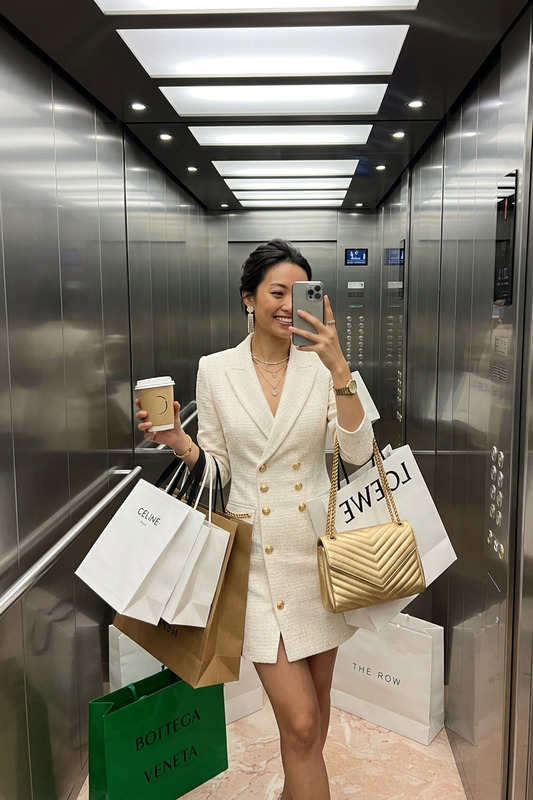
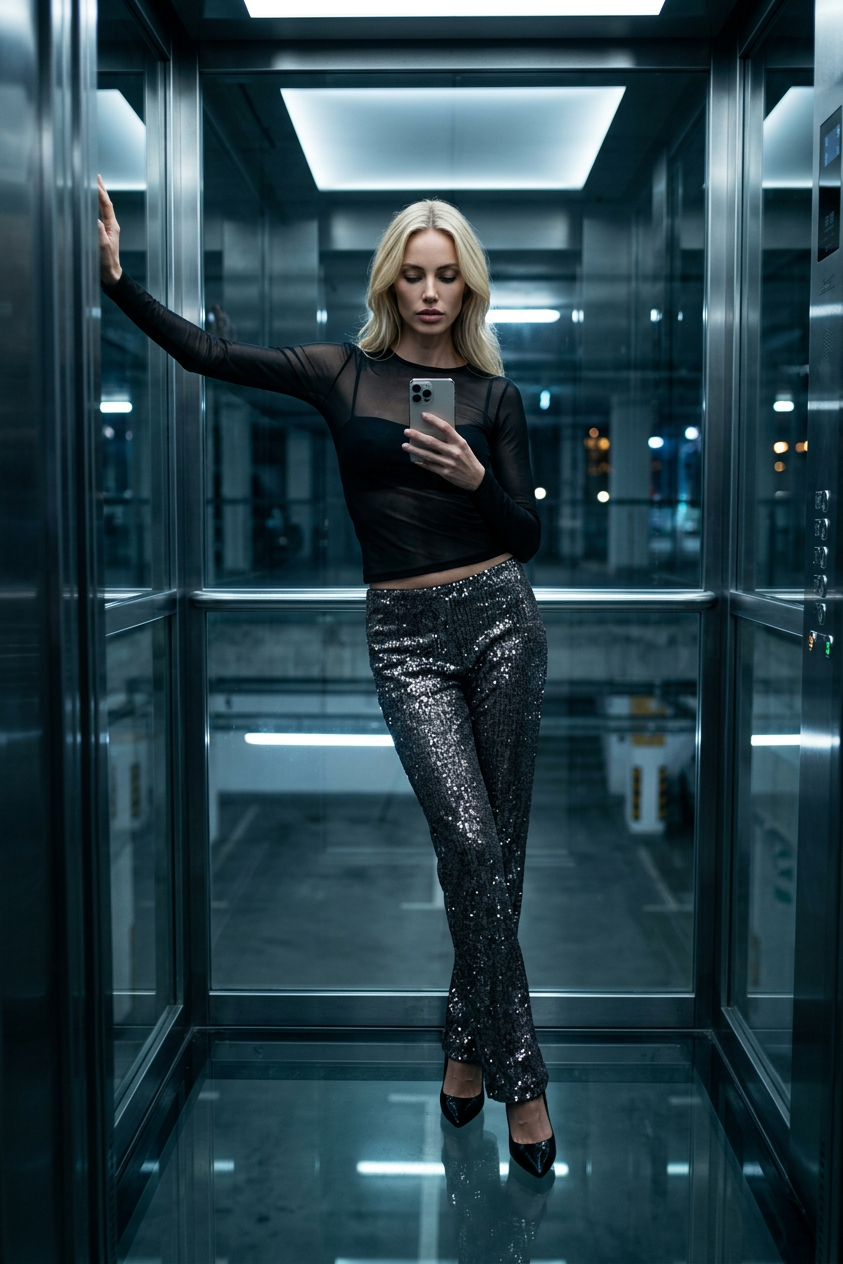
Generate a cinematic urban fashion photograph inside a glass elevator suspended above a dim underground parking structure, where a stylish female subject stands in a relaxed, neutral pose wearing a sheer long-sleeve top illuminated by flickering stark white LED reflections and low-slung sequin trousers that subtly shimmer under ambient light, paired with black stilettos that reflect like polished onyx on the glass floor; the composition captures her mid-lean against the metallic-framed glass wall, one arm blending into the structure while holding a phone at chest level that reflects fabric textures and faint fingerprints on the glass, as she looks down at the screen with a calm, composed expression; the scene is shot as an iPhone-style mirror capture with urban night ambience, soft electric flickers, cool tones, and high contrast between glossy materials and shadowy depth, emphasizing quiet luxury and modern city isolation.
Any aspect ratio
Overview
Capture the essence of urban fashion in a dynamic setting with the Elevator Glass Editorial template. Tailored for the AI Image Editor, this template utilizes the advanced capabilities of the nano-banana-2 model to transform your images into high-contrast, cinematic fashion photographs. Whether for editorial showcases or visual storytelling, this tool provides the ideal backdrop of modern city isolation framed within a glass elevator.
What It Does
The Elevator Glass Editorial template helps you render a striking image of a fashion-forward subject in a unique urban environment. With precise handling of reflections, shadows, and lights, it simulates a suspended glass elevator scene against a gritty urban backdrop. The model ensures intricate details like the shimmer of sequin trousers and the clear reflection of phone screens on glass surfaces are captured, creating a balance of style and complexity.
Who It's For
This template is designed for fashion editors, photographers, and creative professionals aiming to enhance their visual projects with a modern, chic touch. It's particularly suitable for those involved in product photography to video projects or anyone looking to portray urban lifestyle themes in their portfolio. Its application in opening title sequences also suits filmmakers and digital content creators.
Summary
The Elevator Glass Editorial template transforms the ordinary into the extraordinary, making fashion imagery more vivid and engaging. For those working on fashion editorials or commercial projects, this template serves as a perfect canvas to bring out the intricate synergy between fashion and urban architecture. With AI Background Changer compatibility, the template is versatile, supporting various editorial and commercial applications.
How-To
Choose the Template

Customize Your Scene

Generate the Image

Use Cases
Fashion Editorials
Social Media Campaigns
Commercial Advertisements
Best Practices
Leverage Lighting
Ensure the lighting settings highlight textures and reflections to mirror the desired high-fashion contrast.Mirror iPhone Style
Capture the scene as a mirror-like iPhone image, emphasizing sleek composition and urban sophistication.Embrace Contrasts
Play with shadow and light contrasts to give depth and mood to your photographs.