Lotus pond
- Model
- GPT Image 2
- Image
- 1024 × 1024 px
Prompt
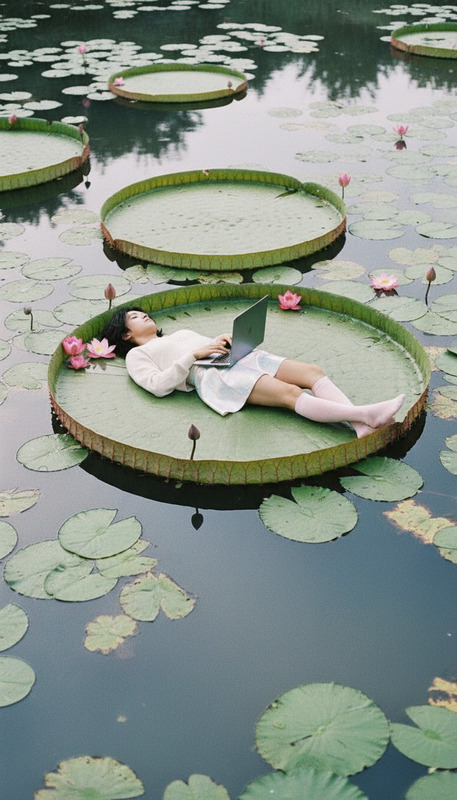
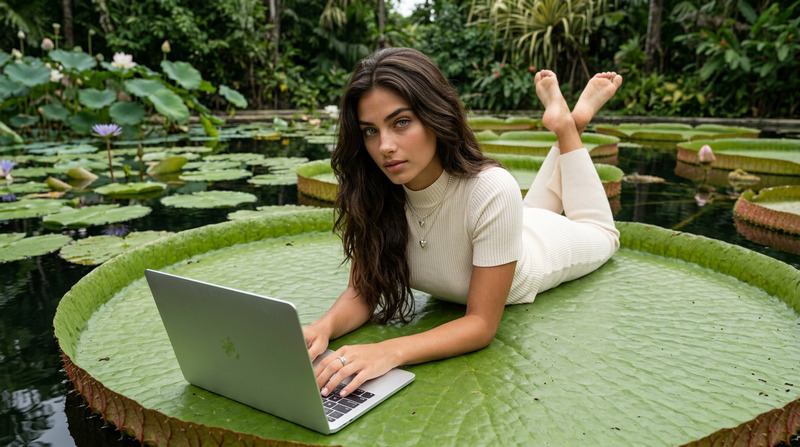
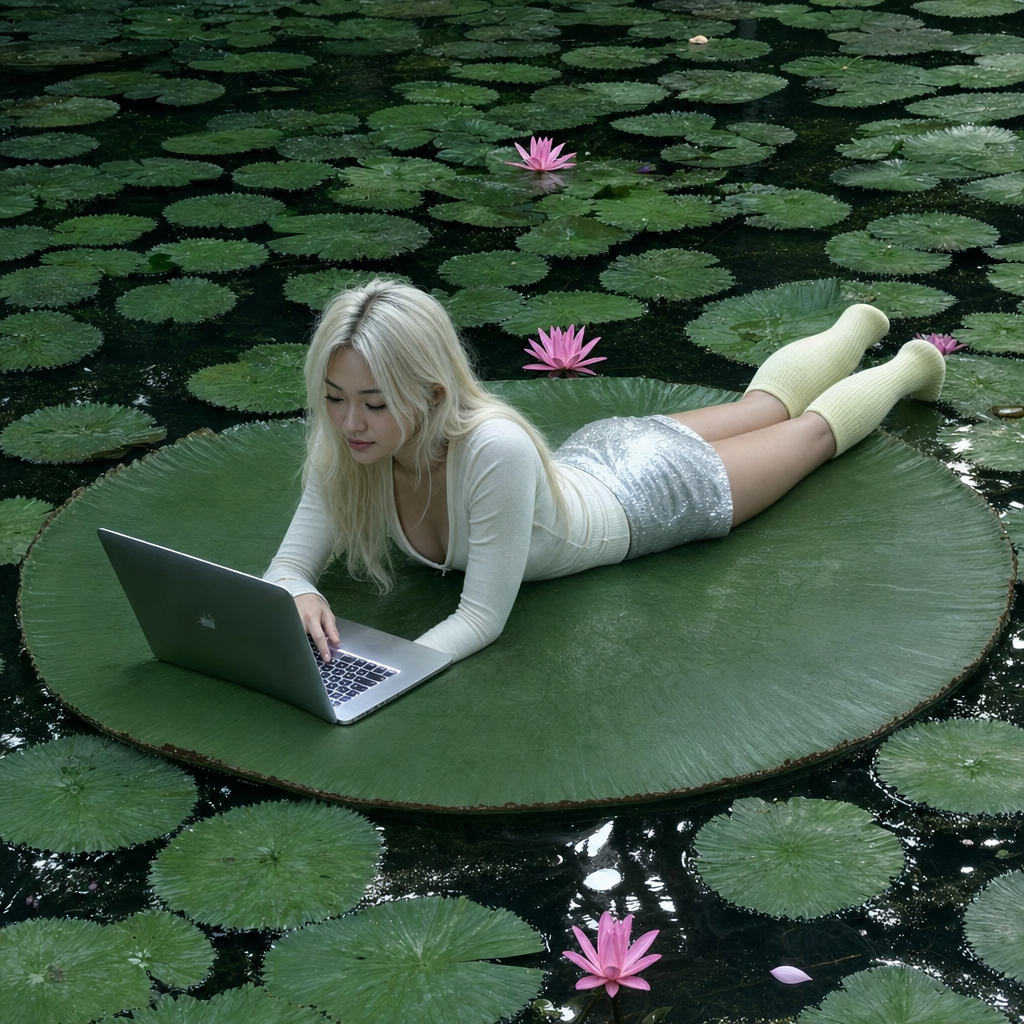
A direct, slightly high-angle snapshot captures a young East Asian woman with platinum blonde hair lying stretched across a huge green water lily pad in the middle of a reflective pond. She’s wearing a fitted, long-sleeve cream top and a shimmering silver mini skirt with chunky, pastel yellow knee socks, totally engrossed in her open silver laptop placed in front of her, with the keyboard light flaring slightly. She’s halfway between serene daydreaming and modern multitasking, surrounded by overlapping clusters of green lily pads with pink lotus blossoms peeking from between, and subtle watery reflections on the surface. The image, while dreamlike in its setup, is rendered with the straightforward, slightly amateur feel of old smartphone 2010s photography: the auto white balance skews the softer pastel palette toward cooler pine and olive tones, with washed-out ivory highlights and a faint haze in the shadows. The deep focus preserves crisp textural detail on the surrounding leaves and water, but at the cost of low dynamic range—loss of subtlety in the brightest whites and digital noise in the shaded greens. The visual mood is ethereal but grounded by casual, unfiltered snapshot energy, marking an intersection of highly curated fashion and raw, candid digital aesthetics.
Any aspect ratio
Overview
Experience a blend of dreamlike imagery and raw digital aesthetics with the 'Lotus Pond' AI Image Editor template. Designed using the gpt-image-2 model, this template allows you to create unique visual narratives that capture both serene environments and casual digital snapshots. Ideal for fashion-forward projects, each image combines high-concept styling with the straightforward charm of unfiltered photography.
What It Does
The 'Lotus Pond' template is an AI-powered tool that transforms a simple prompt into a vivid image encapsulating both nuanced fashion and a casual, candid feel typical of older smartphone photography. With this tool, you can adjust the tones and highlights to create an ethereal yet grounded scene, maintaining deep focus and crisp textural detail for professional-quality outputs. For enhancements, explore the AI Image Editor for fine-tuning your creation.
Who It's For
This template is perfect for digital artists, content creators, and fashion designers looking to blend high-fashion poses with raw digital aesthetics. It's particularly useful for those engaged in ecommerce ad creation, style bloggers, or anyone aiming to produce visually striking content with a unique blend of serene and multitasking narratives.
Summary
Capture the intersection of curated fashion and candid photography with the 'Lotus Pond' template. Create scenes that feel both ethereal and grounded, using the enhanced features of the AI Image Editor. This template leverages the gpt-image-2 model to deliver engaging, high-quality images that stand out in any digital gallery or portfolio.
How-To
Select the Template

Customize Your Scene

Generate and Download

Use Cases
Ecommerce Marketing
- Perfect for new product launches
- Ideal for fashion-forward ad campaigns
Social Media Content
- Enhance Instagram feeds with unique visuals
- Stand out with non-traditional aesthetics
Editorial and Blogging
- Augment articles with high-fashion visuals
- Attract readers with compelling visuals
Best Practices
Leverage Textural Details
Emphasize the deep focus capability to highlight fashion textures and environmental details for a more dynamic image.Balance the Aesthetics
Use the image editor to tweak color balances, ensuring that the dreamy setup aligns well with the intended fashion narrative.Mind the Lighting
Fine-tune the lighting settings to reduce digital noise while enhancing the ethereal quality of your image.