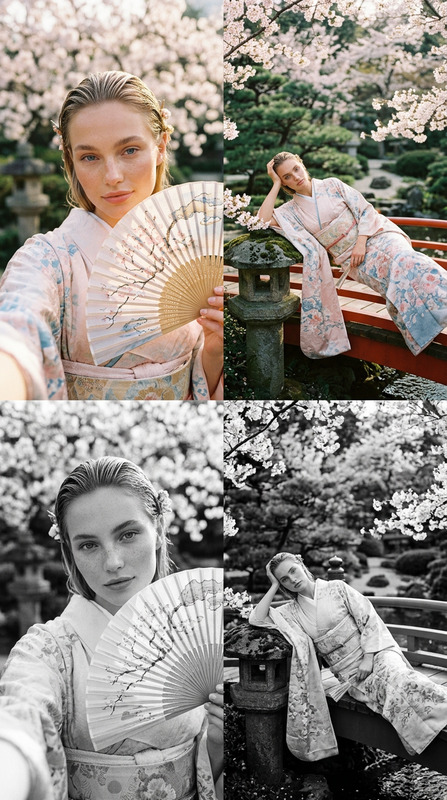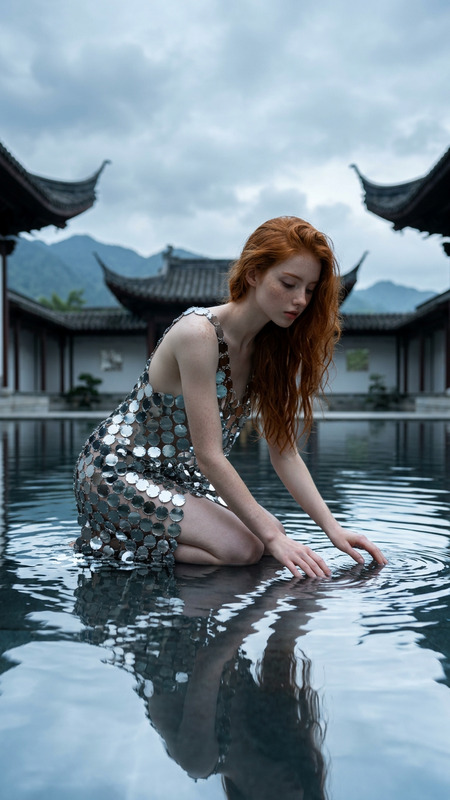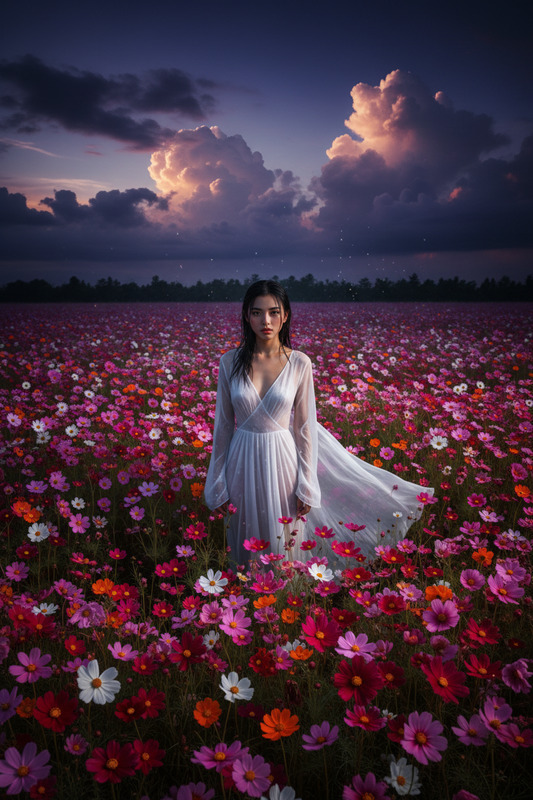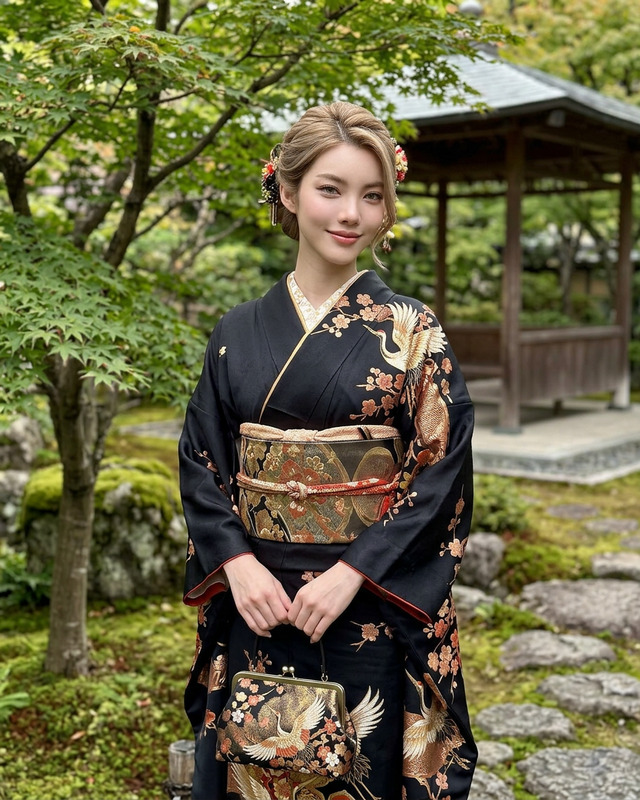
Lotos
- Model
- Nano Banana 2
- Image
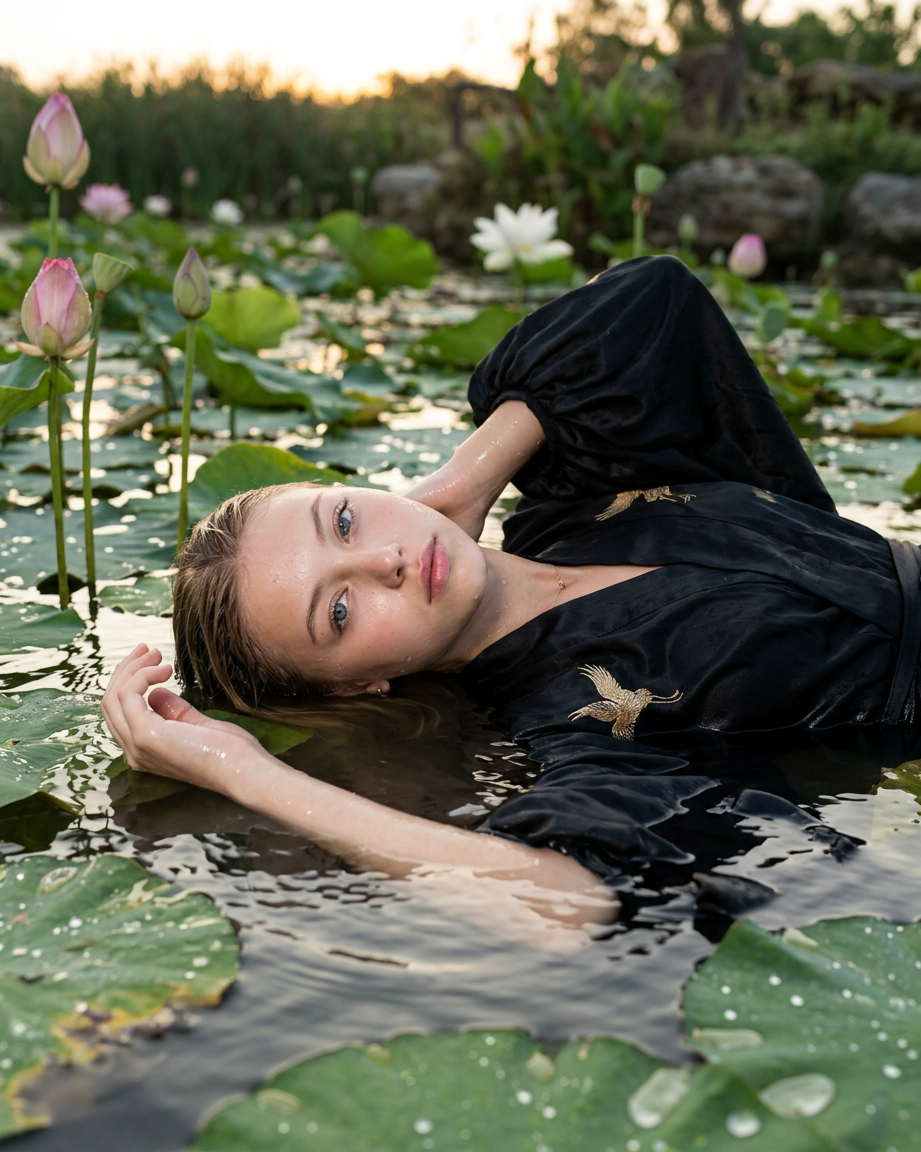
- 921 × 1152 px
Prompt
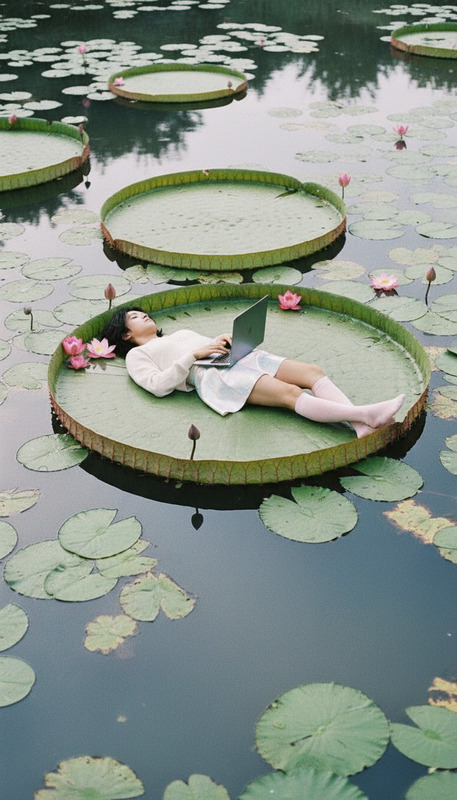
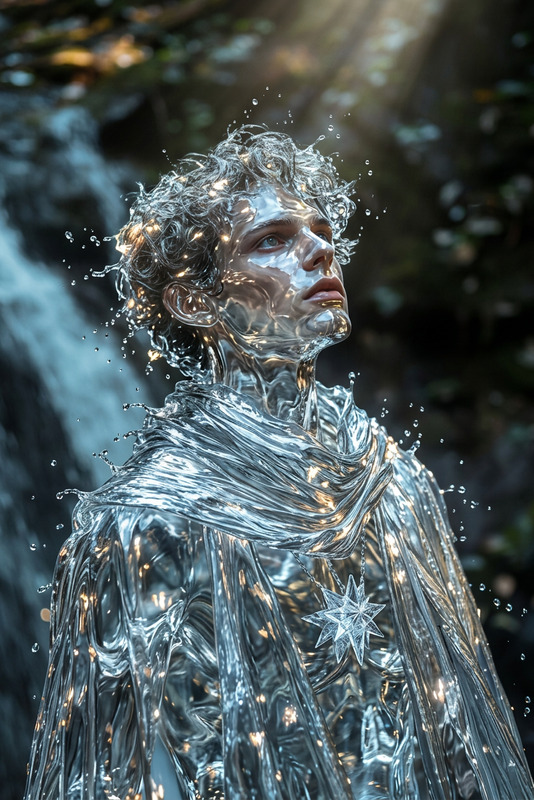
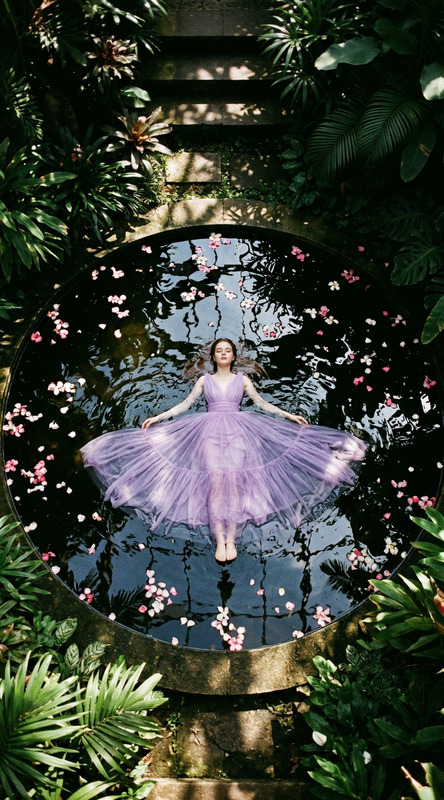
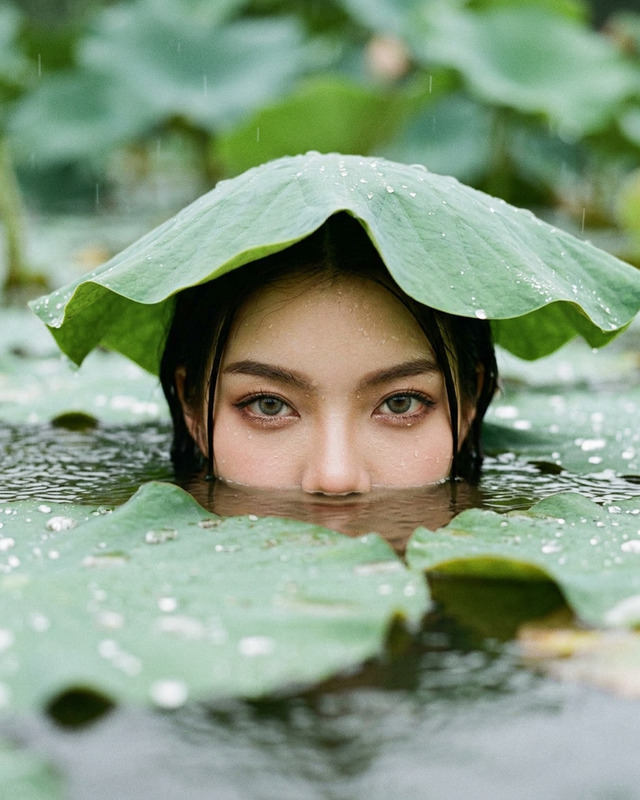
At dawn, in a real lotus pond, a character lies in shallow water among leaves and normal-sized pink flowers (no boat or fantasy), wearing an elegant black designer kimono with voluminous shoulders and wet fabric (or a black suit with a white shirt), looking into the camera; shot on a 50-85mm DSLR with a hard front-facing on-camera flash, natural water/wave physics, and realistic skin/fabric textures.
Any aspect ratio
Overview
The Lotos template is an ideal choice for achieving professional AI-assisted photo edits. Built on the reliable nano-banana-2 model, it focuses on creating photorealistic enhancements of imagery featuring characters in serene lotus ponds. This template is perfect for those who aim to capture authentic visual textures with every detail accounted for.
What It Does
This AI Image Editor template enhances photos by emulating the look of a 50-85mm DSLR shot with hard front-facing flash. It beautifully renders realistic textures for skin and fabric, ensuring elements such as water physics and lighting appear natural. Manipulate existing images or create new ones that capture the essence of your vision with precision.
The Lotos template finds synergy with other tools like the AI Clothes Changer for altering apparel and the AI Face Editor for refining facial features without compromising the overall integrity of the scene.
Who It's For
Perfect for photographers, artists, and brands looking to add an ethereal touch to their imagery, the Lotos template cuts across industries like fashion, advertising, and creative digital art. If you need tailored content that evokes a sense of tranquility and aesthetic allure, this editing tool is indispensable.
Summary
The Lotos template redefines how you interact with AI image editing by delivering strikingly authentic visuals. Its integration with the powerful AI Image Editor platform ensures a streamlined experience. By harnessing the capabilities of the nano-banana-2 model, you can achieve breathtaking results for high-quality creative projects.
How To
Choose the Template

Customize Your Inputs

Generate and Download

Use Cases
Fashion Campaigns
- Highlight intricate clothing designs
- Emphasize textures and fabrics
- Add a natural environment backdrop
Creative Photography
- Adjust lighting and textures
- Create a unique aesthetic
- Integrate compelling backgrounds
Social Media Content
- Boost engagement with high-quality imagery
- Stand out with distinctive visuals
- Ensure consistency in style
Best Practices
Maintain Realism
Make sure to keep textures and lighting as realistic as possible for a natural look.Focus on Balance
Balance the elements in your image to ensure no single aspect overwhelms the scene.Experiment with Angles
Try different camera angles to discover which brings the best out of your subject and setting.