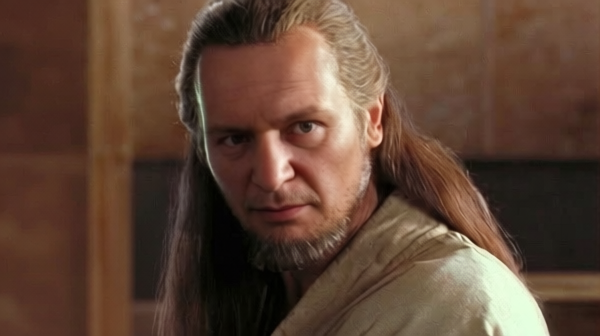
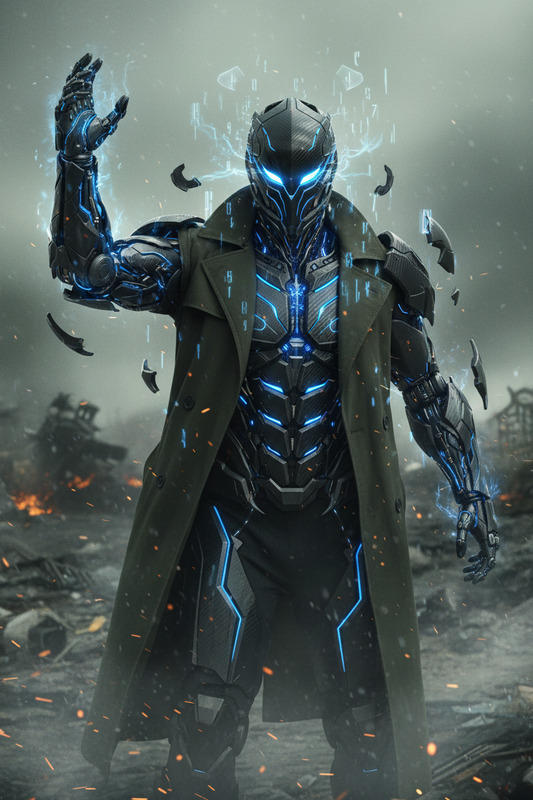
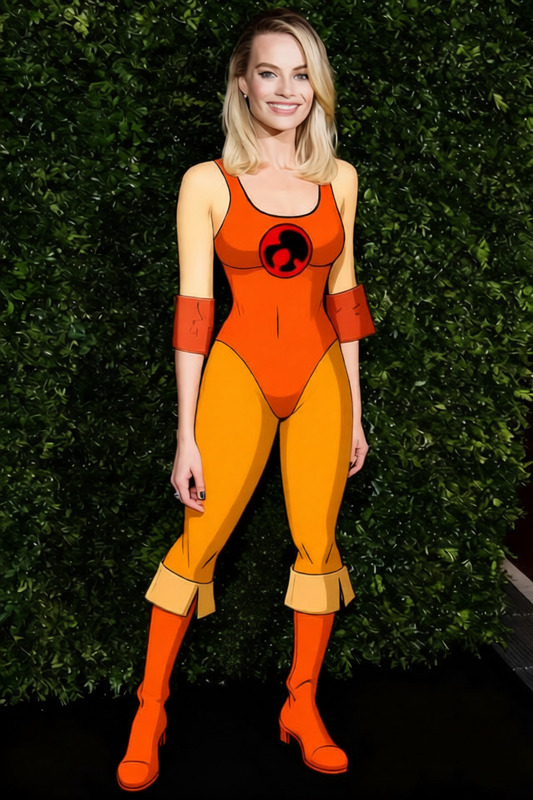
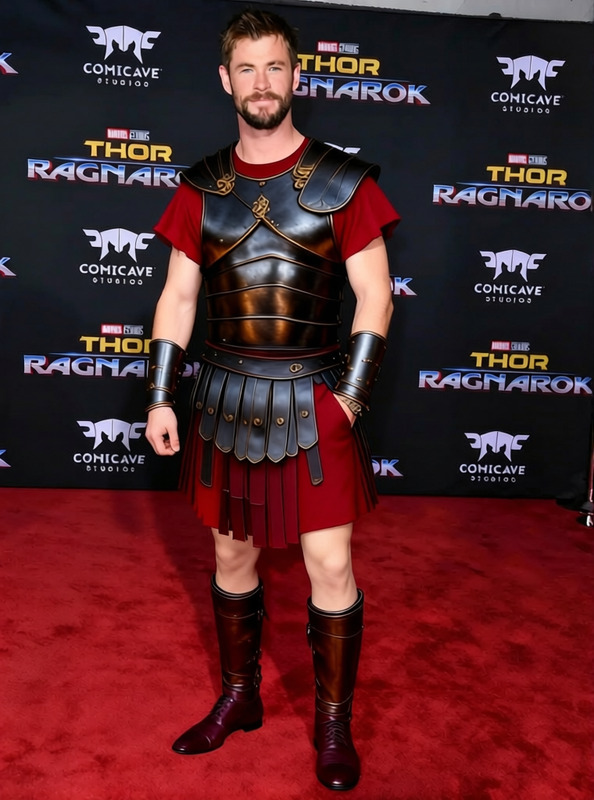
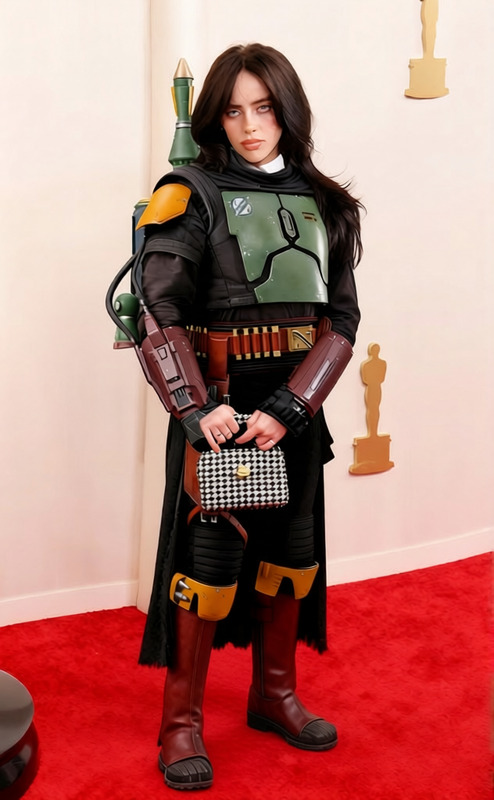
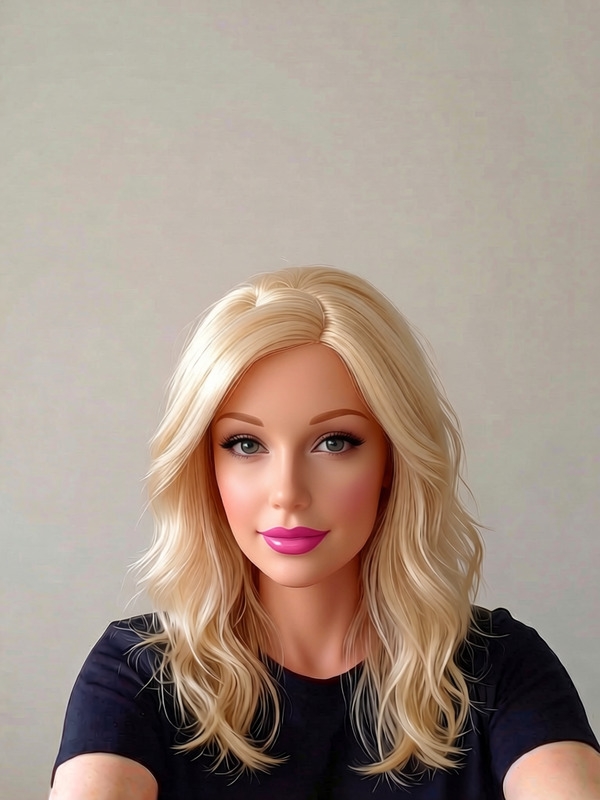
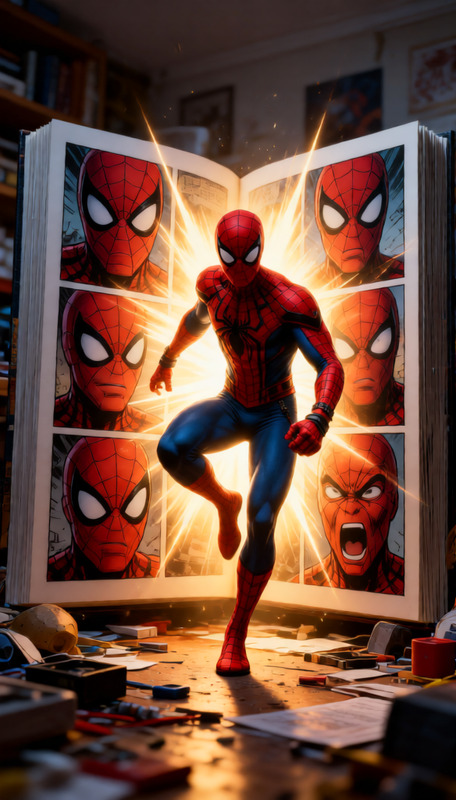
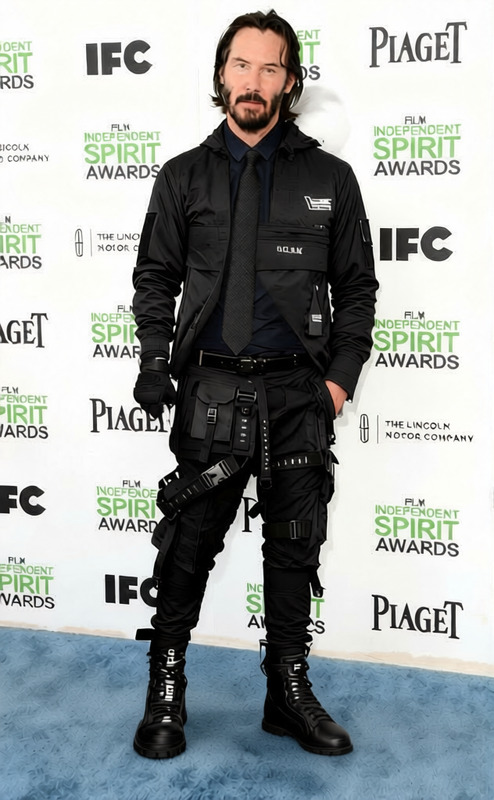
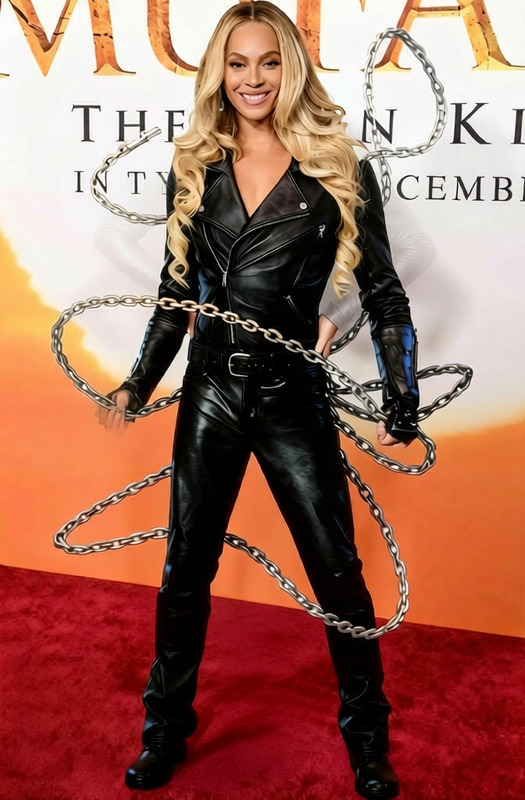
The Remove Object tool allows you to remove unwanted elements from your photos. Simply upload your image and the AI Image Editor will eliminate the specified object from view, such as lowering an arm holding a lightsaber out of sight.
How to Use
Remove unwanted objects from your photos in three simple steps.
01
Choose
Upload your photo to the Remove Object template.
02
Customize
The AI Image Editor will automatically identify and remove the specified object.
03
Generate
Click 'Generate' to process and download your edited image.