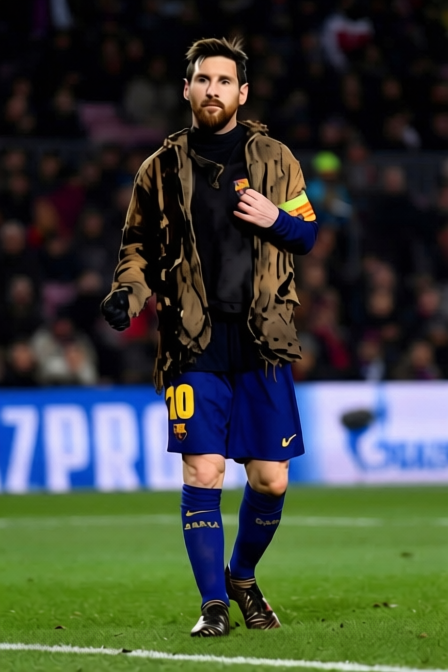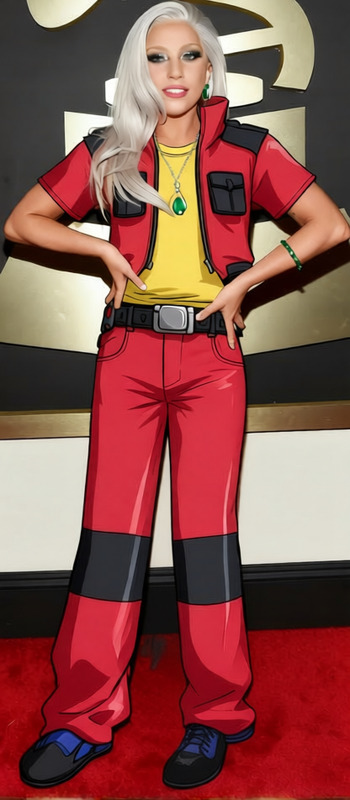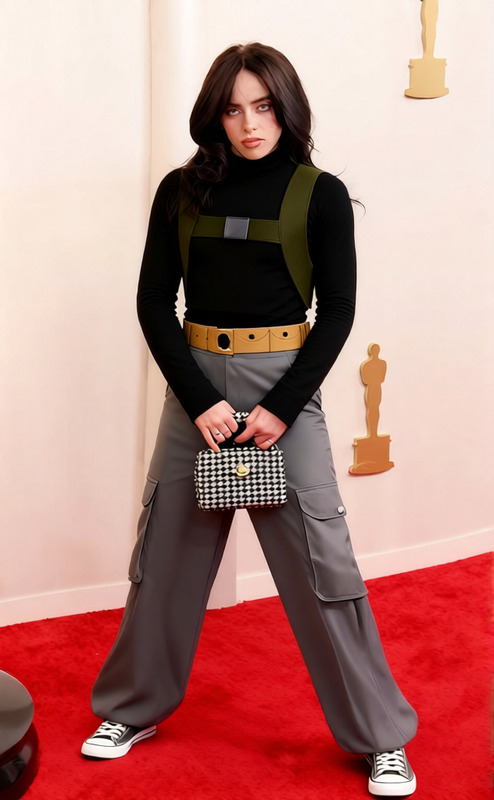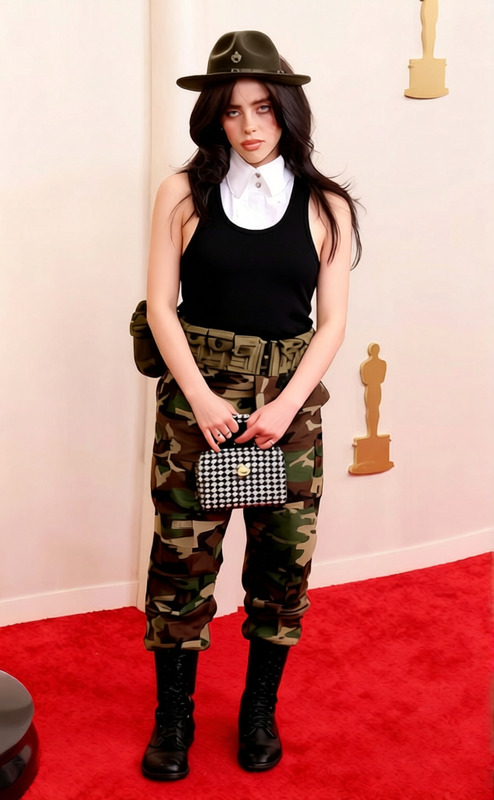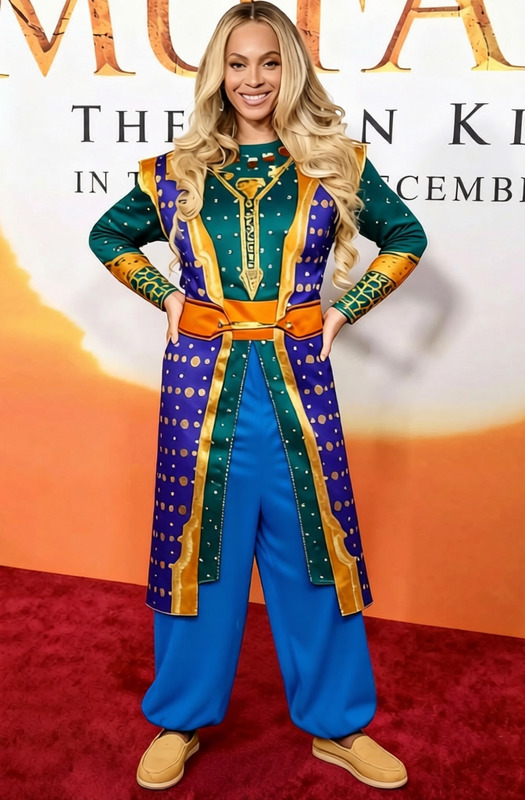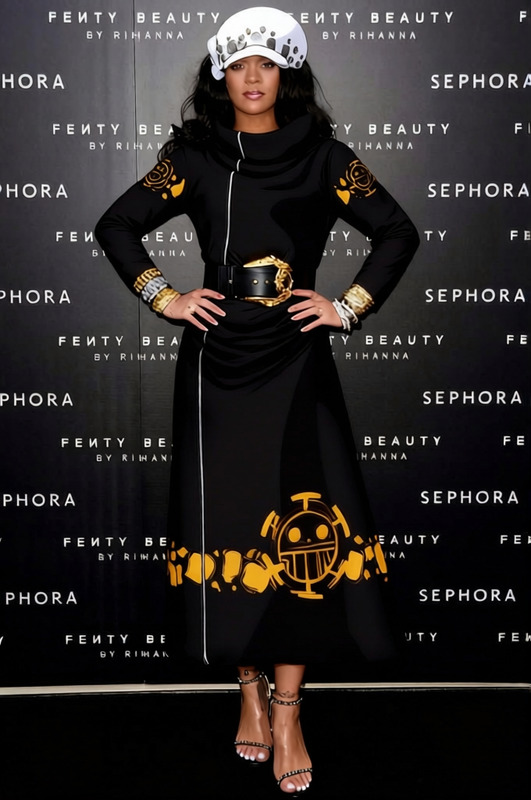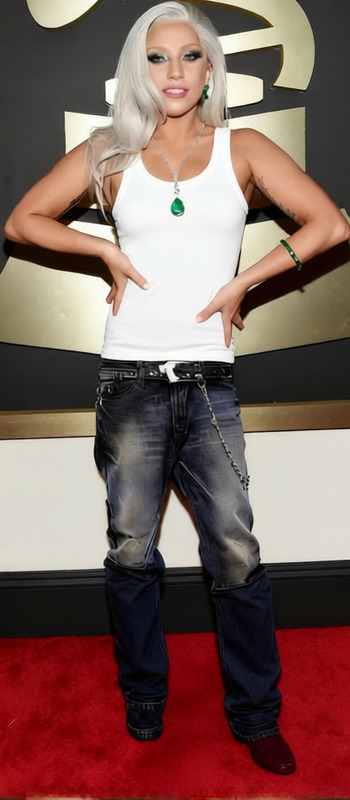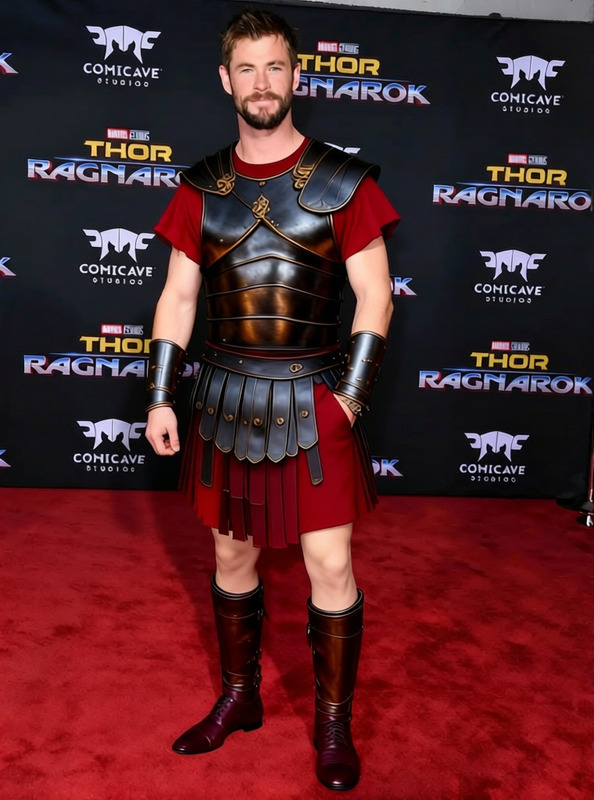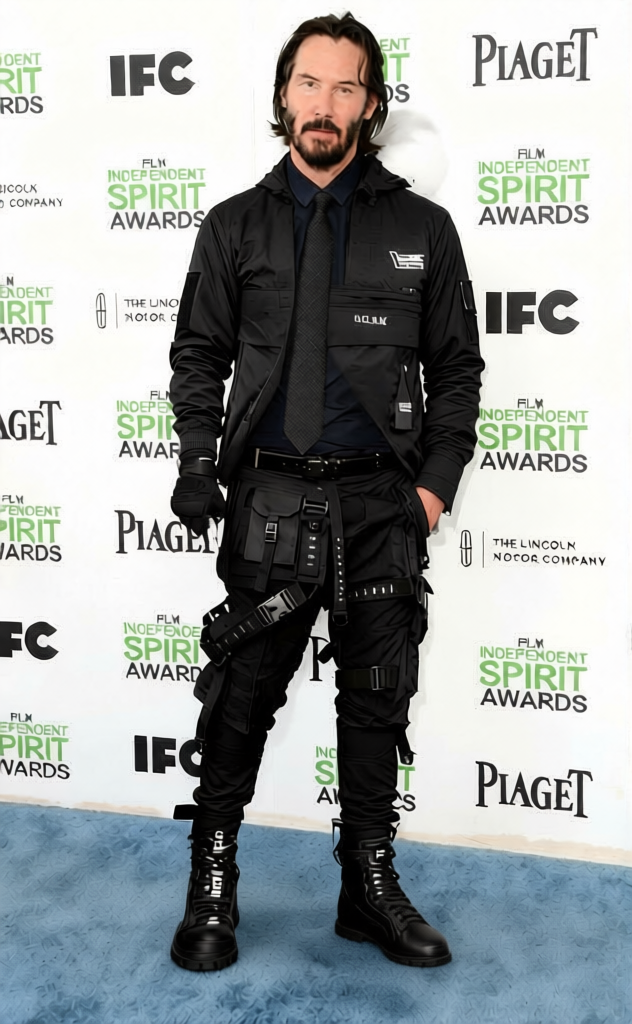
Claude - Black Bomber Jacket with Green Cargo Pants
- Model
- Qwen Edit
- Image
- 632 × 1024 px
Prompt
remove the brown shoe tip on the bottom right and remove ths sword
Any aspect ratio
Overview
Transform your images with precision using the "Claude - Black Bomber Jacket with Green Cargo Pants" template. This AI Image Editor, powered by the AI Image Editor capabilities of the qwen-edit model, allows you to remove unwanted elements, like the brown shoe tip and the sword, from your photos, enhancing the visual appeal of your clothing imagery.
What It Does
This template enables users to edit images by removing specific unwanted objects, such as a brown shoe tip and a sword. These edits are immediate and perfect for refining product shots, particularly for showcasing fashion items. Explore more editing possibilities with the AI Image Generator.
Who It's For
Perfect for fashion photographers, e-commerce platforms, and content creators who require polished and attractive images. This template will benefit anyone seeking to present clothing items in a clean, distraction-free manner. For even more advanced editing, check out the AI Face Editor.
Summary
Fine-tune your fashion photography with the "Claude - Black Bomber Jacket with Green Cargo Pants" template. Removing distractions such as shoe tips and swords allows you to highlight the primary focus of your images. This tool is essential for cleaner, professional-looking results. Enhance your creative process further with our AI Profile Picture Generator.
How To
Choose the Template

Customize Your Inputs

Generate the Image

Use Cases
Fashion Shoots
- Highlight design features
- Remove background clutter
E-commerce Product Images
- Eliminate visual noise
- Maintain brand professionalism
Social Media Content
- Increase viewer attention
- Boost aesthetic appeal
Best Practices
Focus on Key Areas
When using the template, concentrate on removing only the elements that detract from the central subject.Adjust Prompts Carefully
Be precise with your prompts to ensure accurate edits. Specify exact objects for removal to avoid unintentional alterations.Review Before Finalizing
Always review the edited image to confirm that only desired edits were made, ensuring no essential details were lost.
Frequently asked questions
More Like This